
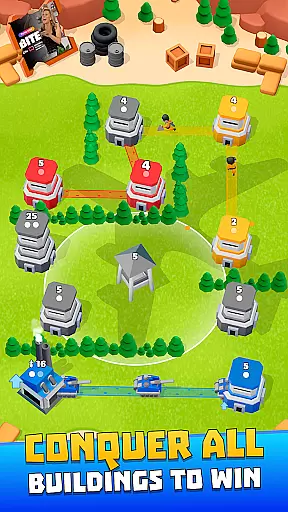
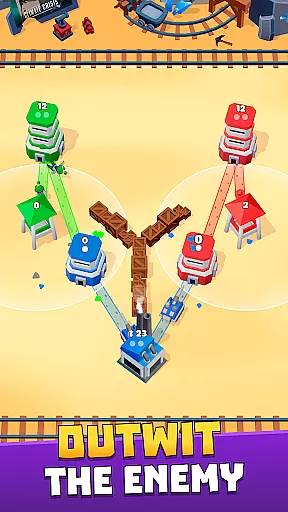
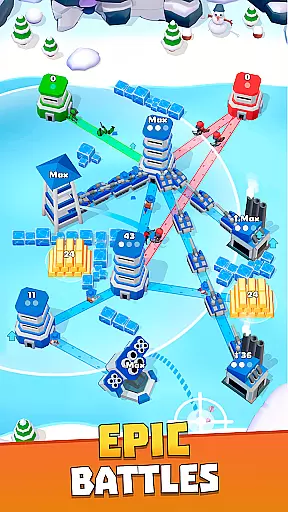

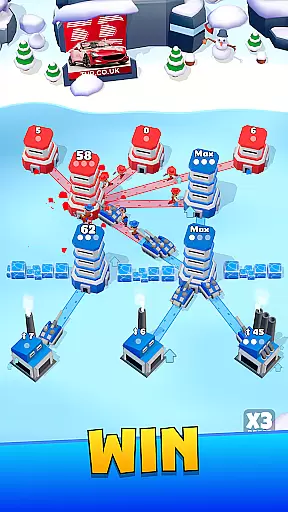
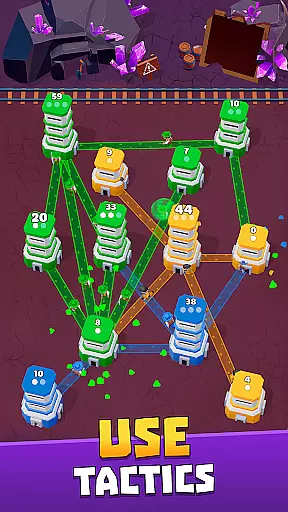

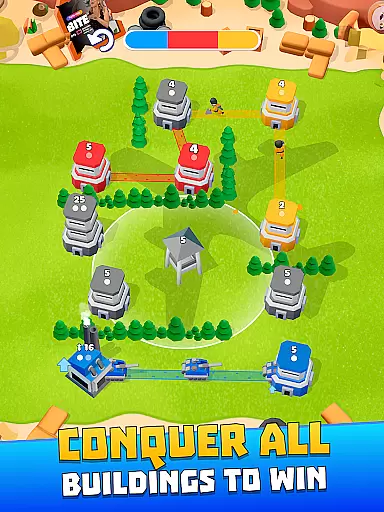
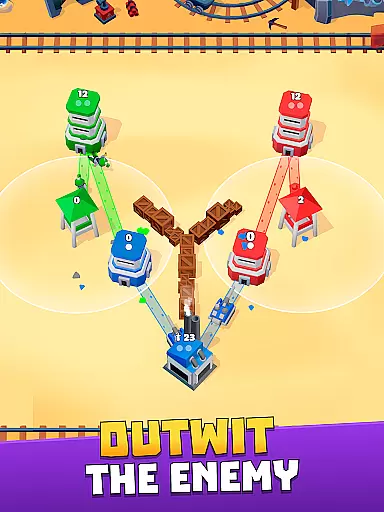
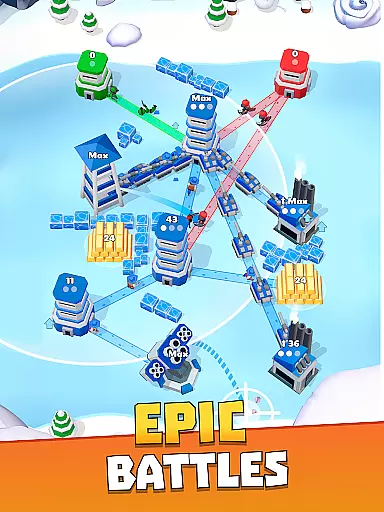

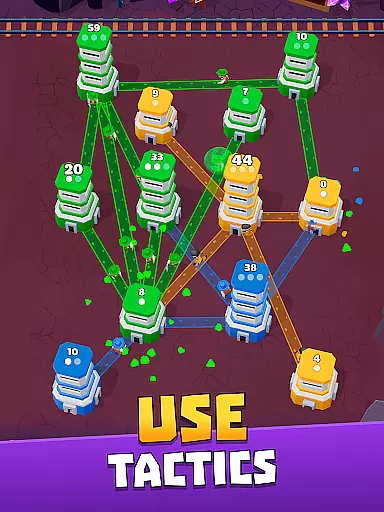

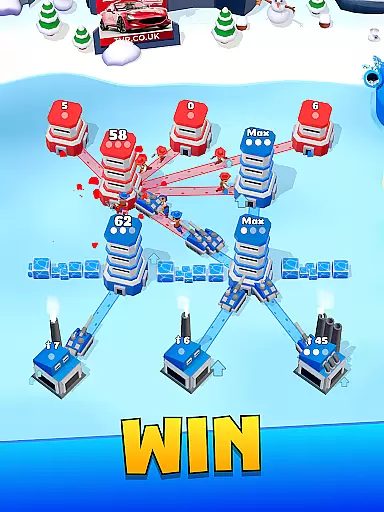
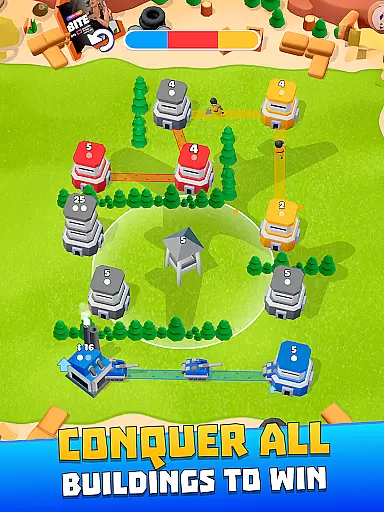
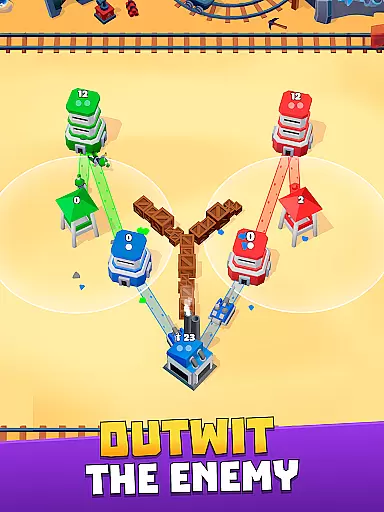
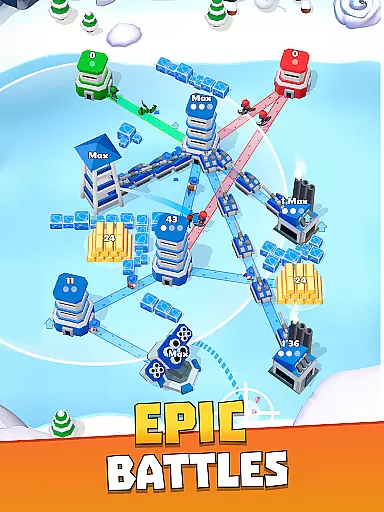

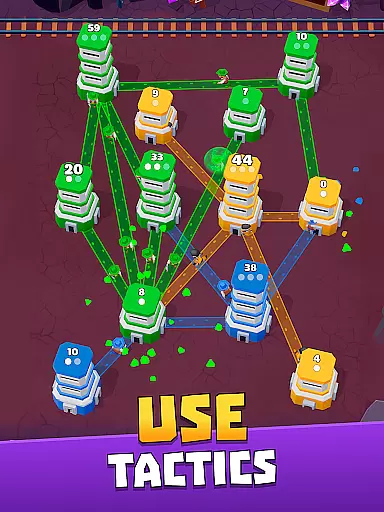

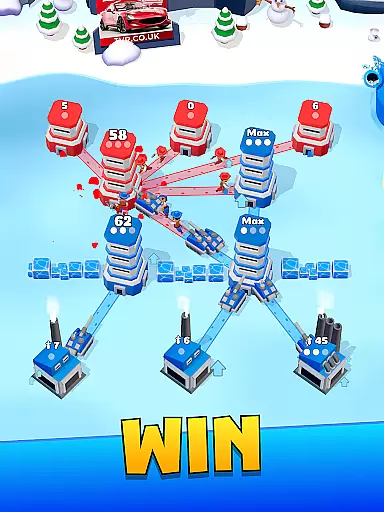
Tower War - Tactical Conquest is an arcade game that combines cute visuals with deep tactical strategy. Players command adorable warriors in a series of battles, using simple swipe controls to conquer enemy towers and expand their territory. The game features multiple levels of increasing difficulty, each presenting unique challenges and requiring careful strategic planning.
As players progress, they unlock new types of towers, including artillery posts and tank factories, adding layers of complexity to the gameplay. The game also incorporates various obstacles like barriers, blockades, and mines, keeping the experience fresh and engaging. With its colorful graphics and challenging scenarios, Tower War offers both casual and hardcore gamers an enjoyable tactical experience.
The true appeal lies in its elegant simplicity - while the visuals are charmingly cute, success demands sharp tactical thinking and precise decision-making. Each level can turn on a single critical move, making it a game that's easy to pick up but difficult to master. This combination of accessibility and depth makes it appealing to both casual players and strategy enthusiasts alike.
Tower War stands out in the arcade category through its innovative blend of casual gameplay and serious tactical challenges. The game's primary feature is its intuitive swipe-based control system, allowing players to direct their forces with simple gestures while maintaining strategic depth. This approachable interface makes the game accessible to all skill levels while still offering complex tactical possibilities.
A key differentiator is the game's progressive difficulty curve and diverse tower types. Players start with basic defensive structures but gradually unlock advanced options like artillery posts and tank factories. Each new tower type introduces additional strategic considerations, encouraging players to adapt their tactics as they advance through increasingly sophisticated battle scenarios.
The game also incorporates various environmental obstacles and enemy types, creating dynamic battlefield conditions. Features like barriers, blockades, and mines add layers of complexity to each engagement, requiring players to think creatively about their approach to conquest. These elements combine to create a rich tactical experience that rewards careful planning and quick thinking, all wrapped in a visually appealing package of colorful warfare.
Arcade authenticity in Tower War - Tactical Conquest is embodied through its elegantly simple yet challenging gameplay that harks back to classic strategy games. The game captures the essence of traditional arcade experiences by combining intuitive swipe controls with deep tactical decision-making.
Players will appreciate the fast-paced battles that require quick thinking and precise movements, much like classic arcade cabinets. Each level presents a new challenge that tests both reflexes and strategic planning, ensuring the gameplay remains engaging and nostalgic.
The colorful and cute art style adds a modern twist while maintaining the charm of retro gaming. This blend of old-school mechanics with contemporary design creates an authentic arcade experience that appeals to both veteran gamers and newcomers alike.
By offering multiple levels, various tower types, and increasingly complex enemy encounters, Tower War successfully recreates the addictive nature of arcade games. Players can relive the joy of conquering challenges and progressing through levels, just as they did in iconic arcade titles.
Control responsiveness in Tower War - Tactical Conquest ensures that every swipe and tap translates immediately into precise actions on the battlefield. The intuitive touch controls allow players to allocate forces and execute strategies with accuracy, making each move count in the heat of battle.
The game's interface is designed for seamless interaction, where commands are executed without delay. This immediacy enhances the tactical depth, allowing players to focus on their strategic decisions rather than struggling with unresponsive controls.
With real-time feedback from the controls, players can swiftly adapt to changing battlefield conditions. Whether deploying troops or activating special abilities, the responsive controls ensure that every action is accurately reflected, providing a satisfying and immersive experience.
This high level of control responsiveness not only makes the gameplay more enjoyable but also elevates the overall challenge. As players advance through levels, they'll find that mastering the responsive controls is key to overcoming tougher enemies and achieving victory in this arcade-inspired strategy game.
Intuitive swipe controls
Progressive difficulty curve
Diverse tower types
Strategic depth
Colorful visuals
Occasional frustration
Limited innovation
Repetitive elements
Monetization concerns
Steep learning curve

Monster Run its a game for relax.
 4.5
4.5
Nostalgia.GBC is a high quality GBC emulator.
4.50
Play retro games with ease – NES, SNES, PSX, PSP & more supported
4.5
BallStack is a vibrant match-3 game where you stack and match colorful balls!
4.4
Playing venom RPG alien games? Set spider alien isolation base, with no survivor
4.30
Granny keeps you locked in her house.
4.30
Running game: dance in a twerk battle and become the twerk hero in our fun race!
4.30
Absorb, or be absorbed...
4.70
John GBA is GBA emulator. This emulator is easy to use.
3.10
Punch your way through the Streets of Rage once again!
4.80
Play fun multiplayer games with friends on one device! Two, Three, Four players!
4.60
The only Sega Saturn emulator for Android
4.40
Millions of crafters have smashed billions of blocks! Now you can join the fun!
4.40
Three awesome new levels for The Impossible Game.
4.30
Sit back and relax! Tap to move the black hole, and swallow weapons to win.
4.20
Epic offline war strategy game - build your city, train your army, conquer
4.20
Enter Double Dragon Trilogy, a compilation of the beloved arcade series
4.10
Dad doesn’t let you go out, can you outwit your parents and escape?
4.00
A fast, full-featured GBA emulator with link cable emulation.
3.90


User Reviews