
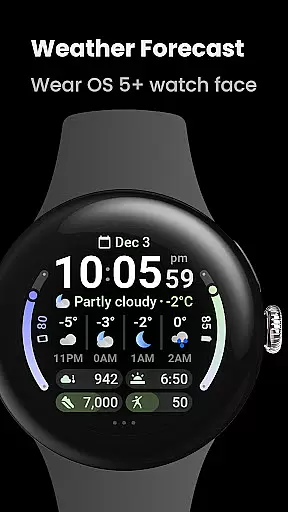
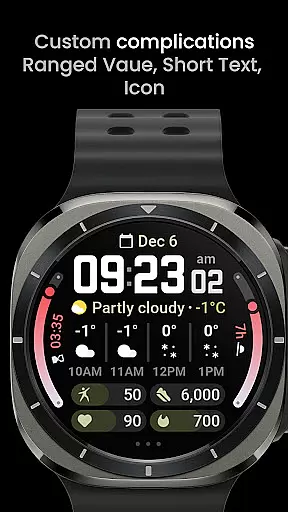
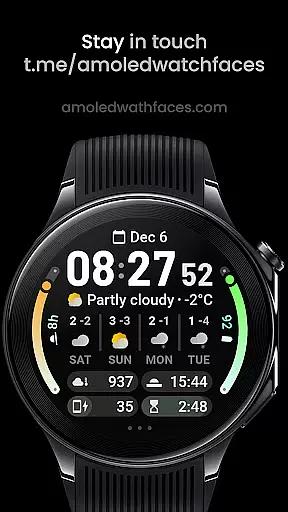
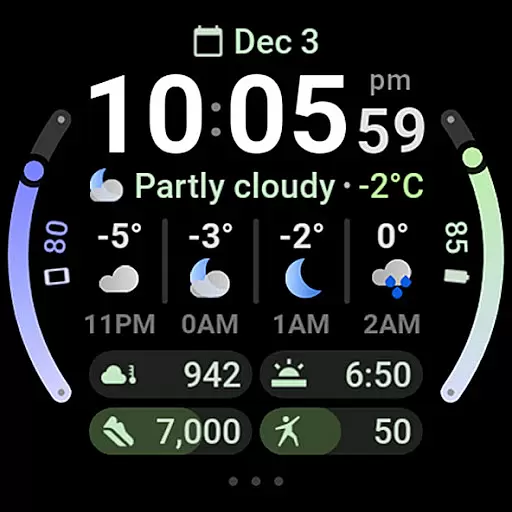
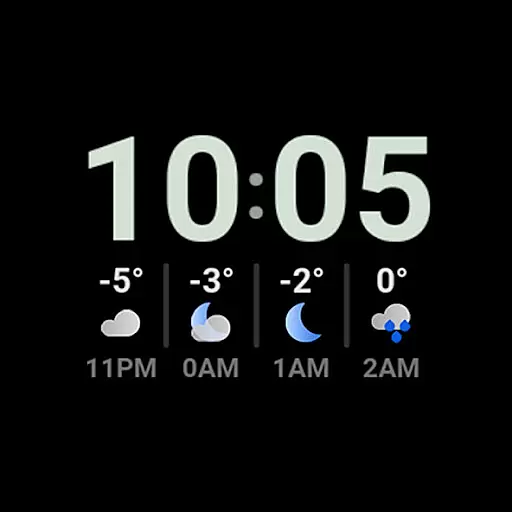
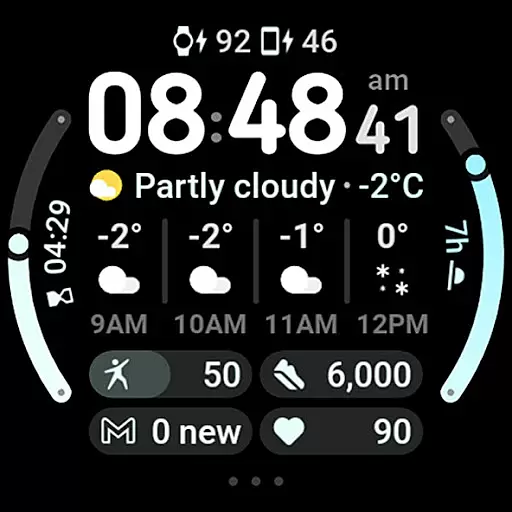
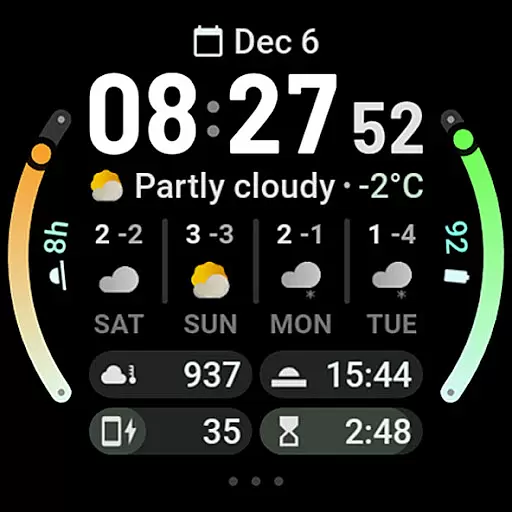
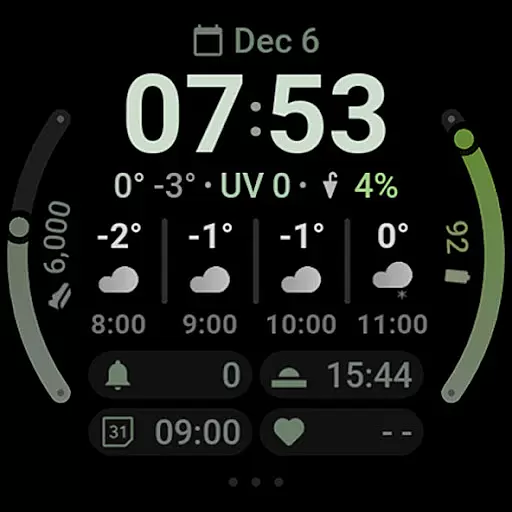
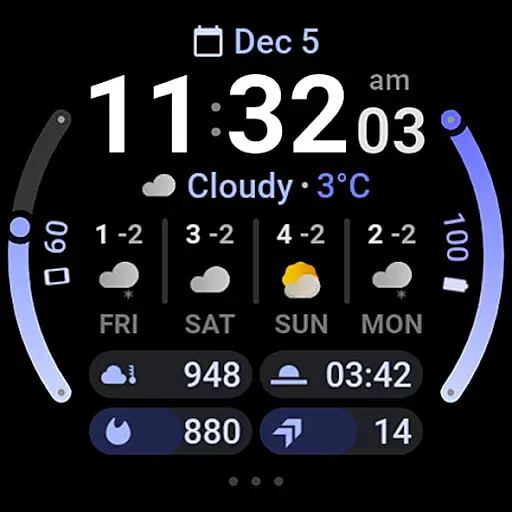
Weather Forecast Watch Face is a feature-rich application designed exclusively for Wear OS 5+ devices. This app transforms your smartwatch face into a dynamic weather station, providing real-time weather updates directly on your wrist. With animated transitions between various weather statistics every five seconds, users can stay informed about current conditions, temperature fluctuations, UV index, and more.
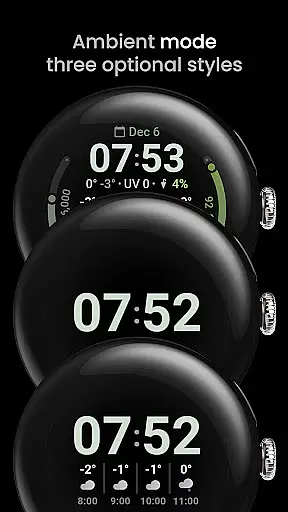
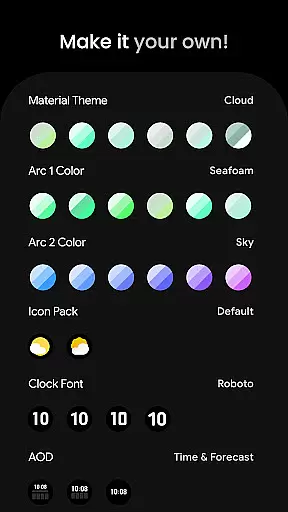
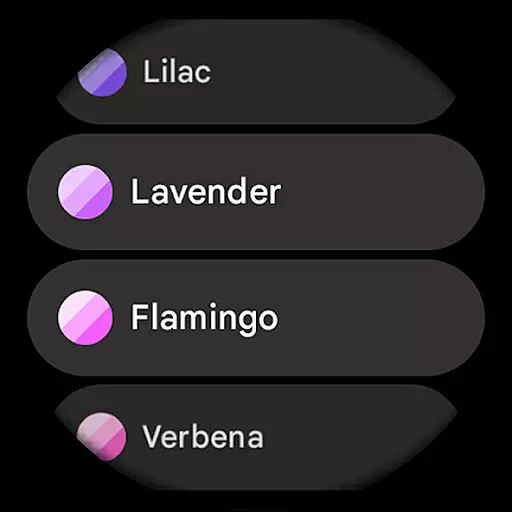
The watch face supports interactive elements such as tapping to switch between hourly and daily forecasts or launching the weather app. It also offers extensive customization options including material color themes, digital clock fonts, and three optional Always-On Display (AOD) looks. These features ensure that each user can tailor the experience to their personal preferences while enjoying both functionality and style.
Ideal for those who need quick access to weather information without pulling out their phone, this app combines practicality with aesthetic appeal. Whether you're planning your day or preparing for outdoor activities, Weather Forecast Watch Face equips you with the necessary data to make informed decisions effortlessly.
Weather Forecast Watch Face stands out due to its comprehensive set of features tailored specifically for weather enthusiasts. One notable aspect is its integration of the Watch Face Format 2, which allows smooth animations and transitions between different weather stats every five seconds. This keeps users engaged and informed without overwhelming them with static data points.
Another significant feature is the interactive capability where users can tap on the weather forecast section to toggle between hourly and daily forecasts. Additionally, tapping on the current weather condition launches the full weather application for more detailed insights. The inclusion of multilingual support ensures global accessibility, while the flavors feature caters to specific device capabilities like Wear OS 5.
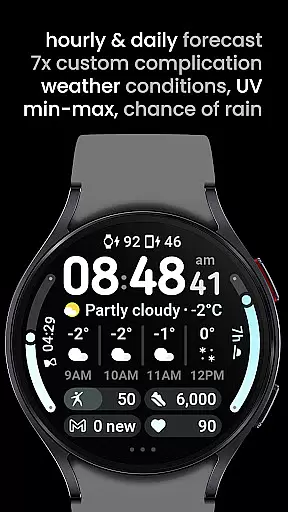
With seven customizable complication slots and compatibility with common complication types such as RANGED_VALUE, SHORT_TEXT, and MONOCHROMIC_ICON, users have unparalleled flexibility in personalizing their watch faces. Optional digital clock fonts and multiple AOD looks further enhance the customization potential, making it not just a tool but an extension of one’s personal style.
Forecast Accuracy & Data Credibility is a crucial feature for any weather application, ensuring users receive reliable and precise weather information. Weather Forecast Watch Face provides comprehensive weather data including current conditions, temperature, UV Index, chance of rain, and hourly as well as daily forecasts.
This app aggregates data from credible sources to deliver accurate weather updates every five seconds. The dynamic animation of the current weather condition row ensures that users are continuously informed about changing weather patterns throughout the day.
Users benefit from having real-time, dependable weather data directly on their Wear OS devices. Whether planning daily activities or making critical decisions based on weather conditions, this watch face equips users with trustworthy information they can rely on.
The credibility of the weather data enhances user confidence in the application, encouraging regular use and establishing it as an essential tool for anyone needing accurate weather updates at a glance.
Temporal & Spatial Forecast Range refers to the coverage and duration over which weather predictions are made. Weather Forecast Watch Face offers extensive forecasting capabilities, providing both hourly forecasts for the next four hours and daily forecasts spanning four days.
This functionality allows users to plan not only immediate activities but also future events with greater assurance. By presenting min-max temperatures alongside conditions for each forecasted day, the app delivers detailed insights into upcoming weather trends.
For users, this means enhanced preparedness and flexibility in managing their schedules according to expected weather changes. Knowing the forecasted conditions helps in making informed choices regarding travel, outdoor activities, and more.
By integrating temporal and spatial data seamlessly into its interface, Weather Forecast Watch Face stands out as a versatile tool for those seeking both immediate and extended weather outlooks right from their wrists.
User-friendly interface
Extensive customization
Real-time weather updates
Interactive elements
Multilingual support
Limited to Wear OS
Complex setup process
Potential loading issues
Requires third-party apps
High battery consumption

A tool that provides real-time and 5-day weather info.
 4.5
4.5
Ultimate Lunar Calendar for 2021!
4.80
My Tide Times Pro is the only tide tables and forecasts application you'll need.
4.80
Dynamic weather watch face with glass effect, bold time & 7 complications.
4.4
The reliable and trusted global air quality, wildfire, pollen, PM2.5 forecast
4.70
My Aurora Forecast Pro is the app for the Northern Lights and Aurora Borealis.
4.70
NOAA forecast & radar for your exact location.
4.80
A professional, comprehensive and accurate weather forecast app
4.90
All-in-one weather radar launcher with rain, temperature maps & local forecast.
4.30
No ads, No data collected. Beautiful and powerfully customizable weather app
4.90
Weather - Local weather forecast, weather daily & hourly, weather radar
4.80
View weather widget and map. Wind direction and speed. Tides times and waves
4.70
Check room temperature with this indoor thermometer. thermostat & hydrometer
4.70
Live weather forecast for your everyday life
4.60
NOAA radar, weather forecasts, hurricane tracking & customizable alerts.
4.50
Track rainfall totals with ease using our rain gauge app. Accurate rain tracker.
4.50
Weather related custom complications for Wear OS. UV, Hi-Lo, AQI and more!
4.40
Stay Ahead Of Changing Weather Conditions
4.00
Get instant weather & temperature predictions right on your Wear OS smartwatch!
4.1


User Reviews