
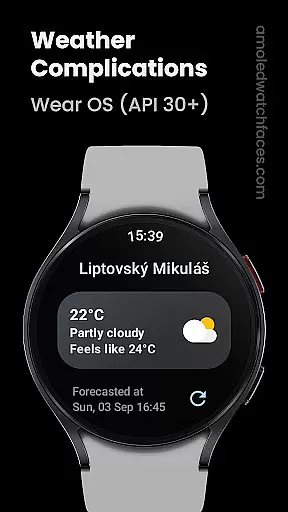
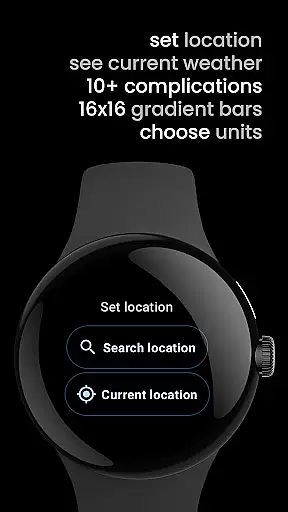
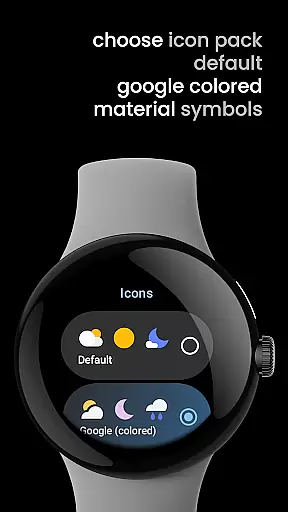
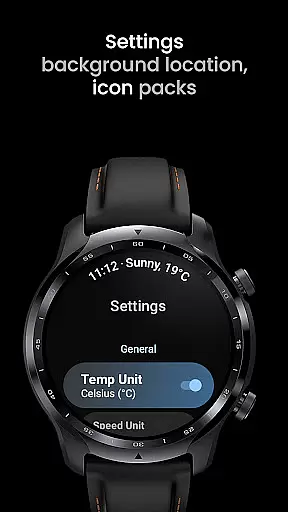
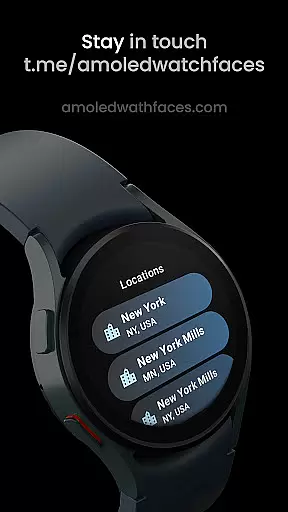
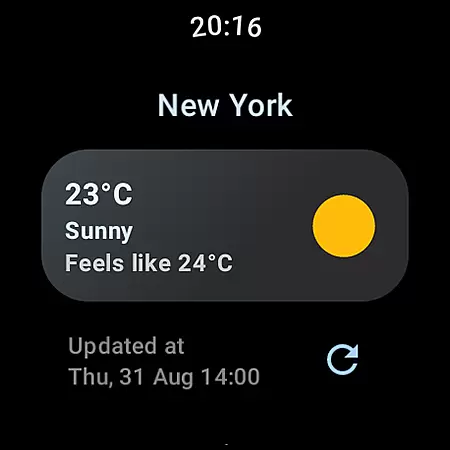
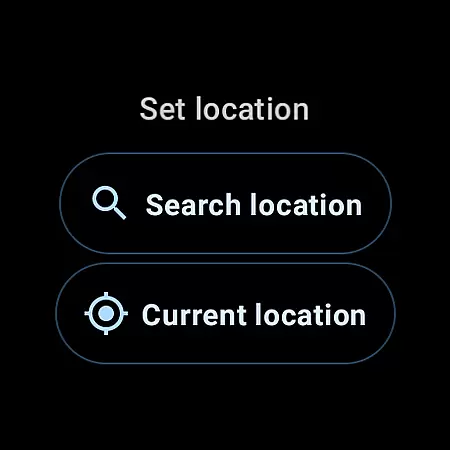
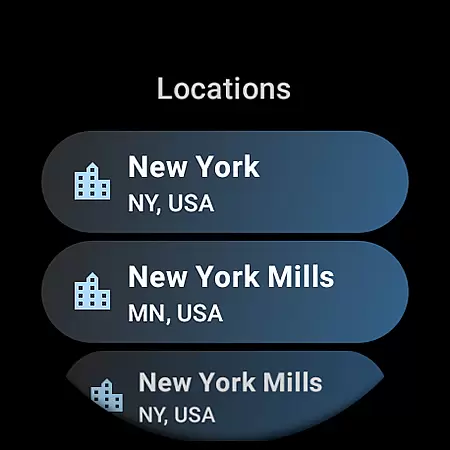
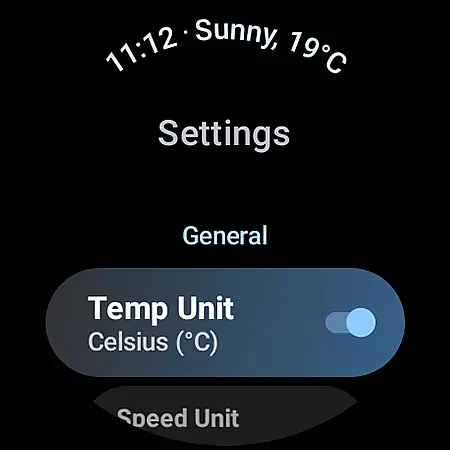
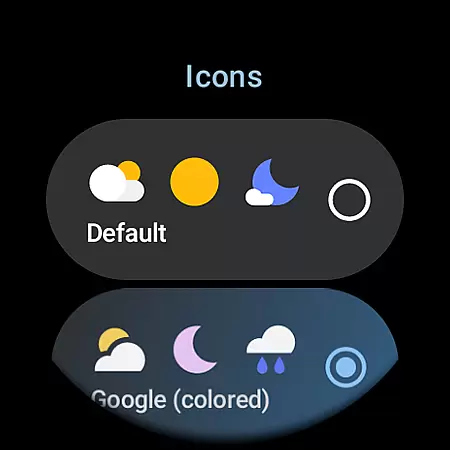
Weather Complications is a specialized app designed exclusively for Wear OS API 30+ devices. This application consolidates all weather-related custom complications into one convenient package, ensuring users have access to essential weather data directly on their smartwatches. The app refreshes its complications every 35 minutes, striking an optimal balance between providing up-to-date information and preserving battery life.
Among its core features, Weather Complications offers a variety of customizable data points such as Air Quality Index, Atmospheric Pressure, UV Index, and more. Each complication type can be tailored to display SHORT_TEXT, LONG_TEXT, RANGED_VALUE, ICON, or SMALL_IMAGE formats, catering to individual preferences. Additionally, the app leverages advanced APIs like Places API from Google for location services and integrates with reliable weather data sources including www.weatherapi.com and openweathermap.org.
This app is particularly useful for tech-savvy individuals who rely on quick access to detailed weather information without needing to pull out their smartphones. By delivering fresh weather data every 15 minutes and utilizing forecasted data during connectivity issues, Weather Complications ensures that users remain informed about current conditions and potential weather changes throughout the day.
Weather Complications stands out due to its comprehensive integration of diverse weather data sources and customizable complication types. Users can choose from multiple weather data providers, with www.weatherapi.com set as the default source while also supporting custom provider keys from openweathermap.org. This flexibility allows users to select the most accurate and relevant weather information for their specific needs.
The app supports a wide array of custom complications, each offering different display options. For instance, users can monitor Air Quality Index, Atmospheric Pressure, Humidity, and UV Index through SHORT_TEXT, LONG_TEXT, or RANGED_VALUE formats. Other notable features include Beaufort scale indicators, Chance of Rain predictions, Current and Feels-like Temperatures, Wind details, and much more. These varied options enable users to personalize their watch faces according to their unique requirements and aesthetic preferences.
Moreover, Weather Complications emphasizes user convenience by refreshing data at 35-minute intervals, which helps maintain battery efficiency. When internet connectivity is unavailable, the app seamlessly switches to forecasted data for the current hour, ensuring continuous access to vital weather updates. With additional resources like a portfolio of watch face designs and live support via Telegram groups, this app provides a holistic solution for managing weather-related information on Wear OS devices.
Weather Complications for Wear OS provides highly reliable weather data through trusted sources like WeatherAPI and OpenWeatherMap. These platforms are renowned for their accurate forecasting and real-time updates, ensuring users receive dependable information.
The app refreshes its complications every 35 minutes, striking a balance between battery efficiency and data relevance. Even without an active internet connection, the app continues to display forecasted weather data for the current hour, maintaining usability in offline scenarios.
By leveraging Google's Places API for location services, the app ensures precise geolocation data, which enhances the accuracy of weather forecasts. This combination of credible data sources and smart update intervals makes the app a trustworthy companion for weather updates on Wear OS devices.
Weather Complications offers extensive temporal and spatial coverage, providing users with detailed forecasts that span various timeframes and geographic locations. The app supports multiple weather parameters such as temperature, humidity, UV index, and air quality, delivering comprehensive insights into current and upcoming conditions.
Through integrations with leading weather APIs, the app delivers hyper-localized forecasts tailored to the user's specific location. This granular approach ensures that users receive relevant weather information regardless of their whereabouts, enhancing both convenience and preparedness.
Additionally, the app's support for a wide range of custom complications allows users to personalize their watch faces with preferred weather metrics. Whether monitoring short-term changes or planning for future events, Weather Complications equips users with the necessary tools to stay informed across different contexts and durations.
User-friendly interface
Customizable complications
Reliable weather data
Battery-efficient updates
Multiple data sources
Limited to Wear OS
No BOGO promo
Requires API 30+
Connectivity dependent
Premium pricing

Weather for Indiana, Kentucky and Ohio
 4.90
4.90
The Weather Network TV App - Your weather when it really matters
2.90
Ultimate Lunar Calendar for 2021!
4.80
Road weather, live radar, wind, snow, and conditions along your driving route.
4.70
Weather forecast & live radar map
4.20
Detailed weather info and moon phase, subtle animation, customizable
4.1
Download now and give your smartwatch a fresh, premium look!
4.20
NOAA forecast & radar for your exact location.
4.80
A professional, comprehensive and accurate weather forecast app
4.90
Weather radar, hyperlocal tracker and weather maps: follow your weather station
4.80
Hourly and daily weather forecast, current condition, temperature, UV and more!
4.70
View weather widget and map. Wind direction and speed. Tides times and waves
4.70
Live weather forecast for your everyday life
4.60
My Aurora Forecast is the app for Northern Lights and Aurora Borealis alerts.
4.60
Weather radar map, storm tracker, local forecast, live rain alerts & daily news.
4.60
Accurate Thermometer: indoor & outdoor temperature, humidity, pressure, and wind
4.50
Personal Weather Station PRO - Meteo monitor to check your WU info and charts.
4.20
Global weather forecast, powered by layered radar & hourly weather updates
4.10
A powerful weather forecast to get real-time weather information
3.60


User Reviews