
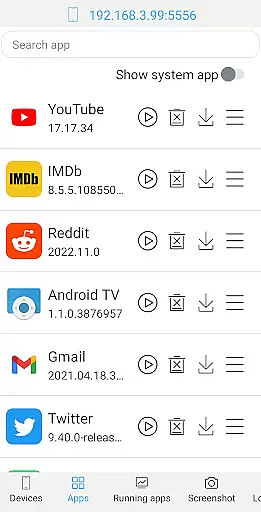

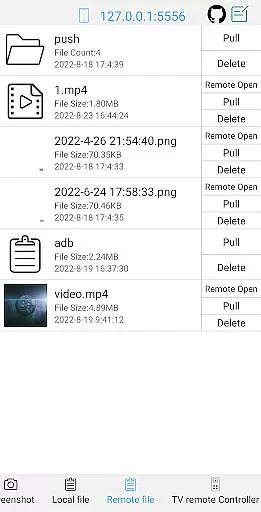
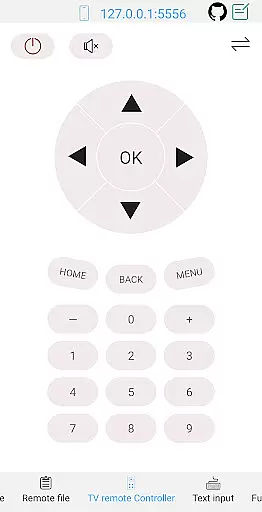
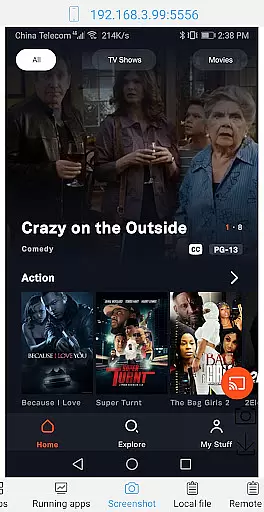
ADB Shell is a comprehensive and powerful toolbox application designed for Android device management. The app provides an extensive suite of features that allow users to manage applications, handle file operations, and monitor system performance. With support for Android versions 4.X through Android 13, it offers versatile compatibility across devices.
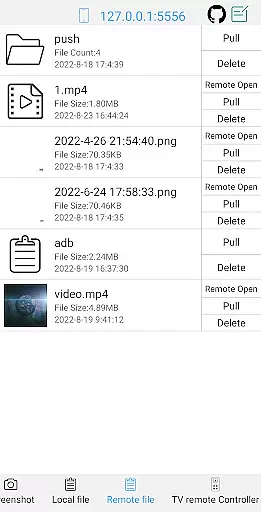
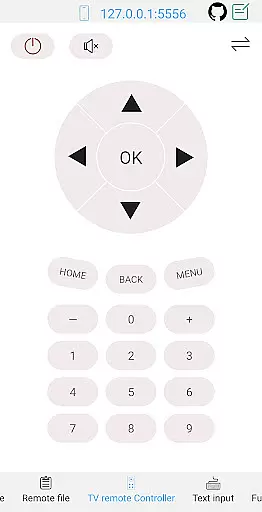
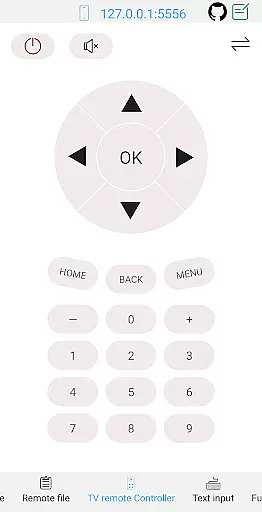
The application's core functionality includes the ability to launch, uninstall, download, and manage apps, as well as perform advanced tasks like taking screenshots, pushing/pulling files, and installing APKs. It also serves as a remote controller for Android TVs and provides detailed system monitoring and information views. These capabilities make it an essential tool for developers and power users who require precise control over their Android devices.
ADB Shell is particularly useful in development environments where debugging and device testing are frequent requirements. Its wireless ADB support and multi-window functionality enable efficient workflow, while features like logcat and command history enhance productivity. This makes the app not just a utility tool but a complete solution for Android device management.
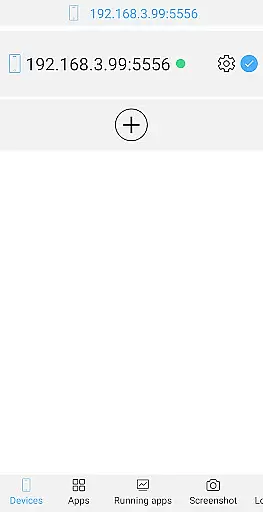
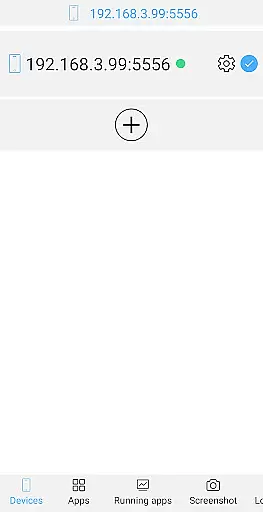
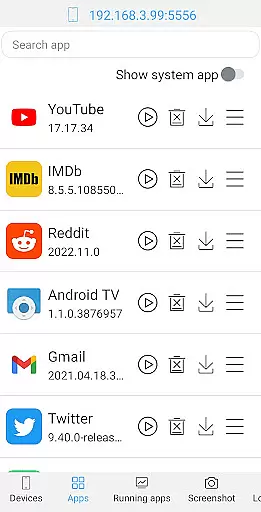
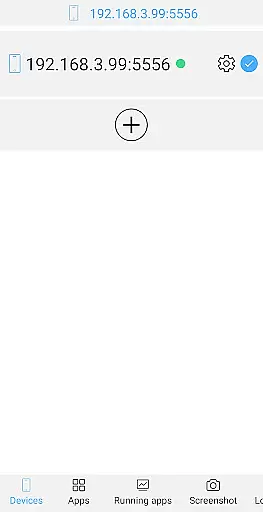
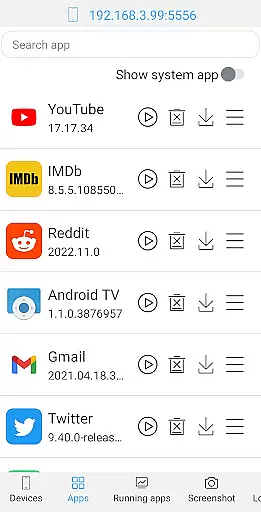
ADB Shell distinguishes itself through its rich feature set tailored for both casual users and professional developers. The toolbox functionality supports launching, uninstalling, and managing applications, including options to force stop, clear data, and toggle application states. Additionally, it allows users to view running applications and manage devices effectively.
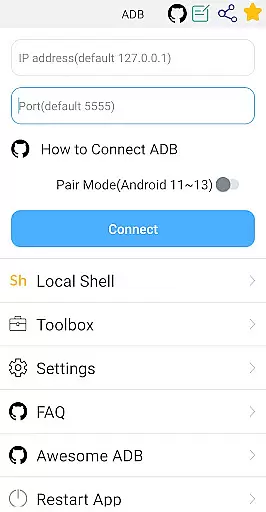
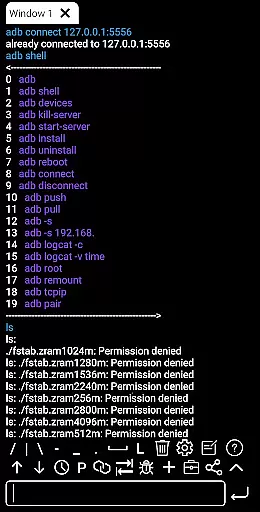
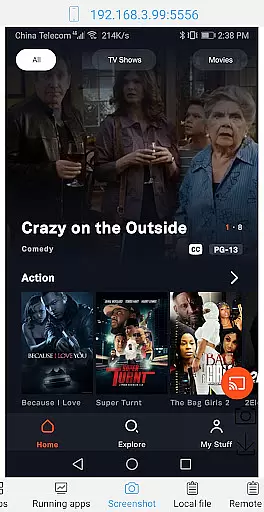
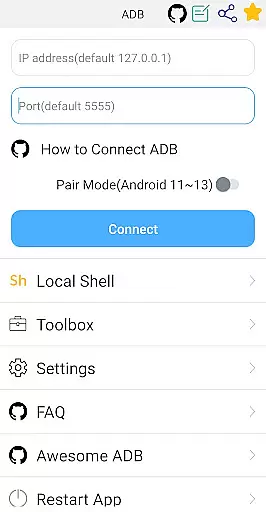
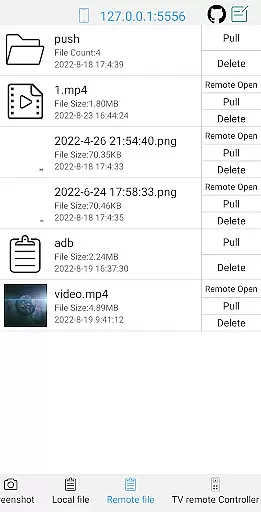
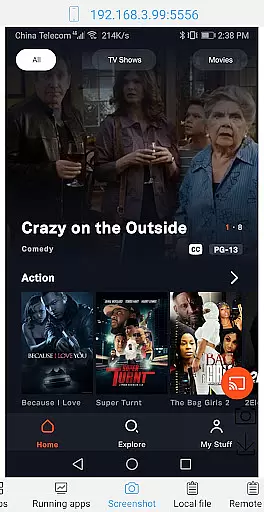
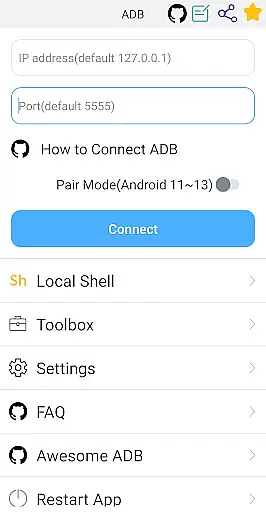
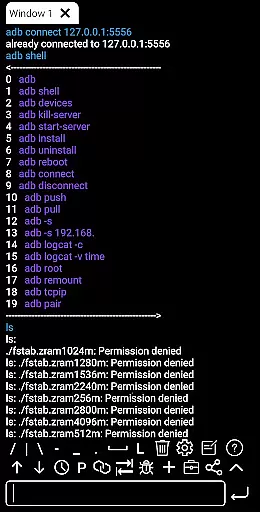
One of the standout features is its robust file management system. Users can take screenshots, push and pull files, delete remote files, and even open remote media files directly. The shell functionality is equally impressive, supporting wireless pair mode, WiFi wireless ADB, and local shell ADB. Advanced text handling, such as color-coded output and fast copy commands, enhances usability.
Other notable features include system monitoring tools, prop information viewing, and prefab commands for efficiency. The app also supports multitasking with background execution and multi-window modes. These features collectively provide a seamless experience for users who need to execute complex operations on their Android devices, making ADB Shell an indispensable tool for Android management.
ADB Shell stands out for its comprehensive and accurate implementation of core functions, making it an essential tool for developers and power users. The application supports a wide range of functionalities from basic device management to advanced system operations.
The toolbox features are meticulously designed to cover all aspects of app management including launching, uninstalling, downloading, and controlling app states such as force stopping or clearing data. Additionally, the ability to manage files by pushing, pulling, and deleting ensures that users have full control over their device's file system.
On the shell side, ADB Shell offers extensive support for various Android versions and introduces innovative features like wireless pair mode and WiFi wireless ADB. These capabilities ensure seamless interaction with devices regardless of their connectivity method.
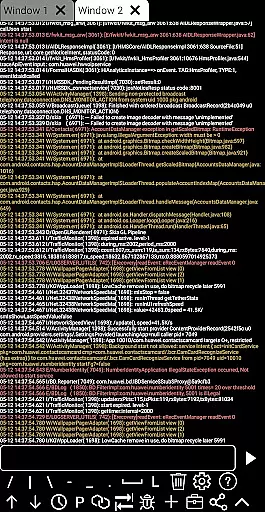
Users benefit from the high level of precision in executing commands, which is crucial for debugging and testing applications. With features like autosave output, command history, and fast copy command, productivity is significantly enhanced, allowing users to focus on development rather than troubleshooting.
The interface of ADB Shell is crafted to provide a straightforward and intuitive user experience, ensuring that even those new to ADB can navigate and utilize its features effectively. This simplicity does not come at the cost of functionality; instead, it enhances the overall usability of the tool.
Each feature is easily accessible through a well-organized menu structure, allowing users to quickly find and execute the commands they need. Whether managing applications or handling file operations, the clear layout minimizes the learning curve and maximizes efficiency.
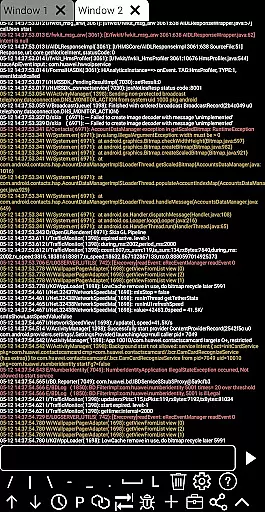
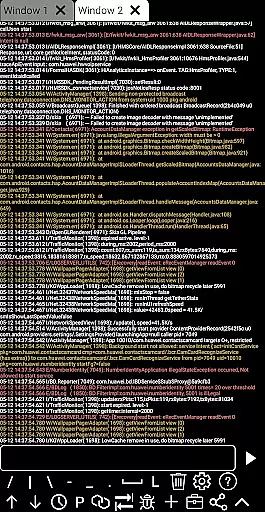
Moreover, the support for multi-window and color text adds a layer of convenience and clarity, enabling users to monitor multiple processes simultaneously without losing track of important information. Such thoughtful design elements contribute to a more engaging and productive workflow.
Overall, the intuitive nature of ADB Shell's interface empowers users to harness the full potential of ADB functionalities without being overwhelmed by complexity. This balance between simplicity and power makes it an invaluable asset for both novice and experienced users alike.
User-friendly interface
Extensive compatibility
Comprehensive toolbox
Advanced shell features
Efficient workflow tools
Complex for beginners
Requires technical knowledge
Limited aesthetic appeal
No cloud backup
Occasional bugs

Easily install aab(Android App Bundle) files on your Android device with our app
 4.80
4.80
A powerful, easy-to-use flight computer on your phone or tablet!
3.80
A recovery soft,it features photo recovery, video recovery, file recovery.
3.40
HD Video player and downloader for all formats, fast & smooth 4K video playback.
4.60
Clean the junk files on your device
3.40
App that Recover your pictures, videos or files after you delete them.
4.20
Carry a FTP server in your pocket and avoid USB cables for file transfer
4.20
The Ultimate Bluetooth Keyboard & Mouse. Securely control your PC, Mac, and more
4.50
The ultimate tool for network analysis, wifi scanning and problem detection.
4.90
Unit and currency converter with easy and simple UI.
4.80
HD Camera captures every special moment.
4.60
With videos, electrical calculators, and built-in ebook, Ugly’s has your answer.
4.50
Clean up large files and similar photos, fast and easy to use
4.40
PC precision for mobile gaming: dominate with keyboard and mouse!
4.30
Remote for Roku, Fire TV, Samsung TV, LG TV, Android TV, Chromecast and VIZIO TV
4.20
Quickly & easily calculate the spacing of handrail balusters
4.20
Screen Mirroring with sound for Samsung TV, LG TV, Sony TV, Smart TV and Browser
4.20
Unleash gamepad precision for ultimate mobile gaming dominance.
3.90
A non-root local ADB shell client. READ BELOW!
3.40


User Reviews