
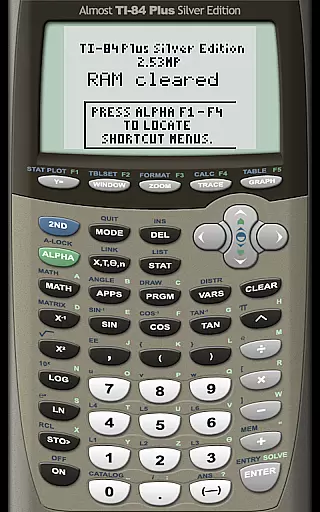
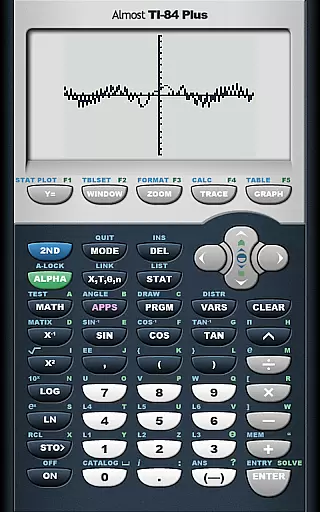
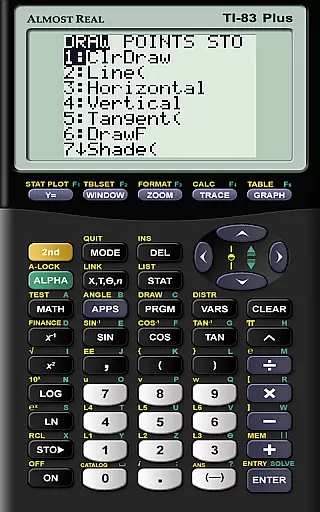
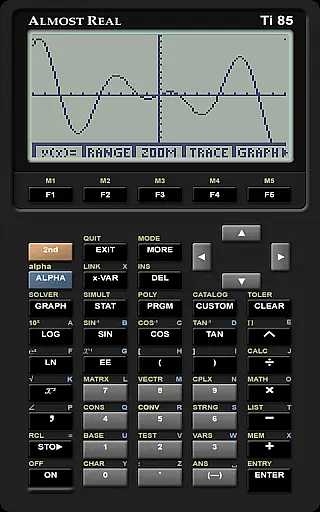
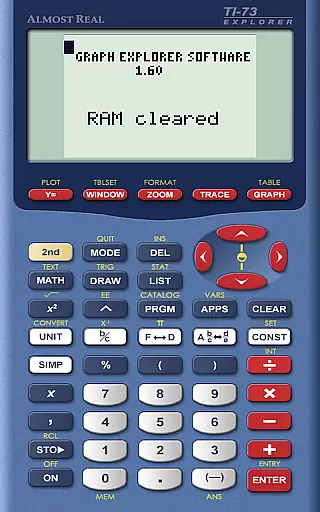
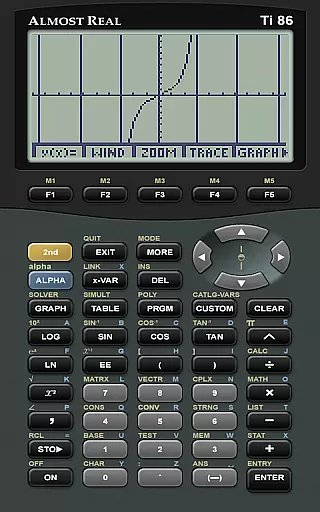
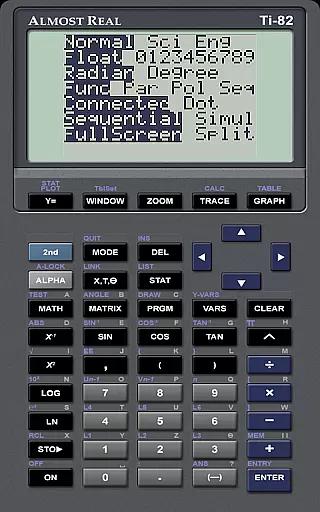
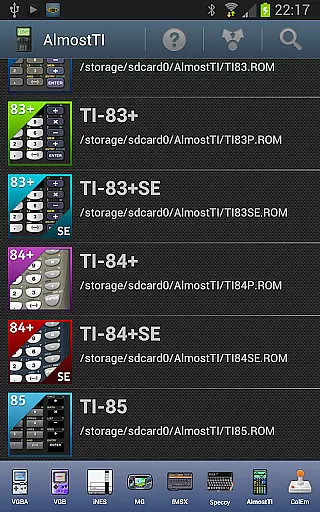
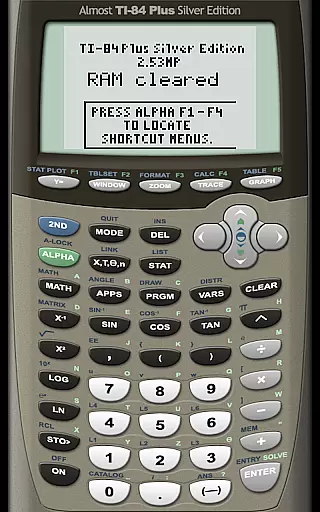
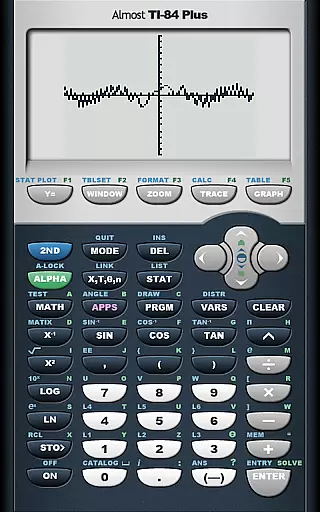
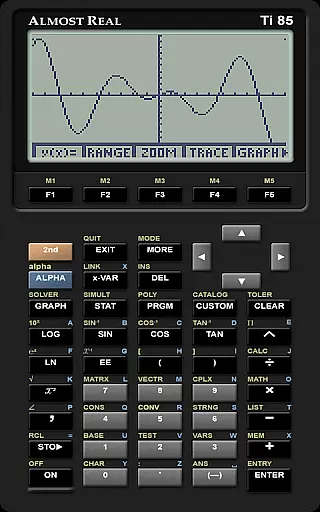
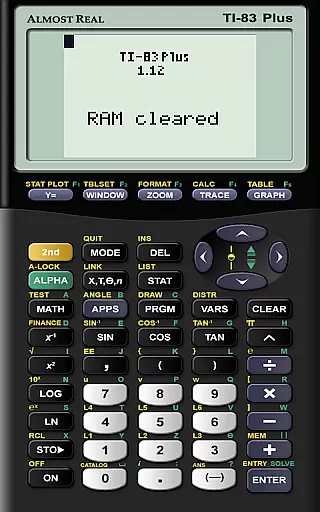
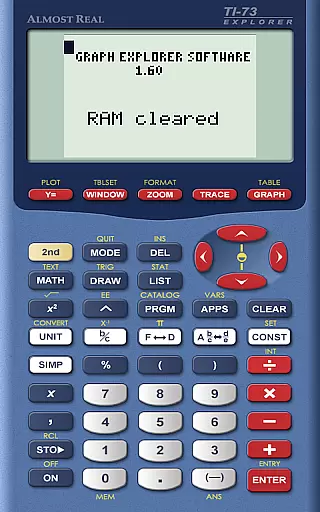
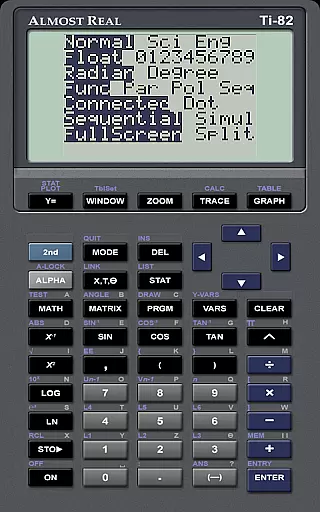
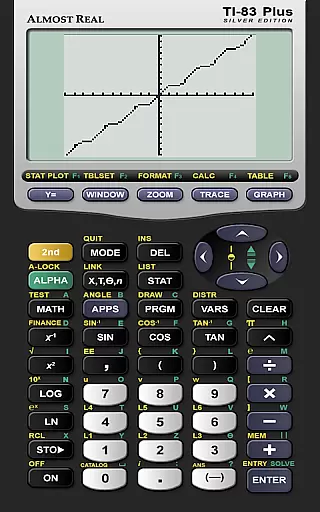
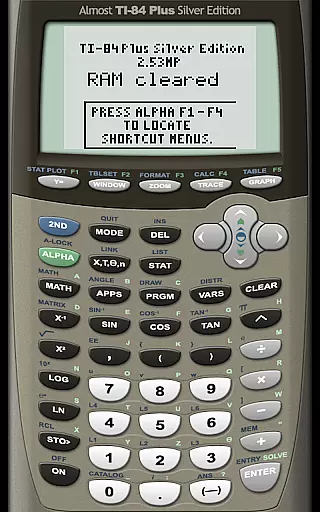
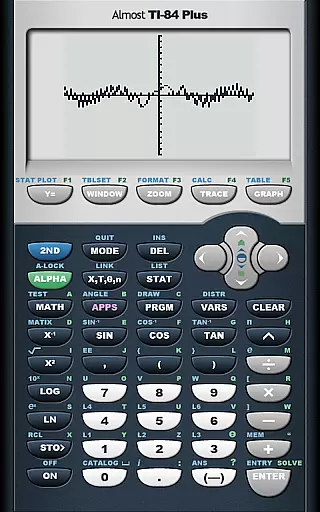
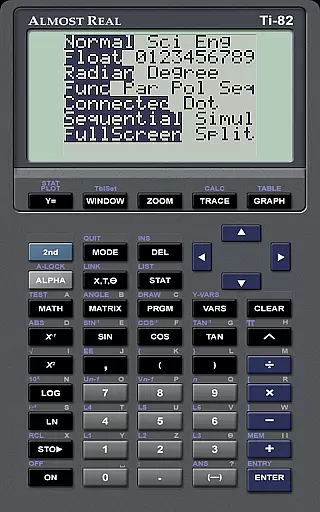
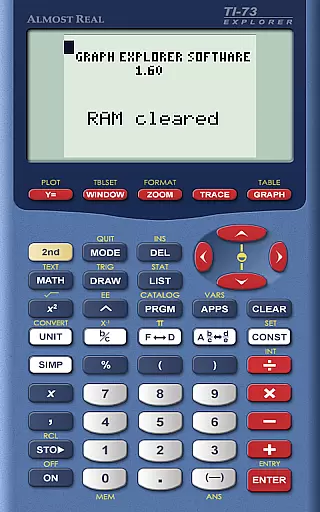
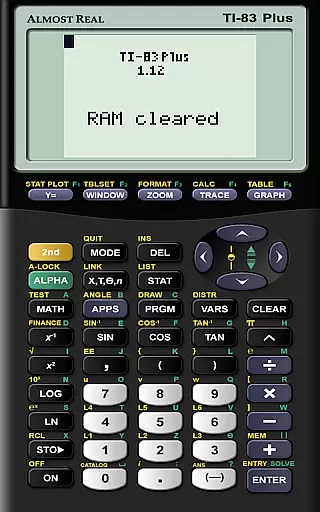
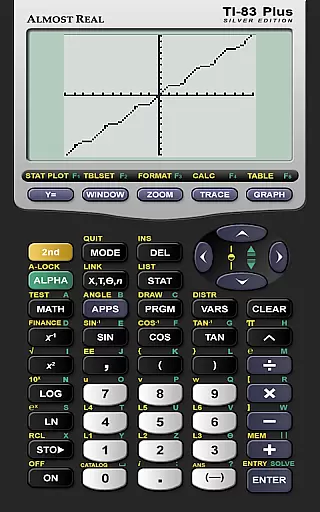
AlmostTI is an advanced educational application that transforms your Android device into a fully functional Texas Instruments graphing calculator. This app provides complete emulation of various TI calculator models including TI-84+, TI-83+, and TI-82 among others, making it an essential tool for students and educators alike.
The app allows users to save their calculations at any point and switch between multiple saved tasks, ensuring efficient workflow management. Whether you are using a smartphone or a tablet, AlmostTI delivers a seamless experience, turning larger devices into oversized calculators with enhanced visibility and usability.
This emulator is particularly useful in educational settings where graphing calculators are required for mathematics and engineering courses. By providing access to a wide range of TI calculator functionalities on Android devices, AlmostTI supports learning and problem-solving anytime, anywhere.
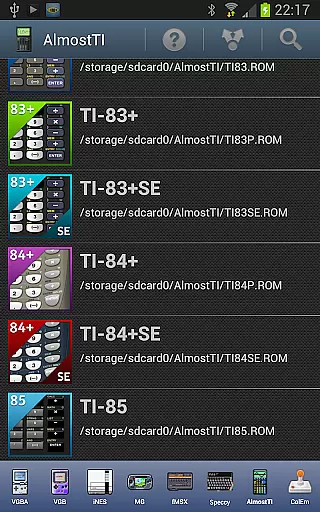
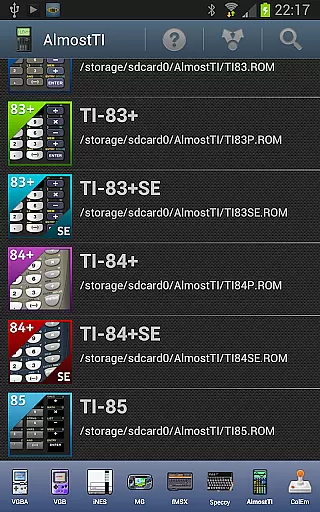
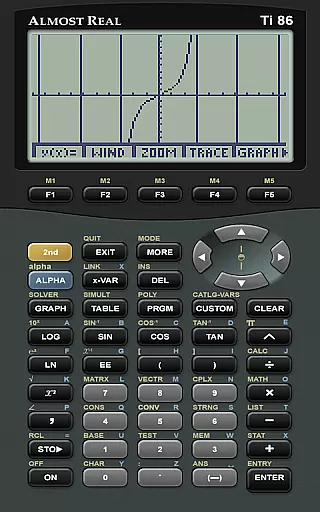
AlmostTI stands out with its comprehensive emulation capabilities of multiple Texas Instruments calculator models. The app supports a wide array of TI calculators such as the TI-84+ series, TI-83+ series, TI-82, TI-85, and TI-86, catering to diverse academic needs.
A key feature is the ability to save and manage calculation states, allowing users to store progress and revisit complex problems without losing intermediate steps. This functionality enhances productivity and supports methodical problem-solving approaches.
Additionally, AlmostTI requires users to provide their own calculator ROM files, ensuring compliance with intellectual property rights. By offering detailed guides on ROM dumping and Android-specific help resources, the app ensures users can set up and utilize the emulator effectively.
In the realm of educational tools, content accuracy is paramount for effective learning. AlmostTI ensures precision by emulating a wide range of Texas Instruments graphing calculators, from the TI-84+ to the TI-81. This meticulous emulation guarantees that mathematical computations and graphing functions behave exactly as they would on the original devices.
The app's commitment to authenticity extends to its requirement for genuine calculator ROMs. Users must supply their own ROM files, which preserves the integrity of Texas Instruments' intellectual property while ensuring that the learning experience mirrors real-world calculator usage. This approach underlines AlmostTI's dedication to authoritative content delivery.
For students and educators, this level of accuracy means reliable calculations and trustworthy educational outcomes. The ability to save and retrieve calculation states further enhances the learning process, allowing users to seamlessly pick up where they left off with full confidence in their work's correctness.
AlmostTI offers a unique opportunity for personalized learning through its versatile emulation capabilities. By supporting multiple calculator models, the app allows learners to choose the interface and functionality that best suits their educational needs. Whether it's algebra, calculus, or statistics, users can tailor their experience by selecting the appropriate TI calculator model.
The app facilitates customized learning journeys by enabling users to save their progress at any point. This feature allows learners to create individualized sessions that align with their study schedules and goals. Students can experiment with different mathematical concepts and revisit their saved work, fostering a deeper understanding through hands-on practice.
Furthermore, AlmostTI's active community support and extensive documentation provide additional resources for personalized learning. Users can engage with the author and fellow learners through discussion groups, accessing tailored advice and shared experiences that enhance their educational journey beyond the basic emulation features.
User-friendly interface
Comprehensive model support
Efficient state saving
Enhanced visibility on tablets
Active user community
Requires ROM files
No built-in ROMs
Complex setup process
Limited offline resources
Device compatibility issues

Bebefinn and Baby Shark educational, animated videos & games for kids
 3.40
3.40
Learn Words Daily in Just Minutes - Boost Your Language Skills Fast!
4.60
Latest TLC Practice Questions! Multiple languages available!
4.50
Intuitive Transformer Lab - By a Lineman, For Linemen & Apprentices
4.50
Guitar chord finder, analyzer, smartly visualized theory, progressions, quizzes.
4.70
Engage in learning science and math with the award-winning PhET simulations!
4.70
Hasbro's Classic Board Game - Make Cavity Sam better or get the buzzer!
3.50
Our most popular app series returns, better than ever!
3.90
Cool math games & learn to read activities- loved by kids, approved by teachers.
4.50
Experience the sky, planet earth and the solar system like never before
4.90
Learning the ancient Viking language made simple
4.70
A fast and fun way to learn guitar - works with any guitar.
4.60
Turn scrolling hours into improving your knowledge, communication, intelligence
4.50
Study for your 608 certification.
4.50
SkyView®, an augmented reality space app, brings stargazing to everyone!
4.40
For medical training - Visualize complex vein maps and structures in real-time.
4.10
Learn to make peaceful contact with extraterrestrial civilizations
4.10
Break Language Barriers with AI—Learn Language Anytime, Anywhere!
4.00
Deal Craps (Practice Craps Payouts)
3.80


User Reviews