
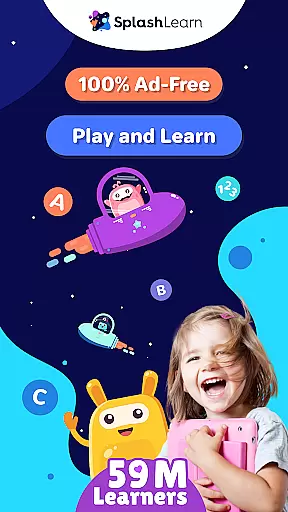
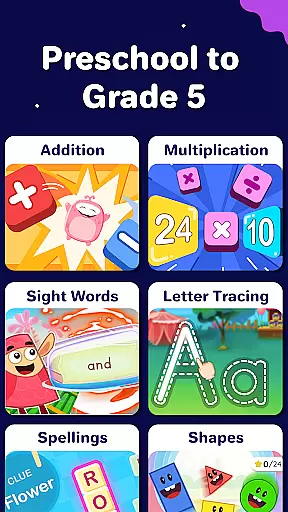
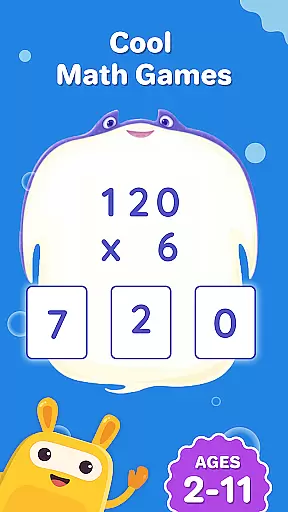
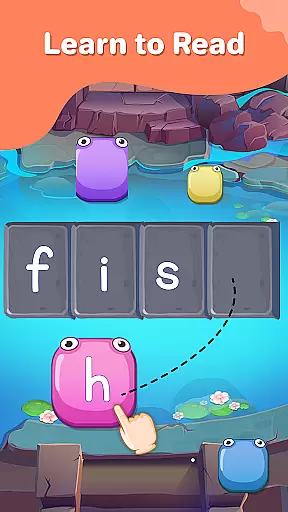
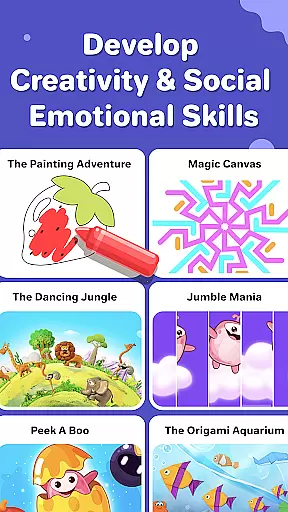
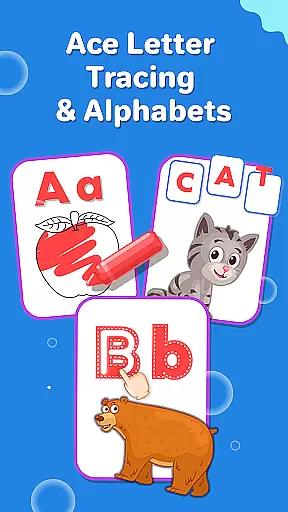
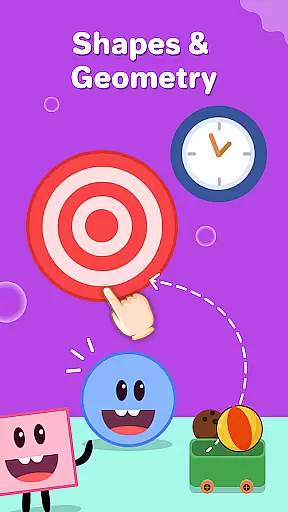
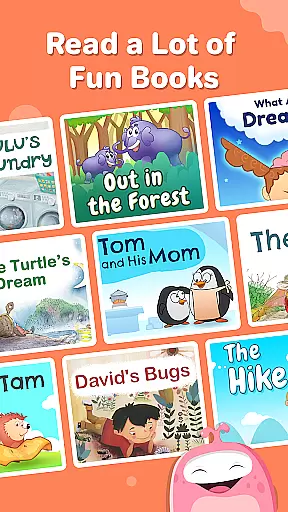
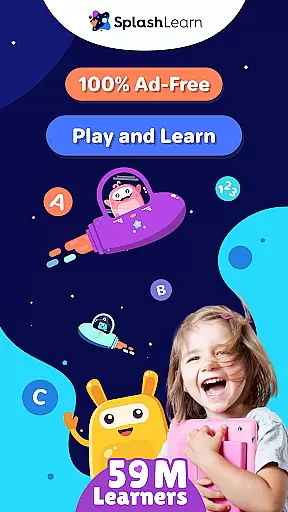
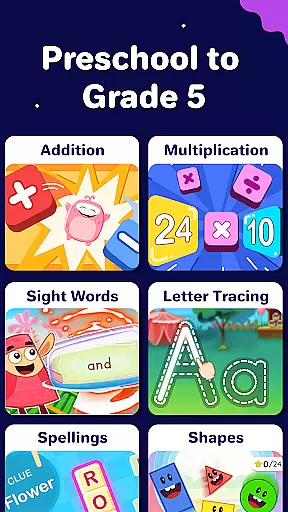
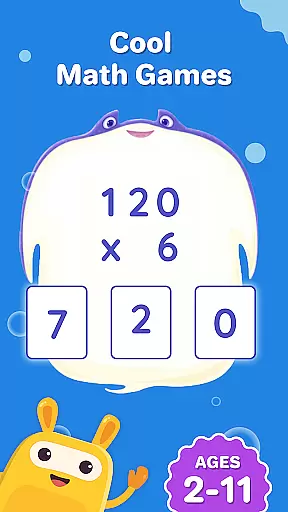
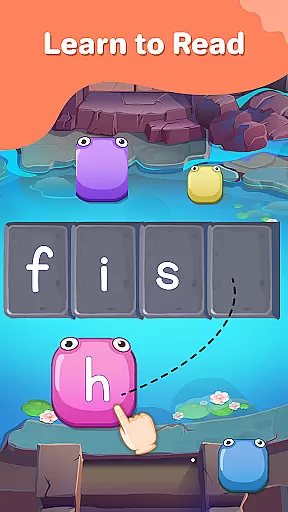
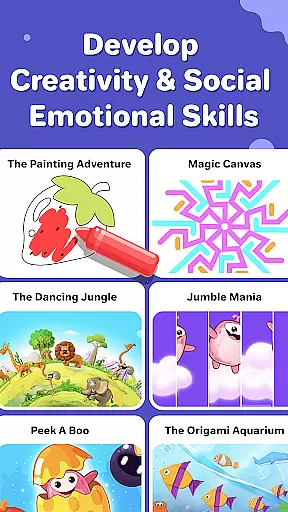
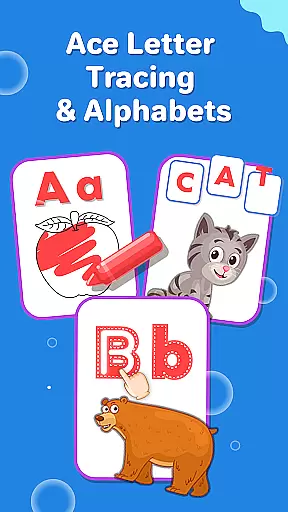
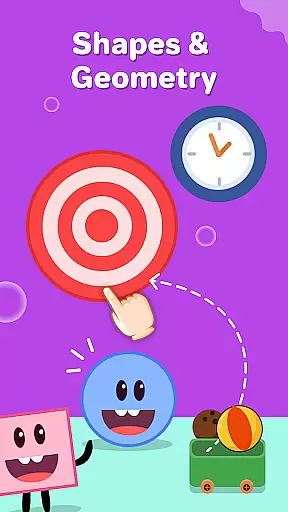
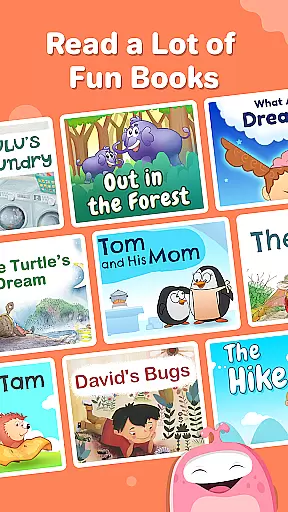
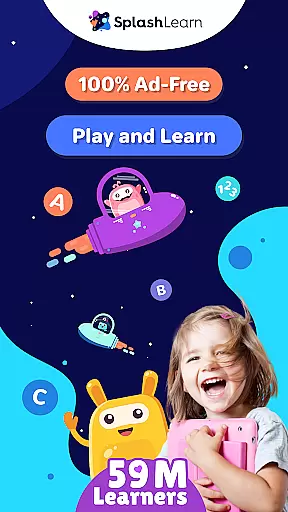
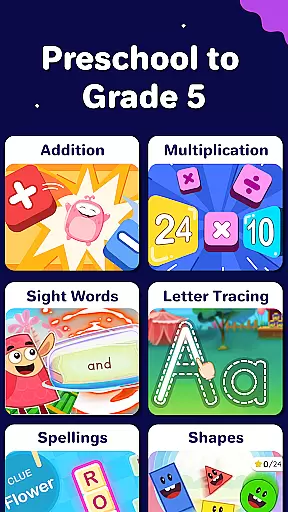
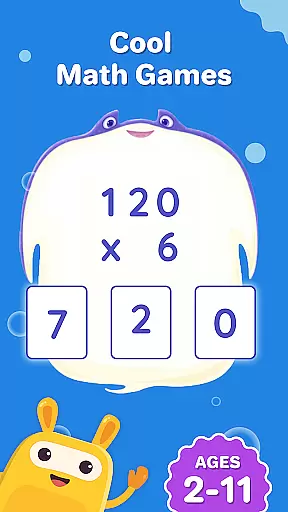
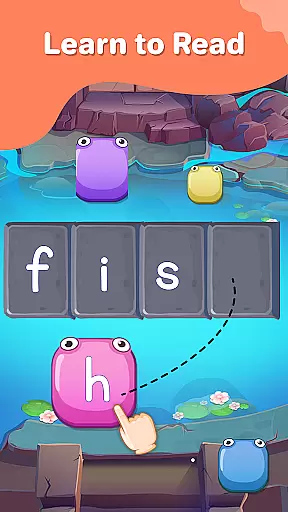
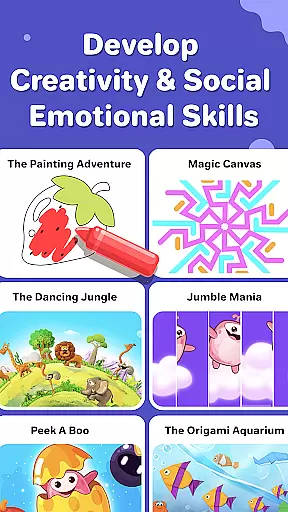
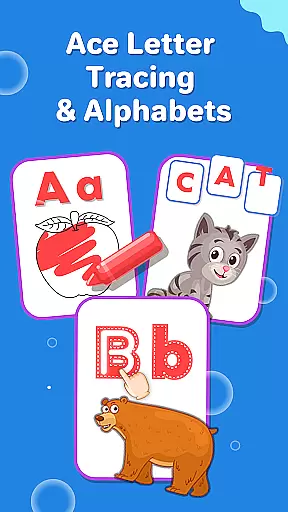
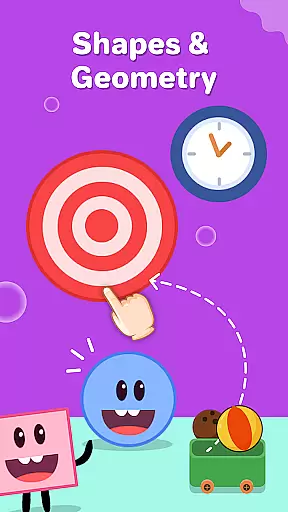
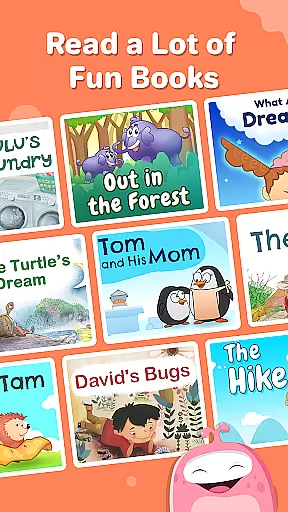
SplashLearn is a comprehensive educational app tailored for children aged 2-11, spanning PreK to Grade 5. The app transforms screen time into productive learning by offering interactive games and activities in math, reading, and creativity. With its adaptive technology, SplashLearn personalizes the learning experience for each child, ensuring they progress at their own pace while mastering essential skills.
Parents and teachers trust SplashLearn for its ability to make learning fun and effective. From toddler games that introduce basic concepts to advanced exercises for fifth graders, the app covers a wide range of subjects including math operations, geometry, phonics, and reading comprehension. Its structured approach supports early learners with letter tracing and number recognition, while older students tackle multiplication tables and fractions.
The app's value lies in its ability to blend education with entertainment seamlessly. By incorporating rewards and a game-like interface, SplashLearn keeps children engaged while they develop critical thinking and problem-solving skills. Whether used at home or in the classroom, SplashLearn provides a safe, ad-free environment where kids can explore and learn independently.
SplashLearn stands out with its rich feature set designed to enhance the learning experience. One of its key strengths is the adaptive technology that tailors content to each child's skill level, ensuring a personalized journey through math and reading. This adaptability allows young learners to build confidence as they master new concepts at their own pace.
The app includes a variety of interactive tools such as math counting games, phonics activities, and sight word practice, all aligned with common core standards. These resources are crafted to support foundational learning while keeping children engaged through colorful visuals and rewarding challenges. Additionally, SplashLearn incorporates creative elements like coloring games and themed activities, which help develop fine motor skills and spark imagination.
Another notable feature is the robust progress tracking system, which provides parents and teachers with detailed insights into a child's performance. This transparency allows caregivers to identify areas of strength and opportunities for improvement. Combined with the app's built-in reward system and safe, ad-free design, SplashLearn creates an optimal environment for fostering academic growth and lifelong learning habits.
SplashLearn ensures content accuracy and authority by aligning its educational material with common core standards, a benchmark for K-12 curriculum in the United States. This guarantees that every math problem, reading exercise, and learning game is designed to meet rigorous academic benchmarks.
The app's content undergoes expert review, ensuring that each activity is pedagogically sound and age-appropriate. From toddler games for 2-year-olds to complex math for 5th graders, SplashLearn provides a structured learning path that mirrors classroom education.
With personalized learning paths, children receive tailored instruction that adapts to their individual progress. The adaptive technology identifies strengths and weaknesses, delivering customized challenges that reinforce understanding and retention.
Parents and teachers can trust that the app's comprehensive approach supports foundational skills across subjects like math and reading, while also nurturing creativity through engaging activities such as coloring games and interactive storytelling.
SplashLearn offers personalized learning paths that adapt to each child's unique pace and learning style. By assessing individual performance and preferences, the app tailors its content to optimize engagement and comprehension for kids aged 2u201311.
Through built-in progress tracking, parents and educators can monitor a childu2019s advancement across various subjects. Whether it's mastering multiplication tables or improving reading fluency, the app adjusts difficulty levels based on real-time performance data.
This customization extends to grade-specific activities, ensuring that preschoolers and elementary students alike encounter appropriately challenging material. With specialized programs ranging from pre-kindergarten readiness to advanced topics for older learners, SplashLearn grows alongside its users.
By integrating fun elements such as pizza games, dinosaur adventures, and cooking simulations, the platform keeps young minds motivated while fostering critical thinking and problem-solving skills essential for academic success.
Personalized learning
Engaging content
Progress tracking
Safe environment
Common core aligned
Limited offline access
Premium subscription
Device compatibility
Occasional bugs
Advanced levels locked

FAR/AIM, FAR for Flight Crew and FAR for Aviation Maintenance Technicians
 3.80
3.80
Astronomy app ? Discover the universe scope, explore solar system model in 3D.
4.20
An aviator’s preparation, study and test tool for FAA Knowledge Exams.
3.90
Gain new skills in 10 minutes
4.70
AI Language tutor: Speak fluently with Lucy’s personalized coaching
4.70
Astronomy Guide to the Night Sky
4.40
The official CCM Glossary app, including 700+ terms and definitions.
2.90
Guitar chord finder, analyzer, smartly visualized theory, progressions, quizzes.
4.70
An aviator’s preparation, study and test tool for FAA Knowledge Exams.
4.00
Explore myths and gods across cultures with in-depth insights and stories.
5.00
Perform physics experiments with your phone. (by the RWTH Aachen University)
4.70
Turn scrolling hours into improving your knowledge, communication, intelligence
4.50
The Fighter Verses Bible memory system helps you memorize God's Word.
4.50
SkyView®, an augmented reality space app, brings stargazing to everyone!
4.40
Break Language Barriers with AI—Learn Language Anytime, Anywhere!
4.00
Master note reading with StaffWars….
4.00
Your guide to thousands of satellites and spacecraft in orbit around Earth!
3.90
An aviator’s preparation, study and test tool for FAA Knowledge Exams.
3.80
A 2024 digital study guide for the Expert Infantryman and Expert Soldier's Badge
4.4


User Reviews