

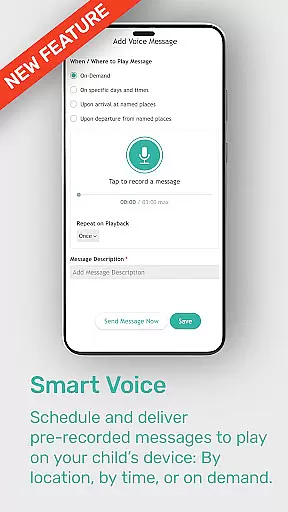

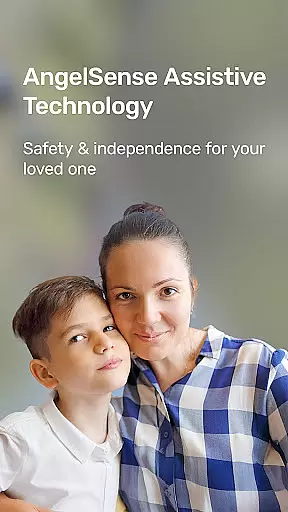


AngelSense Guardian is an advanced assistive technology solution specifically designed to protect children and adults with special needs. This innovative app, used in conjunction with a wearable device, offers unmatched safety features, effective remote support, increased independence, and improved well-being for individuals diagnosed with conditions such as autism, dementia, or Alzheimer's.
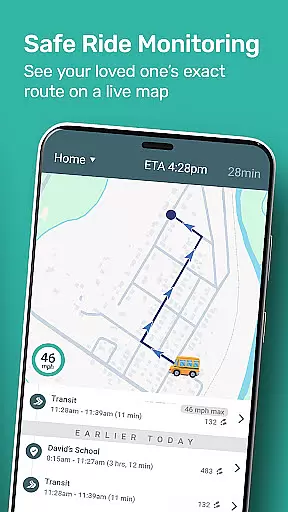
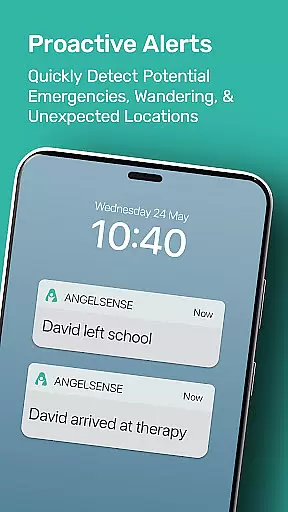
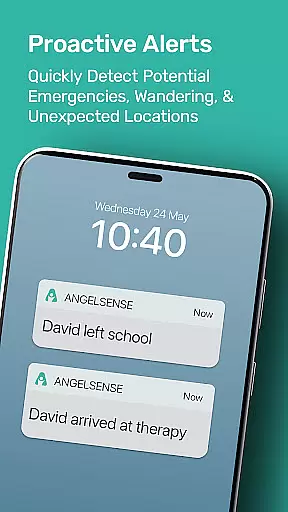
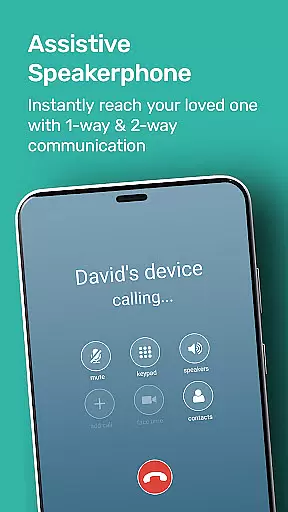
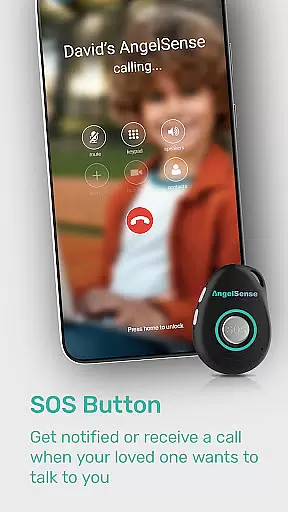
The application provides families with peace of mind through its comprehensive safety features. With AI-powered safety alerts, intelligent monitoring, and instant notifications for unexpected changes or potential danger, AngelSense ensures that caregivers can stay informed and respond quickly when needed. The wearable device includes an auto-pickup assistive speakerphone and SOS button, while the app itself offers a timeline view of the user's daily routine and travel, making it easier than ever to keep track of loved ones.
AngelSense Guardian boasts a range of powerful features that set it apart from other parenting apps. One of its standout capabilities is the AI-powered safety alerts and intelligent monitoring system, which uses advanced algorithms to detect anomalies and notify caregivers of any potential risks. This feature alone significantly enhances the safety of individuals with special needs.
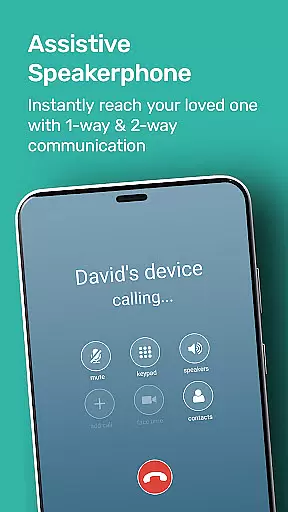
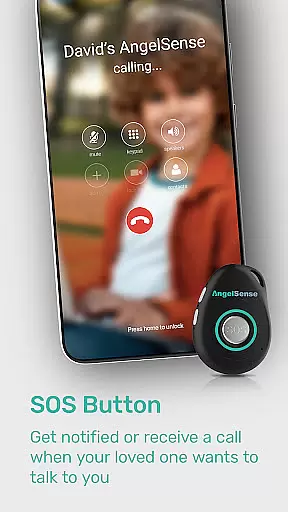
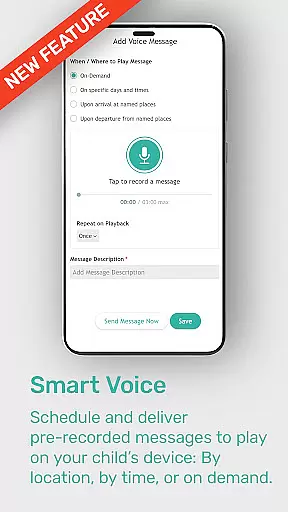
In addition to the intelligent monitoring, the app also offers a wearable device equipped with an auto-pickup assistive speakerphone and SOS button. This allows for seamless communication between the user and their caregivers, even in emergency situations. Furthermore, multiple caregivers can securely access and manage the app, ensuring that everyone involved in the individual's care can stay informed and coordinated.
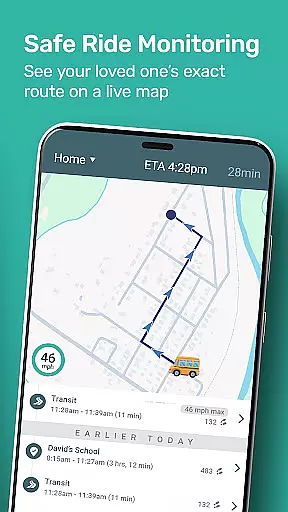
Another notable feature is the timeline view of the user's daily routine and travel. This visual representation provides valuable insights into the individual's activities, helping caregivers better understand their needs and make informed decisions about their care. Combined with instant notifications for unexpected changes or potential danger, AngelSense Guardian truly offers a comprehensive safety solution for families.
When it comes to parenting apps, the credibility of content and expert validation are paramount. AngelSense Guardian stands out by providing advanced assistive technology specifically designed for the protection of individuals with special needs. The app's features are developed based on thorough research and understanding of conditions such as autism, dementia, and Alzheimer's.
The AI-powered safety alerts and intelligent monitoring systems have been crafted with input from experts in the field of special needs care. This ensures that the notifications and support provided through the app are not only timely but also relevant and crucial for the well-being of its users. Furthermore, the wearable device includes an SOS button and auto-pickup assistive speakerphone, which are practical tools recommended by caregivers and medical professionals.
AngelSense Guardian is proven to offer maximum protection, giving families peace of mind every day. With multiple caregivers securely accessing and managing the app, it creates a network of trust and reliability around the child or adult using the service. This collaborative approach reinforces the authenticity of the app's purpose and functionality.
Growth tracking accuracy is essential for understanding the progress and well-being of individuals under care. AngelSense Guardian offers a timeline view of your loved oneu2019s daily routine and travel, ensuring that every significant moment is captured and available for review. This feature provides precise records that help in assessing the development and habits of the individual over time.
The instant notifications for unexpected changes or potential danger play a critical role in maintaining accurate growth tracking. By alerting caregivers to deviations from the norm, AngelSense allows for immediate intervention when necessary, thus safeguarding the user's health and independence. These real-time updates ensure that any response is both swift and informed.
Moreover, the ability for multiple caregivers to securely access and manage the app adds another layer of accuracy to growth tracking. It ensures that all parties involved in the care process have a unified view of the individual's progress and can contribute to a comprehensive assessment. This multi-caregiver functionality supports consistent and reliable documentation of growth metrics.
Unmatched safety features
Effective remote support
Increased independence
Improved well-being
Peace of mind for families
Requires wearable device
Subscription-based service
Limited to specific diagnoses
Potential privacy concerns
Dependent on internet connectivity

Discover fun videos, kids songs, bedtime stories and games
 3.60
3.60
Track your pregnancy, kick & contraction counter, baby & mom's heartrate monitor
4.60
A simple way to track your baby’s breastfeeding, diaper changes, sleep patterns.
4.90
Affirmations | Stories | Bible
4.10
Join over 1MM parents & professionals who've used OFW to navigate co-parenting
4.40
Screen Time, App and Web Block & Monitoring, Location Tracker
3.60
Reliable phone tracker by number & locate phone app. Protect your family.
4.50
GPS tracker app: Simple GPS phone tracker for fast family location tracking
4.60
The Most Trusted Co-Parenting App.
4.60
All-In-One Pregnancy Tracker, Your Baby's Milestones, Growth Stages & Parenting.
4.90
Track baby’s development & growth week by week with BabyCenter’s pregnancy app!
4.90
Pinardin - Smart Parental Control, Online Safety & GPS Tracking!
4.80
Sleep better with white noise app! Discover rain sounds, fan noise and more.
4.70
Block apps, set screen time limits, and customize usage schedules
4.50
Babysitting video camera - Turn your two phones or tablets into a single nanny.
4.40
Cherish every beat - capture your baby's heart sounds with our app
4.30
Parental Control including Screen time control, GPS tracking, App/Game blocker.
3.90
Little loved one's monitoring, Sleep tracking and Parenting content.
3.80
A Coloring for the Whole Family! Discover the Joy of Family Love Through Colors!
3.60


User Reviews