
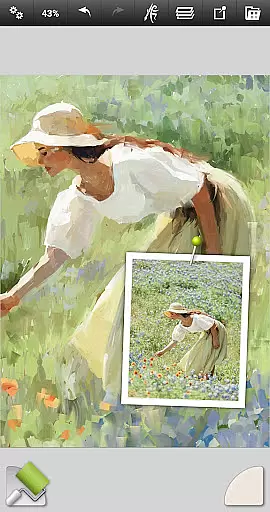
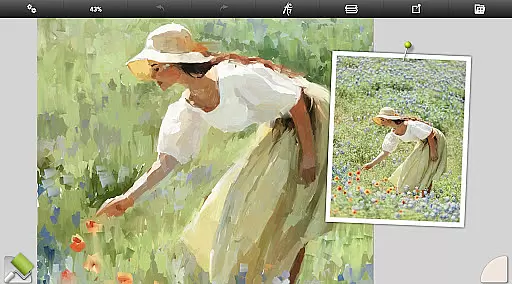
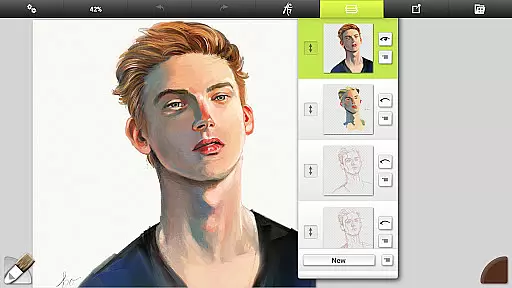
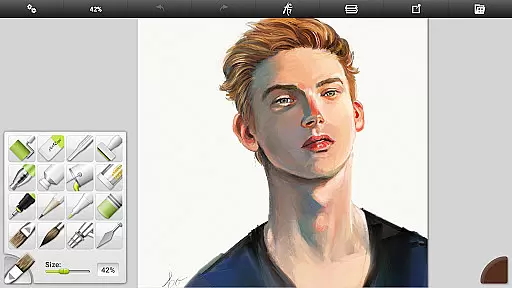
ArtRage Vitae Mobile Painting is a premium natural painting application designed for artists seeking realistic digital art tools. The app offers an impressive range of features that mimic real-world art supplies, including oil brushes, watercolors, and pastels, all with realistic color blending and texture application.
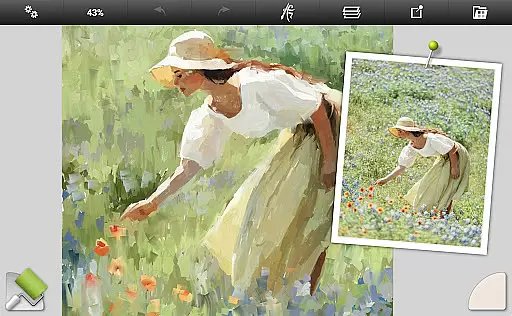
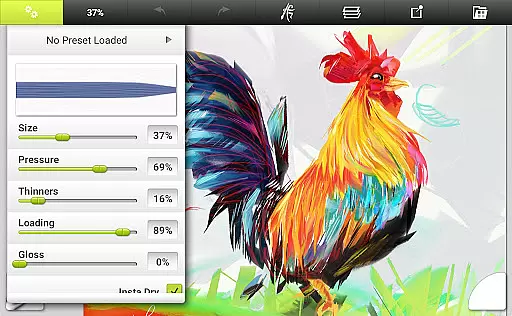
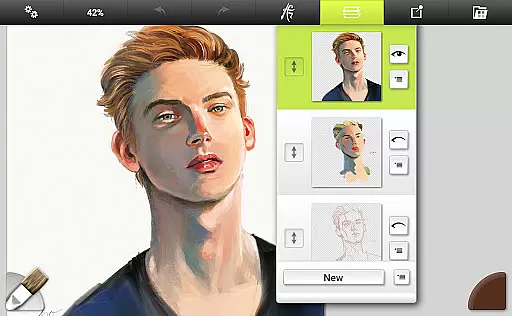
With professional tool options, layer effects, and support for canvas sizes up to 4096px x 4096px, this app caters to both amateur and professional artists. Its intuitive interface maximizes creative space while providing powerful utilities like layers, blend modes, and tracing images, making it suitable for detailed artwork on mobile devices.
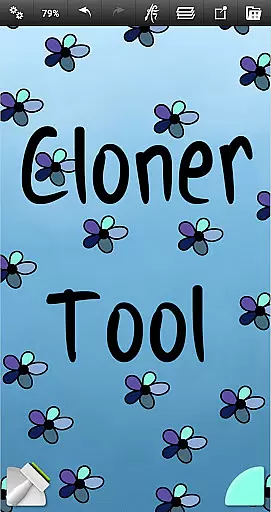
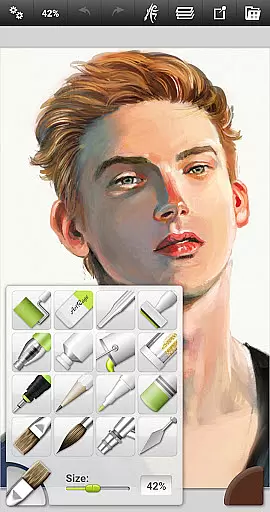
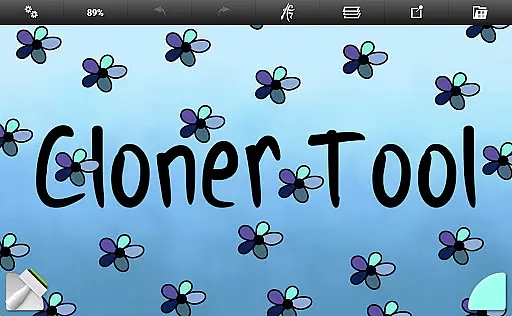
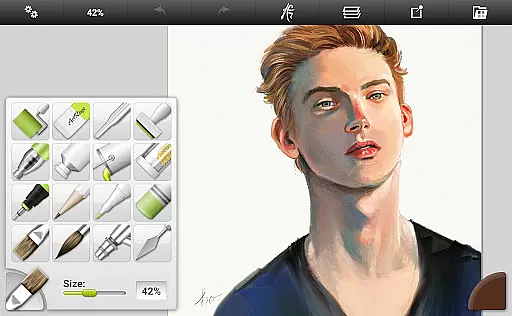
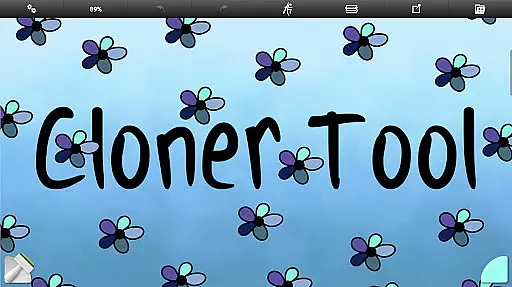
ArtRage Vitae stands out with its comprehensive set of 16 tools, each offering countless variations through presets and settings. These include natural painting tools like the Oil Brush and Watercolor, as well as sketching and drawing tools such as pencils and pastels. Special effect tools like the Cloner and Glitter Tube provide unique artistic possibilities.
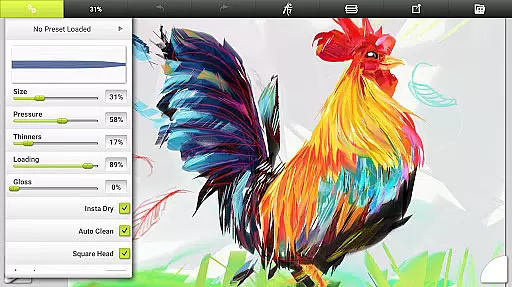
The app also includes advanced utilities such as unlimited undo/redo, layer blend modes, and customizable canvas textures. Users can import images for reference, store custom tool presets, and export their artwork in JPG or PNG formats. This combination of natural media simulation and powerful digital features makes ArtRage Vitae an exceptional mobile art studio.
In the realm of digital art, having a comprehensive set of creative tools is paramount. ArtRage Vitae Mobile Painting excels in this area by offering 16 diverse tools with countless variations through presets and settings. These include natural painting tools like Oil Brush, Watercolor, and Palette Knife, alongside sketching and drawing tools such as Airbrush, Ink Pen, and Pencil.
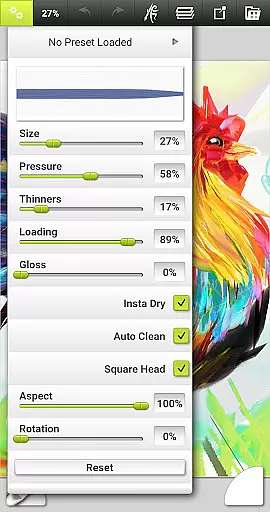
Each tool within ArtRage Vitae is designed to mimic its real-world counterpart, providing users with an authentic experience. For instance, the Oil Brush allows for realistic color blending, while the Pencil tool can be adjusted for softness, just like a traditional pencil. This level of detail ensures that artists can achieve the exact look and feel they desire.
Moreover, the application supports storing custom presets, enabling artists to save their favorite settings for quick access. With additional utility tools like Flood Fill and Color Sampler, as well as special effect tools such as Cloner and Glitter Tube, ArtRage Vitae empowers creators to push the boundaries of their digital artwork.
The inclusion of these robust features not only enhances the creative process but also streamlines workflow, making it easier for both amateur and professional artists to produce high-quality work efficiently.
Flexibility in canvas and format options is crucial for artists who wish to explore various styles and techniques without limitations. ArtRage Vitae Mobile Painting addresses this need by allowing users to adjust canvas textures, creating everything from coarse surfaces to smooth papers. This adaptability ensures that every piece of art can have its unique tactile quality.
Furthermore, the maximum canvas size has been increased to 4096px x 4096px across all devices, providing ample space for detailed work. Artists can now create larger, more intricate pieces without worrying about running out of room, which is particularly beneficial for complex projects or when working on tablets with higher resolutions.
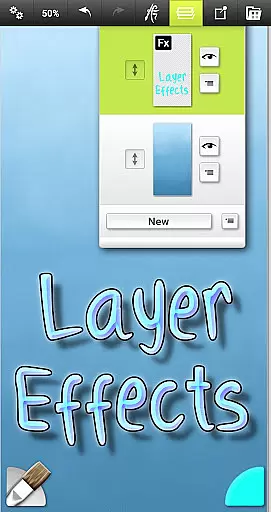
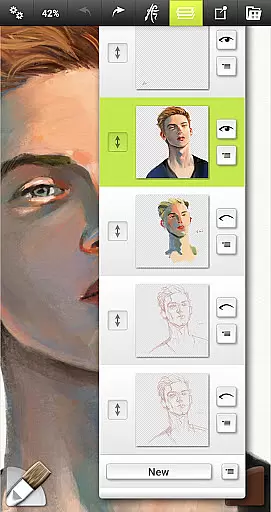
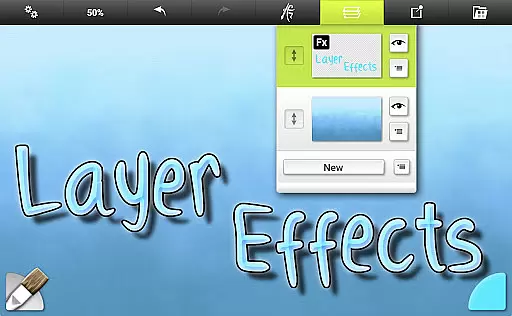
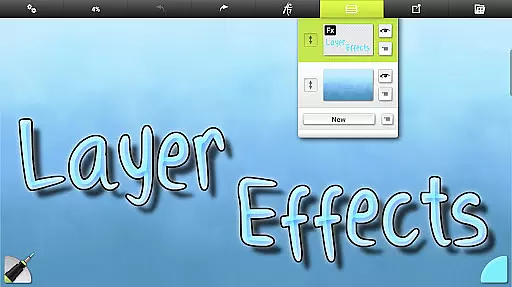
ArtRage Vitae also supports layers with opacity control and industry-standard Layer Blend Modes, giving artists even more control over their compositions. The ability to add transparent layers and apply layer effects such as highlights, shadows, and 3D effects adds another dimension to the creative possibilities.
By offering extensive canvas and format flexibility, ArtRage Vitae Mobile Painting caters to a wide range of artistic needs, ensuring that no vision is constrained by technical limitations.
User-friendly interface
Realistic painting tools
Extensive layer options
Customizable presets
Offline functionality
Higher cost compared to similar apps
Steep learning curve for beginners
Limited free features
Requires significant storage space
Advanced tools may overwhelm casual users

Customizable Outlined Fonts. Watch Face Format. Battery friendly Digital Clock.
 4.20
4.20
Art of Combination Wear OS Watch faces
4.5
Unleash Your Creativity with Draw Cartoon - AR Drawing App
4.10
The perfect place to start sketching! Use Sketchbook to draw and paint sketches.
4.50
Draw glowing spinners, relax, and spin your creative art
4.60
Novices can also easily complete diamond painting masters
4.70
Powerful home decoration & house design that allows you to design dream home.
3.80
Beauty Camera - Selfie Camera is the ultimate beauty camera and selfie app
4.30
How to draw anime step by step for beginner easily by AR drawing sketch & paint.
3.60
Your AI soulmate — meaningful chats, and unique emotional moments
4.70
Turn your drawings into flipbook-style animations with simple creative tools
4.60
Discover Cartoon Dream : Unleash Your Creativity with CuttingEdge AI
4.50
Video AI: Revolutionize Your Content Creation with Advanced Video Generation
4.50
Photo blender app to create overlay photos & double exposure.
4.40
Create and Design Custom Logos in Seconds with AI-Powered Tools!
4.40
Art of Combination Wear OS Watch faces (for Wear OS 5+ devices)
3.90
AI Art Generator transforms your words into AI generated art & paintings.
3.70
Art of Combination Wear OS Watch Faces
3.30
Premium version of Shimeji-ee app with no ads & no limit active shimeji
4.5


User Reviews