
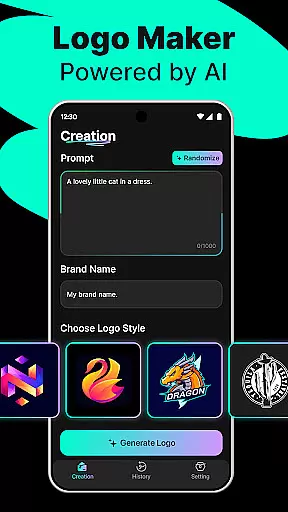
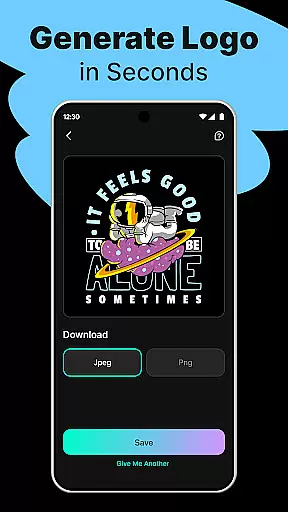
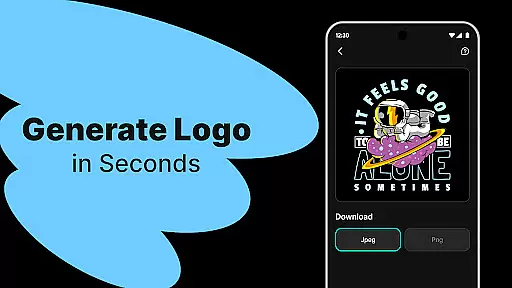
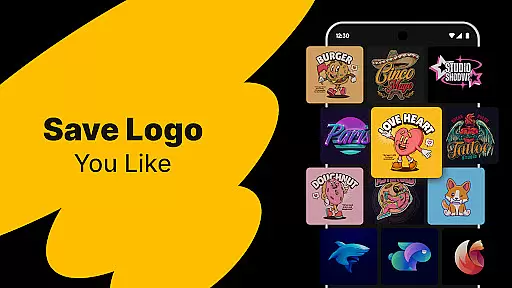
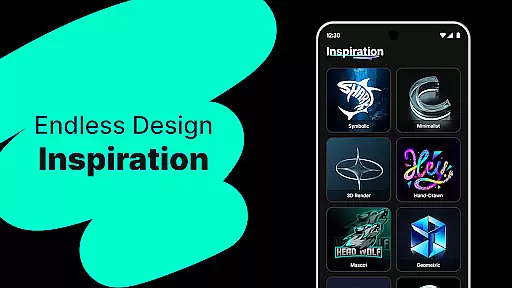
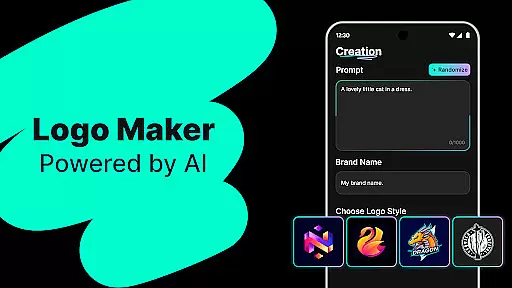
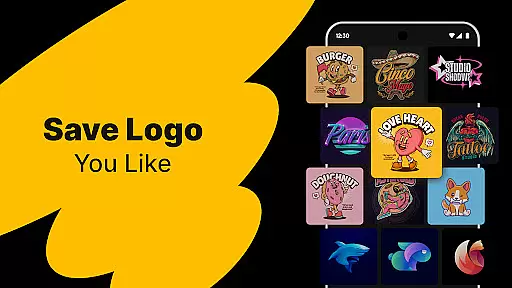
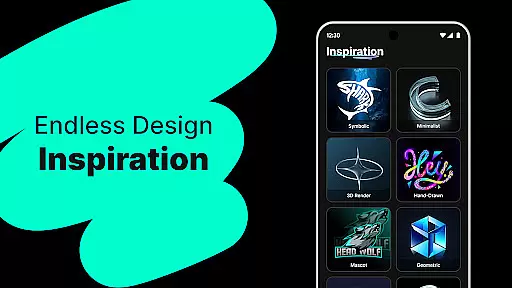
Logo Maker is an AI-powered logo design tool that enables users to create professional logos effortlessly. The app caters to entrepreneurs, small businesses, and creators who want to establish a strong brand identity without the need for design expertise. By simply inputting brand details, users can generate multiple unique logo designs within seconds.
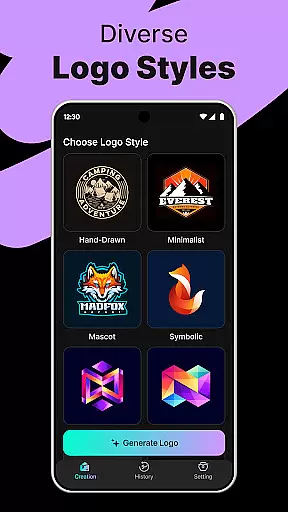
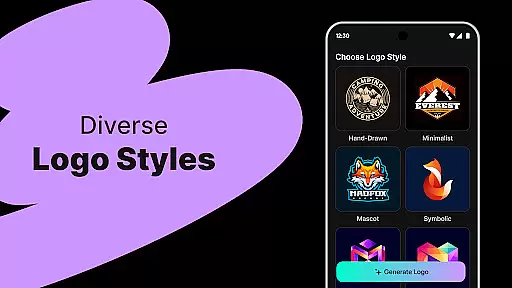
The platform offers hundreds of customizable templates across various styles including modern, minimalist, vintage, and hand-drawn themes. Users can easily edit their logos with a user-friendly drag-and-drop editor, ensuring a personalized touch to each creation. Whether it's for startups, freelancers, or content creators, Logo Maker provides high-quality exports in PNG and JPG formats suitable for websites, business cards, social media, and print materials.
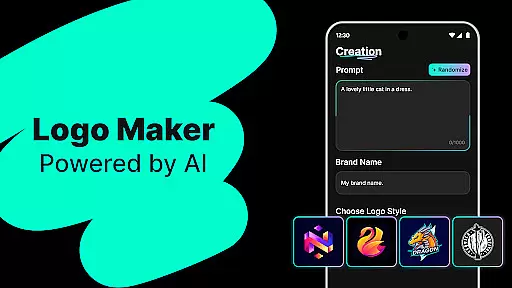
Logo Maker stands out with its AI-driven logo generation capabilities. Users can enter their brand name and relevant keywords to instantly receive multiple logo concepts. This feature saves significant time compared to traditional design processes, making it ideal for those needing quick branding solutions.
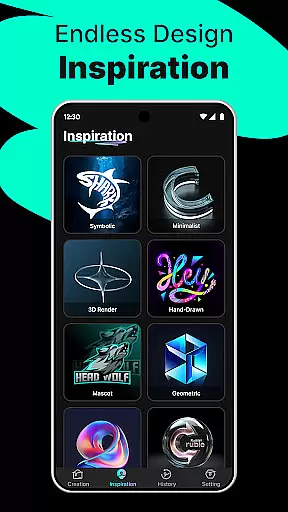
In addition to AI-generated designs, the app includes an extensive library of customizable templates. These cater to different industries and aesthetics, allowing users to choose a style that best represents their brand. The intuitive editor empowers users to make precise adjustments, while high-quality export options ensure logos are ready for both digital and print use.
Whether you're a startup looking to build a brand presence, a freelancer wanting to stand out, or a content creator needing logos for platforms like YouTube or Instagram, Logo Maker delivers budget-friendly and professional results every time.
Logo Maker offers a comprehensive suite of creative tools that cater to both novice and experienced designers. The AI-powered logo generation allows users to input their brand name and keywords, instantly receiving multiple unique logo designs. This feature eliminates the need for extensive design skills, making professional-quality logos accessible to everyone.
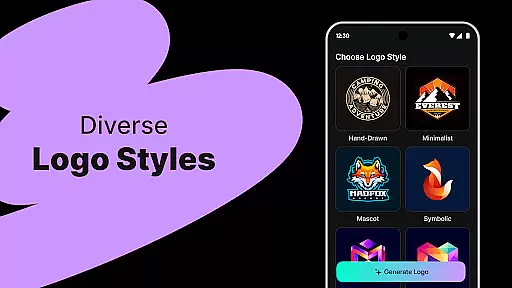
In addition to the AI generator, the app provides hundreds of customizable templates. These templates span various styles including modern, minimalist, vintage, and hand-drawn designs. Such diversity ensures that users can find a template that perfectly aligns with their brand identity. The ability to customize these templates further enhances the creative process, allowing users to tweak elements until they achieve their desired look.
The user-friendly editor is another crucial component of Logo Maker's creative toolkit. With drag-and-drop functionality, users can easily manipulate design elements without any prior design experience. This intuitive interface empowers users to create logos that are not only visually appealing but also highly personalized. The combination of AI-driven suggestions and manual editing capabilities makes Logo Maker a versatile tool for all branding needs.
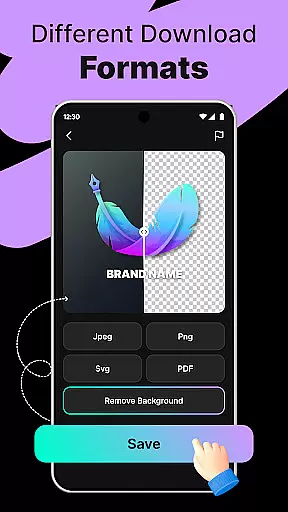
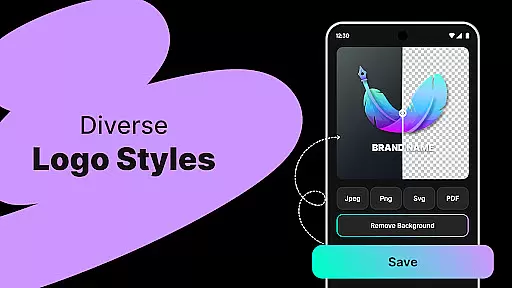
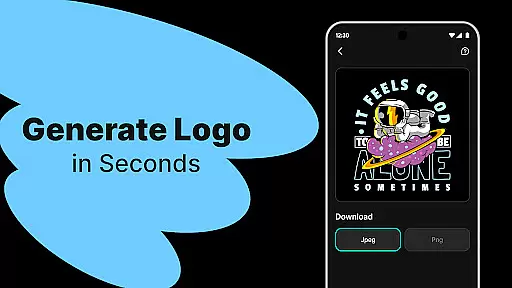
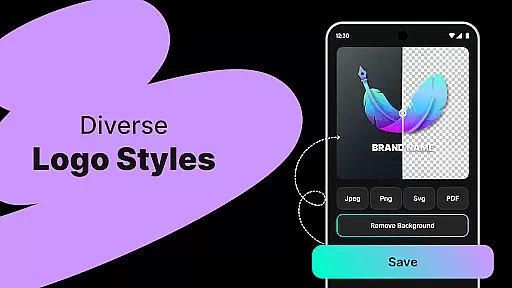
One of the standout features of Logo Maker is its canvas and format flexibility, which allows users to create logos for various applications seamlessly. Whether you need a logo for your website, business cards, social media profiles, or print materials, this app has got you covered. The high-quality export options enable users to download their logos in multiple formats such as PNG and JPG, ensuring compatibility across different platforms.
The app supports a wide range of dimensions and resolutions, giving users the freedom to design logos that fit specific requirements. Need a square logo for social media profiles or a rectangular one for banners? Logo Makeru2019s flexible canvas settings allow you to adjust the dimensions effortlessly. This adaptability ensures that your logo will look perfect no matter where it's displayed.
Moreover, the precision in format handling extends to detailed customization options within each project. Users can fine-tune every aspect of their logo, from color schemes to typography, knowing that the final output will maintain its quality and integrity. This level of control over both canvas size and file format makes Logo Maker an indispensable tool for entrepreneurs, freelancers, and businesses aiming to establish a strong brand presence.
User-friendly interface
AI-powered design
Customizable templates
High-quality exports
Quick logo generation
Limited free features
Premium cost required
Internet connection needed
Few advanced tools
Template dependency

Pose and morph realistic male and female models! 3D poser app
 3.00
3.00
Stylish letters, Stylish Keyboard, Symbols, Emojis, Cool nickname
4.40
Art of Combination Wear OS Watch Faces
4.4
AI Art Generator transforms your words into AI generated art & paintings.
3.70
Your AI soulmate — meaningful chats, and unique emotional moments
4.70
Powerful home decoration & house design that allows you to design dream home.
3.80
Art of Combination Wear OS Watch Faces
3.30
A luxurious gold watch face for an elegant and refined look.
4.4
Sketch and paint on your device with the feel and freedom of drawing on paper
4.00
Novices can also easily complete diamond painting masters
4.70
Photo editor for art, avatars, filters & fun transformations.
4.60
AI Tattoo Generator: Create Tattoo Designs & Get Ideas! Ink & Stencil Maker
4.50
Trace, draw, and create art with AR - from memes to masterpieces!
4.30
Remove Background, Magic Eraser, Photo Enhancer, Story Templates, Collage Maker
4.30
800+ Drawing, Painting Lessons App to Practice, Sketch & Paint Art.
4.30
Beauty Camera - Selfie Camera is the ultimate beauty camera and selfie app
4.30
Create stylish invitation cards using templates for weddings, birthdays & RSVP.
4.20
Get creative and make art with your Sesame Friends!
4.00
AI Face Swap, Video Effects Editor, Realtime Morph, Funny Video FX,AI Filters
3.70


User Reviews