
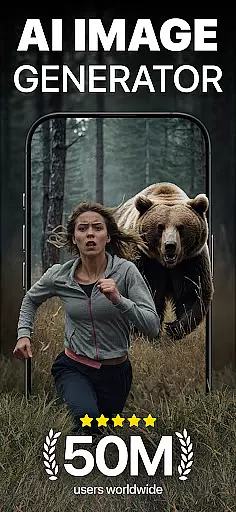
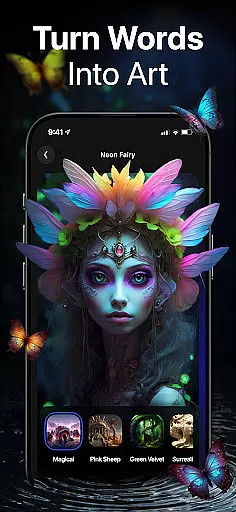
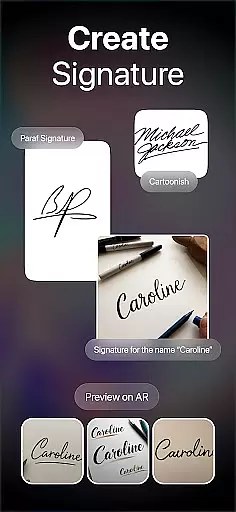
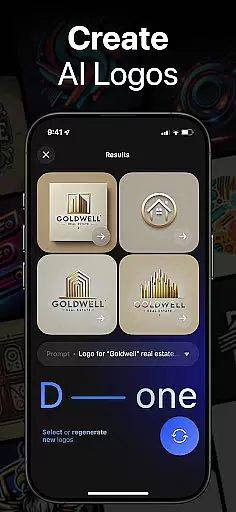
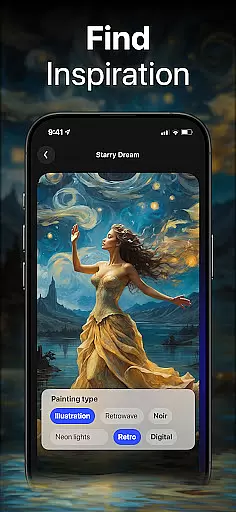
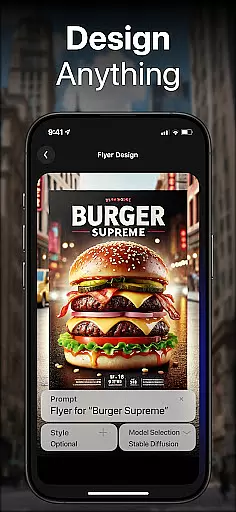
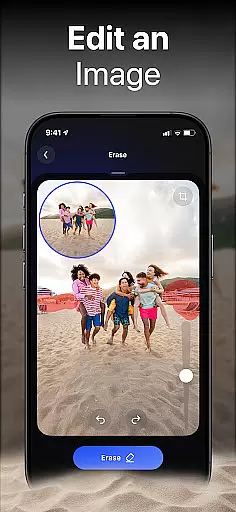
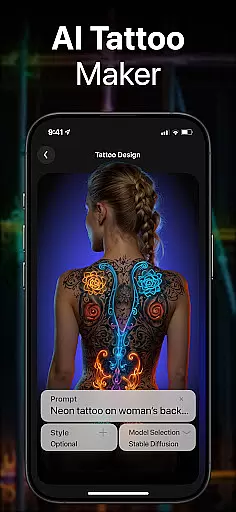
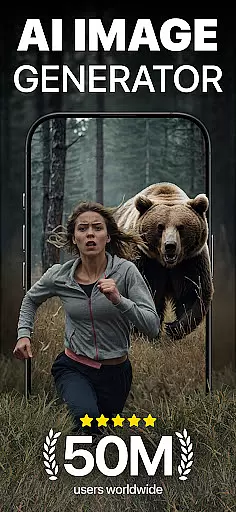
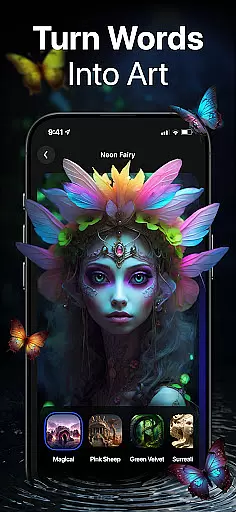
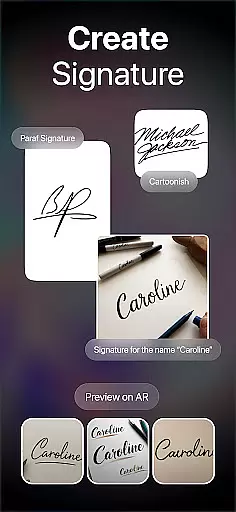
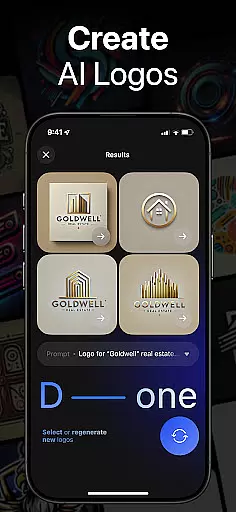
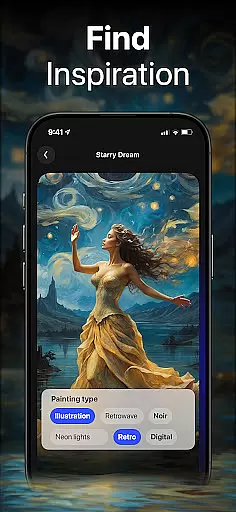
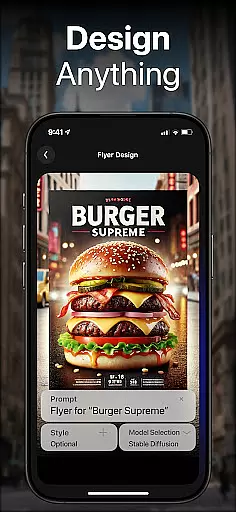
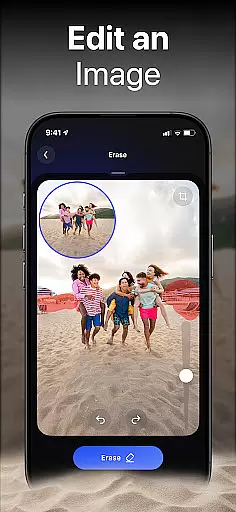
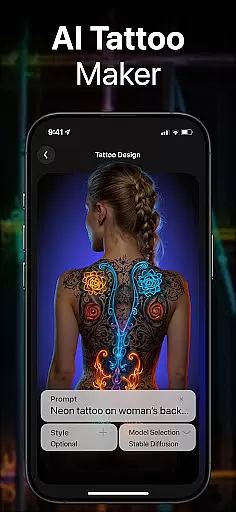
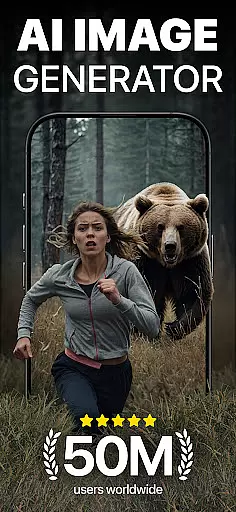
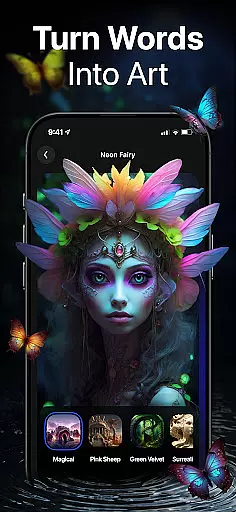
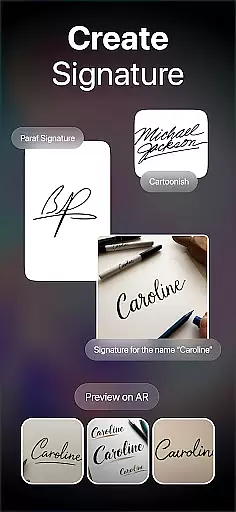
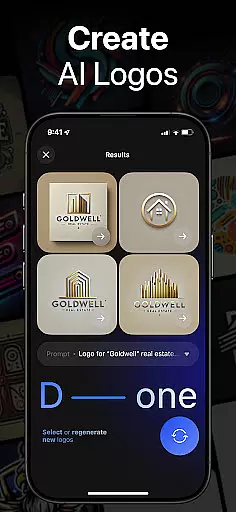
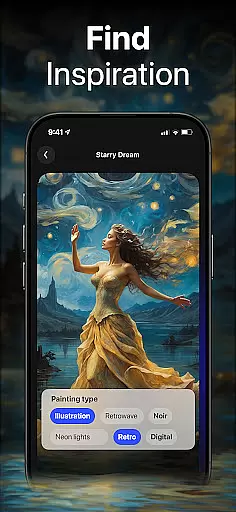
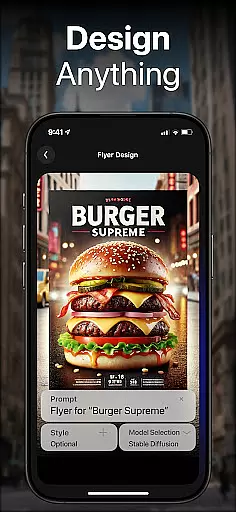
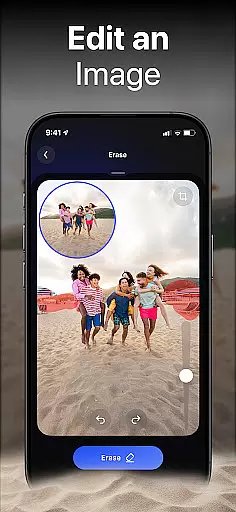
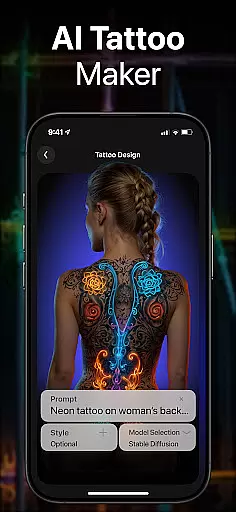
DaVinci is a cutting-edge AI Image Generator app that transforms your words and images into stunning AI-generated art. Using advanced artificial intelligence, it creates unique artworks, photos, and designs based on your input. Whether you need digital artworks, tattoo designs, or professional logos, DaVinci brings your ideas to life in seconds.
The app offers various art styles, from pencil sketches to photorealism, allowing users to experiment and find the perfect style for their vision. With features like AI Avatar Generator and AI Tattoo Generator, users can create personalized content tailored to their needs. DaVinci makes creating professional-quality art accessible to everyone, directly from their mobile devices.
Artists, designers, and creatives can benefit greatly from DaVinci's capabilities. The app enables users to produce high-resolution prints of their artwork, design unique tattoos, and even generate professional logos for businesses. Its versatility and ease of use make it an invaluable tool for anyone looking to explore the potential of AI-generated art.
DaVinci stands out with its powerful AI Art Generator, trained on millions of images to craft unique art in seconds. Users can type in text prompts or upload photos to start generating captivating drawings. The app provides a variety of art styles, including cartoon-like sketches and hyper-realistic images, ensuring there's something for every creative project.
One of the key features is the AI Tattoo Generator, which produces unique tattoo designs within seconds. This allows users to visualize their ideas before committing to ink. Additionally, the AI Logo Generator helps businesses create professional logos effortlessly by simply entering business details and design preferences.
DaVinci also includes an AI Avatar Generator, enabling users to transform their photos into extraordinary avatars in various styles. Whether you want to become an astronaut or a soccer player, the possibilities are endless. Sharing creations is seamless, as users can directly post their masterpieces to social media platforms like Instagram and Facebook, making it easy to showcase their work and gain exposure.
In the realm of digital artistry, having a comprehensive suite of creative tools is essential for realizing one's vision. DaVinci stands out by offering an extensive array of features that cater to various artistic needs. From generating AI-driven artworks and hyper-realistic photos to crafting unique tattoo designs and professional logos, this app ensures that creators have all they need at their fingertips.
The application leverages cutting-edge artificial intelligence trained on millions of images, enabling users to transform simple text prompts or uploaded photos into captivating pieces of art across diverse styles. Whether you're looking for photorealism or whimsical sketches, DaVinci provides the means to explore these possibilities effortlessly.
Moreover, with specialized generators such as the AI Avatar Generator, which allows individuals to visualize themselves in myriad scenariosu2014be it as an astronaut or soccer playeru2014the app extends its utility beyond traditional art creation. This versatility not only enhances user engagement but also broadens the scope of personal expression through technology.
By integrating sharing capabilities directly within the platform, DaVinci empowers artists to distribute their creations widely, fostering community interaction and potentially propelling their work towards viral recognition. Such holistic support makes DaVinci a robust companion for anyone eager to delve into AI-assisted creativity.
Flexibility in canvas size and format options is crucial for artists who wish to tailor their creations precisely according to specific requirements or preferences. DaVinci excels in providing users with adaptable solutions that accommodate everything from small-scale digital illustrations to large-format prints suitable for home decor.
Upon describing your concept, whether itu2019s meant for wall art or apparel design like T-shirts, DaVinci crafts bespoke visuals optimized for intended use cases. The ability to download high-resolution outputs further guarantees quality preservation when transferring files between mediums or preparing them for professional printing services.
Beyond static formats, DaVinci supports dynamic transformations too; its AI Avatar Generator lets users experiment with different personas by applying varied stylistic filters onto personal photographs. This feature exemplifies how flexible formatting can enhance storytelling potential while maintaining individuality.
Ultimately, DaVinci bridges gaps between imagination and tangible outcomes via customizable parameters embedded throughout its functionalities. Artists gain unprecedented control over both aesthetic details and practical considerations, ensuring each piece aligns perfectly with envisioned purposes without compromising on originality or impact.
User-friendly interface
Versatile art styles
High-resolution outputs
Quick generation time
Unique tattoo designs
Limited free trials
Subscription costs
Occasional glitches
Learning curve
Dependent on prompts

Sketch, trace and master AR drawing with awesome anime art!
 3.30
3.30
AI Face Swap, Video Effects Editor, Realtime Morph, Funny Video FX,AI Filters
3.70
Logo Generator powered by AI: Create stunning logos effortlessly!
4.70
Photo blender app to create overlay photos & double exposure.
4.40
Draw glowing spinners, relax, and spin your creative art
4.60
Your homescreen as an elegant glass with customized blur, lighting, and visuals.
3.70
Unleash the artist in you with our AR drawing and tracing tool for photo drawing
4.10
Create Logos, Tattoos, AI Art & more with our AI Photo Generator & Design Editor
4.20
Just trace a projected picture on paper and color! Draw & Paint with AR drawing
4.40
Passport size photo maker, create ID photo and visa photo in seconds
4.80
Make your phone cooler and have a fantastic experience
4.80
Draw on screen: FP sDraw is a simple and lightweight drawing app
4.70
Convert image to JPG PNG HEIC PDF, support almost all kinds of image formats
4.70
2D animation studio for Android tablets - unlimited layers, infinite timeline
4.70
The ultimate tool for creating animations
4.60
Draw Trace image sketch by, AR art projector app, Easy to trace any image.
4.50
Painting, drawing, & sketching
4.50
Beauty Camera - Selfie Camera is the ultimate beauty camera and selfie app
4.30
Create stunning video, photo & magic from text with FlixAI GPT video generator.
3.10


User Reviews