
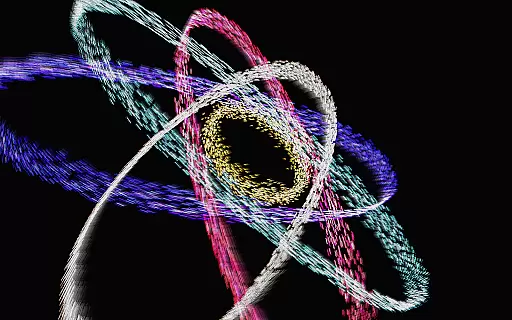
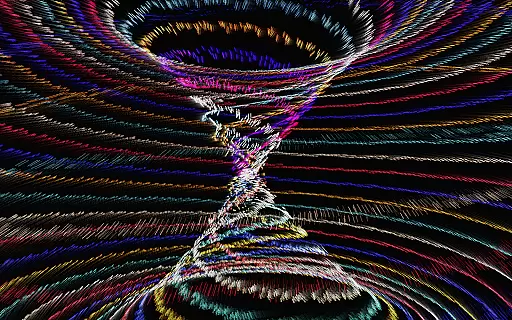
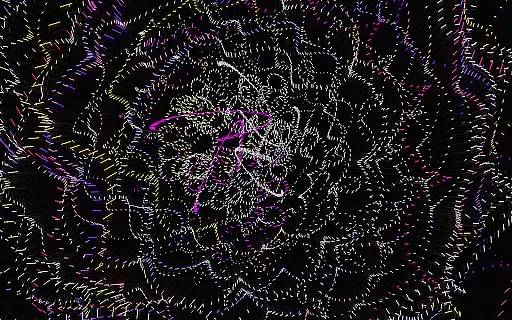
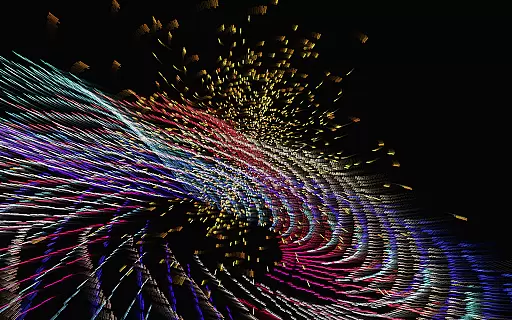
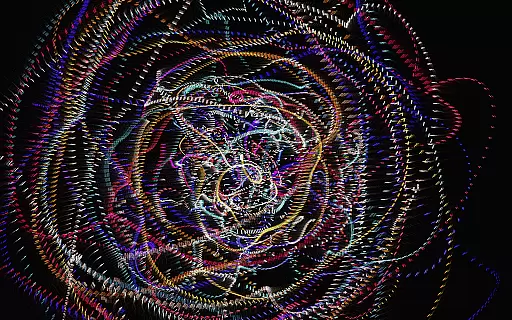
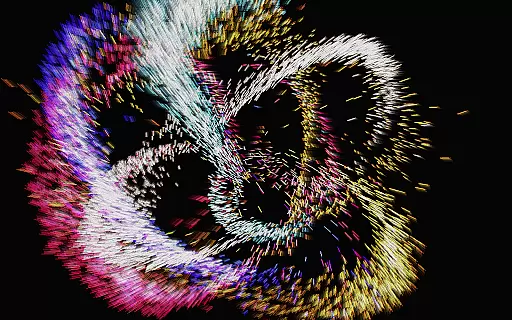
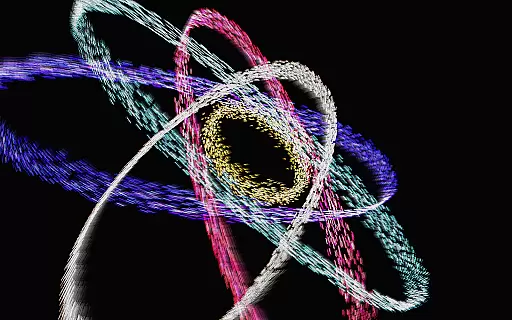
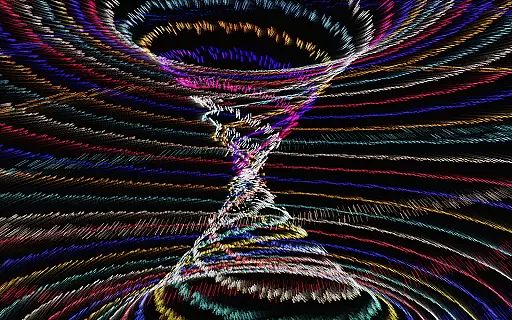
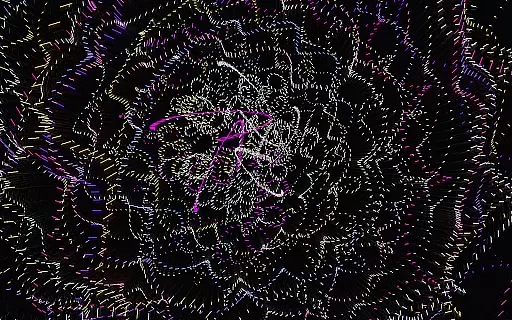
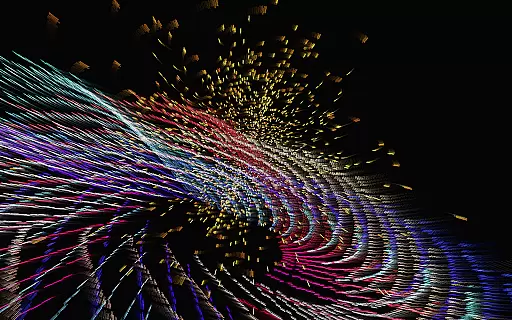
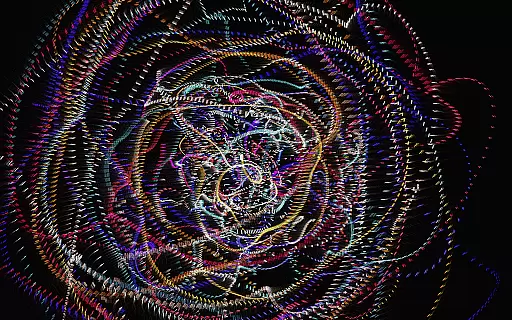
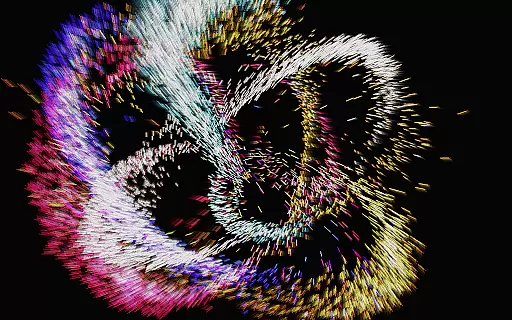
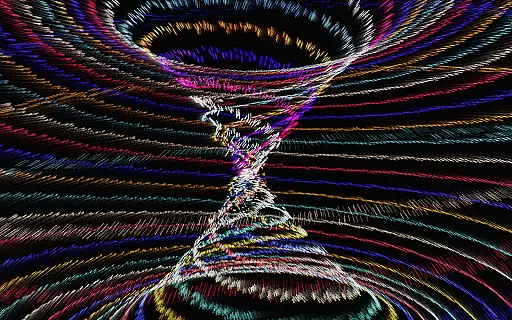
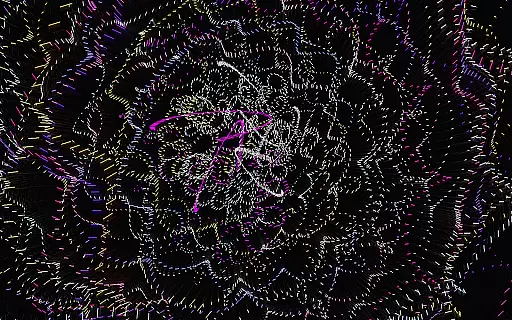
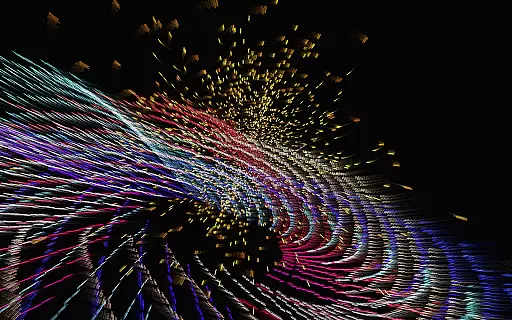
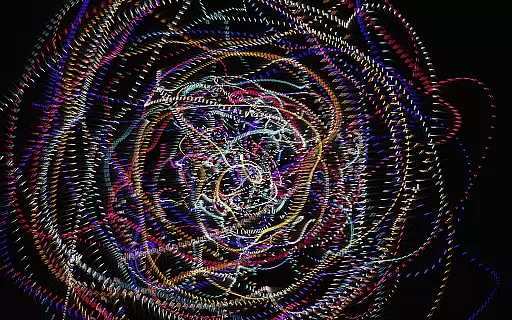
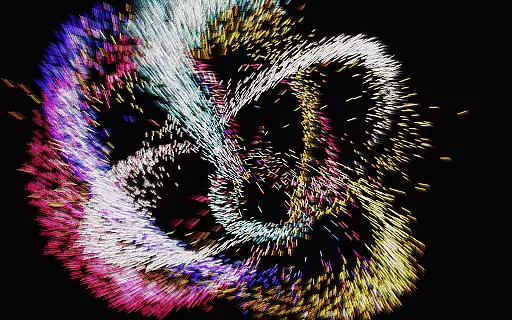
Atomus 3D is an innovative entertainment application that combines art, science, and interactivity into a single mesmerizing experience. Designed for users who appreciate visually captivating content, this app serves as both a creative outlet and a source of relaxation. The core functionality revolves around its ability to generate stunning, physics-based visual effects in real-time, making it ideal for artistic inspiration or casual enjoyment.
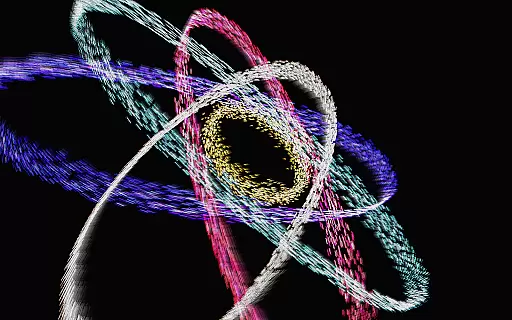
What sets Atomus 3D apart is its versatility. Whether you're looking to spark creativity, host engaging parties, or simply enjoy a dynamic visual display, the app delivers. It features intricate designs such as fireworks, auroras, and even atomic symbols, all rendered with advanced mathematical algorithms and optimized 3D graphics. This ensures smooth performance at an impressive 60 FPS across various platforms, providing users with a seamless experience.
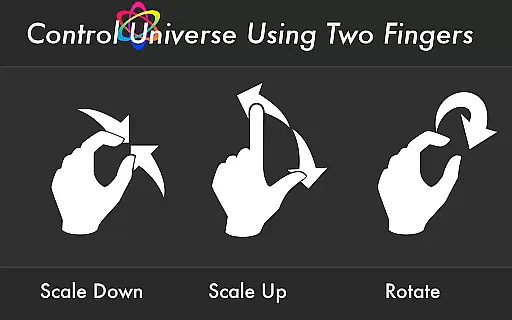
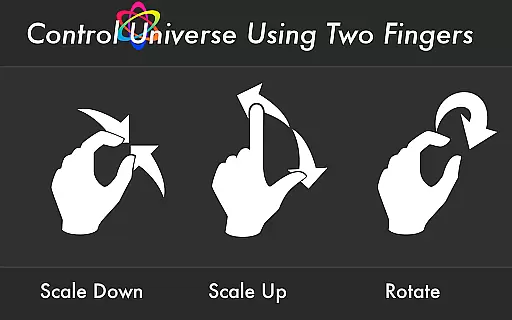
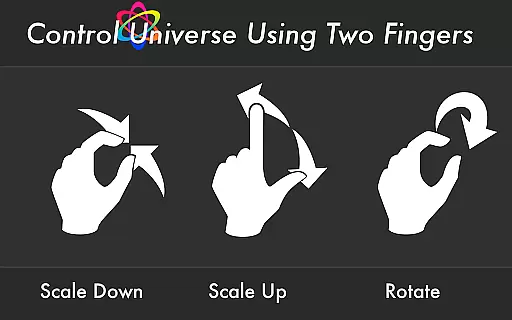
The app also doubles as a customizable live wallpaper and interactive toy, offering extensive control over design parameters. With support for multi-touch gestures and vibrant color modes, Atomus 3D transforms any device into a canvas of endless possibilities. Its unique blend of aesthetics and technology makes it a standout choice for entertainment enthusiasts.
Atomus 3D boasts a rich array of features designed to enhance user interaction and satisfaction. One of its standout capabilities is the 10-finger multi-touch display, which allows users to manipulate particles and create intricate patterns effortlessly. Coupled with five selectable music tracks by Ross Bugden, the app provides an immersive audiovisual experience that can be toggled on or off based on preference.
Performance-wise, Atomus 3D excels with its ability to emit up to 10,000 particles while maintaining a blazing-fast speed of 60 FPS. Users can customize particle attributes such as length, number, and size, tailoring the visuals to their liking. Additionally, the app offers three distinct color modes—Neon, Crystal, and Nature—each catering to different aesthetic preferences.
Another notable feature is the live wallpaper functionality, enabling users to bring their home screens to life with dynamic animations. From simulating natural phenomena like tsunamis and auroras to crafting abstract art pieces, Atomus 3D empowers users to explore limitless creative potential. These features collectively make the app not just entertaining but also highly functional.
Atomus 3D offers an impressive range of content that caters to various interests and preferences. With its foundation in mathematics, physics, and advanced 3D graphics, the app provides dynamic visualizations such as fireworks, tornadoes, auroras, and even cosmic phenomena like black holes and comets.
The application's versatility is one of its key strengths. Users can explore a multitude of interactive designs including fireflies, rainbows, waves, and celestial bodies like planets and stars. This diversity ensures that there is always something new and engaging for users to discover each time they interact with the app.
Moreover, Atomus 3D allows customization of particle effects, giving users control over parameters such as length, number, size, and color modes. This feature not only enhances user engagement but also keeps the experience fresh by enabling countless unique configurations.
User engagement is a critical aspect of Atomus 3D's design. The app captivates users with its fast rendering system optimized for mobile environments, ensuring smooth interactions at an impressive 60 FPS speed. This performance level supports the emission of up to 10,000 particles, creating visually stunning displays that maintain user interest.
In addition to its technical prowess, Atomus 3D incorporates multi-touch display capabilities and customizable settings. These features allow users to manipulate the visualizations using ten fingers, providing an immersive and tactile experience that encourages longer usage sessions.
Furthermore, the inclusion of five musical tracks by Ross Bugden adds another layer of engagement. Users can toggle music on or off according to their preference, enhancing the overall sensory experience and contributing to higher retention rates as users find personalized ways to enjoy the app repeatedly.
Visually Stunning
Highly Customizable
Smooth Performance
Versatile Use Cases
Innovative Design
Complex Interface
Battery Intensive
Limited Free Options
No Offline Music
Steep Learning Curve

Heroclix search units with multi filter , team builder, collection manager.
 4.40
4.40
Music visualizer and party effects for your Nanoleaf devices
4.5
Live TV, sports & holiday movies — stream on phone, tablet & TV
4.60
Practice and master your ESP and intuition with five mode trainer.
4.20
Find out if you're on Santa's Naughty or Nice List with this magical scanner!
4.60
Catalog & tracker of your DVD, Blu-ray & Digital Movie and TV Collection Library
4.80
Direct access to the most complete Guitar Tab Archive in Spanish: LaCuerda.net
4.60
Stories that spark in seconds.
4.80
Wodfix Air aggregates popular online content for you.
4.80
5 funny and lovely ponies waiting for you to style them!
4.80
Watch Reels, Drama Shorts & TV Series Anytime. Download DramaWave Now!
4.70
Tarot & Oracle Card Readings
4.50
Underrated short-drama gems that hit hard and keep your heart hooked.
4.50
Series,Películas y Telenovelas
4.50
Fetch money rewards all just for playing games. Cash out for gift cards in app.
4.50
The Xbox app keeps you connected to your gaming community.
4.50
Everything FOX in one place. Watch FOX News, NFL, MLB, TV shows and more.
4.50
Watch whatever you want, whenever you want, wherever you want.
3.30
With the credits you earn play more games
2.90


User Reviews