
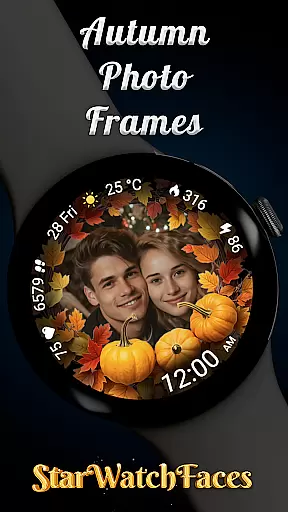
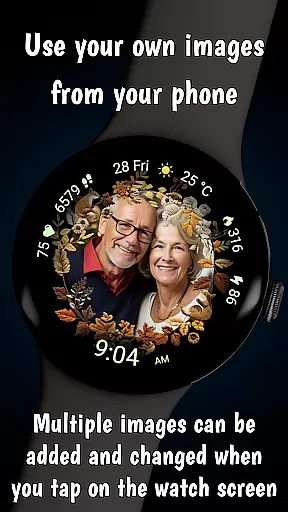
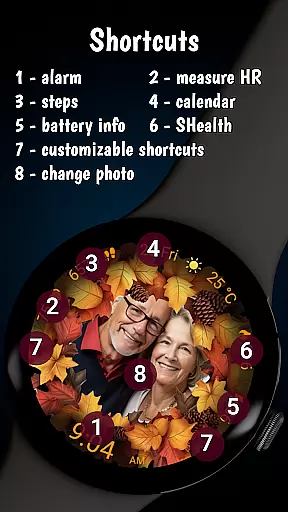


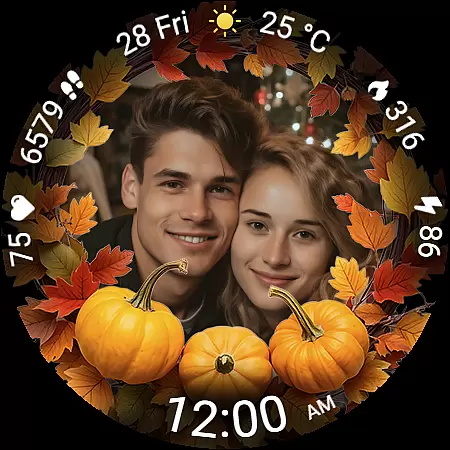
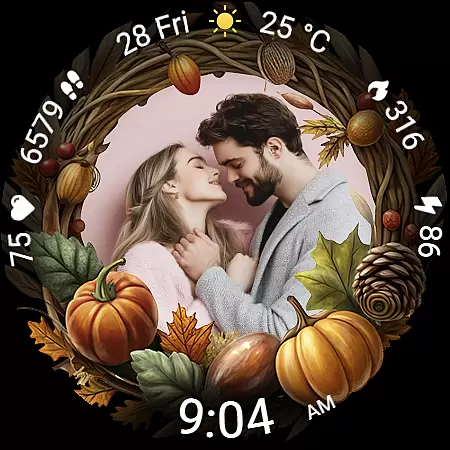
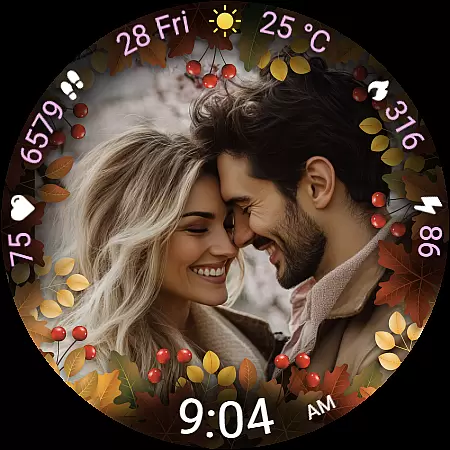
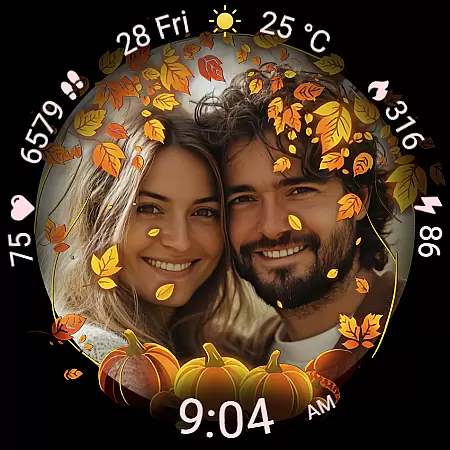
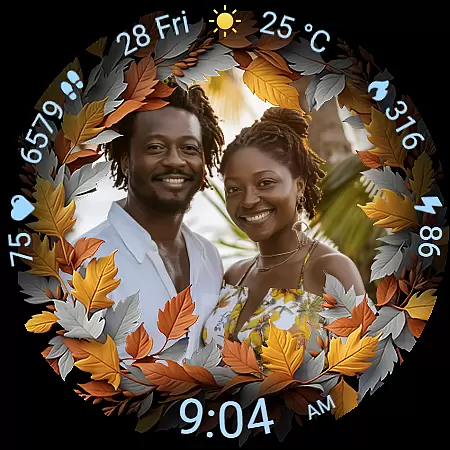
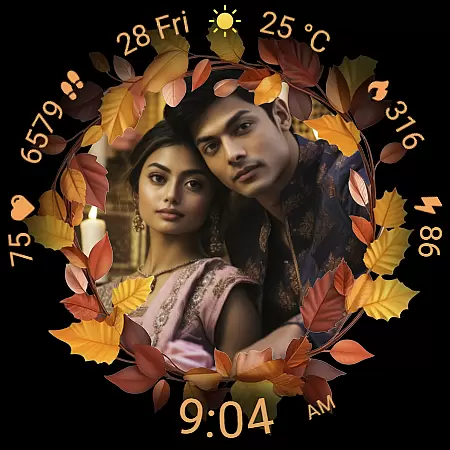
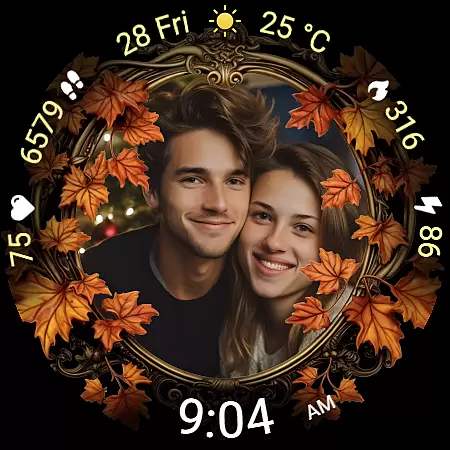
Autumn Photo Frames for WearOS is a lifestyle-enhancing watchface that combines seasonal aesthetics with personalization. This app allows users to display cherished memories on their smartwatches through beautifully designed autumn-themed photo frames. With support for custom photos and offering 10 unique frames, it caters to those who seek both style and sentimentality. The watchface also includes practical features like heart rate monitoring, step counting, and weather updates, making it not just visually appealing but also functionally robust.
The app supports rich customization options including 30 color themes and multiple watchface shortcuts, ensuring users can tailor their experience to match personal preferences. Compatible with Wear OS 6 and newer versions, this app transforms a smartwatch into a personal gallery while providing essential metrics at a glance. Whether you're looking to celebrate special moments or need a practical interface, Autumn Photo Frames offers the perfect blend of beauty and utility.
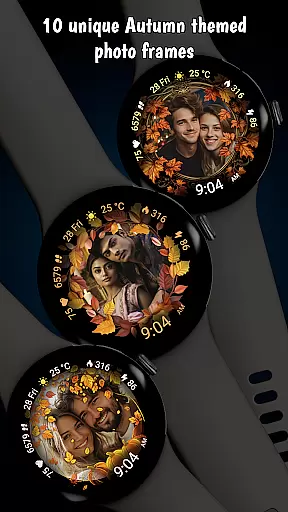
Autumn Photo Frames stands out with its unique combination of emotional connection and smartwatch functionality. The standout feature is the ability to set personal images within elegantly designed autumn-themed frames directly from your phone. Users can choose from 10 distinct frame designs, each capturing the essence of the fall season with rich colors and decorative elements.
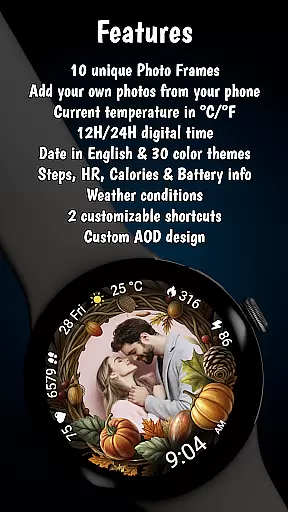
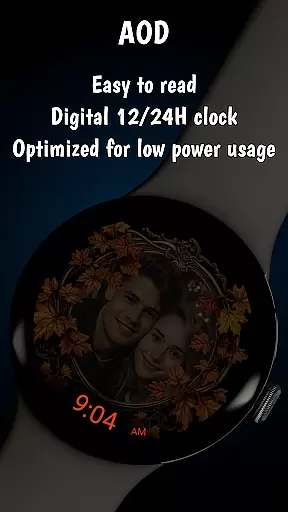
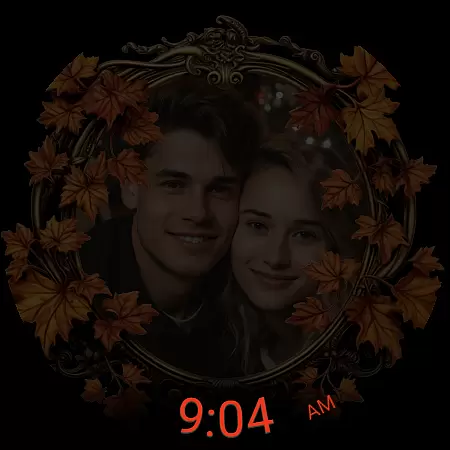
Beyond its aesthetic appeal, the app provides essential functionalities such as heart rate monitoring, step counting, calorie tracking, and weather information. It supports both 12h and 24h digital clock formats and displays the date in English. The inclusion of an Always-On Display (AOD) ensures optimal visibility while maintaining battery efficiency. Additionally, two customizable shortcuts allow instant access to frequently used apps, enhancing user convenience.
With compatibility for both Samsung and Pixel devices, users can easily manage their photos via respective companion apps. The app's thoughtful design extends to its low battery optimization and extensive customization options, making it a versatile choice for anyone seeking to personalize their wearable technology.
The Autumn Photo Frames watchface for Wear OS offers extensive lifestyle category coverage by blending emotional connection with practical functionality. This application is designed to cater to users who value both aesthetics and utility on their smartwatches.
With 10 unique autumn-themed frames, the app allows users to customize their watch faces with personal photos, making it not just a timepiece but a personal gallery. The customization extends to choosing from 30 color themes, ensuring that each user can tailor the appearance to match their style or mood.
In addition to its visually appealing features, the app provides essential metrics such as heart rate, step count, calories burned, and weather information. These elements ensure that while users enjoy the personalization features, they also have access to important health and environmental data.
This comprehensive approach to covering various lifestyle aspects makes the Autumn Photo Frames watchface a versatile choice for those looking to enhance both the visual appeal and functional capabilities of their Wear OS devices.
Authenticity and credibility are at the core of the Autumn Photo Frames watchface experience. Every feature within this app is crafted to ensure users receive genuine and reliable content that enhances their wearable experience.
All images and themes provided are original creations, specifically designed to offer an authentic autumn aesthetic. The app's promotional materials use AI-generated couples, clearly stating that these are not real individuals, thus maintaining transparency with users regarding the imagery used.
Expertise in wearable technology is evident through the integration of advanced features like Always-On Display (AOD) optimization and low battery performance management. These technical aspects are handled with precision, ensuring optimal device performance without compromising on style or functionality.
By combining rich customization options with accurate health and environmental metrics, the Autumn Photo Frames watchface establishes itself as a credible and trustworthy choice for users seeking to personalize their smartwatches with confidence.
Customizable photo frames
Heart rate monitoring
Weather updates
Always-On Display
Rich color themes
Limited to Wear OS
Requires companion app
No analog clock option
Premium cost
AI-generated couples

Get roadside help, discounts, travel tools & more — AAA is with you everywhere.
 4.80
4.80
Designed to delight, impress and energize your festive spirit every single day
4.0
Easily manage your child's playtime, spending messaging and more.
3.50
The go to app for taking unlimited notes!
4.50
Good magnifier app to see tiny things bigger and more clearly!
4.80
Discounts, savings, and rewards
4.20
Play. Earn. Repeat. Get rewarded for playing mobile games. Welcome to Mobius!
4.80
Made To Order Faves
4.70
Celebrate the holidays with Advent Calendar: daily surprises and festive fun!
4.1
See wait times and check into a hair salon ahead of time with Online Check-In.
4.80
Stay connected with your loved ones & vehicles | Share live GPS location updates
4.60
The App can control Roborock vacuum cleaners from anywhere with rich features.
4.60
Vehicle ownership simplified. Get the myChevrolet® app today.
4.60
Unique "Isometric" style digital watch face for Wear OS
4.50
Your home in your hand
3.80
Unique Dual Colors with 6 Custom Complications for Wear OS watches!
3.40
LineLearner, the quick way to learn lines.
2.90
Big bold digital watch face with 30 colors, 6 complications and AOD.
4.5
A daily quote for success
4.3


User Reviews