
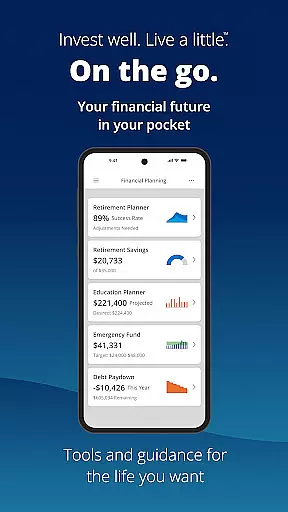
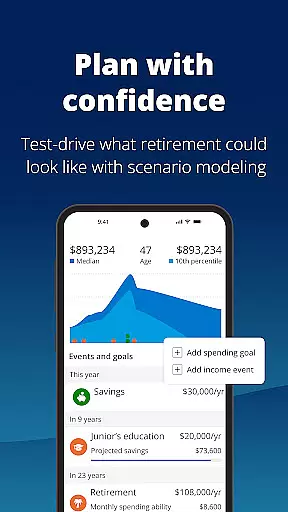


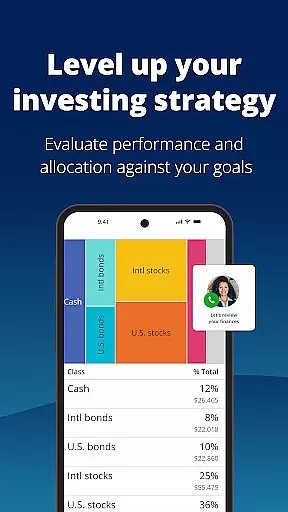
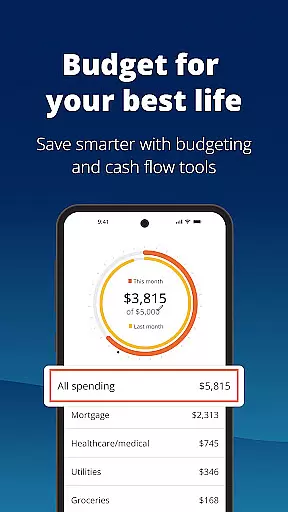



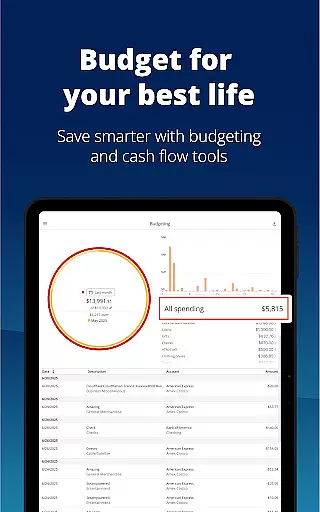
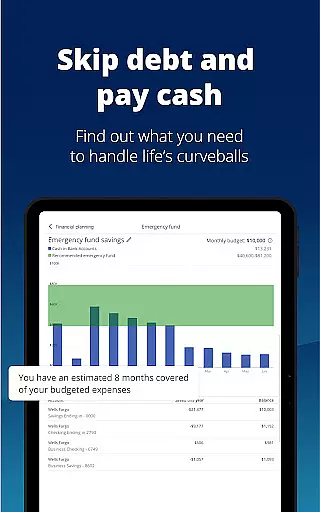

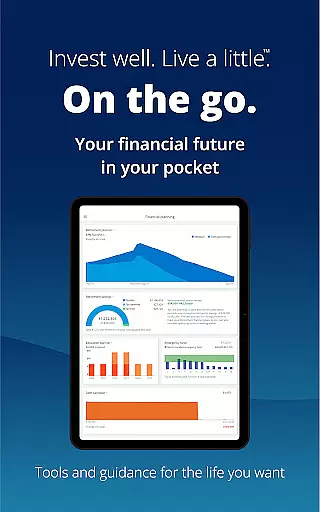
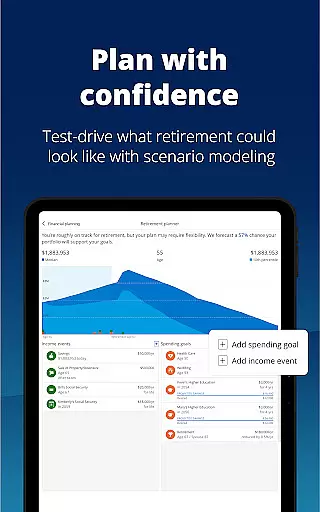


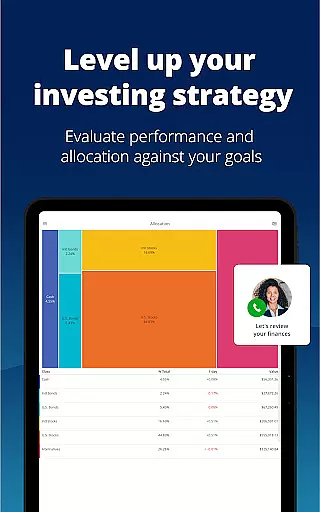
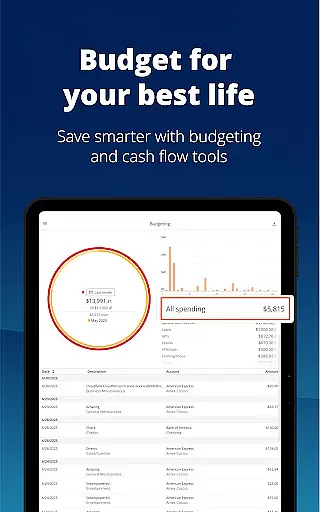
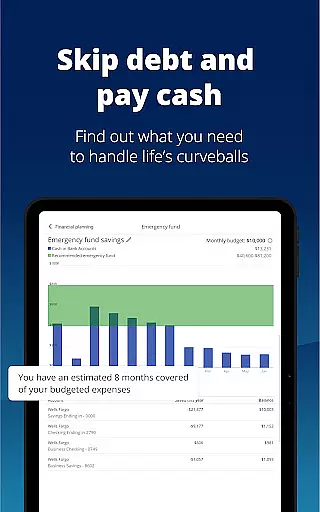

Empower is a comprehensive financial management app designed to simplify your monetary life. It provides users with an all-in-one dashboard that consolidates various financial accounts, making it easier to track net worth, income, and expenses. The app offers industry-leading tools for retirement planning, budget setting, debt management, and investment advice.
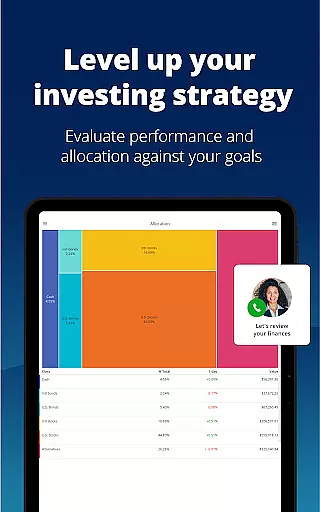
One of Empower's standout features is its ability to simulate different financial scenarios, including recessions, allowing users to prepare for economic uncertainties. With secure authentication methods like biometric and multi-factor options, users can ensure their data remains protected. Whether you're looking to build an emergency fund or adjust your financial allocations, Empower equips you with the necessary tools to achieve your goals efficiently.
The app is particularly beneficial for individuals who want to spend less time managing spreadsheets and more time enjoying life. By providing a clear overview of your financial status, Empower helps you focus on what truly matters while keeping your finances in check. Its intuitive interface and robust features make it a top choice for anyone seeking clarity and control over their financial future.
Empower stands out due to its rich feature set tailored for comprehensive financial management. One of its key features is the ability to view all financial accounts in one place, offering users a holistic view of their financial health. This includes tracking net worth, monitoring income and expenses, and receiving professional investment advice, which streamlines the process of managing personal finances.
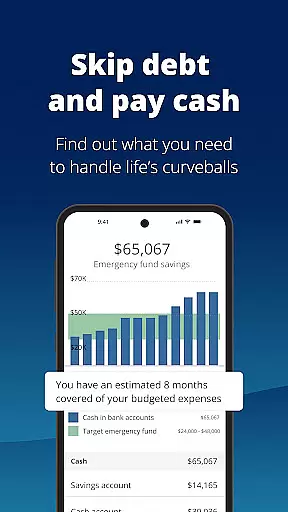
Another significant feature is the scenario planning tool, which allows users to simulate various financial situations such as recessions. This helps users prepare for potential economic downturns by adjusting their financial strategies accordingly. Additionally, Empower provides tools for setting and tracking budgets, tackling debt, and building emergency funds, ensuring users have a well-rounded approach to financial stability.
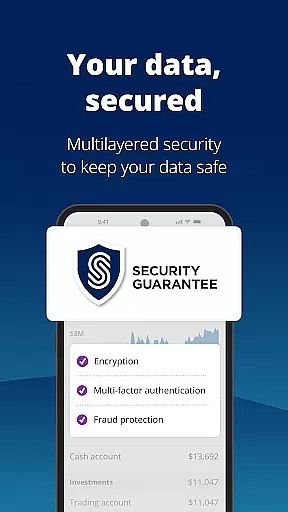
Security is also a top priority, with Empower offering biometric and multi-factor authentication to protect user data. These security measures ensure that sensitive financial information remains safe from unauthorized access. Overall, Empower's innovative features and robust security protocols make it an invaluable tool for anyone looking to take control of their financial destiny.
Account and Fund Security is a critical aspect of any financial application, ensuring that users' personal and financial data remains protected at all times. Empower takes this responsibility seriously by implementing top-tier security measures.
The app secures your data with biometric and multi-factor authentication, providing an additional layer of protection against unauthorized access. This ensures that only you can access your financial information, giving peace of mind in an era where digital threats are prevalent.
Empower Advisory Group, LLC (EAG), a registered investment adviser, upholds stringent security protocols compliant with SEC regulations. This means your investments and personal data are handled with the utmost care and professionalism.
By choosing Empower, you benefit from not just advanced security features but also advisory services provided for a fee by EAG. These services ensure that while your assets grow, they remain shielded from potential cyber threats, making Empower a reliable partner in managing your financial future.
A seamless transaction experience is vital for users to effectively manage their finances without hassle. Empower offers a user-friendly interface that simplifies tracking income, expenses, and investments.
With Empower, you can see all your accounts in one place, streamlining the process of financial management. This aggregation of financial data allows for easy monitoring and analysis, empowering users to make informed decisions quickly.
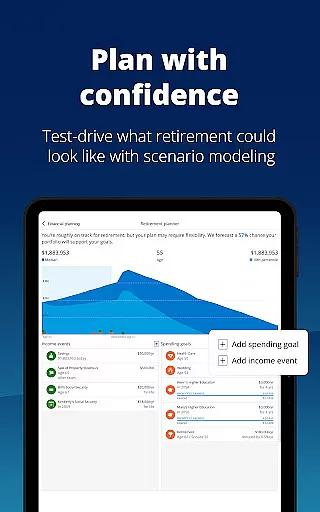
The app provides industry-leading tools designed to help simulate various financial scenarios, such as recessions or retirement planning. By adjusting and comparing these scenarios, users gain insights into how different choices could impact their financial health over time.
Empower's dedication to delivering a smooth transaction experience extends beyond mere convenience; it encompasses comprehensive budgeting tools, professional investment advice, and moreu2014all aimed at enhancing your ability to achieve financial clarity and success effortlessly.
User-friendly interface
Comprehensive financial tracking
Robust security features
Professional investment advice
Scenario simulation tools
Premium features require subscription
Occasional syncing issues
Limited international support
Steep learning curve for beginners
Some advanced tools need additional fees

Manage your Discover account conveniently from anywhere.
 4.80
4.80
Payday cash advance & Instant cash advance: Borrow money instantly, Get cash now
4.60
All your crypto & stocks in one secure and trusted app.
4.40
Get up to 500, get paid early, earn interest and find work with no hidden fees.
4.40
Banking, Budgeting & Investing
4.60
“Money Manager” is an optimized application for personal asset management.
4.70
The US Debt Clock .org App gives you a Real-Time glimpse of US Financial Stats
4.60
Manage budget, save money, or file tax. Build, track & improve your credit score
4.40
SuperQi, Your all-in-one Super App.
1.30
Currency Converter supports all currencies of the world.
5.00
Secure, simple money transfer app. Send money to Mexico and worldwide fast.
4.80
Check EBT, SNAP, WIC balances, manage food stamps, and save money with benefits
4.80
Pay rent on your schedule.
4.70
Download the MySynchrony App to manage your accounts securely and conveniently!
4.60
Manage your prepaid cards and add to Google or Samsung Wallet.
4.60
Manage and cancel subscriptions, lower bills, track expenses, create budgets.
4.60
Our Chase Mobile App makes it easy for you to bank on the go 24/7.
4.60
Make Real Cash by Playing Games! Fetch Playful Rewards, Win & Triumph
4.50
Trade NFL, NBA, Crypto, Tech
4.50


User Reviews