
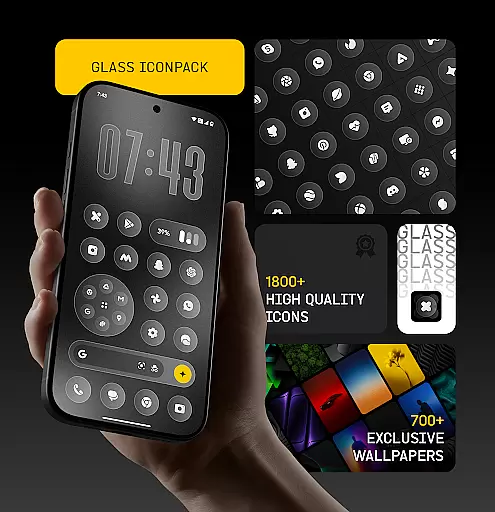
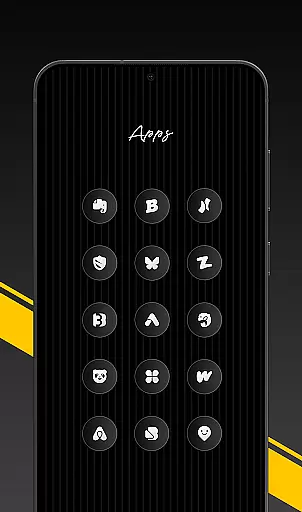
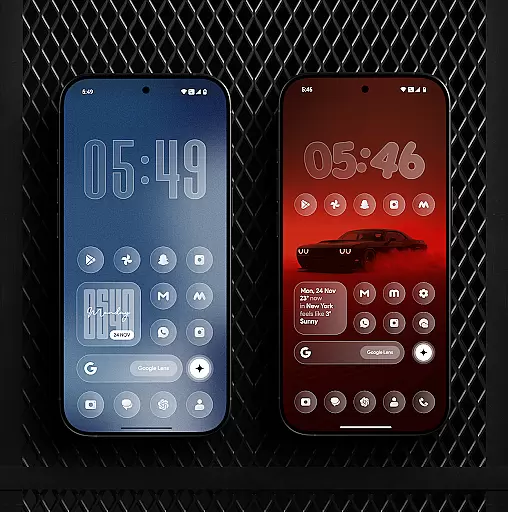
Glass Icon Pack is a premium collection of glossy, modern icons designed to enhance the aesthetic appeal of Android home screens. With over 1850 high-quality icons featuring a smooth glass effect and subtle depth, this pack brings elegance and timelessness to any device.
The pack includes HD resolution icons that ensure sharp visuals, along with 700+ matching wallpapers inspired by glass and gradient themes. It supports dynamic calendar icons for certain launchers and offers smart icon masking for unthemed apps. Regular updates and an easy-to-use dashboard further enhance user experience.
This icon pack stands out with its clean, modern design and attention to detail. Each icon is crafted with a premium shine that complements various wallpapers and setups. The inclusion of HD resolution ensures that visuals remain sharp and vibrant on all screens.
Users benefit from features like dynamic calendar icons, smart icon masking, and regular updates. The easy-to-use dashboard allows users to search and preview icons effortlessly. Additionally, free icon requests are available, ensuring that users can obtain desired icons even if they're initially missing from the pack.
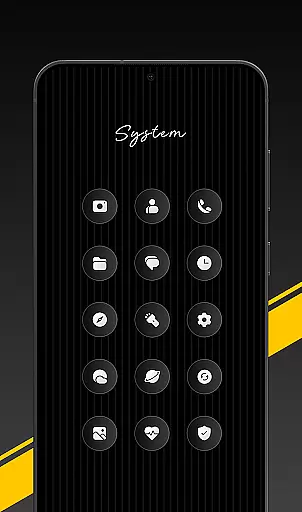
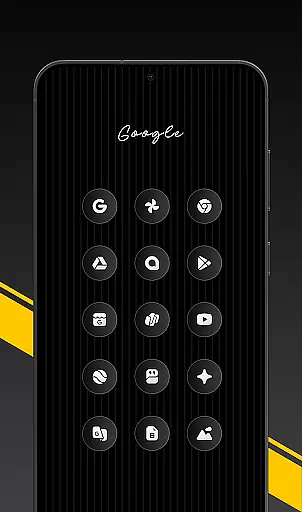
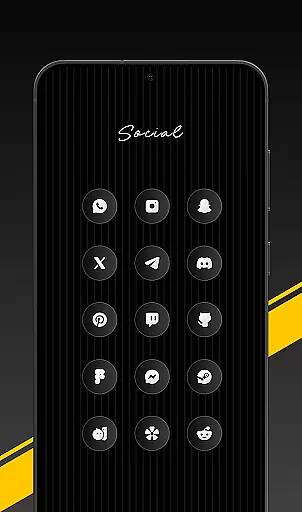
Glass Icon Pack offers a wide array of customization options, ensuring users can tailor their Android home screens to their unique preferences. With over 1850 high-quality glass icons, the pack covers various app categories including system apps, social media, and tools.
Each icon is meticulously designed with a smooth glass effect, providing a modern and aesthetic look that complements any wallpaper or setup. The inclusion of dynamic calendar icons and smart icon masking for unthemed apps further enhances personalization capabilities.
Users also benefit from regular updates that introduce new icons and improvements, keeping their home screens fresh and up-to-date. The easy-to-use dashboard allows for seamless navigation, icon search, and preview, making customization not only extensive but also user-friendly.
Ensuring theme compatibility is crucial for an icon pack, and Glass Icon Pack excels in this area by offering 700+ matching wallpapers inspired by glass and gradient themes. This harmonious combination creates a cohesive and visually pleasing home screen environment.
The pack supports various launchers, allowing users to apply the icons effortlessly through the app or launcher settings. Even on devices like Nothing, OnePlus, and Poco, which support third-party icon packs without additional launchers, users can enjoy a seamless experience.
For those instances where an icon might be missing, users can send an icon request directly from the app. This feature ensures ongoing compatibility and satisfaction, as updates will include these requested icons, maintaining the integrity and completeness of the user's chosen theme.
Premium glossy design
HD resolution icons
Regular updates
Smart icon masking
Free icon requests
Limited launcher support
Missing some app icons
No iOS version
Refund policy limitations
Requires third-party launchers

Beautiful realistic hybrid watch face with numerous customization options.
 4.50
4.50
Customizable flower power digital watch face for Wear OS watches.
4.00
Winter's Journey: digital watch face for Galaxy Watch & Wear OS
4.80
Ninja Turtles Cowabunga SE watch face for Wear OS
4.50
Gun Chase - Let the chase begin.
4.80
Shimeji adds cute animated characters to your screen, lively and fun.
4.70
Zip lock screen with magic wallpaper to decorate your phone with fun zipper lock
4.60
Magic fluids wallpaper 4D: Relax with stunning fluid simulation wallpaper app
4.20
Fast SMS & group chat - use GIFs and emojis from your home screen launcher.
4.50
Only for Wear OS devices!
4.90
Sparkle your screen with Glitter Wallpapers For Girls and Cute Backgrounds!
4.80
One 8 icons glass color version
4.80
Personalize your phone with stunning HD and 4K wallpapers!
4.70
Bring adorable pets to life on your screen. Playful, interactive and full of fun
4.60
Stylish Pink Cute Hippo keyboard with 10000+ customized keyboard themes!
4.60 4.50
4.50
The definitive Icon pack maker and editor
4.30
Adult video chat, dating, making friends, random matching
4.20
Turn your lock screen into fun with smile live wallpapers & animated wallpapers!
2.50


User Reviews