
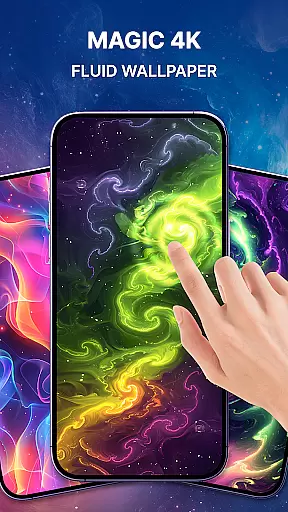
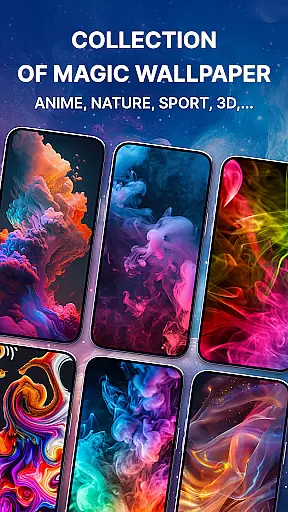
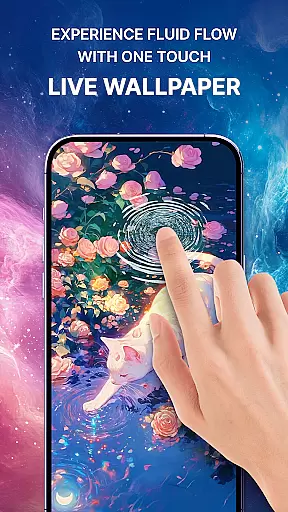
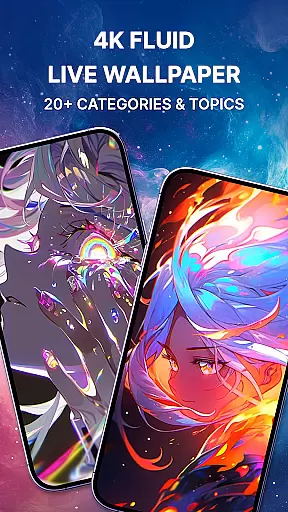
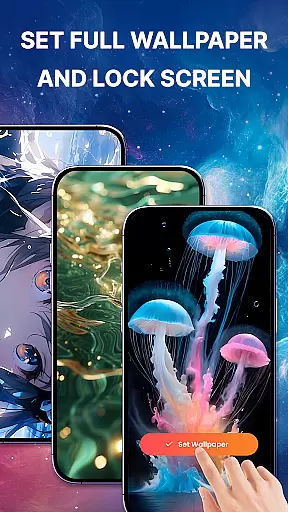
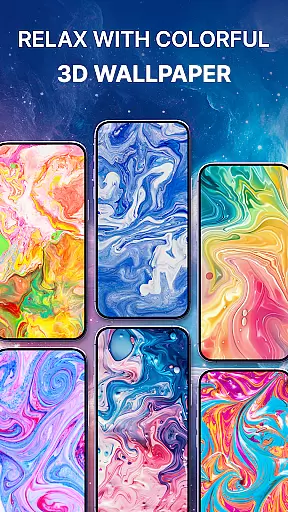
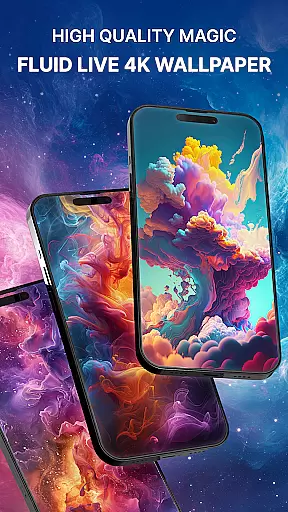
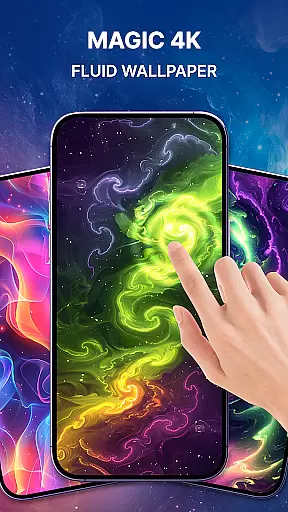
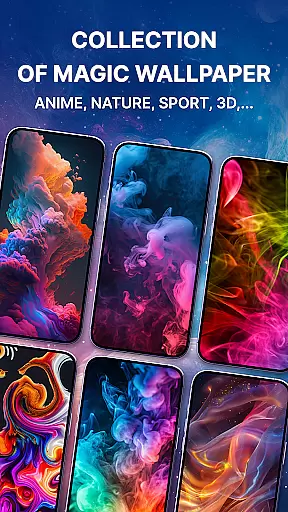
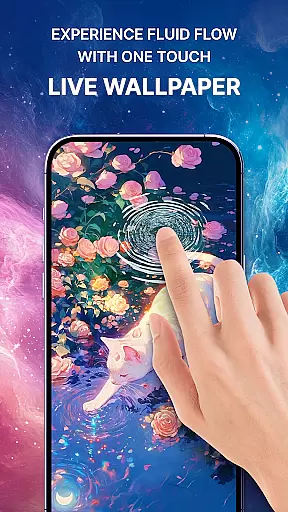
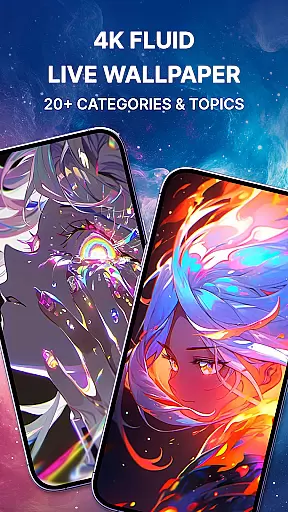
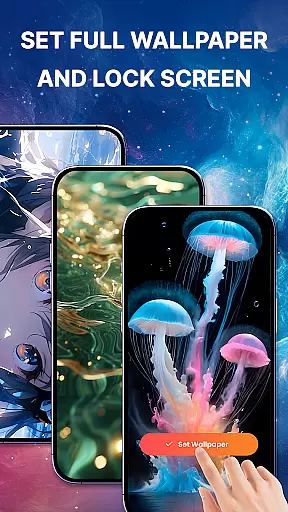
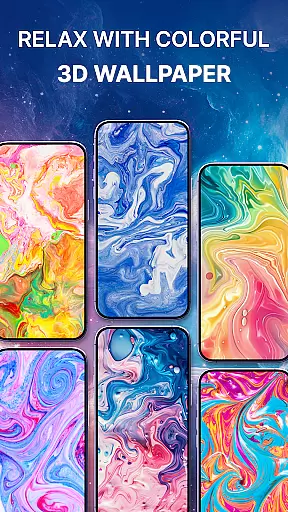
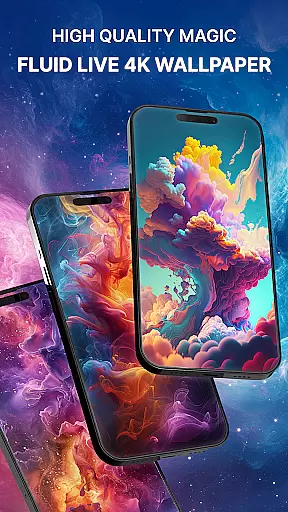
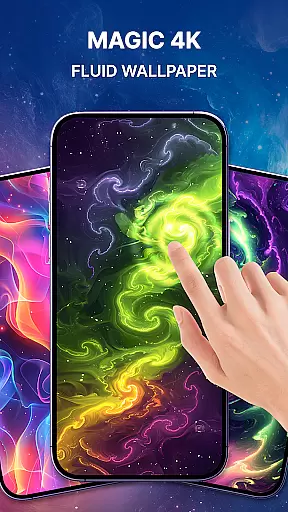
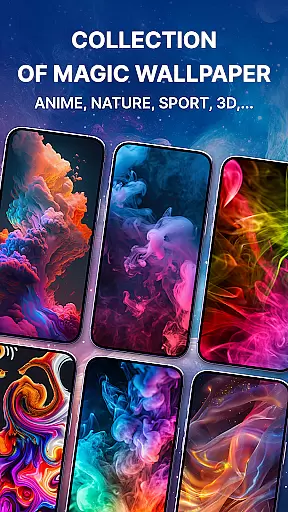

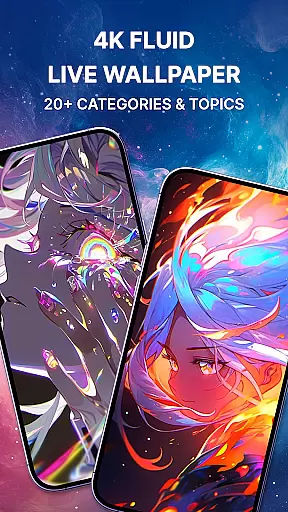
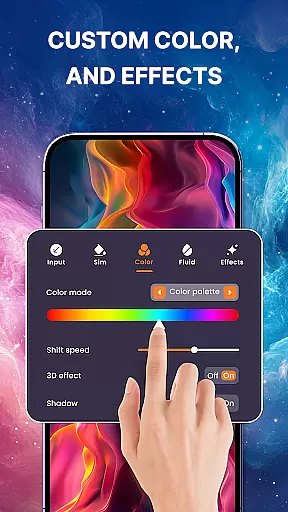
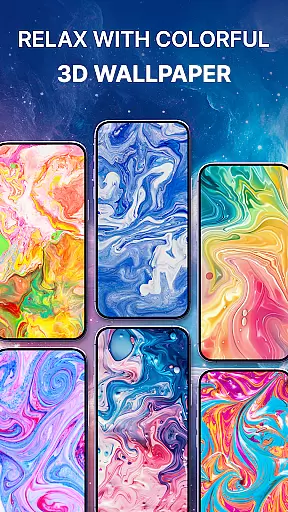
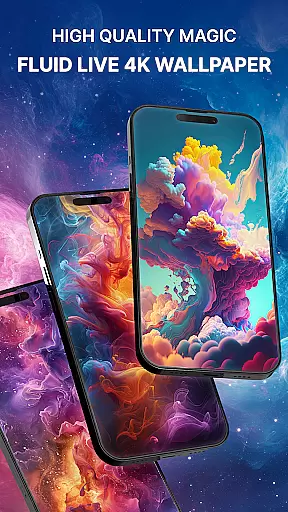
Magic Fluid is a dynamic personalization app that brings smartphone screens to life with its stunning 4K fluid live wallpapers. The app specializes in creating interactive, visually appealing liquid animations that respond to touch, offering users an immersive experience. With a rich gallery of high-quality fluid simulations and effects, it caters to various aesthetic preferences, from abstract art to nature-inspired themes.
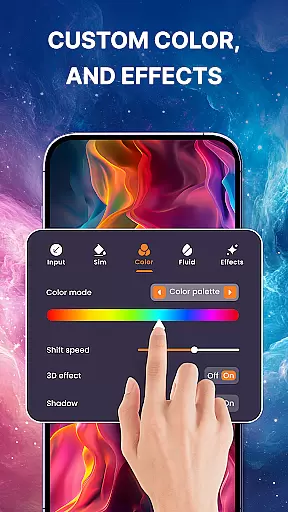
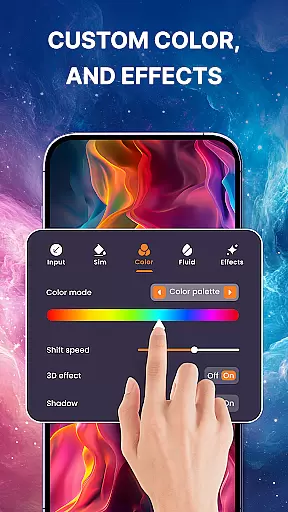
What sets Magic Fluid apart is its unique combination of beauty and functionality. Users can enjoy the mesmerizing visuals without compromising device performance. The app also features an innovative DIY option (coming soon) that will allow users to customize their own fluid wallpapers by adjusting colors, flow speeds, and dynamics. Whether you're looking to relax or add a creative touch to your device, Magic Fluid delivers both artistic expression and practical usability.
The app boasts an impressive array of features designed to enhance user experience. Its core functionality lies in the interactive 4D fluid animation engine that creates realistic effects resembling galaxy, liquid, fire, light, smoke, and lava movements. These effects dynamically respond to touch gestures, making each interaction unique and engaging.
Magic Fluid goes beyond static wallpapers by providing tools for complete customization. Users can choose from a diverse gallery of pre-designed 4K-quality fluid wallpapers or create their own masterpieces using the upcoming DIY feature. The app ensures optimal performance through efficient coding while maintaining visual splendor. Additional features include easy setup options, preview functionality before application, and regular updates with trending designs, ensuring users always have fresh content to explore.
Magic Fluid offers an extensive range of customization options that allow users to personalize their device's appearance with ease. The app includes a gallery of 4K-quality magic fluids wallpapers and live wallpapers, featuring various stunning designs from abstract art to nature-inspired themes.
Users can interact with the wallpapers through touch, making the fluids dance, glow, and swirl in response to their movements. This interactive feature provides a unique and engaging way to customize your screen, ensuring that your phone reflects your personal style and mood.
In addition to pre-designed options, Magic Fluid promises future DIY capabilities where users will be able to adjust color schemes, flow speeds, and fluid dynamics. This level of customization ensures that you can create a truly personalized experience that fits your individual preferences.
The theme compatibility of Magic Fluid ensures that its high-quality wallpapers work seamlessly across different devices and screen sizes. Whether you're using a smartphone or tablet, the app provides optimized visuals that maintain their quality and impact.
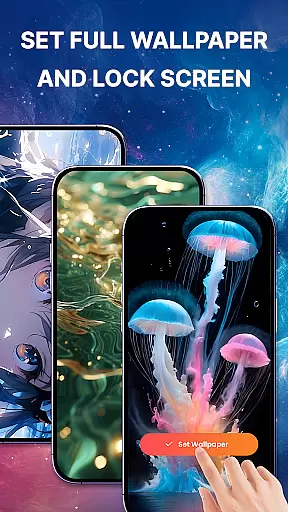
Magic Fluid supports both lock screen and home screen customization, allowing for a cohesive look throughout your device. With just a few taps, you can apply your chosen wallpaper, confident that it will display correctly and enhance your deviceu2019s aesthetics without any technical issues.
Furthermore, regular updates bring new trending designs, ensuring that your device remains stylish and up-to-date. This commitment to compatibility and freshness makes Magic Fluid an ideal choice for those seeking reliable yet visually appealing customization options.
User-friendly interface
High-quality 4K visuals
Interactive touch response
Regular content updates
Performance optimized
DIY feature not available
Limited free options
Battery consumption
Premium subscription
Android only

Adult video chat, dating, making friends, random matching
 4.20
4.20
Bring adorable pets to life on your screen. Playful, interactive and full of fun
4.60
Over 28,000 high quality icons to bring color & homogeneity to your phone.
4.60
The definitive Icon pack maker and editor
4.30 4.50
4.50
Custom edge gestures for volume control, brightness, apps, and shortcuts.
4.0
300+ Stunning and well-designed widgets inspired by NOTHING.
4.70
Handcrafted pixel art icons, widgets & wallpapers
4.60
Your home screen, just the way you like it.
3.80
Dark icon pack based on One 8
4.80
Stylish Pink Cute Hippo keyboard with 10000+ customized keyboard themes!
4.60
300+ Beautifully crafted widgets inspired by OneUI.
4.60 4.50
4.50
Yandex Browser — stylish and secure, with voice search and data compression
4.40
Transform your device in a game console
4.40
Organize and manage your photos and videos effortlessly with Photo Gallery
4.20
Create unique, fun emojis with Funny Emoji Maker! Unlimited creativity!
4.00
Adaptive Dot Style IconPack with Light & Dark Theme.
3.70
Prank your friends with realistic broken screen and cracked HD effects!
4.1


User Reviews