
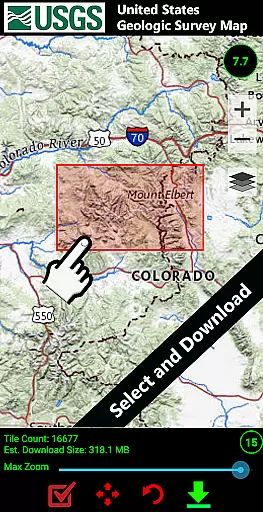
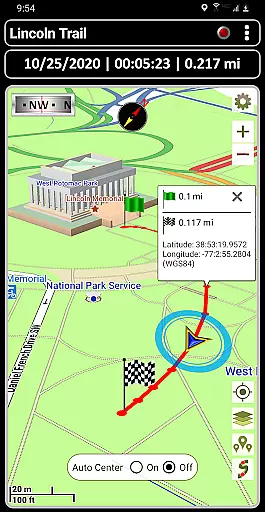
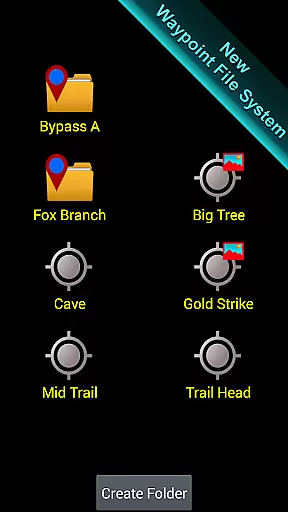
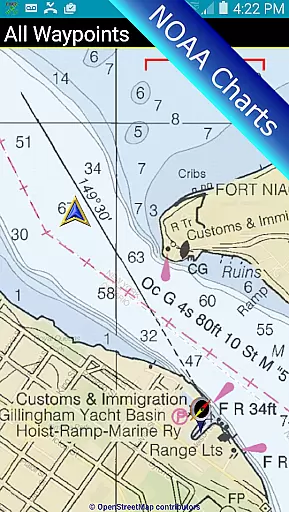
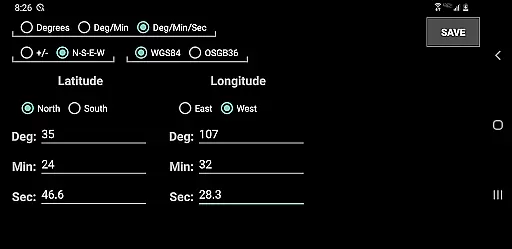
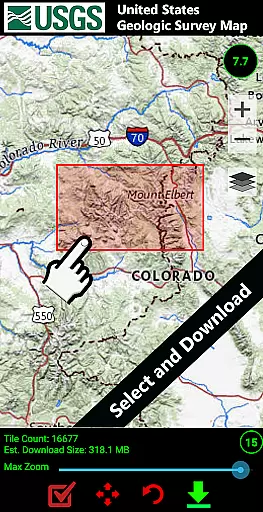

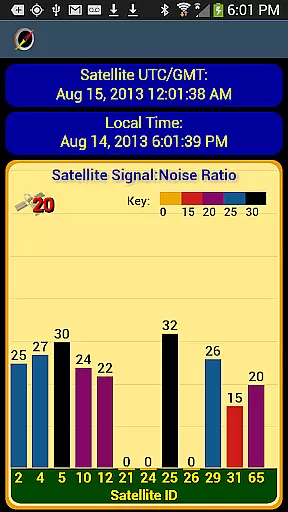
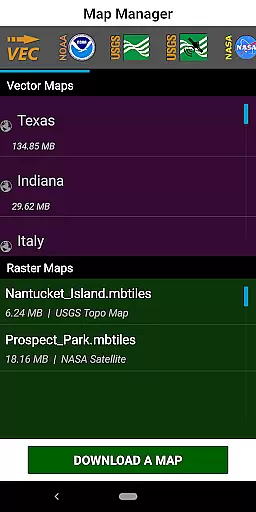
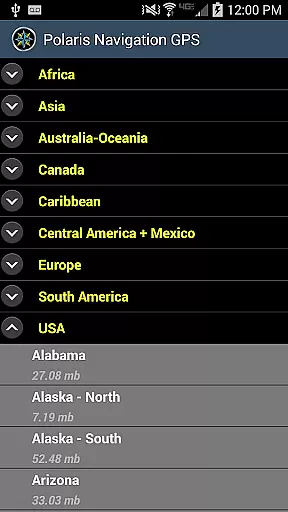

GPS Waypoints Navigator is a comprehensive navigation app that transforms your smartphone into a powerful GPS tool. It offers offline maps and tools for use in areas without network coverage, making it ideal for wilderness exploration, maritime navigation, and urban adventures. The app provides access to over 400 vector maps, including topographic and satellite maps, which can be downloaded for offline use.
With features like waypoint management, trail recording, and location sharing, users can efficiently organize their navigation data. Whether you're hiking trails, exploring off-road, or engaging in geocaching, this app supports various activities with specialized tools such as military coordinate finders and nautical charts.
The app's value lies in its versatility and depth of functionality, catering to both casual explorers and professional navigators. By providing detailed environmental reporting and seamless integration with platforms like Google Earth, GPS Waypoints Navigator ensures users are well-equipped for any journey.
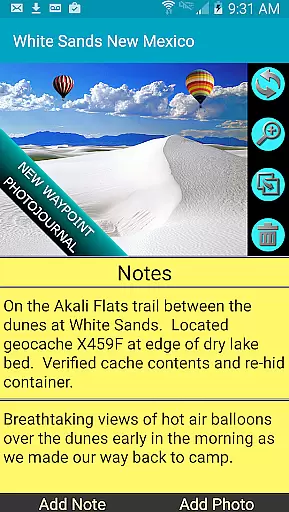
GPS Waypoints Navigator boasts an array of sophisticated features designed to enhance the navigation experience. One standout feature is the searchable waypoint and trail management system, allowing users to efficiently organize and retrieve their navigation points. This includes a unique filing system for waypoints, complete with photojournal capabilities where notes and tagged photos enrich each location's context.
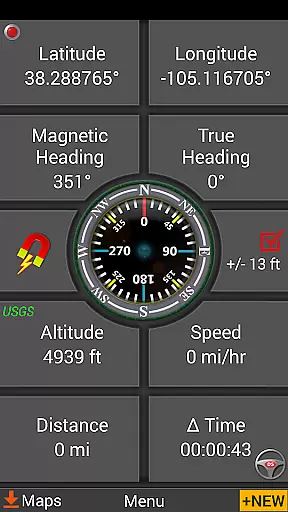
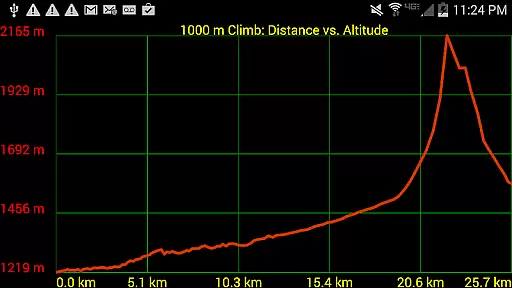
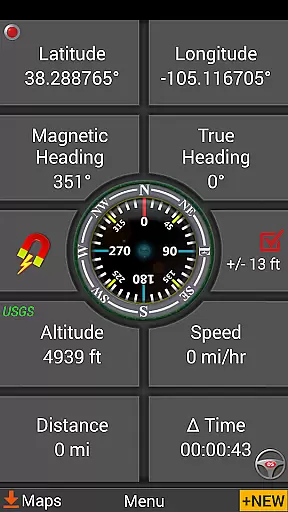
The app supports multiple map sources, including downloadable vector and raster maps, Topo Maps, Google Maps, and specialized charts like NOAA Nautical Charts. Users can import and export KML, GPX, and KMZ files, facilitating data sharing across different platforms. Additionally, the inclusion of navigational compasses, altitude profiles, and measurement tools ensures precise tracking and planning.
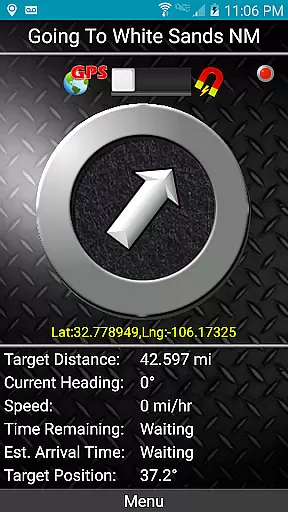
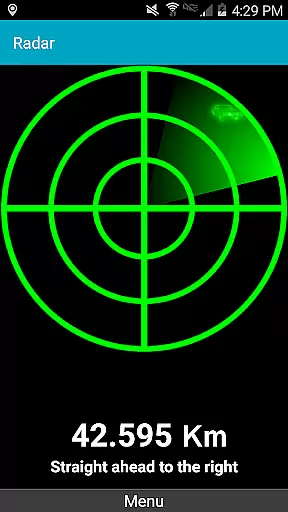
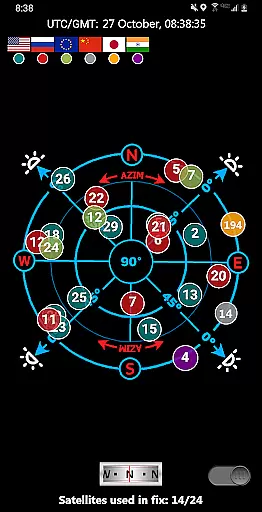
Another innovative aspect is the dynamic waypoint guidance systems, including a pseudo-radar function that reflects GPS signals to guide users towards their targets. These features collectively empower users to navigate confidently across diverse terrains and conditions.
Map accuracy is essential for reliable navigation, and GPS Waypoints Navigator excels in this area. The app provides access to over 400 maps from multiple sources, including Topo Maps, Google Maps, Satellite Maps, and specialized options like NOAA Nautical Charts. These maps are meticulously detailed and frequently updated to ensure precision.
The app supports offline map downloads, allowing users to venture into areas without network coverage while maintaining accurate location data. Whether you're exploring dense forests or navigating open waters, the map system delivers consistent accuracy. Users can also transfer maps to an SD card, optimizing device storage without compromising performance.
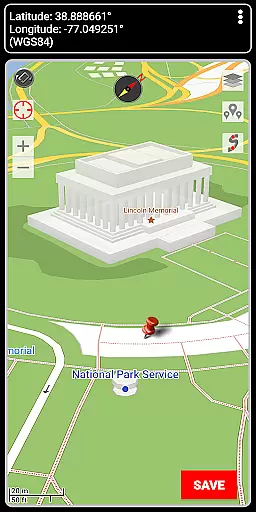
With advanced features like Military Coordinate Finder and support for various coordinate formats such as UTM and MGRS, the app ensures that every location is represented with exactness. This level of detail empowers users to navigate confidently, knowing their position is reliably depicted on the map.
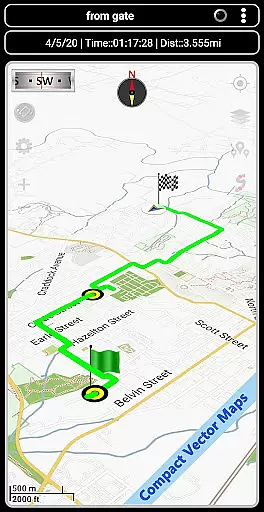
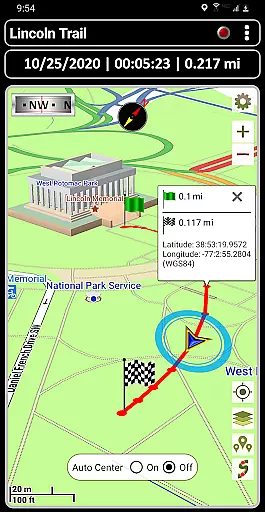
Route planning is a cornerstone of GPS Waypoints Navigator, offering tools that cater to diverse navigation needs. The app allows users to create and organize waypoints, record trails, and draw routes directly on the map. These features are particularly valuable for activities like trail hiking, off-road adventures, and maritime navigation.
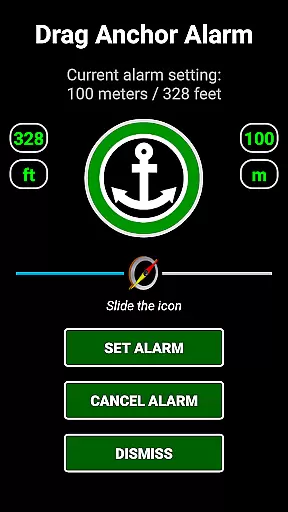
For enhanced convenience, the app includes turn-by-turn driving directions via integration with Google Maps. This functionality ensures seamless road navigation, whether you're traveling through urban landscapes or remote terrains. Additionally, the Drag Anchor Alert feature lets users set a drift radius, making it ideal for boating or stationary activities where perimeter alerts are crucial.
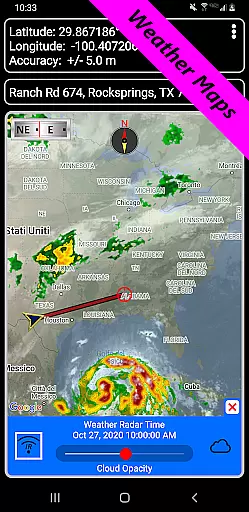
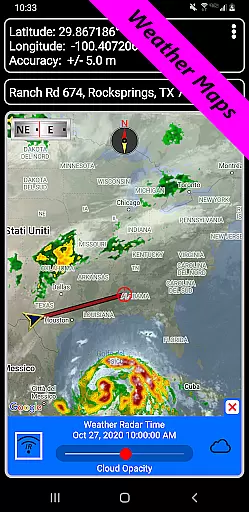
Users can export and import GPX files, enabling route sharing and collaboration with others. With altitude profiles, inter-waypoint distance measurements, and weather mapping, the app equips users with all the necessary tools to plan efficient and safe journeys. These capabilities make GPS Waypoints Navigator an indispensable companion for any expedition.
User-friendly interface
Offline map availability
Comprehensive waypoint tools
Multi-language support
Integration with Google Earth
Steep learning curve
High battery consumption
Limited free maps
Occasional GPS inaccuracies
Heavy app size

Turn your Android device into a real off-road GPS using off-line topo maps!
 4.40
4.40
Explore a light pollution map to find suitable dark sky locations for observing.
4.30
Find shortest way and save energy . Distance and area calculator.
4.70
Phone Tracker and GPS Location Sharing
4.20
Explore with GPS Navigation with GPS offline, voice GPS, speed camera radar
4.60
Bolt is a ride-hailing app for requesting fast, safe, and affordable transport
4.80
Ride or drive at YOUR price
4.70
Find radar, speed camera, flight tracker. Use hud, location tracker, speedometer
4.20
Use GPS Maps and GPS Voice Navigation to find your way and get directions
4.10
Airport parking, with airport shuttle (TPS shuttle), reservations, and Spot Club
4.80
LIRR and Metro-North tickets and trips
4.80
"Balad" is a map and navigator with a Persian voice assistant and a complete city guide
4.40
Get real-time bus and train schedules for easy, hassle-free city transportation.
3.90
Discover over 800 points of interest along the canal.
3.70
Live Satellite view app for find GPS navigation Direction and live location map
3.70
OpenCPN is a full featured ChartPlotter and Navigator for Android.
3.60
Explore Earth with live GPS, satellite view & street navigation
3.60
Explore offline maps with radar, satellite view, and real-time alerts.
3.60
Compass is an accurate compass and a great tool for any outdoor activities
4.2


User Reviews