
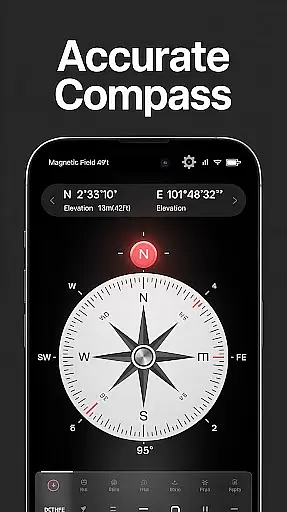
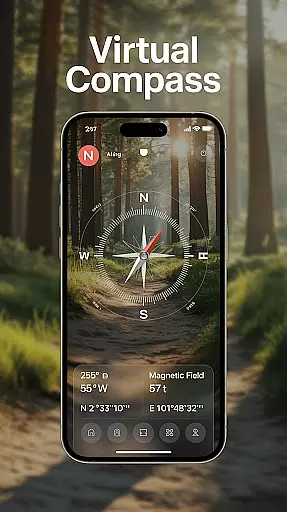
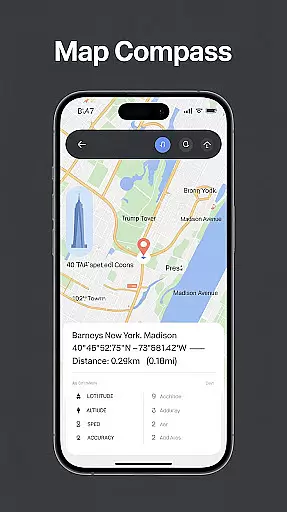
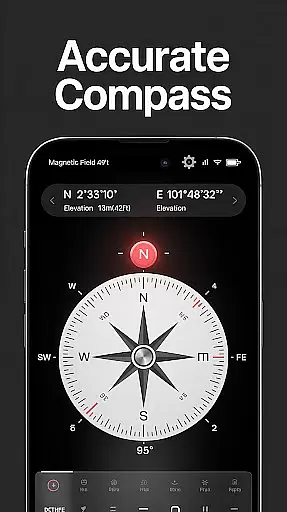
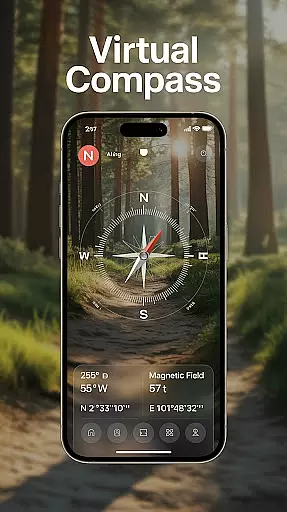
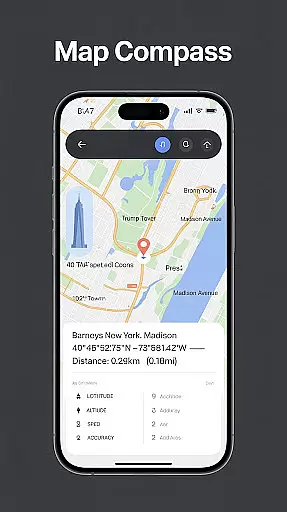
Compass - Directional Compass is a precise navigation tool designed for both casual users and outdoor enthusiasts. The app provides highly accurate directional guidance, making it an essential companion for activities like hiking, traveling, or maritime navigation. With real-time digital compass functionality, users can easily locate cardinal directions while enjoying additional features such as GPS coordinates and magnetic field detection.
Beyond basic navigation, the app offers advanced tools including map integration, tilt meter, and offline mode, ensuring reliable performance in any environment. Its user-friendly interface and customizable themes, including night mode, make it accessible and comfortable to use in various conditions. Whether you're exploring remote areas or need a reliable compass for daily use, this app ensures you stay on course with confidence.
Compass - Directional Compass stands out with its robust feature set tailored for seamless navigation. The app combines a real-time digital compass with traditional modes, offering smooth and precise directional tracking. It also provides critical location data such as latitude, longitude, and altitude, empowering users with comprehensive positioning information.
Additional functionalities include magnetic field detection to minimize interference and ensure accuracy. For professional users, the app integrates maps for route planning and includes a built-in inclinometer for measuring tilt and alignment. Customizable themes, offline usability, and night mode further enhance the user experience, making this app versatile for both everyday scenarios and specialized applications.
Map accuracy is essential for any navigation app, and Compass - Directional Compass excels in this area. The app provides real-time directional guidance with pinpoint precision, ensuring users can accurately locate North, South, East, or West. This level of accuracy is achieved through advanced GPS technology that captures exact latitude, longitude, and altitude data.
The app's magnetic field detection feature further enhances map accuracy by identifying potential interference that could affect readings. By staying aware of these factors, users can trust the directions provided by the app even in areas with magnetic anomalies. Whether hiking remote trails or sailing open seas, this ensures a reliable navigational experience.
For users who require additional tools, the built-in inclinometer offers tilt and level meter functionalities. These features help verify surface alignment and angles, adding another layer of precision to your navigational toolkit. With these capabilities, Compass - Directional Compass becomes an indispensable tool for various activities.
Effective route planning is crucial for successful navigation, and Compass - Directional Compass offers several features to support this need. The app integrates traditional compass modes with digital navigation, providing smooth and precise direction-finding capabilities. This dual functionality allows users to plan routes confidently, whether on foot, by vehicle, or other means.
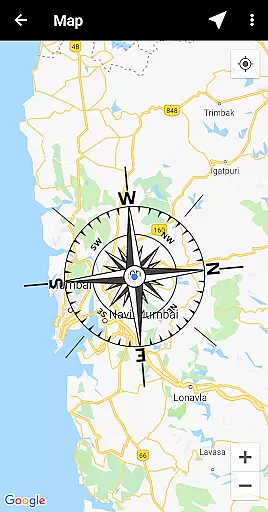
In addition to its core compass features, the app includes map integration that combines directional data with geographical information. Users can overlay compass readings onto maps for enhanced route visualization and better decision-making during travel. This combination ensures you have all necessary details at hand when charting your course.
Compass - Directional Compass also supports offline mode, allowing route planning without internet connectivity. This feature is particularly beneficial in remote areas where network access may be limited. With these comprehensive tools, users can prepare their journeys meticulously and navigate with assurance.
Accurate navigation
User-friendly design
Offline functionality
Customizable themes
Advanced tools included
Limited augmented reality
Requires calibration
Ads in free version
Drains battery
No 3D mapping

Offline maps for phone and smart watch: topographic maps, satellite images...
 3.30
3.30
Play in the outdoors with Android as your Handheld GPS and offline topo maps!
3.50
Instant diesel discounts - save big with each fill up!
4.40
Order a cab online. An affordable taxi ride and driver in no time. What a bolt!
4.80
Ride CTA, Metra & Pace: Manage your fares, buy Metra tickets, get arrivals.
3.00
Gas Station & Fuel Rewards Points
3.70
Navigate seamlessly with Real-Time Traffic, Offline Maps, and Voice Navigation.
4.10
Find radar, speed camera, flight tracker. Use hud, location tracker, speedometer
4.20
Use GPS Maps and GPS Voice Navigation to find your way and get directions
4.10
Find shortest way and save energy . Distance and area calculator.
4.70
Track accurate speed & distance with GPS Speedometer. Check speed limit & time.
4.50
Neshan: map & navigation app with 20M+ monthly active users
4.50
ParkWhiz, an Arrive Mobility brand, part of the Arrive Network
4.30
GPS phone tracker, family locator, secure location sharing app
4.20
Get route, find shortest path, near by places and weather update
3.90
MapQuest is your go-to app for maps, GPS, voice navigation & live traffic.
3.80
Live Satellite view app for find GPS navigation Direction and live location map
3.70
OpenCPN is a full featured ChartPlotter and Navigator for Android.
3.60
Explore offline maps with radar, satellite view, and real-time alerts.
3.60


User Reviews