
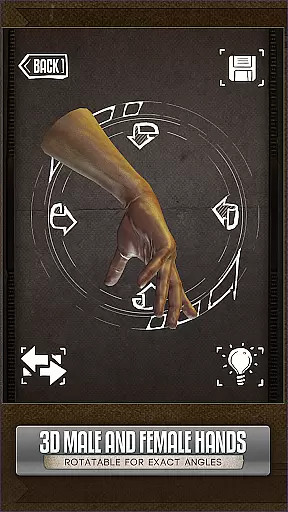
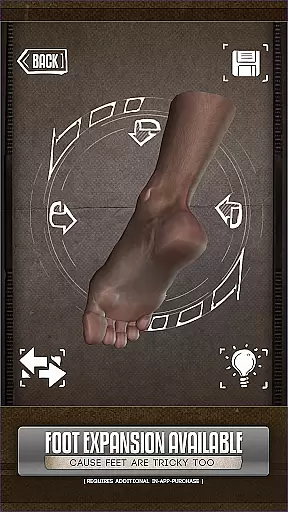
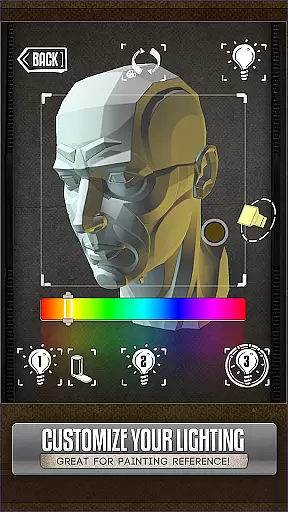
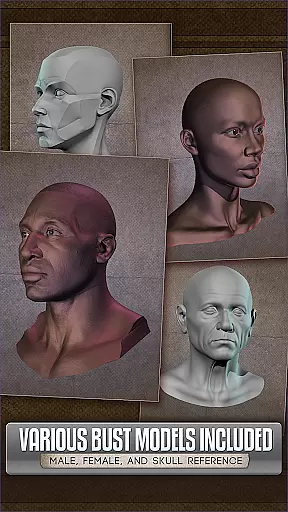
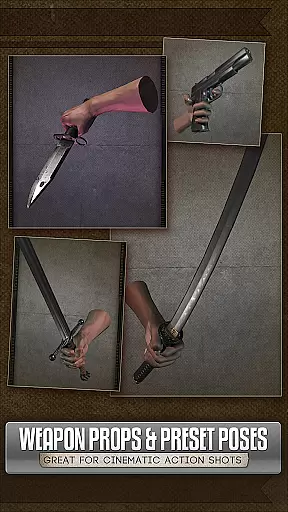
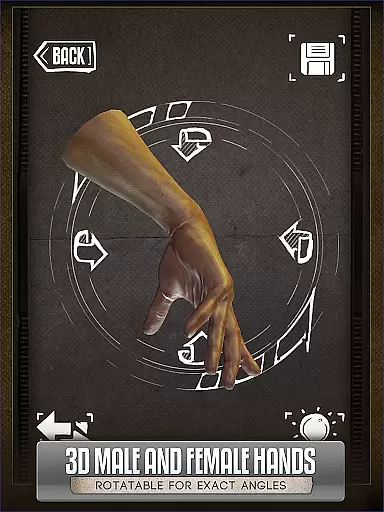
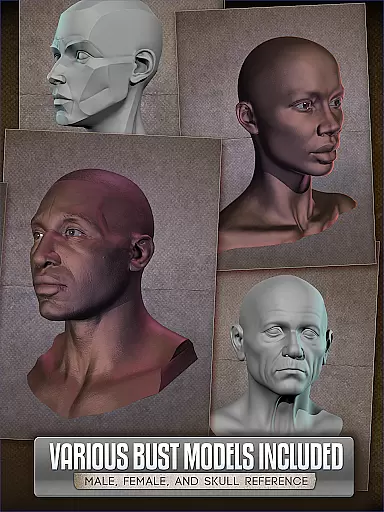
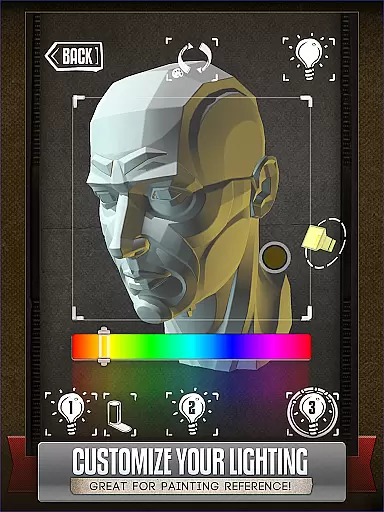
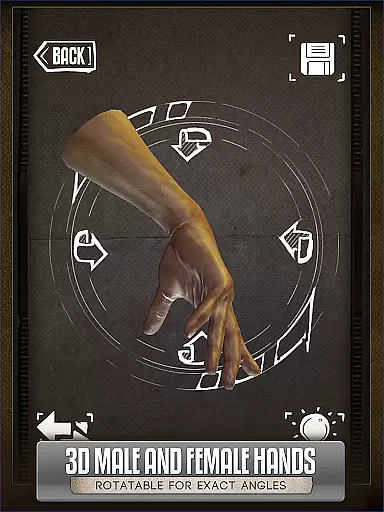
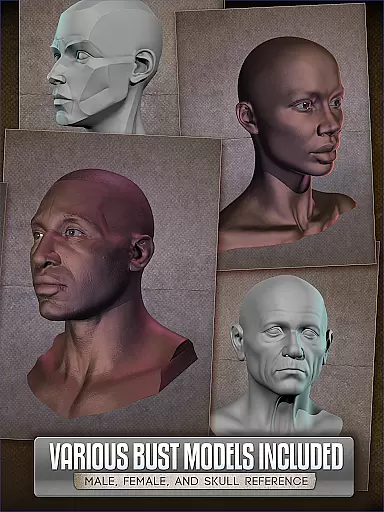
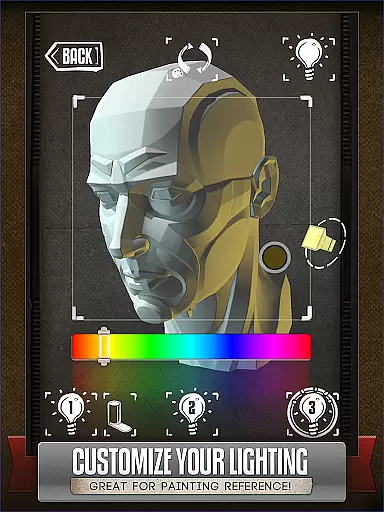
Handy Art Reference Tool is an essential app for comic book artists, painters, and casual sketchers. This app provides rotatable 3D models of hands, heads, feet*, and skulls to assist in drawing human anatomy without the need to pose awkwardly in front of a mirror. With over 10 included 3D head busts and adjustable 3-point lighting, it offers easy reference for understanding how light interacts with different angles, crucial for realistic painting.
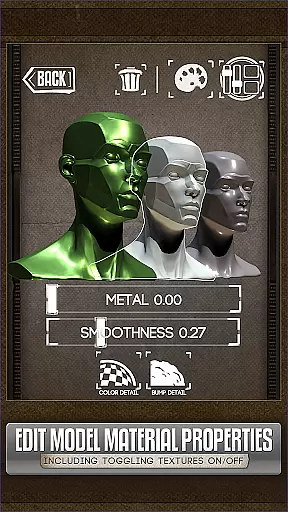
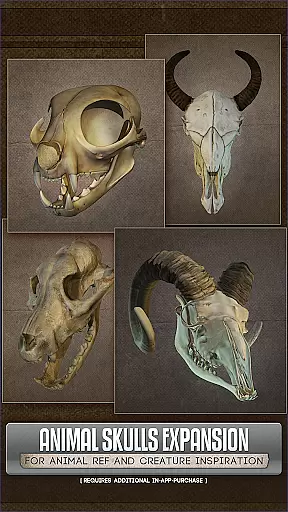
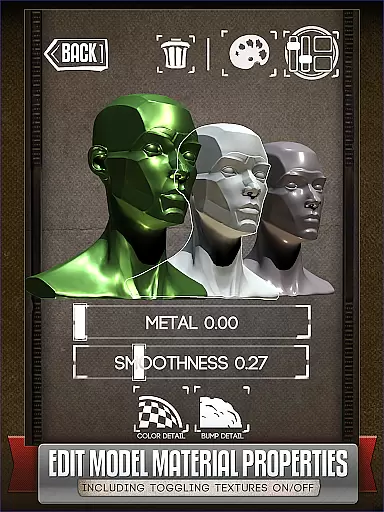
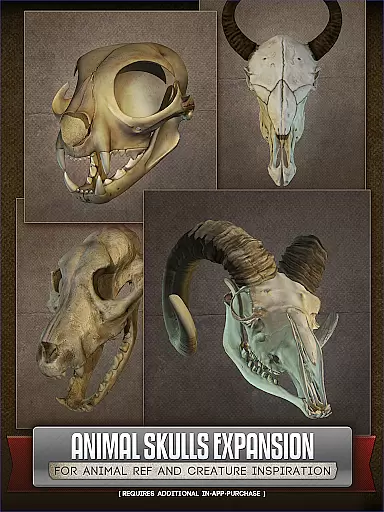
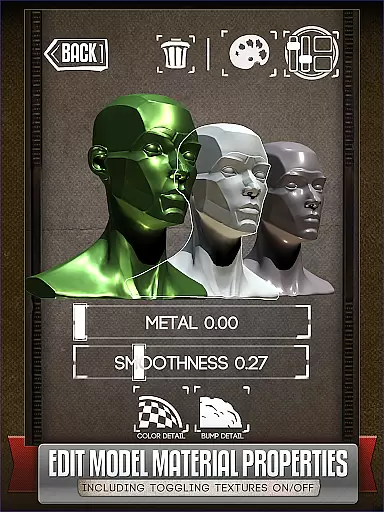
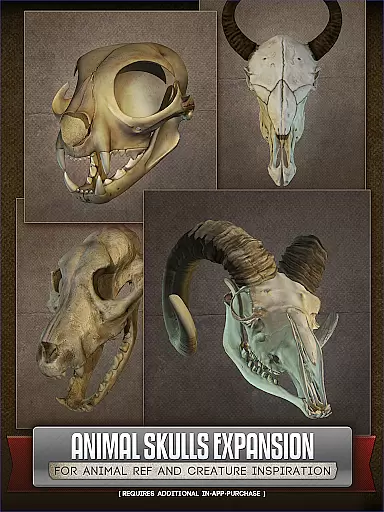
In addition to human anatomy, Handy also offers an optional Animal Skulls pack* that includes more than 10 animal species, providing inspiration for creature design. The latest version allows users to edit model materials, selectively turning off textures, adjusting specularity, or tinting colors. Whether you're working on detailed comic panels or quick sketches, this tool is designed to enhance your artistic process significantly.
One of the standout features of Handy Art Reference Tool is its fully adjustable 3-point lighting system. This feature allows artists to experiment with shadows and highlights on any of the included 3D head busts, making it easier to understand how lighting affects different facial structures. Users can rotate these models to view them from various angles, ensuring accurate shadow placement in their artwork.
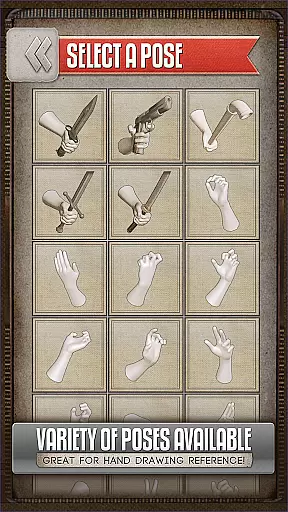
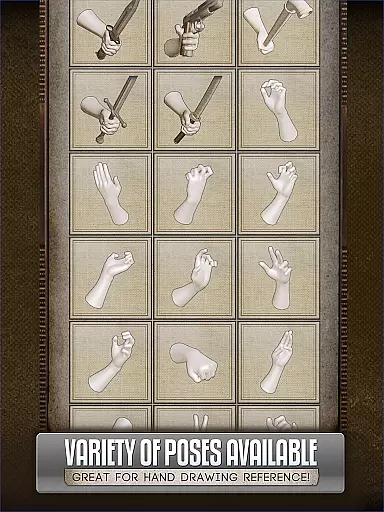
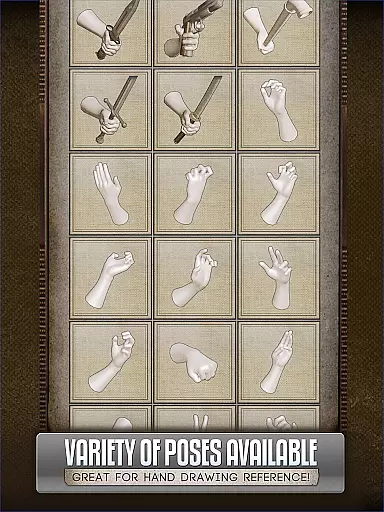
Another remarkable aspect is the ability to customize and save poses for hands, feet, and skulls. This customization extends to editing the materials of models in the latest version, allowing selective texture removal, specularity adjustments, and color tinting. These capabilities ensure that artists have complete control over the references they use, tailoring them precisely to their project needs.
The optional Animal Skulls pack* adds another layer of versatility, offering diverse anatomical references for creature design. Overall, Handy Art Reference Tool equips artists with a comprehensive suite of tools to improve their drawing accuracy and creativity.
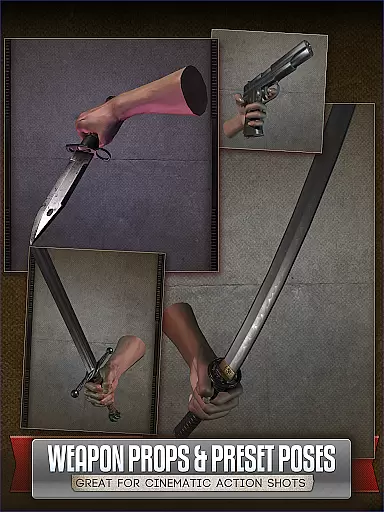
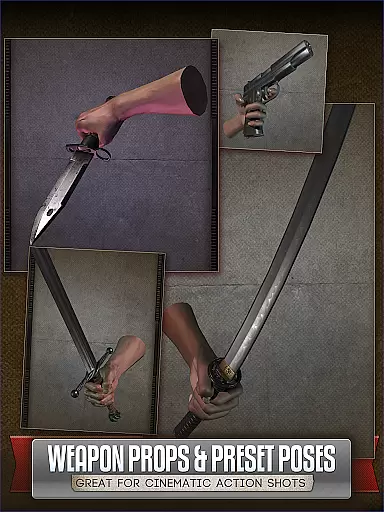
For artists seeking a diverse reference library, Handy Art Reference Tool offers an extensive collection of 3D models that cater to various artistic needs. This includes rotatable limbs and poses for hands, feet, and skulls, providing a rich variety for drawing practice.
In addition to human anatomy, the app also features an Animal Skulls pack with over 10 species, serving as a valuable resource for creature design inspiration. Although some features require additional purchase, the available content ensures a comprehensive reference experience.
The app's continuous updates, such as the ability to edit model materials introduced in version 5, enhance its utility by allowing users to adjust textures and colors. This flexibility supports a wide range of artistic styles and preferences.
With its featured status in ImagineFX's Top 10 Must-Have Apps, Handy Art Reference Tool proves itself as a premier choice for comic book artists, painters, and casual sketchers alike.
Handy Art Reference Tool prioritizes content authenticity by offering meticulously crafted 3D models that accurately represent human and animal anatomy. These models are designed to assist artists in creating realistic drawings without the need for physical references.
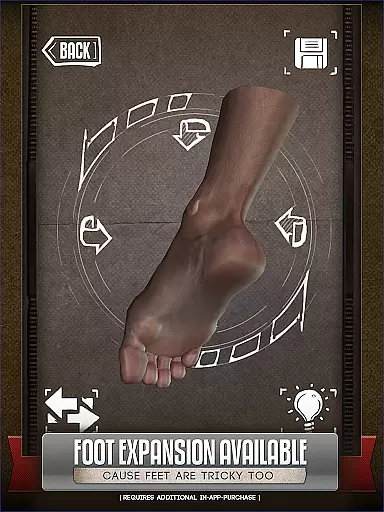
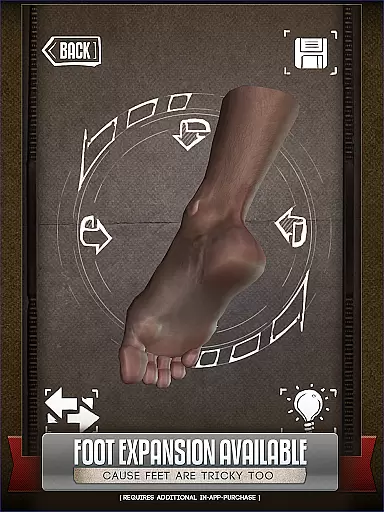
While the core app provides a robust set of features, certain advanced options like foot rigs and the Animal Skull pack are available for additional purchase. This approach ensures that users only pay for the specific tools they need while maintaining access to essential resources.
Artists can trust the legitimacy of the content provided, as it is developed with attention to detail and accuracy. The app's developers have created a reliable tool that respects copyright laws and intellectual property rights.
By subscribing to the HANDY newsletter or following their social media channels, users can stay informed about upcoming updates and new content releases, ensuring continued access to authentic and licensed materials.
User-friendly interface
Customizable 3D models
Adjustable lighting options
Optional animal skull pack
Material editing capabilities
Additional purchases required
Limited free content
Complex for beginners
Occasional bugs reported
High system requirements

Create your personalized cartoon comic strips & comic books.
 3.20
3.20
Comic reader app: open ZIP, RAR, CBZ, CBR, and PDF files
3.00
Read your favorite mangas for free
4.50
This application will enable donated users only function in Perfect Viewer.
4.90
Pose Tool 3D for the Artists, create any human figure pose quickly for your art.
4.00
Read latest manga with this minimal reader with NO ADS.
4.30
Comic Book Identifier Value - Scan comics & prices. Your comic book price guide!
4.50
Kodansha official Manga app
4.30
Get the latest manga chapters daily, released simultaneously with Japan.
3.10
Dive into the App for Premium Comics, Webtoons and Manga!
4.80
See the newest comic book releases and manage your comic collection or pull list
4.70
Dive into creative online comics, short video, graphic novels and web novels!
4.60
Draw the comics with glow brushes! Easy and relax!
4.40
SQUARE ENIX's official Manga app!
4.40
Read Manga, Comics & Manhwa of Romance, Action, Fantasy, Drama, BL and more!
4.40
The most powerful and fast image/comics viewer.
4.10
Instantly create comic-style art with AI.
3.90
Your key to unlocking manga and webtoons on the go
3.50
The best app for digital comics - Welcome to Lezhin!
3.10


User Reviews