
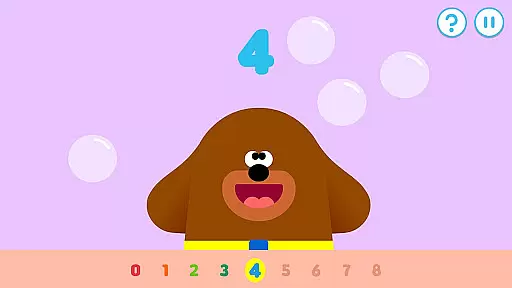
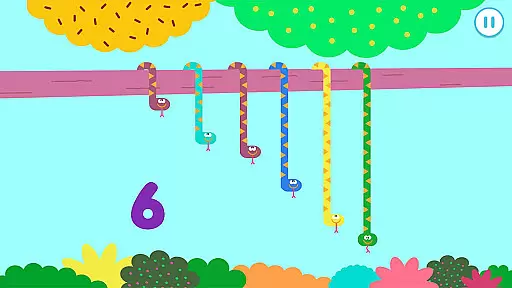
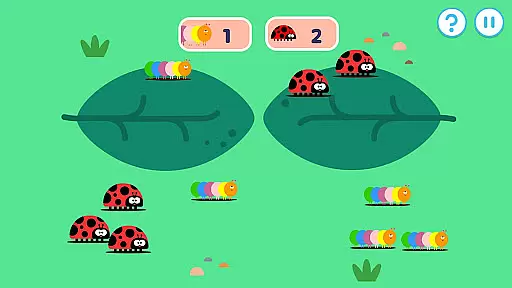

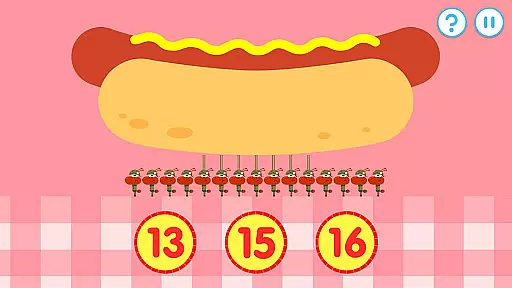
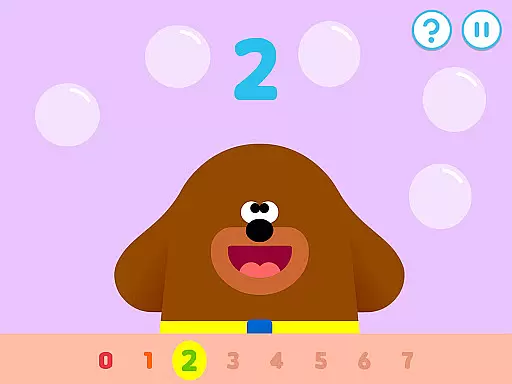
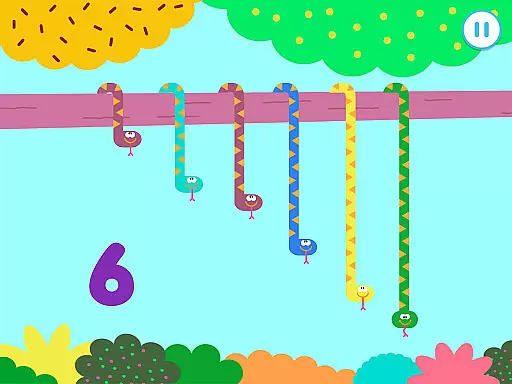
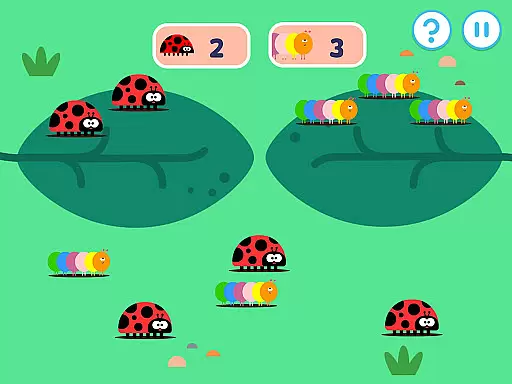
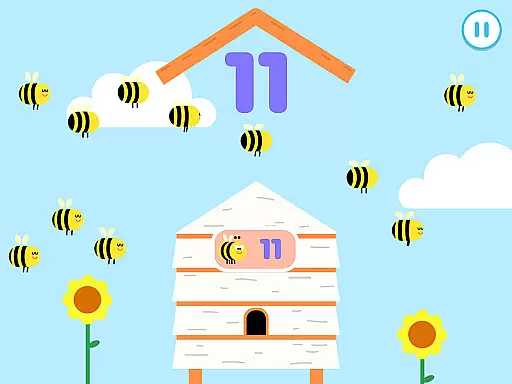
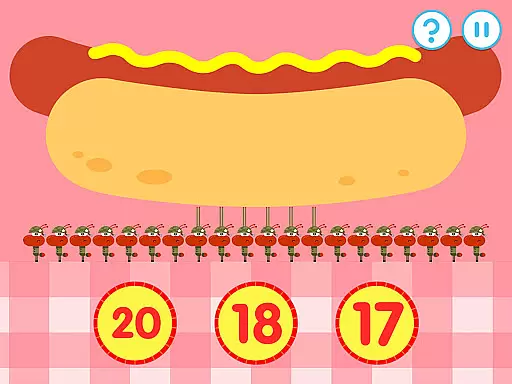
Hey Duggee: The Counting Badge is an educational app designed to make learning numbers fun for young children. Developed with Early Years Foundation Stage learning outcomes in mind, this app offers a diverse mix of engaging counting tasks that automatically adjust in difficulty, catering to Duggee fans of all ages. With nine counting tasks and four variations for each, the app provides 36 different activities that keep content fresh while ensuring longer engagement through three levels of difficulty.
The app encourages player recognition of days of the week, dates, and weather, alongside early numeracy skills. It features a gold star collection system and daily awards of the Counting Badge to motivate repeat plays. Profiles for up to three players can be saved, allowing children to continue their progress seamlessly. This ad-free, safe environment is ideal for preschoolers to develop essential skills while having fun.
Hey Duggee: The Counting Badge boasts several key features that enhance its educational value and user experience. The app includes counting tasks based on Early Years numeracy learning objectives, covering varying abilities of children aged 2 to 6 years. Each task is crafted to maintain interest and maximize engagement, with 36 counting screens featuring different mechanics and variations.
Difficulty progression is regulated through stored player profiles, ensuring personalized learning experiences. The app also incorporates a reward system where playing through five activities earns a Gold Star, and every fourth star grants the player their Counting Badge. This feature not only motivates children but also fosters a sense of achievement and progression. Additionally, the app supports multiple player profiles, making it perfect for families or classroom settings.
In the realm of educational apps, content authority and curriculum alignment are paramount for ensuring that learning is both effective and credible. Hey Duggee: The Counting Badge has been meticulously crafted with the Early Years Foundation Stage learning outcomes at its core. This means that every counting task within the app is not only engaging but also aligned with educational standards that are recognized and respected in early childhood education.
The app offers a diverse mix of counting tasks, each designed to cater to different aspects of numeracy as prescribed by educational curricula. With nine distinct counting activities, each having four variations, children are exposed to a wide array of numerical challenges that collectively contribute to a comprehensive understanding of basic math concepts. These activities are automatically adjusted in difficulty, which ensures that they remain appropriate and challenging for Duggee fans of all ages, from beginners to those with more advanced skills.
By incorporating elements such as days of the week, dates, and weather into its framework, the app goes beyond mere number recognition and counting. It integrates these real-world concepts seamlessly into gameplay, reinforcing their learning in context. This approach not only makes learning fun but also aligns with educational goals that emphasize the application of knowledge in everyday situations.
Gamification in learning transforms the educational experience by integrating game-like elements into the learning process, making it more engaging and enjoyable for young learners. Hey Duggee: The Counting Badge excels in this area by offering an interactive and rewarding system that motivates children to continue playing and learning. As players work through various counting activities, they earn Gold Stars, and upon collecting enough stars, they are awarded the prestigious Counting Badge by Duggee himself.
This badge system serves as a powerful incentive for repeat plays, encouraging children to practice their counting skills regularly. The sense of achievement that comes with earning badges and stars taps into the psychological benefits of gamification, promoting a positive attitude towards learning and self-improvement. Moreover, the app supports profiles for up to three players, allowing each child to progress at their own pace while fostering healthy competition among peers or siblings.
Additionally, the app's design ensures that the transition between varying levels of difficulty is smooth and unnoticeable to the player, maintaining engagement without causing frustration. By keeping the content fresh with 36 different counting screens and regulating difficulty progression, Hey Duggee: The Counting Badge successfully merges entertainment with education, creating an environment where learning is not just a task but a delightful adventure.
Engaging counting tasks
Automatically adjusts difficulty
Safe ad-free content
Encourages repeat plays
Supports multiple profiles
Limited to counting skills
No advanced math concepts
Only suitable for young kids
Requires device camera access
Some features need internet

Monkey Preschool Fix-It is an early learning game for ages 2 to 5.
 4.40
4.40
A game to memorize
4.1
Pro Doctor Dentist for PetsGame
4.60
Enjoy the fun kid's hospital play game with Cocobi, the little dinosaurs!
4.00
Welcome to the dollhouse! Unboxing, doll games, dress up & cute pets await!
4.00
Have fun learning Alef Beit
4.4
CASHFLOW - The Investing Game
4.00
Fun baby games for kids. Play baby piano, musical instruments & nursery rhymes.
4.50
Coloring book for kids! Learn Color, paint, neon drawing with educational games.
4.40
Cute coloring games for girls! Draw, paint & decorate with endless colors.
4.70
Explore Dopples World, build your avatar life & create endless stories!
4.70
Stack the States® 2 makes learning US geography fun!
4.50
Glow Doodle! Baby Coloring & Drawing games for toddlers: Color and Learn! NoAds!
4.40
Fun educational game: Learn, imagine, create, draw and color!
4.20
Imagine, build and ride your own Rollercoaster!
3.90
Practice Early Literacy Skills and Build Vocabulary with Elmo & Cookie Monster!
3.90
Magical girl game where dreams come true. Collect & care for cute princesses!
3.80
Educational game for children about emergency and other service vehicles
3.80
Draw shapes, mix colors, and dodge traps to defeat foes in the vibrant Art Zone!
4.0


User Reviews