
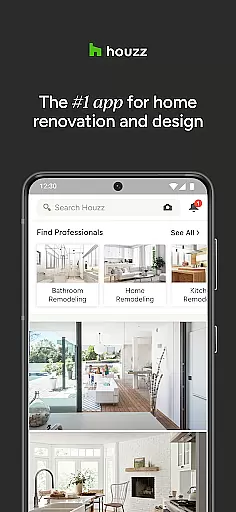
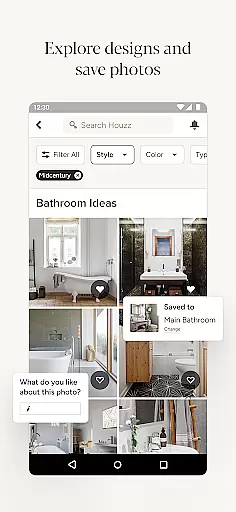

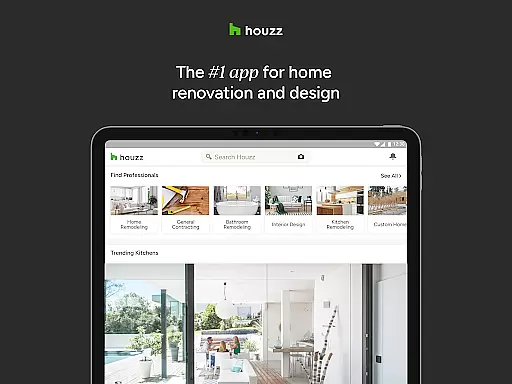
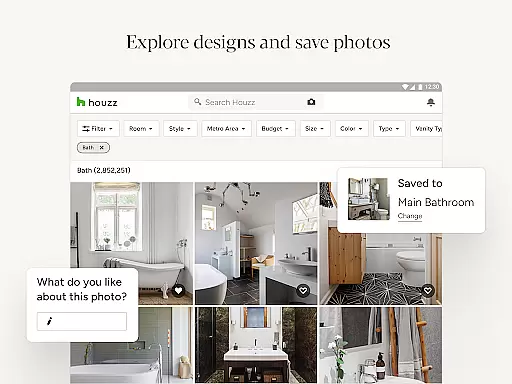
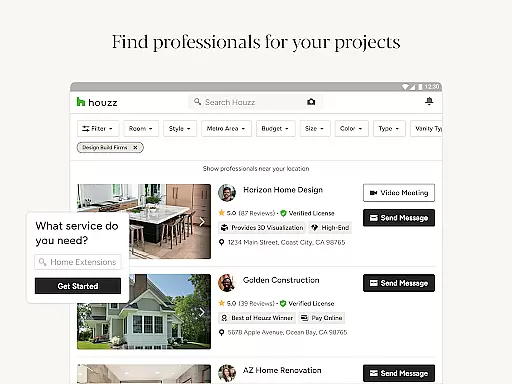
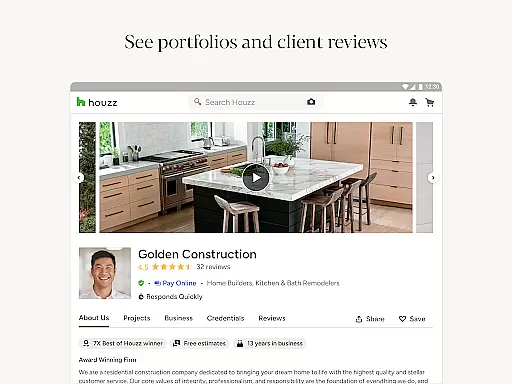

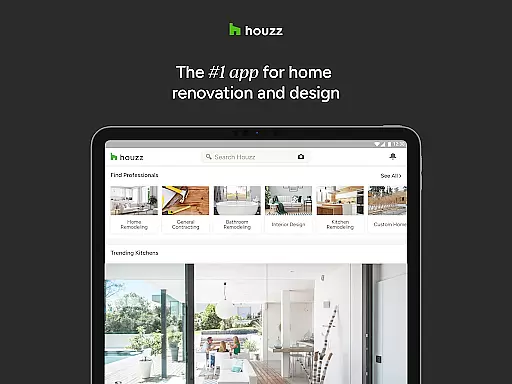
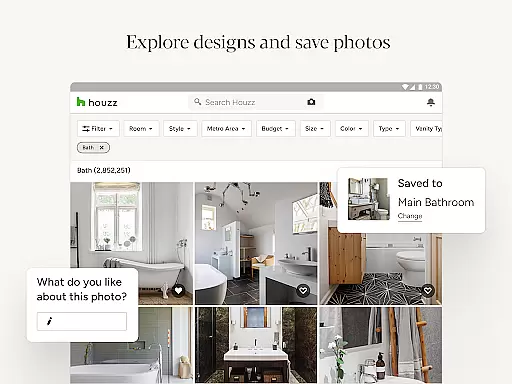
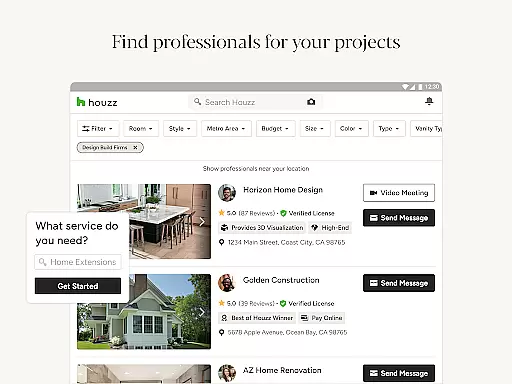

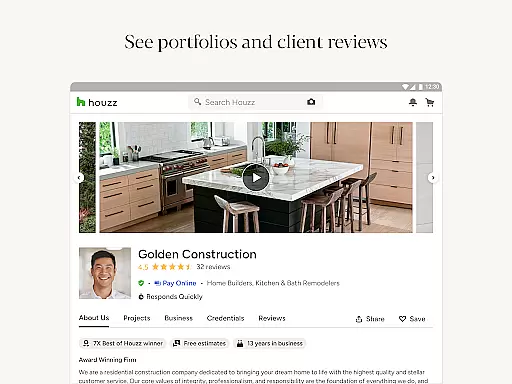
Houzz is a comprehensive home design and renovation app that serves as an essential tool for homeowners, designers, and contractors. With access to over 25 million high-resolution photos, users can browse through a vast collection of interior and exterior designs categorized by style, location, or specific rooms such as kitchens or bathrooms. This feature allows users to gather inspiration and plan their projects effectively.
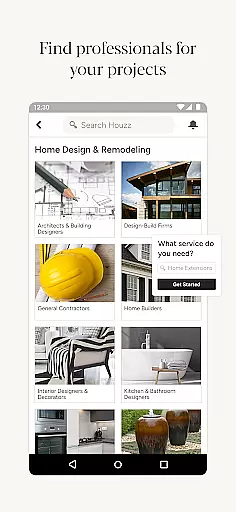
In addition to its extensive photo library, Houzz offers a shopping platform with more than 5 million products and materials. Users can read verified reviews and take advantage of significant discounts during sales events. The app also incorporates innovative features like Visual Match and View in My Room 3D, enabling users to visualize products within their own spaces. Furthermore, connecting with over 3 million home improvement professionals ensures that users can find the right expert for their renovation needs.
Houzz stands out due to its multifaceted approach to home design and renovation. One of its key features is the ability to save and share design photos with others, facilitating collaboration among homeowners, family members, and professionals. The Sketch feature allows users to annotate directly on photos, making it easier to communicate ideas and concepts.
The app's product discovery and purchasing capabilities are equally impressive. With Visual Match technology, users can identify and buy products seen in photos, streamlining the shopping process. The View in My Room 3D feature leverages augmented reality to help users see how furniture and decor will look in their homes before making a purchase. Additionally, the app provides access to a vast network of home professionals, ensuring that users can find the right contractor or designer for their projects.
Houzz also offers informative content through its editorial section, which includes articles, guides, and videos. These resources cover a wide range of topics from remodeling tips to gardening advice, providing users with valuable insights and inspiration for their home improvement endeavors.
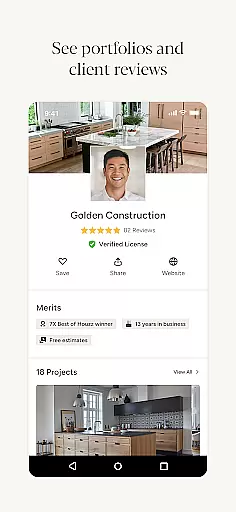
When it comes to home renovation and design, having access to authentic property listings is crucial for making informed decisions. Houzz ensures the credibility of its content by partnering with over 3 million verified home professionals, including architects, interior designers, and contractors. This network provides users with reliable information about products, materials, and services.
The app's extensive database includes more than 25 million high-resolution photos of real homes, categorized by style, location, and room type. Each image represents actual projects completed by professionals, ensuring that users are viewing genuine examples of design work. Additionally, product listings feature verified reviews from real customers who have purchased and used these items in their own homes.
Houzz maintains listing authenticity through regular updates and community engagement. Users can save and share design photos while also connecting directly with the professionals behind each project. This verification system creates a trustworthy environment where homeowners can confidently explore remodeling ideas knowing they're based on real-world examples.
Beyond inspiration, Houzz offers practical home management features that help users execute their design projects effectively. The app's product catalog contains over 5 million items, including furniture, lighting, vanities, and building materials, all available for purchase. This comprehensive marketplace allows users to directly buy products they discover in design photos or find through targeted searches.
One innovative feature is Visual Match technology, which uses visual recognition to identify products within photos. Users can instantly find and purchase similar items seen in professional design projects. Another powerful tool is the View in My Room 3D feature, enabling users to virtually place furniture and decor in their own space using their device's camera, ensuring proper scale and fit before purchasing.
Houzz also facilitates project management by connecting homeowners with local professionals. Through integrated messaging systems, users can communicate with architects, contractors, and designers, streamlining the renovation process. These features, combined with the ability to save and organize design ideas, create a complete home management solution that supports projects from initial concept to final implementation.
User-friendly interface
Extensive photo library
Innovative AR features
Vast product selection
Professional network access
Some features require premium
Occasional app instability
Limited offline functionality
Product prices vary widely
Subscription fees for pros

Find paints using a Color Muse & ColorSnap® Match
 3.60
3.60
AI-powered home design, interior design, home decor, and room design solutions
4.50
Plants, Beauty, Collectibles
4.60
Fire & Power Safety
4.50
Search for Homes, Rentals, Agents & Schools
4.70
MLS-powered real estate app to find homes for sale & apartments for rent
4.70
A Smarter Home in Seconds
4.70
Connect with reliable pros for maintenance services, plumbing, and home design!
4.80
Find homes for sale and apartments for rent in the best neighborhood.
4.70
Turn old phones into security cameras, baby monitors, pet cams, and more.
4.70
Night Owl Protect helps you secure, protect, and connect your world!
4.60
Apartment finder for apartments for rent. Compare prices, amenities & rentals.
4.50
Make Renting Easy
4.40
Book your local plumber 24/7, track your service order & get exclusive coupons
4.00
Technology powering many in-home services for residents across the United States
3.80
Design house plans in 2D & 3D, style furniture, and preview renovation layouts
3.70
This Fire TV Remote control's your Fire TV Device and Insignia Fire TV Remote
3.70
Use Home by ShowingTime to easily manage showings, tours, feedback and more
3.60
Calculate baluster spacing with ease and precision.
4.4


User Reviews