


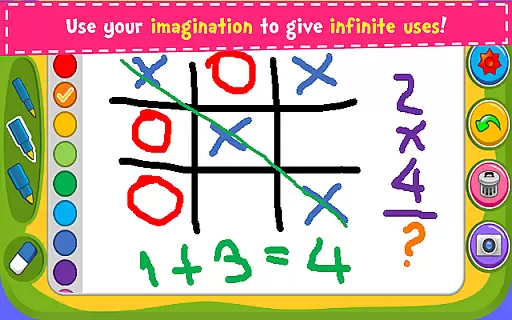

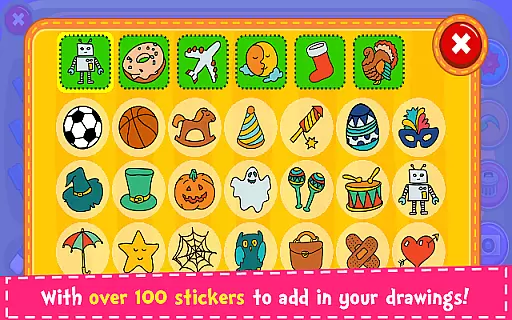
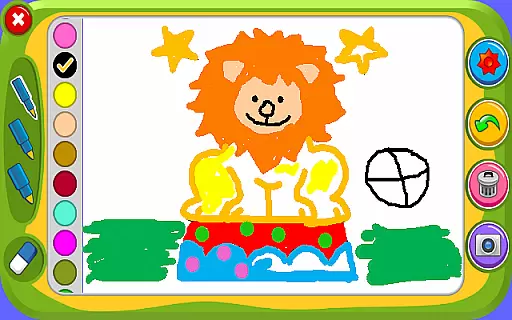



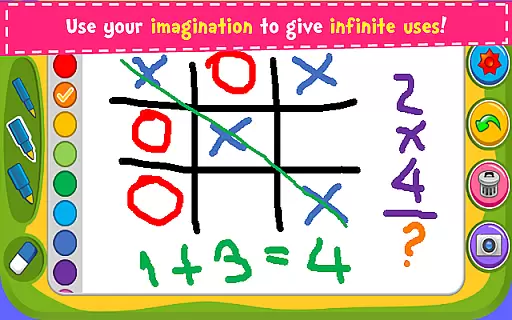

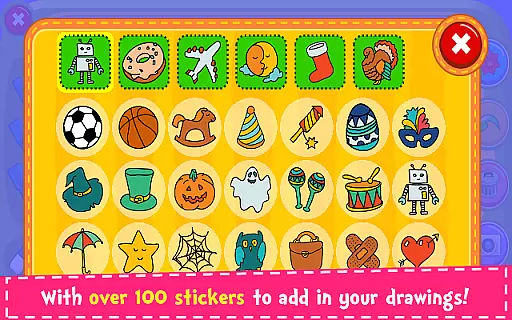
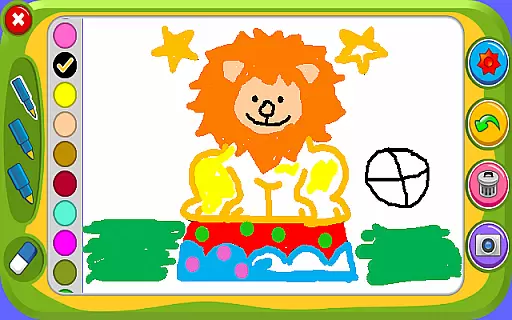



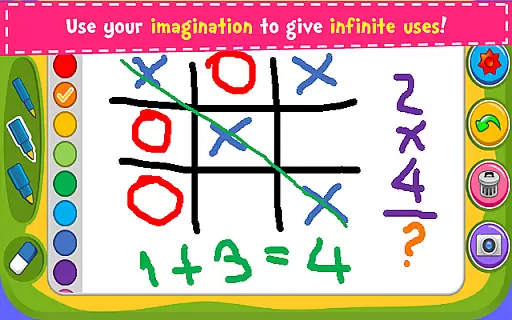

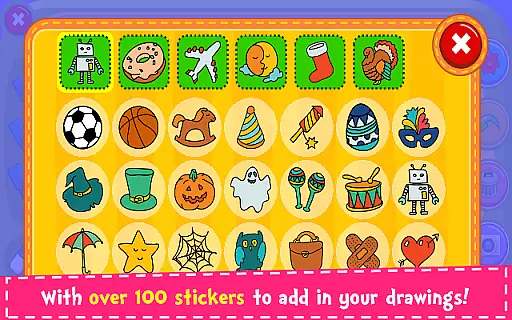
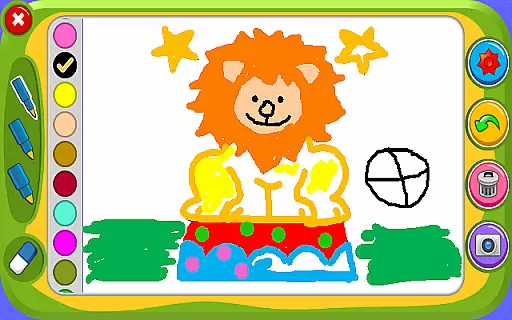

Magic Board is an engaging drawing and coloring application designed for users of all ages. This app allows you to express your artistic talents by providing realistic drawing tools and a wide array of coloring options. With over 100 beautiful stickers, users can decorate their creations, making each piece uniquely personal.
The app promotes creativity, enhances concentration, and develops fine motor skills, especially beneficial for children. It supports multiple languages including English and Spanish, ensuring accessibility for a diverse audience. Magic Board offers various features such as different pencil strokes, dynamic color effects, an eraser, undo functionality, and the ability to save and share your artwork on social media platforms like Facebook, Twitter, and Instagram.
Whether you are looking to spend some quality creative time with your kids or seeking a relaxing hobby for yourself, Magic Board serves as an excellent tool that combines fun with skill development.
Magic Board stands out with its comprehensive set of features tailored for both casual doodlers and serious artists. The app provides a simple yet intuitive design, ensuring ease of use for everyone. Users can choose from different pencil strokes and colors, including a unique flash effect that generates endless bright colors dynamically.
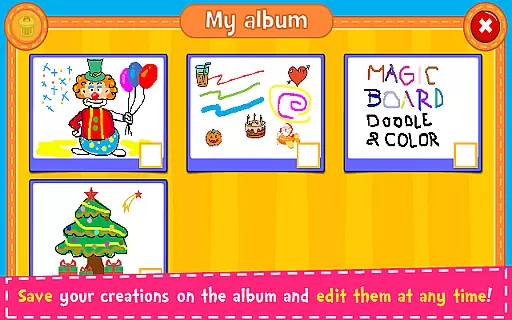
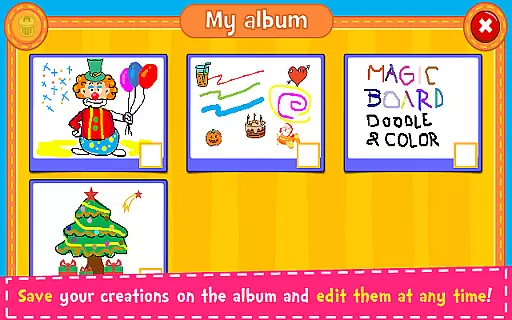
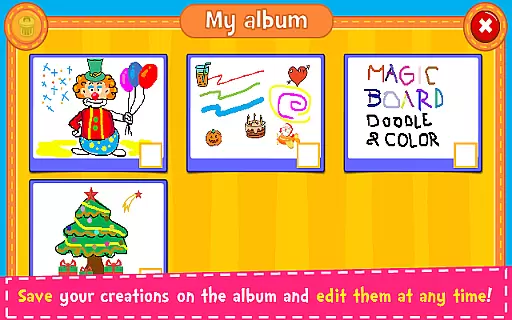
One of the key highlights is the vast collection of over 100 adorable stickers which can be used to embellish any drawing. Additionally, practical functions such as the eraser, undo, and clear all options make editing effortless. The ability to save drawings in an album and revisit them for edits at any time adds another layer of convenience.
Moreover, Magic Board facilitates sharing your masterpieces directly with family and friends via popular social media channels, email, and messaging apps like WhatsApp. Its compatibility across all smartphones and tablets ensures a seamless experience regardless of the device you own.
When it comes to parenting applications, the credibility of the content and expert validation are crucial factors. Magic Board ensures that its features align with child development principles. The game promotes imagination, art skills, and fine motor abilities, which are essential for a child's growth.
The application offers a variety of drawing tools and stickers that are designed to be both fun and educational. These elements have been crafted to enhance creativity while ensuring safety and age-appropriateness. By focusing on these aspects, Magic Board has created an environment that parents can trust.
Magic Board stands out by providing a platform where children can freely express themselves without exposure to inappropriate content. This is achieved through careful design and consideration of what is pedagogically sound, making it a reliable choice for parents seeking to enrich their child's developmental journey.
Growth tracking in parenting apps allows parents to monitor their child's progress over time. Magic Board facilitates this by enabling users to save their creations in an album, providing a chronological record of artistic development.
Each saved artwork serves as a milestone, showcasing improvements in drawing techniques and color usage. Parents can observe how their child's skills evolve, gaining insights into areas of strength and opportunities for further exploration.
This feature not only helps track tangible artistic growth but also fosters intangible qualities like concentration and imagination. With Magic Board, parents can appreciate the nuances of their child's creative journey, making it an invaluable tool for growth assessment within a fun and engaging context.
User-friendly interface
Wide range of creative tools
Supports multiple languages
Free to use
Encourages creativity
Limited advanced features
No offline mode
Ads may interrupt
Basic design elements
Occasional bugs

Track your pregnancy, kick & contraction counter, baby & mom's heartrate monitor
 4.60
4.60
A simple way to track your baby’s breastfeeding, diaper changes, sleep patterns.
4.90
Learn according to the age of your child and consult with other moms.
4.20
Fun Ideas for Parents
4.70
Live Location, Alerts & 2-Way Voice for Kids and Adults with Special Needs
4.60
The 10 development leaps of your baby | newborn milestones & leap days tracker
4.10
Lullabies, Night Light & Age-based Routines to help your baby fall asleep
4.4
Findnumber: Real-time location tracker for ultimate family security
4.20
Pregnancy+ App has helped 80m moms track their pregnancy with info & support!
4.80
Daily Routine & Timer for kids, ADHD, & Autism
4.80
Introduce real food to baby with First Foods® Database, baby led weaning BLW
4.80
Sleep better with white noise app! Discover rain sounds, fan noise and more.
4.70
Family GPS locator app — child location tracker. GPS kids tracker, family safety
4.70
Track your pregnancy & your baby's growth in 3D. Get support from our community
4.60
With BabyCam you can monitor your baby using your mobile phone, tablet, PC or TV
4.40
Babysitting video camera - Turn your two phones or tablets into a single nanny.
4.40
Fake call application designed for parents and adults to discipline their children through the children's police.
4.20
Discover fun videos, kids songs, bedtime stories and games
3.60
Play activities, milestones, expert-led classes, baby tracker, and more!
3.00


User Reviews