
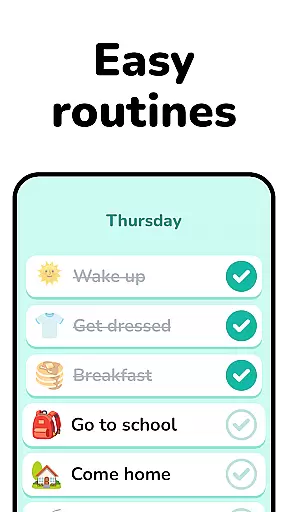

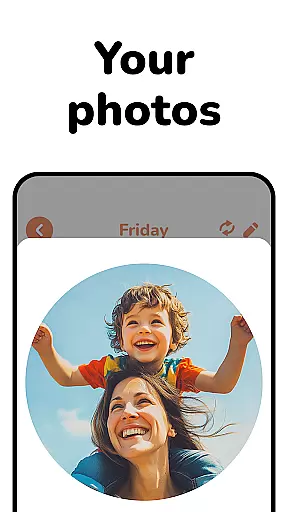
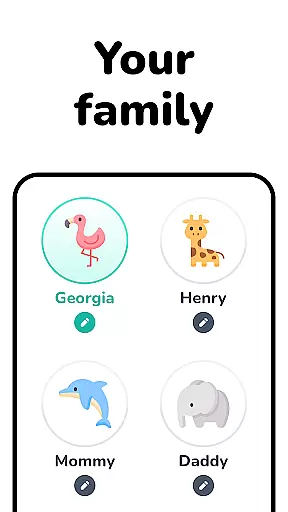
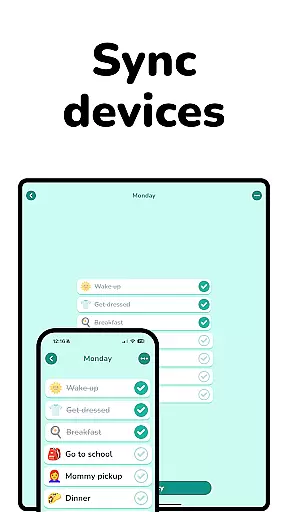
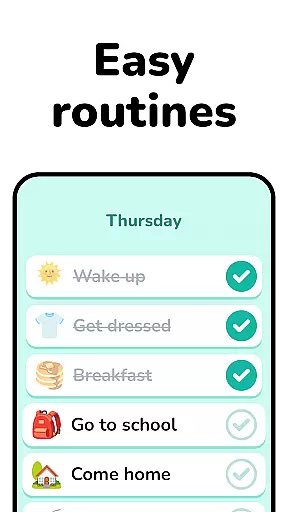

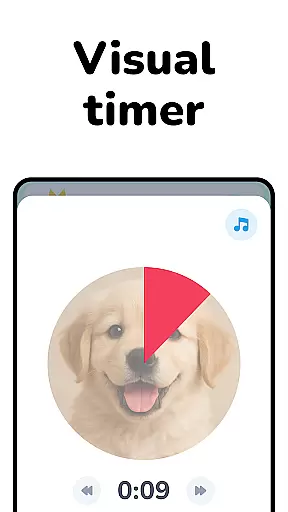
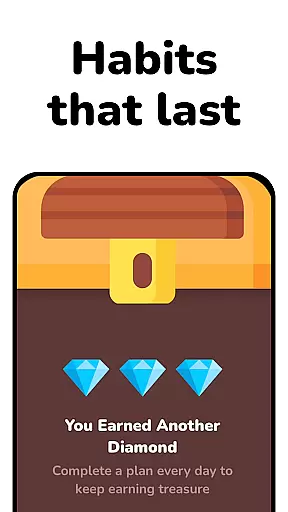
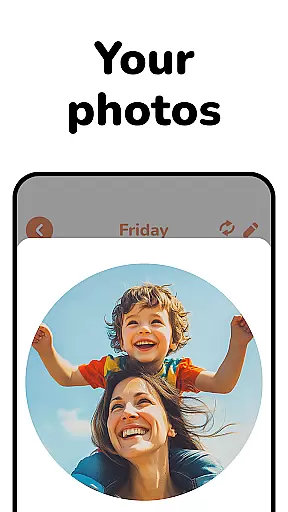
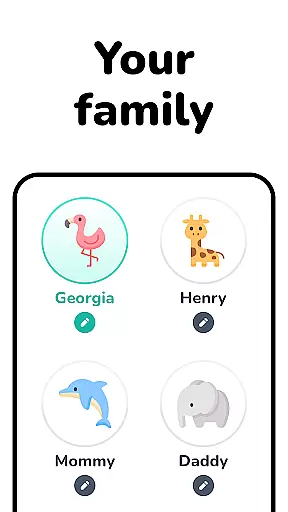
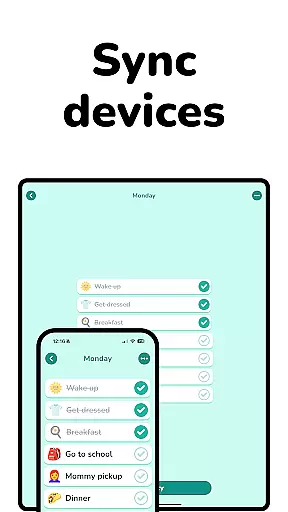
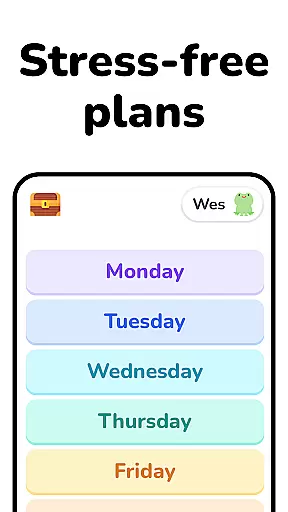
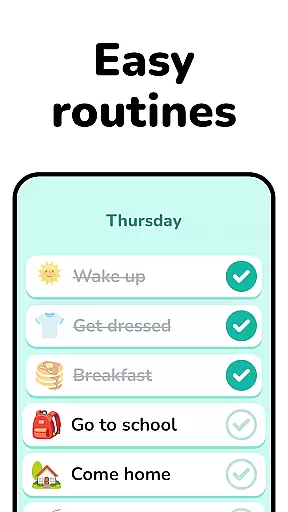

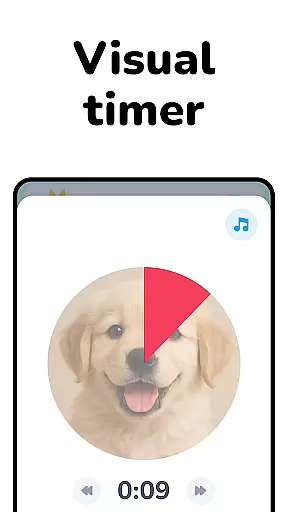
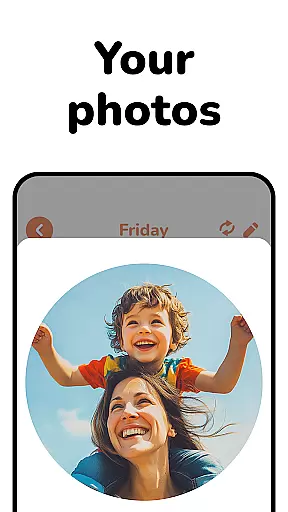
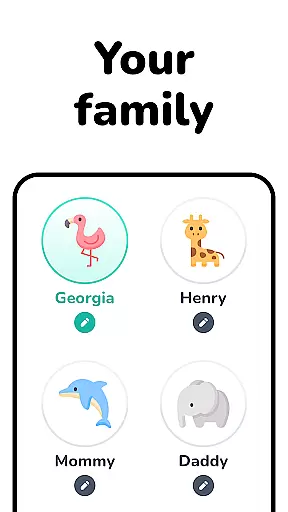
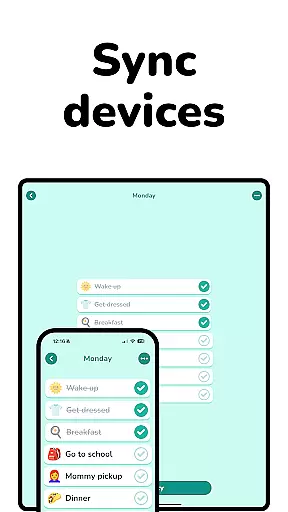
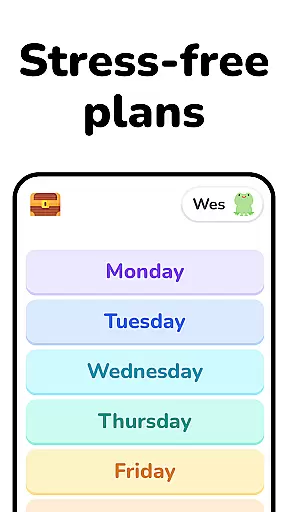
Lil Planner is a specialized app designed to help parents create engaging visual schedules for their children. This tool focuses on making daily planning more interactive and less stressful, particularly for families with young kids or those with special needs. The app's interface is thoughtfully designed with large, easy-to-read elements that are simple to use, ensuring accessibility for toddlers, preschoolers, and older children alike.
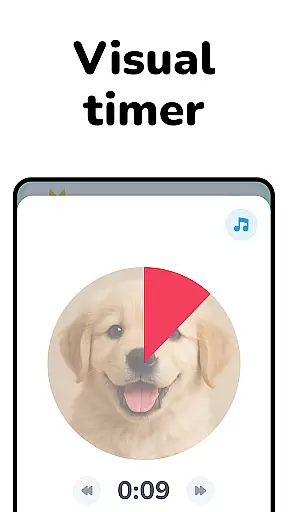
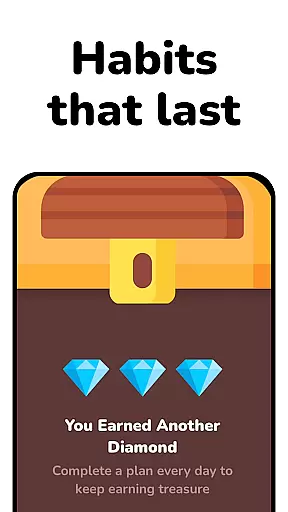
One of the standout features of Lil Planner is its ability to make scheduling fun. By incorporating visually stimulating and enjoyable design elements, it captures the attention of both parents and children. This helps in building good habits, reducing anxiety, and minimizing meltdowns by providing clear visual cues. Whether you're managing the needs of neurodivergent children or simply looking for a playful way to stay organized, Lil Planner offers a practical solution that fits seamlessly into your family routine.
Lil Planner stands out due to its unique approach to family organization. The app provides an intuitive platform where parents can easily craft visual schedules tailored to their children's needs. With features specifically designed to increase focus and reduce anxiety, it becomes an essential tool for families dealing with ADHD, autism, or other neurodivergent conditions. The simplicity of the design ensures that even toddlers can engage with the schedules without frustration.
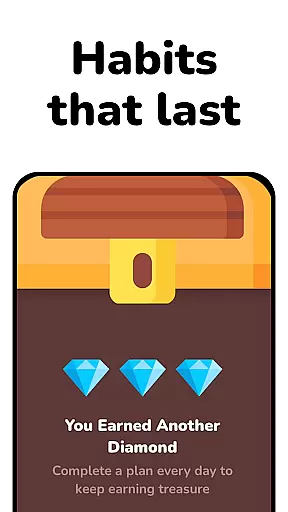
Another remarkable aspect of Lil Planner is its versatility. It caters not only to young children but also to older kids and adults who benefit from visual learning methods. The app fosters independence by allowing users to take charge of their routines while enjoying the process. Additionally, Lil Planner emphasizes fun as a core component—its vibrant visuals and interactive elements keep users motivated to stick to their plans. Originally developed for personal family use, this app has proven so effective that its creators decided to share it with a broader audience seeking innovative parenting solutions.
When it comes to parenting tools, the credibility of the content and validation by experts are crucial factors. Lil Planner has been designed with input from both parents and professionals who understand child development. The app's features are informed by best practices in education and psychology, ensuring that the methods suggested for increasing focus, building habits, and reducing anxiety are grounded in research.
The creators originally developed this tool for their own family, which speaks to its practical origins and genuine approach. This personal touch is complemented by considerations for neurodivergent children and those with specific learning needs, making it a reliable choice for a wide range of families. By focusing on visual schedules, Lil Planner taps into proven strategies for helping kids, especially those with ADHD or autism, manage their day-to-day lives more effectively.
Parents can trust that Lil Planner is not just another app but a thoughtfully crafted solution that brings together fun and functionality. With its emphasis on creating engaging and easy-to-use interfaces, the app ensures that both children and adults find value in using it daily. This dual focus on enjoyment and effectiveness makes Lil Planner stand out as an authentic and credible parenting aid.
Growth tracking accuracy is essential for any tool aimed at supporting child development, and Lil Planner excels in this area. The app provides a structured way to monitor a childu2019s progress through visual schedules that are both intuitive and adaptable. These schedules help parents track improvements in focus, habit formation, and emotional regulation over time, offering tangible evidence of growth.
Lil Planner supports various types of learners, including toddlers, preschoolers, and older kids who benefit from visual aids. Its ability to cater to different age groups and cognitive styles enhances the precision with which developmental milestones can be tracked. For example, transitions u2013 often challenging for young children u2013 become smoother, allowing parents to observe incremental successes in managing change.
Moreover, the app's design encourages consistent use, turning u201cLet's check our Lil Planner!u201d into a regular household phrase. This consistency is key to accurately assessing growth patterns and adjusting strategies as needed. By integrating seamlessly into daily routines, Lil Planner offers parents a reliable means of tracking their child's development while fostering independence and organization skills.
User-friendly interface
Engaging visual designs
Suitable for all ages
Reduces child anxiety
Encourages independence
Limited advanced features
Requires regular updates
No multi-language support
Premium version costly
Occasional bugs reported

Comprehensive Parental Control & Child Safety — Hear & Protect Your Child World
 4.30
4.30
SENSORYSOOTHE and SENSORSAFE: Making car seats smarter and families safer.
4.70
Happiest Baby App replaces the SNOO App (the mobile companion to SNOO & SNOObie)
3.20
Educational resource for parents to inspire creativity in their children.
4.00
Little loved one's monitoring, Sleep tracking and Parenting content.
3.80
Fun Ideas for Parents
4.70
It is a screen time management tool for games and mobile applications
4.50
Keep track of your stored breastmilk
4.40
Parental control App for Location, Remote Camera, Screen Mirroring, Block Apps.
4.60
Introduce real food to baby with First Foods® Database, baby led weaning BLW
4.80
Track Pregnancy, Baby Feeding, Sleep, Diaper Changes, Postpartum Health & More!
4.80
Pregnancy+ App has helped 80m moms track their pregnancy with info & support!
4.80
Advanced baby tracking, expert sleep help & parenting support for every stage.
4.80
Kids story books for children. Baby reading books with audio for pre-k toddlers
4.70
GPS phone tracker: find kids on map. Location tracking and parental control.
4.50
Reliable phone tracker by number & locate phone app. Protect your family.
4.50
With BabyCam you can monitor your baby using your mobile phone, tablet, PC or TV
4.40
FamilyMode helps you manage your family’s digital lives—at home or on the go.
4.30
Lullabies, Night Light & Age-based Routines to help your baby fall asleep
4.2


User Reviews