
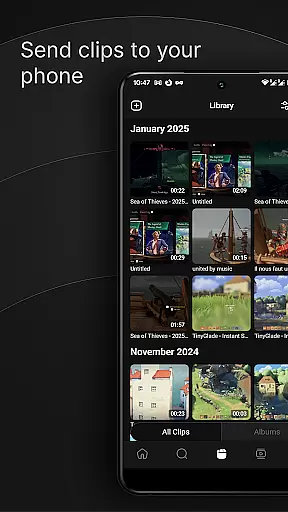
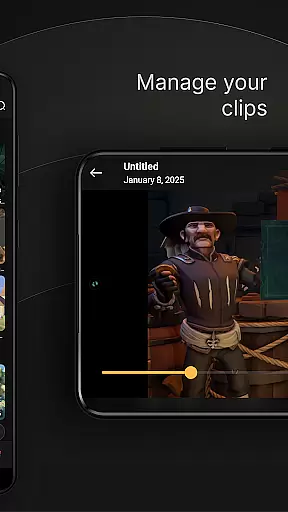
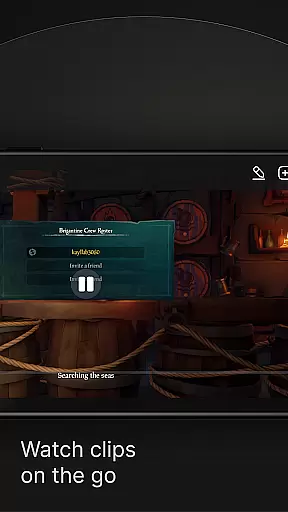
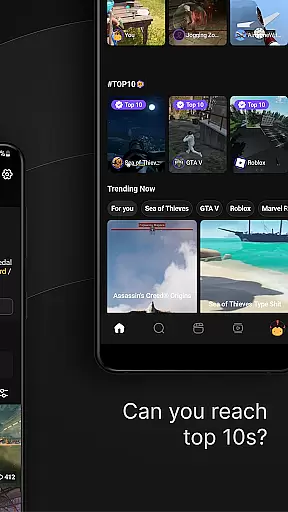
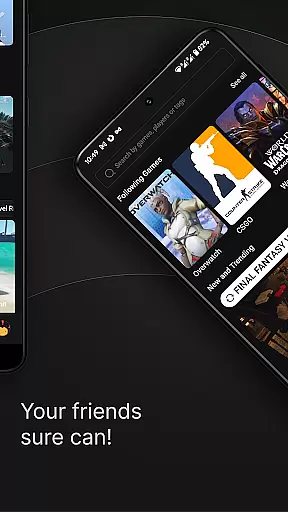
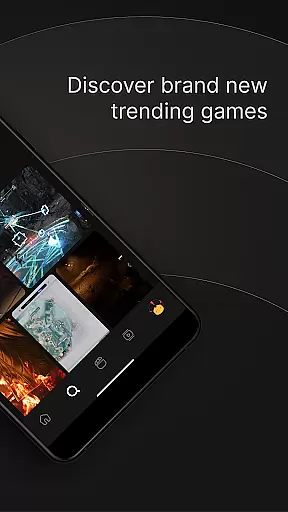
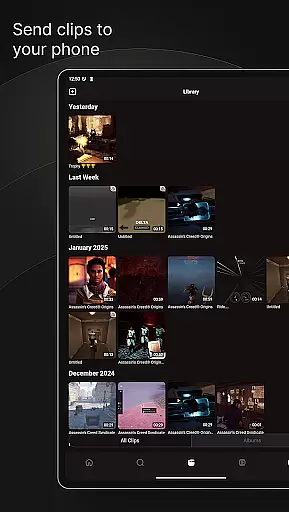
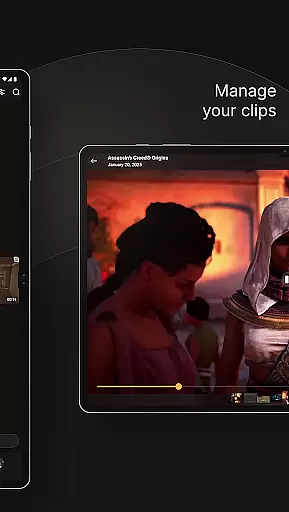
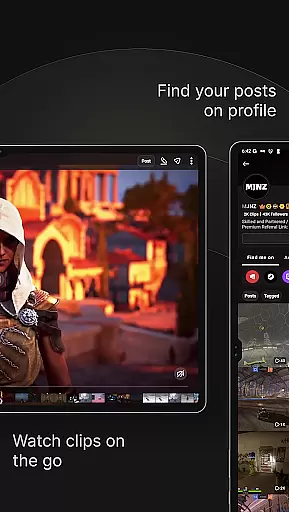
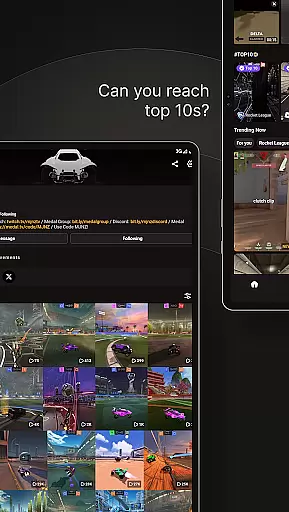
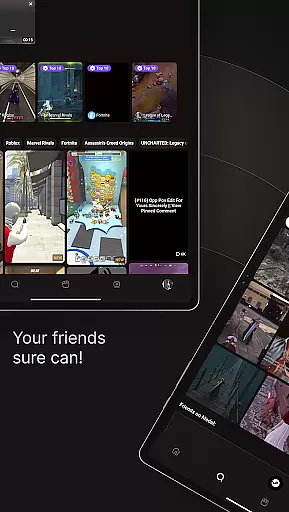
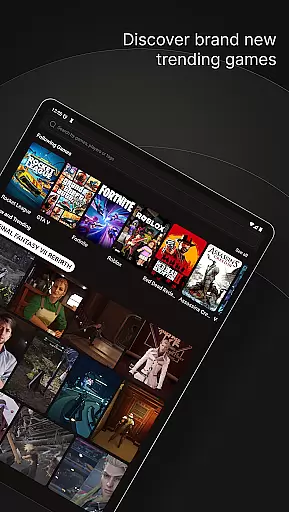
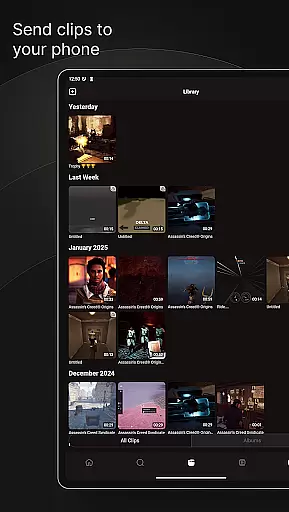
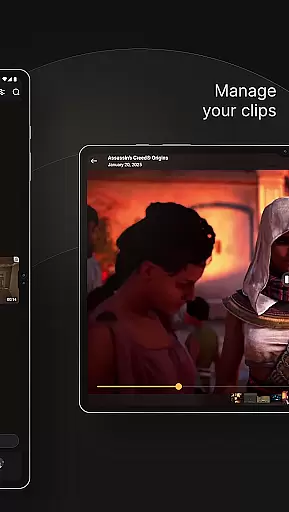
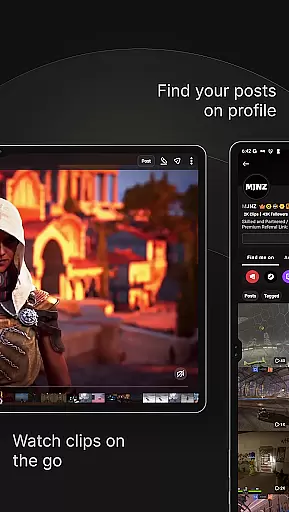
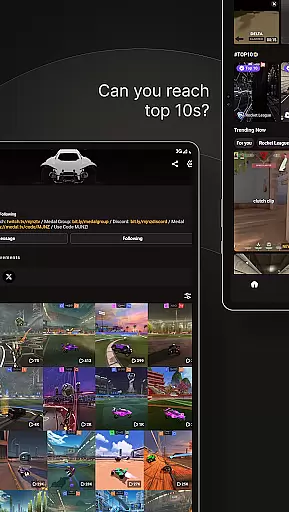
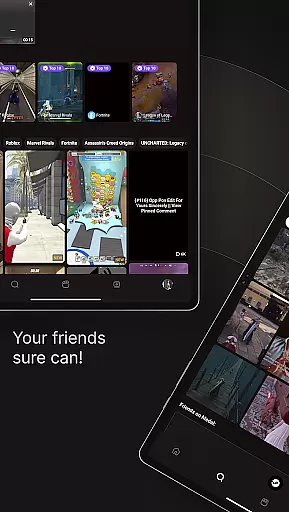
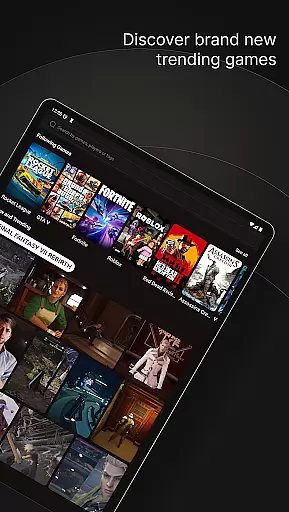
Medal is a dynamic social platform designed specifically for gamers to capture and celebrate their most memorable gaming moments. The app's core functionality revolves around its powerful clipping feature, allowing users to instantly record and save highlights from popular games like Fortnite, Roblox, and Minecraft. Whether you're executing impressive stunts or experiencing hilarious fails, Medal ensures these moments are preserved.
Beyond simple recording, Medal creates a vibrant social ecosystem where gamers can watch trending clips, engage with friends' highlights, and participate in a community-driven content sharing experience. The app supports both mobile and PC gaming through dedicated recording solutions, making it versatile across different gaming platforms. Its seamless integration with major social media networks enables effortless sharing of gaming achievements.
This application particularly shines in competitive gaming scenarios where players want to document their best moves or share funny moments with their community. By providing high-quality 1080p 60fps recording capabilities and minimal system resource usage, Medal delivers professional-grade features to casual and serious gamers alike, enhancing the overall gaming experience through social interaction and content preservation.
Medal distinguishes itself through several innovative features that cater to modern gamers' needs. The app's instant clipping functionality is its standout characteristic, activated by a simple F8 key press for PC gamers or through the dedicated mobile recorder app. This feature captures gameplay moments in crisp 1080p resolution at 60 frames per second without significant performance impact, ensuring smooth recording even during intense gaming sessions.
The platform's social components are equally impressive, offering comprehensive interaction tools including likes, comments, and saving features for clips. Users can build personal libraries of their best moments while simultaneously exploring trending content from various games. The app's cross-platform compatibility extends its utility, connecting mobile and PC gaming experiences through a unified interface.
What sets Medal apart is its emphasis on community engagement and content distribution. The app facilitates easy sharing across multiple social media platforms, creating opportunities for gamers to expand their reach beyond traditional gaming circles. With dedicated support channels through Discord, X (formerly Twitter), and other social networks, Medal maintains active communication with its user base while continuously improving its feature set based on community feedback.
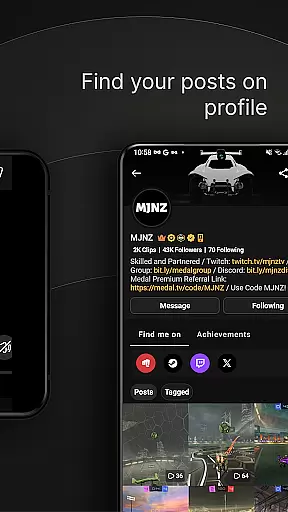
User profile customization is a crucial aspect of any social platform, allowing users to express their individuality and preferences. Medal provides an intuitive interface where gamers can personalize their profiles with avatars, bios, and links to their favorite games or social media accounts.
The authenticity verification process ensures that users are who they claim to be, adding a layer of trust within the community. By connecting their gaming accounts and verifying their identity through linked platforms, Medal users can establish credibility among peers.
This feature not only enhances user engagement by giving players a sense of ownership over their presence on the app but also fosters a safer environment for sharing content. Verified profiles help in building genuine connections as others can trust the source of shared clips and highlights.
Ultimately, these customization and verification options empower Medal's community members to create meaningful interactions based on real identities and mutual interests in gaming culture.
Connection discovery is at the heart of Medal's social experience, enabling users to find friends and like-minded gamers easily. The app employs smart algorithms that suggest potential connections based on shared games, clip interactions, and viewing habits.
By analyzing user activity such as liked or commented clips, Medal suggests new connections who share similar gaming tastes. This feature helps build communities around specific games like Fortnite, Roblox, or Minecraft by connecting players with overlapping interests.
Moreover, Medal allows direct linking from various social media platforms which aids in expanding oneu2019s network beyond existing contacts. Users can import friends from other networks or search for them directly within Medal using usernames or linked accounts.
This strategic approach not only increases user retention by keeping gamers engaged but also enriches their experience through expanded opportunities for collaboration and content sharing across different gaming ecosystems.
User-friendly interface
High-quality recording
Instant clip sharing
Cross-platform support
Active community
Storage limitations
Occasional bugs
Mobile game restrictions
Learning curve
System requirements

The video chat to meet people in the blink of an eye!
 3.90
3.90
Live video chat to connect with people around the world. Video chatting on Olive
4.40
Dating for singles. Meet lonely people nearby online. Find your match here!
4.20
Discover an open-minded dating experience when you download today
4.10
Sell unwanted items and buy preloved stuff in your local community.
4.10
Build Your Team With One App
4.30
Instant messaging — simple, fast, secure, and synced across all your devices.
4.00
Connection Beyond Content
4.50
Live Chat & Match! Explore Real-Time Dating and Make Friends!
4.40
Social calendar for friends to make plans, group chat, share events & schedules
4.60
Dating & make friend to chat, meet, flirt, and make real connections!
4.60
A video app from OpenAI - AI video generation by the maker of ChatGPT
4.60
Watch 24/7 live stream, and make real friends nearby
4.30
A gathering place for 300 million people's life interests and hobbies
4.30
The official Skool app. Stay connected to your communities on the go.
4.20
A warm, simple dating app for adults seeking real connection.
4.20
Chill and Chat with Tagged Live Video with millions of peeps
4.10
Unlimited messages, WiFi Calling, Texting app. Text now with Second Phone Number
4.10
Go Live, Chat & Meet New People! Friends. And more than friends.
3.80


User Reviews