
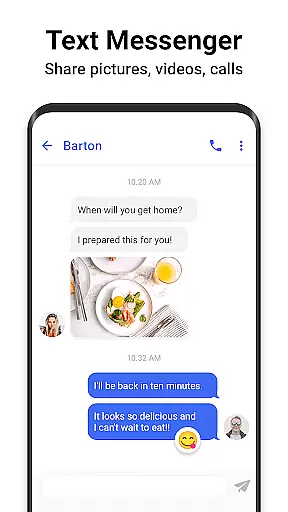
Messenger SMS is a feature-rich communication app that redefines texting by offering an all-in-one messaging solution. The app allows users to send SMS and MMS messages enriched with countless emojis, themes, fonts, wallpapers, ringtones, and more. With over 3000 free new emojis, stickers, and GIFs, it makes conversations lively and fun. Users can stay connected through multimedia sharing, including pictures, audio, video, and group chats.
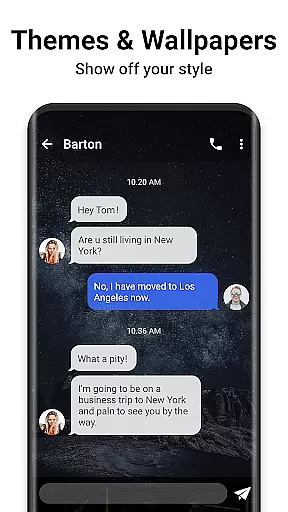
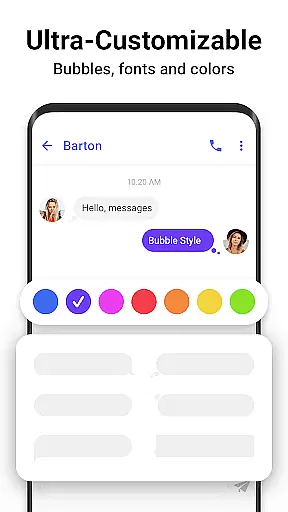
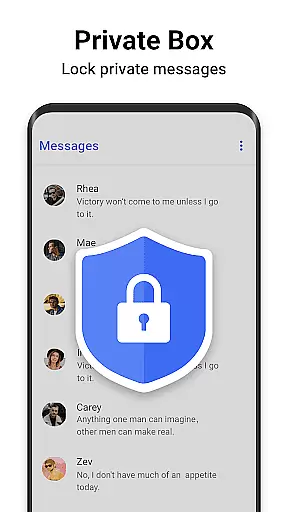
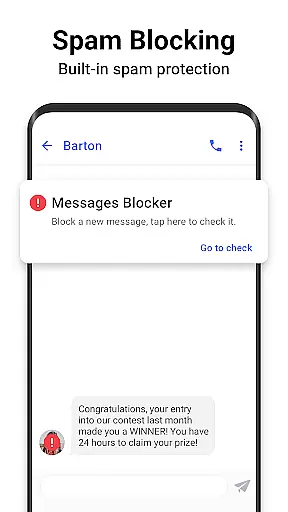
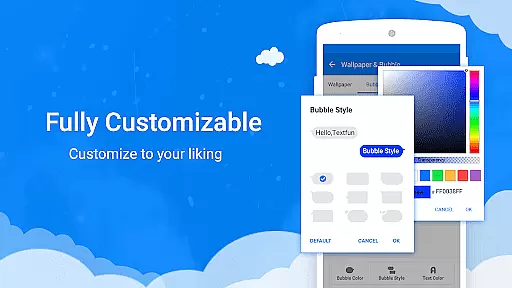
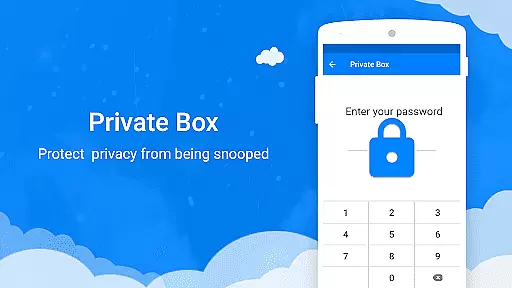
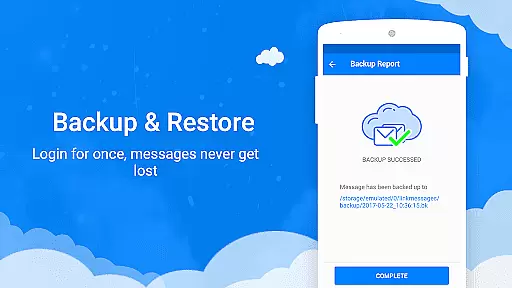
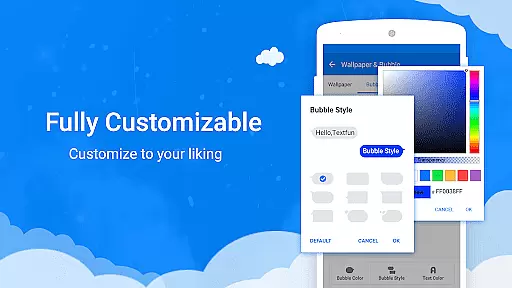
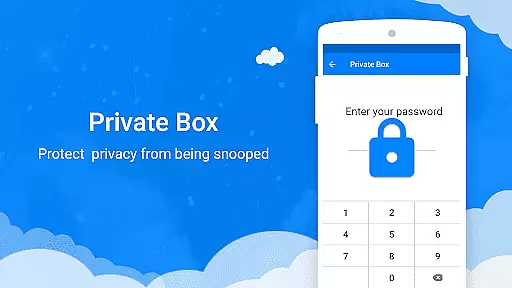
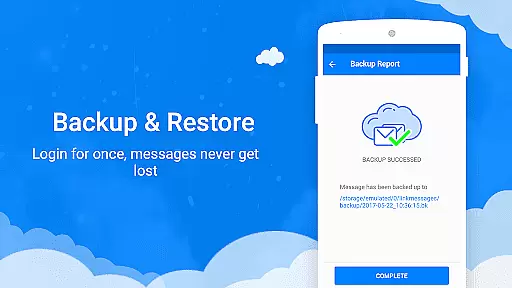
One of the standout features of Messenger SMS is its customization capabilities. Users can personalize their texting experience by customizing chat bubbles, colors, fonts, and wallpapers. Additionally, the app provides privacy and security features such as a private box for encrypting messages, a message blocker to avoid spam, and backup & restore functionality to prevent data loss. Whether you're looking to enhance your texting experience or ensure your privacy, Messenger SMS offers tools that cater to various needs.
The app is particularly useful for individuals who want both creativity and security in their daily communications. Its unique combination of fun elements like animated GIFs and practical features like scheduled messaging ensures users never miss important moments. Moreover, the driving mode and auto-reply functions help minimize distractions while on the road, making it a versatile tool for modern communication.
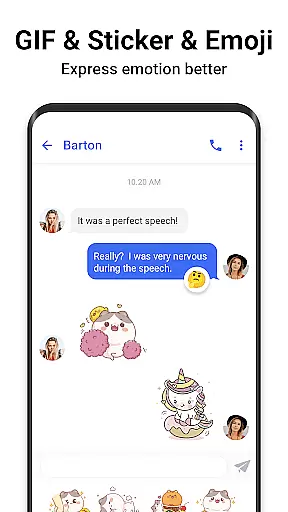
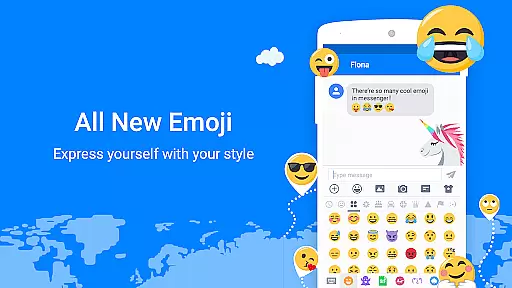
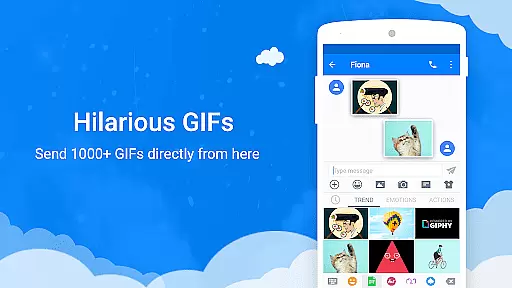
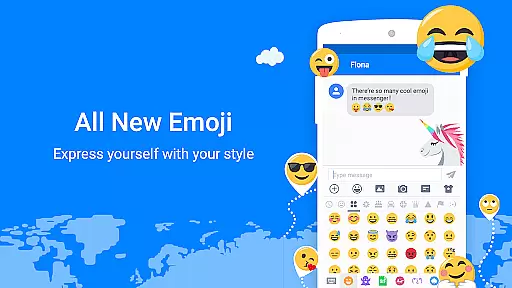
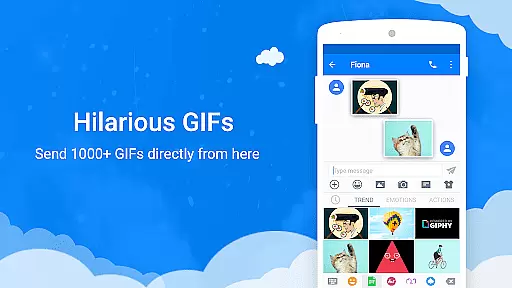
Messenger SMS stands out due to its extensive range of features designed to enhance user interaction and personalization. One of the key highlights is the availability of over 3000 free emojis, stickers, and GIFs, which add a playful element to conversations. These animated GIFs and emoji art can be shared via MMS, allowing users to express themselves more vividly. This vast library of expressive tools ensures that users can find the perfect way to convey their emotions.
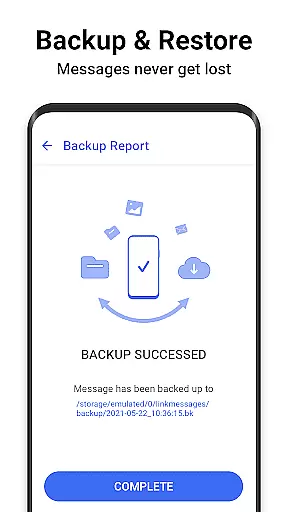
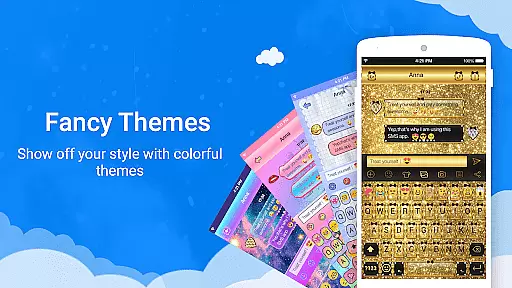
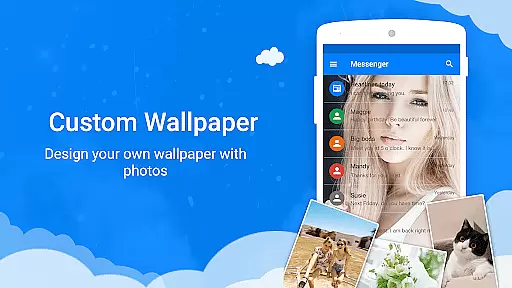
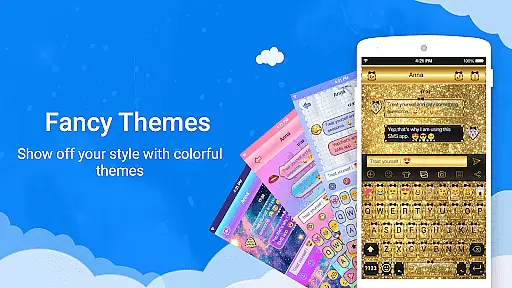
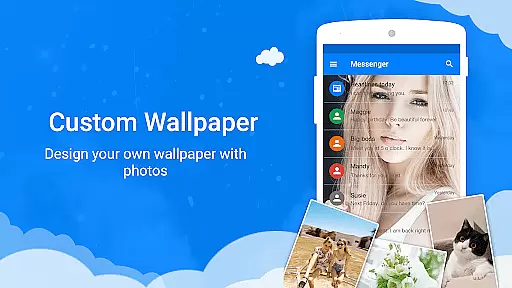
Customization is at the heart of Messenger SMS, providing users with numerous options to tailor their messaging interface. From choosing among tons of amazing messaging themes to customizing every aspect of the chat window—including text bubbles, colors, fonts, and wallpapers—users have complete control over their texting environment. They can even set personal photos as chat backgrounds, adding a unique touch to each conversation. Furthermore, advanced functionalities like backup & restore, private message boxes, and SMS blockers offer peace of mind regarding privacy and data management.
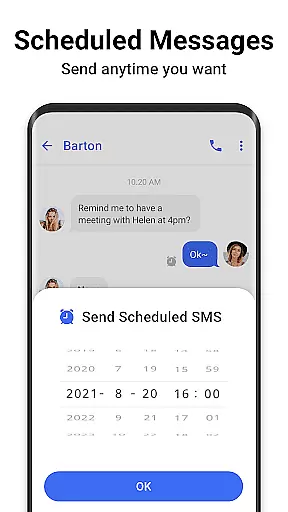
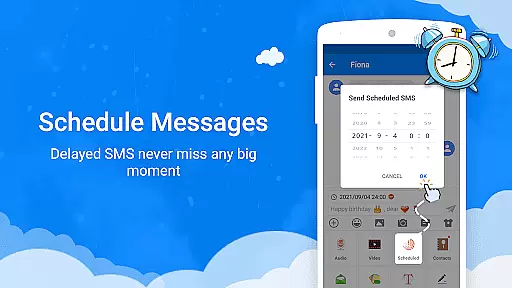
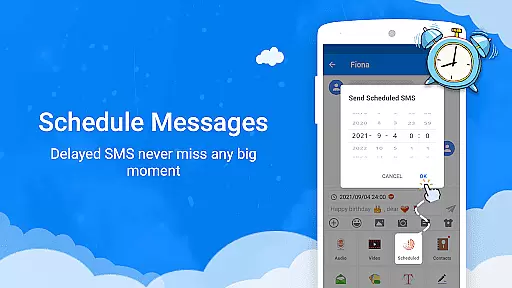
Practicality meets innovation with features like scheduled messaging, caller ID, and driving mode. Scheduled messaging allows users to plan their texts ahead of time, ensuring timely communication without manual intervention. The caller ID function identifies unknown numbers and warns about potential spam calls. Meanwhile, the driving mode disables non-essential notifications, keeping users focused on the road while still allowing urgent calls to come through. Overall, these features collectively make Messenger SMS a comprehensive and user-centric communication tool.
Real-time messaging speed and reliability are crucial for maintaining seamless communication in any messaging app. Messenger SMS ensures that messages are delivered instantly, allowing users to stay connected without delays.
The app employs optimized data transmission protocols to maintain high-speed message delivery even under varying network conditions. This ensures that users can send texts, emojis, GIFs, and multimedia content without experiencing lag or downtime.
For the user, this means uninterrupted conversations with friends and family, regardless of their location. The reliability of message delivery also extends to group chats, ensuring everyone stays in the loop during important discussions or casual banter.
Ultimately, Messenger SMS's commitment to real-time messaging speed and reliability enhances the overall user experience by providing a dependable platform for all forms of digital communication.
Media sharing support is an essential feature for modern messaging apps, enabling users to exchange various types of media effortlessly. Messenger SMS offers robust capabilities for sharing pictures, audio files, videos, and more within individual or group conversations.
With its integration of MMS functionality, the app allows users to send high-quality images and video clips directly through the messaging interface. Users can also share trending GIFs and unique Emoji Art, adding a creative flair to their communications.
This comprehensive media sharing support enriches the interaction between users by allowing them to express themselves beyond plain text. Whether it's capturing spontaneous moments or planning events collaboratively, Messenger SMS facilitates versatile and engaging exchanges.
In summary, the strong media sharing support provided by Messenger SMS not only meets but exceeds user expectations for dynamic and expressive communication options.
User-friendly interface
Extensive customization options
Robust privacy features
Vast library of emojis and GIFs
Convenient scheduled messaging
Occasional bugs reported
High storage usage
Limited cross-platform support
Ads in free version
Complex settings for beginners

Adblock & VPN Browser: Blocks banners, pop-ups and video ads, fast downloader!
 4.60
4.60
Phone Dialer with Caller ID, Address Book & Contacts Manager.
4.30
WazzapMigrator: transfer your WhatsApp history from iPhone to Android
4.00
Send SMS and chat messages easily with a fast text messaging app for Android.
4.10
Faster version of Messages. Messenger for your contacts.
4.50
Fast, Simple And Secure Application That Provides SMBv3 Server On Your Device
3.30
Call & Text Anywhere With A Canadian Number.
3.60
Bringing the functionality of Winlink to your Android device
4.3
Say “hello” to privacy.
4.60
Use this Dialer app alone or as a TREK: Total Interface companion.
4.70
Browse fast on Opera Mini, with Data Saving, News, Football Scores, and Download
4.60
Our Black Friday sale is here. Unlock special discounts on Proton Mail now.
4.30
Chill zone on your phone: relax with fun reels & hype shorts!
4.20
Messenger app for faster and simpler SMS text messaging, and personalized themes
4.10
Tether to Windows, OS X, Linux PCs or Android tablets. No root. No tether fees.
3.90
SMS Messenger ensures that communication become effortless and accessible.
3.80
A softphone app with seamless SIP calling and an intuitive VoIP dialer
3.50
Official NDI app: turn your phone into a professional live-streaming IP camera.
3.20
A Browser with powerful ad blocker to help focus on what really matters.
3.00


User Reviews