
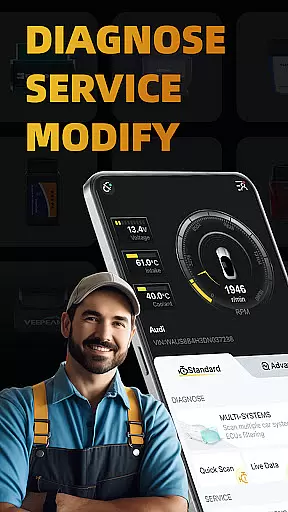
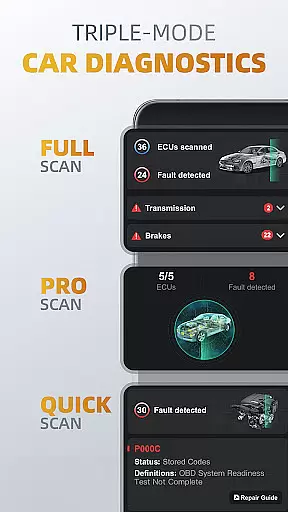
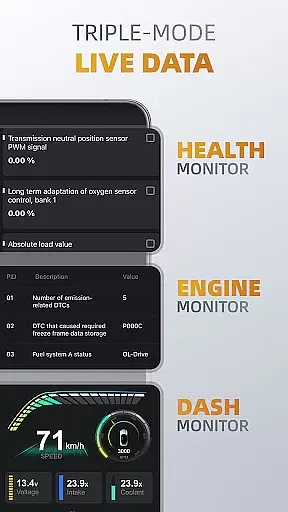
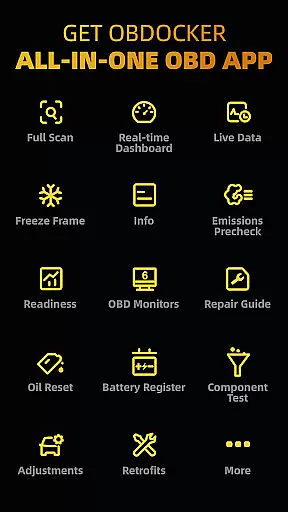
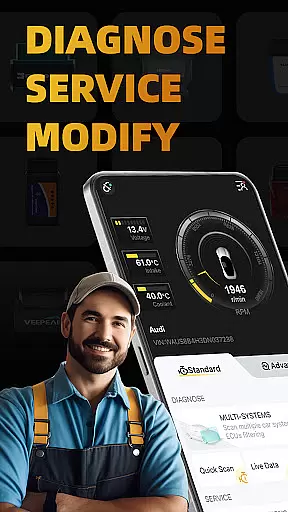
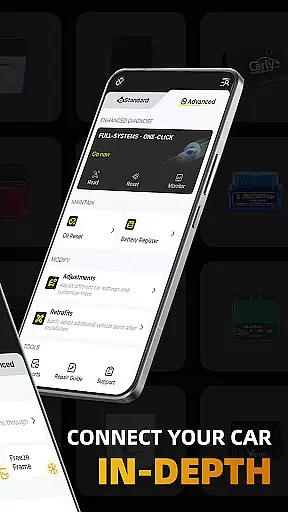
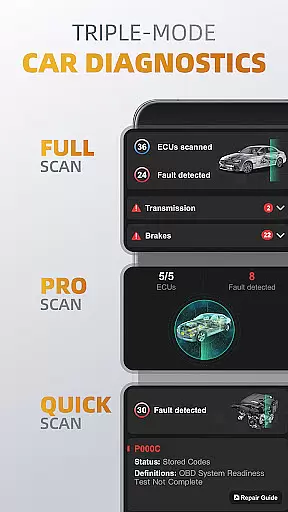
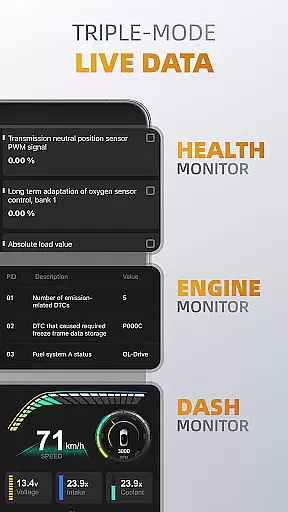
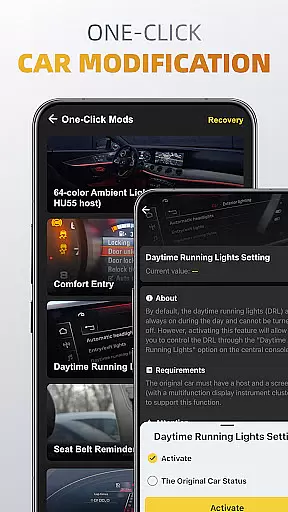
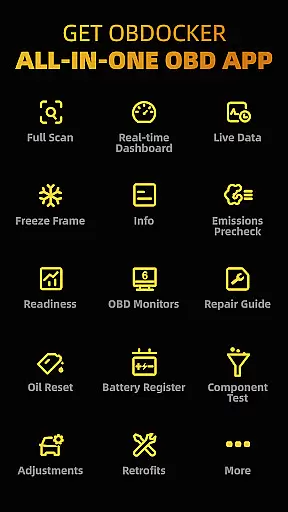
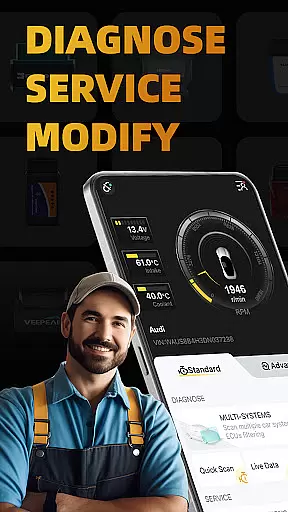
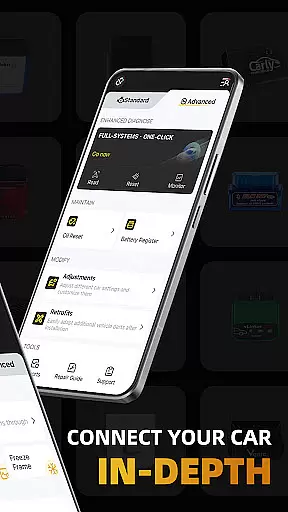
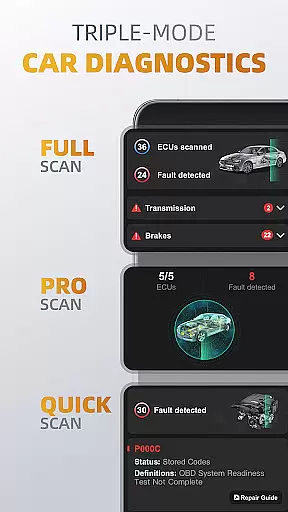
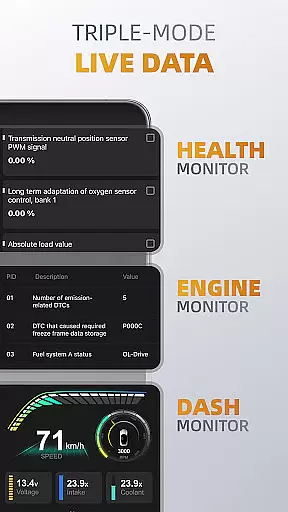
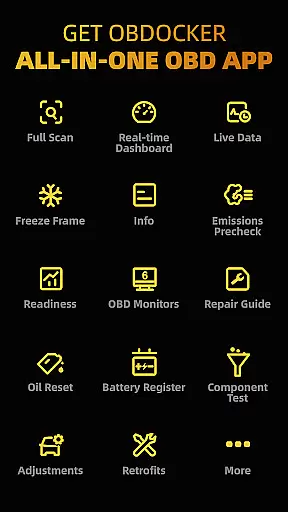
OBDocker is a professional OBD2 car scanner app designed for vehicle diagnostics, servicing, and customization. It offers triple-mode diagnostics including full-systems, multi-systems, and quick scans, allowing users to efficiently identify and resolve vehicle issues. The app also provides real-time monitoring of vehicle performance through its triple-mode live data feature.
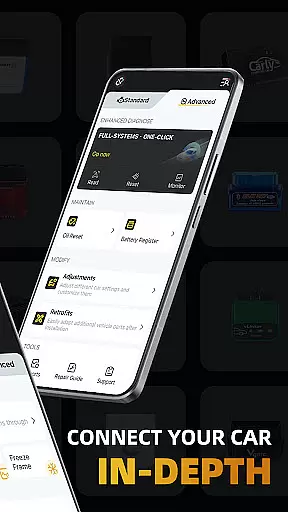
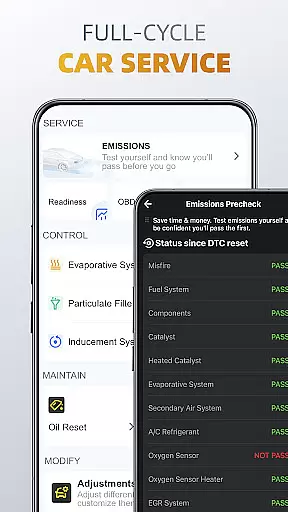
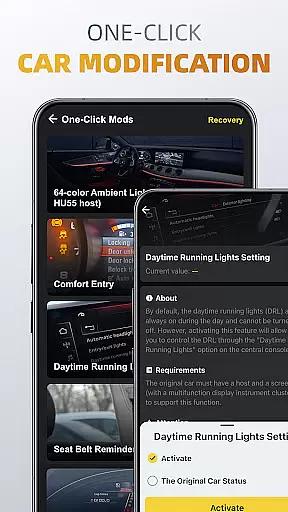
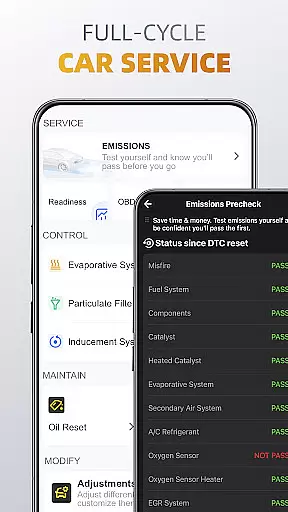
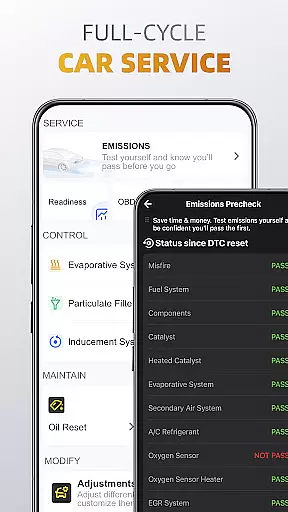
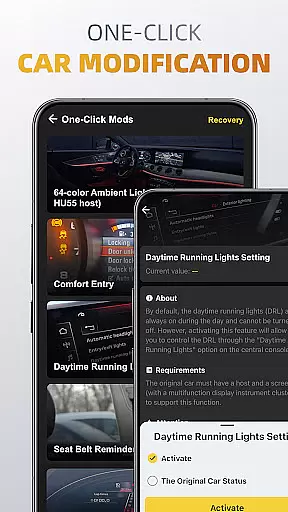
With functionalities like emissions pre-check, control tests, oil reset, and battery registration, OBDocker supports full-cycle vehicle maintenance. Additionally, it allows one-click modifications for adjusting car settings and retrofits. Compatible with various OBD adapters and a wide range of vehicles, this app is suitable for both standard and advanced diagnostic needs, making it an essential tool for car owners and professionals alike.
OBDocker stands out with its comprehensive diagnostic capabilities. The triple-mode diagnostics feature enables users to perform full-system checks, scan multiple ECUs, and quickly read or clear engine fault codes. This ensures thorough vehicle analysis and efficient problem-solving. The app's triple-mode live data functionality provides real-time monitoring of overall vehicle health, engine performance, and key metrics visualization.
The full-cycle service suite includes essential maintenance features such as emissions testing, EVAP leak detection, DPF reinitialization, oil change reminders reset, and battery replacement registration. These tools help maintain optimal vehicle condition. Furthermore, the one-click modification feature allows users to easily adjust car settings and integrate new vehicle components, offering unprecedented customization possibilities for car enthusiasts.
Accessing detailed vehicle information is crucial for effective car maintenance and diagnostics. OBDocker provides comprehensive data across multiple systems, allowing users to understand their vehicle's condition in depth.
The app's triple-mode diagnostics feature enables users to perform full-system scans, multi-system checks through ECU filtering, and quick engine fault code readings. This ensures that every critical aspect of the vehicle, from TMS to SRS and ABS, can be thoroughly examined.
With real-time parameter tracking in its triple-mode live data feature, users can monitor engine performance, system health, and visualize metrics on a dashboard. This level of detail empowers car owners and mechanics to make informed decisions about necessary repairs or adjustments.
By offering such extensive diagnostic capabilities, OBDocker ensures that users have all the essential information at their fingertips, leading to more accurate servicing and customization options for their vehicles.
Price transparency in automotive services helps users make informed financial decisions regarding their vehicle maintenance. OBDocker addresses this by providing clear details about its subscription plans and the cost-effectiveness of using the app.
The app offers a free trial period that gives users complete access to all features, allowing them to evaluate the service before committing financially. For extended use, OBDocker presents two subscription options: Pro and Pro Max, each clearly outlined to show the benefits and pricing.
In addition to subscription costs, OBDocker recommends specific OBD adapters for optimal performance. By categorizing adapters into high, middle, and low performance tiers, it guides users in making cost-effective choices based on their needs and budget constraints.
This transparent approach not only builds trust with users but also enhances their overall experience by ensuring they know exactly what they are paying for and the value they receive in return.
User-friendly interface
Comprehensive diagnostic tools
Real-time vehicle monitoring
Wide vehicle compatibility
Regular feature updates
Requires compatible OBD adapter
Premium features need subscription
Some functions depend on car model
Advanced mode has limited brands
Free trial limitations

Attention! This is the theme for the Car Launcher app
 4.0
4.0
Theme for Car Launcher
4.0
OBDII - ELM327 Terminal tool for 96-00 Volvos
4.50
DIY Vehicle Wheel Alignment
4.0
Listings of Tesla's with FSD - Included package
4.60
CVT diagnostics with ELM327 for Nissan-based vehicles
4.40
Secure mobile payments & fuel savings at Phillips 66®, Conoco® and 76® stations
4.40
Find, search, and browse 40,000+ used cars, SUVs, and trucks.
4.50
Shop, finance, or sell today.
4.80
Take Control of Your Car
4.80
Quick and easy car diagnostics to get you the right fix.
4.70
OBD1 ECMs application. Data log or tune directly from your phone or tablet!
4.60
Find Fast EV Chargers | Charge Your Vehicle at 1,100+ Fast Car Charging Stations
4.60
Your Path to Driving Licensing Success Begins Here! Develop your driving skills.
4.40
A smarter way to park and reserve your spot ahead of time.
4.40
Monitor your behind-the-wheel behavior to become a safer driver and save.
4.10
Simplify your drive
3.90
Wonder how much horsepower and torque your car/truck makes? Look no further.
3.40
The Smarter Way Forward
3.30


User Reviews