


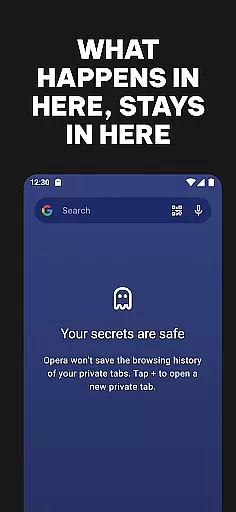
Opera is a feature-rich communication browser designed to provide users with faster, safer, and more customizable web browsing experiences. The app includes an array of tools such as a free VPN, ad-blocking, tracker-blocking, and total customization options, all bundled into one package. It is particularly suited for users who prioritize privacy and control over their browsing activities.
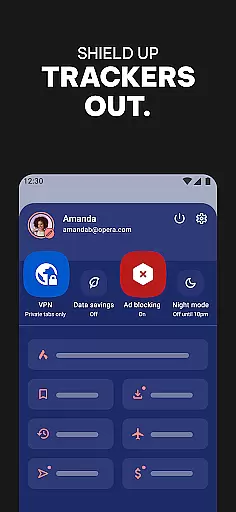
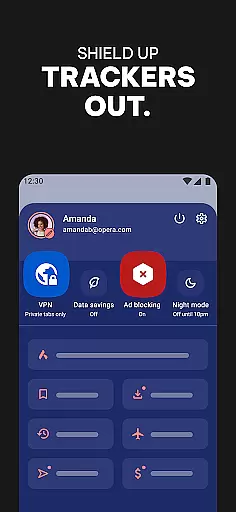
The browser stands out with its Enhanced Ad Blocker powered by uBlock Origin, Tracker Blocker that prevents others from monetizing your browsing habits, and a Free VPN service that ensures your privacy without any hidden costs. Opera also offers data savings features, compressing pages to deliver faster speeds while reducing data consumption. These capabilities make it an ideal choice for both casual browsers and power users seeking efficiency and protection.
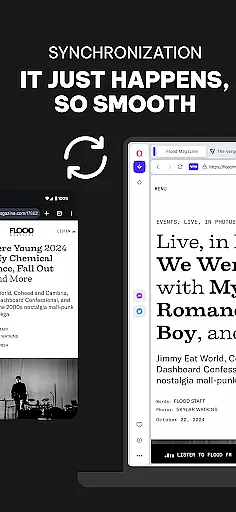
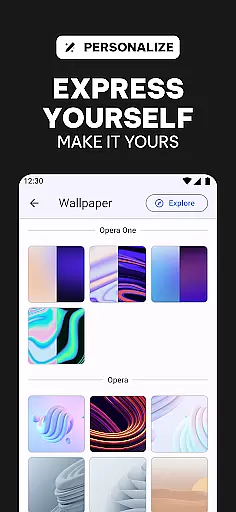
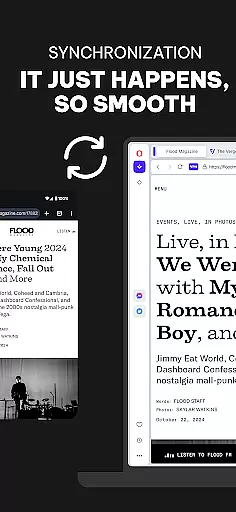
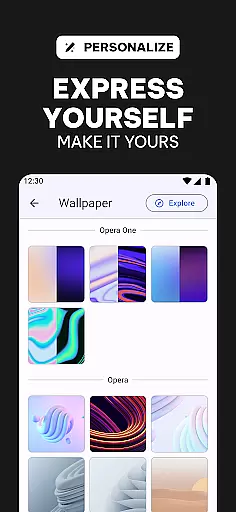
With seamless synchronization across devices, users can maintain their tabs, bookmarks, and settings no matter where they are. Opera's commitment to customization allows users to personalize their browsing experience with themes, wallpapers, and layouts, including a much-appreciated Dark Mode. This combination of privacy, speed, and personalization delivers tangible value to users looking to enhance their internet interactions.
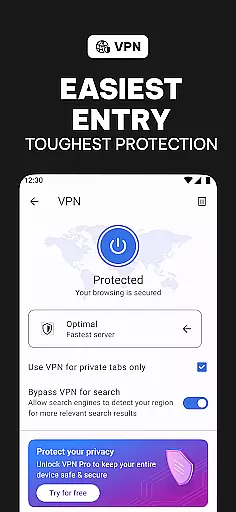
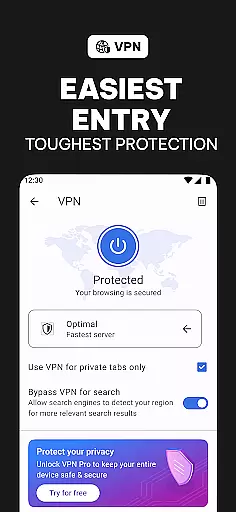
Opera distinguishes itself through a robust set of features tailored to modern browsing needs. One of its standout functionalities is the integrated free VPN, which provides users with enhanced privacy by masking their IP addresses without any additional cost or complex setup processes. This feature alone significantly elevates user security, especially when accessing public Wi-Fi networks.
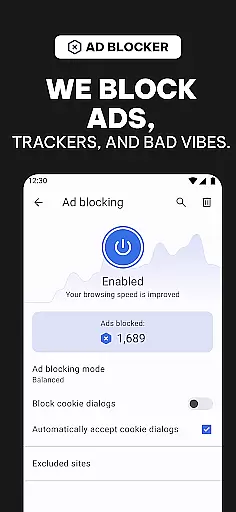
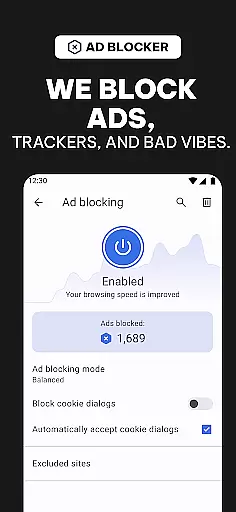
In addition to the VPN, Opera incorporates an Enhanced Ad Blocker powered by uBlock Origin, ensuring that intrusive ads do not disrupt the browsing experience. Coupled with a Tracker Blocker, these tools collectively prevent advertisers and other third parties from tracking and monetizing user behavior. Furthermore, Opera's data compression technology optimizes page loading times while conserving mobile data usage, making it highly efficient for users on limited data plans.
Customization is another hallmark of Opera's offering. Users have extensive control over the appearance and functionality of their browser, including options for Dark Mode, custom wallpapers, themes, and layout adjustments. Sync Across Devices functionality ensures continuity in user experience, allowing seamless transitions between smartphones, tablets, and desktops. These comprehensive features underscore Opera's dedication to delivering a superior browsing experience that prioritizes user empowerment and satisfaction.
Real-time messaging speed and reliability are crucial for a seamless browsing experience. Opera ensures that all communications, whether through integrated chat features or web-based messaging platforms, are delivered instantly without delays.
The browser leverages advanced network optimization techniques to maintain stable connections even in fluctuating network conditions. This guarantees that users can send and receive messages promptly, enhancing productivity and user satisfaction.
Opera's robust infrastructure supports uninterrupted real-time messaging, making it an ideal choice for both personal and professional use. Users can rely on consistent performance, ensuring they never miss important updates or conversations.
Media sharing support is essential for modern browsers, allowing users to share images, videos, and other files effortlessly. Opera excels in this area by providing comprehensive media sharing capabilities that cater to diverse user needs.
The browser supports various file formats and integrates seamlessly with different platforms, enabling users to share media across social networks, email, and cloud services without hassle. Its intuitive interface simplifies the process, ensuring that users can quickly upload and distribute their content.
With Opera's media sharing features, users benefit from fast upload speeds and reliable transfers. This functionality not only enhances user engagement but also streamlines workflows, making Opera a versatile tool for both entertainment and business purposes.
Free built-in VPN
Powerful ad-blocking
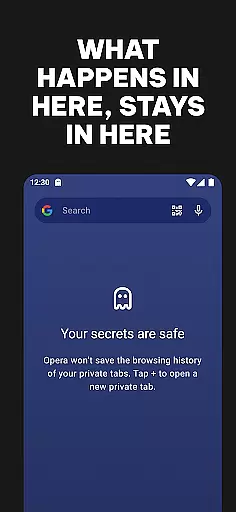
Excellent privacy controls
Highly customizable interface
Cross-device syncing
Occasional bugs
Heavy on memory
Limited customer support
No native email client
Complex UI for beginners

Tether to Windows, OS X, Linux PCs or Android tablets. No root. No tether fees.
 3.90
3.90
The ultimate productivity solution for all your email communication needs.
4.40
Messenger for SMS - texting message app, faster, simpler & safer, for you.
4.70
Our Black Friday sale is here. Unlock special discounts on Proton Mail now.
4.30
Messenger app for faster and simpler SMS text messaging, and personalized themes
4.10
WazzapMigrator: transfer your WhatsApp history from iPhone to Android
4.00
Messages is Private SMS Messenger 2023 with text message, instant messaging.
4.00
Call & Text Anywhere With A Canadian Number.
3.60
SMS Messenger is a lightning-fast messaging app.
4.20
Enhance browsing with AI-powered features and Copilot.
4.70
Welcome to the future of phone service.
4.60
Smart and simple anti-wiring application - IMSI-catchers catcher
4.40
Block spam calls & scam - no more annoying calls with the call blocker function
4.30
RemoteHams.com Android RCForb Client Pre-Release
4.30
SMS & MMS Messaging App to easily send messages or schedule SMS on Chat
4.10
Google's fast and secure browser
4.10
Fast Dialer & Contact Manager with Caller ID and Spam Protection
4.00
A softphone with crystal clear SIP Calling & Reliable VoIP dialer
4.00
A softphone app with seamless SIP calling and an intuitive VoIP dialer
3.50


User Reviews