
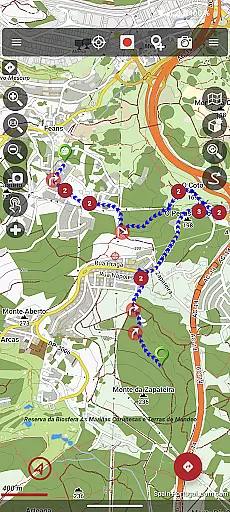
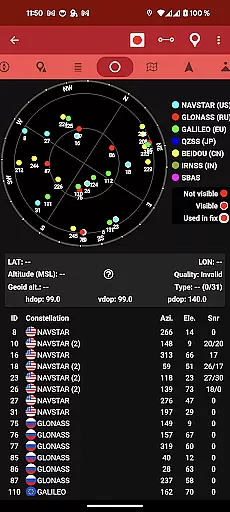
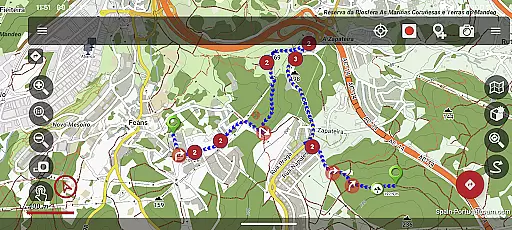
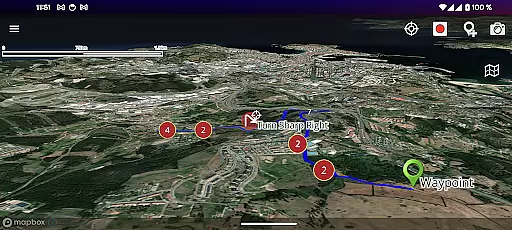
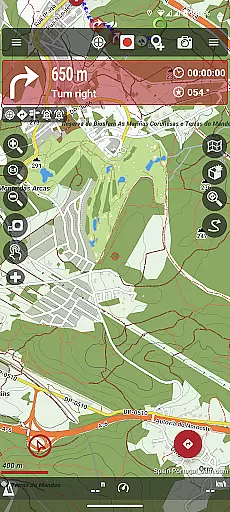
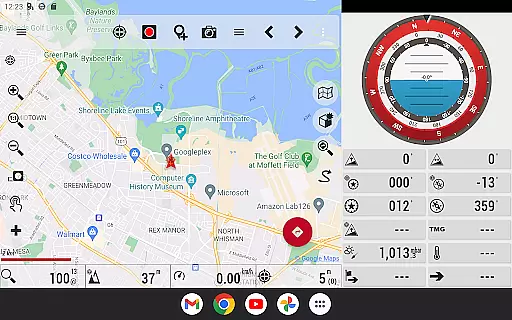
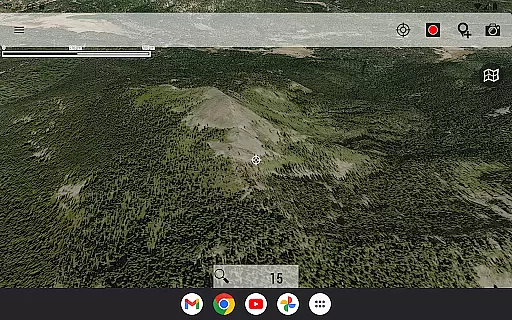
OruxMaps GP is a versatile mapping application designed for outdoor enthusiasts. This app serves as both an online and offline map viewer, supporting various map formats including GeoPDF, GeoTIFF, .ozf2, .img (with limited Garmin support), .mbtiles, and more. Users can access WMS and WMTS online maps, with the option to download maps for offline use. The app also features Mapbox and Google online maps, though these require a subscription.
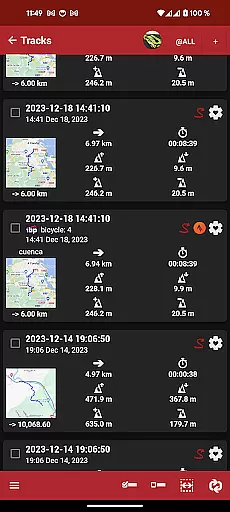
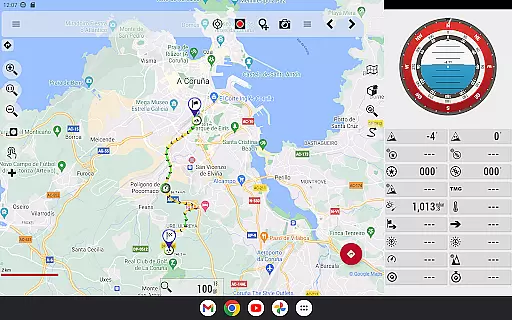
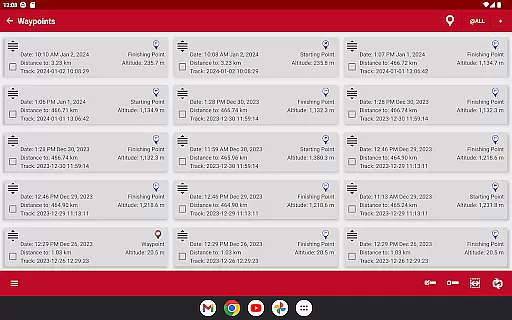
In addition to its mapping capabilities, OruxMaps GP supports multiple external devices such as GPS units, heart rate monitors, bike sensors, and AIS systems for nautical sports. It allows users to view routes and tracks in formats like KML, KMZ, TCX, FIT, CSV, SHP, and GPX. With functionalities for sharing positions, following routes, setting geofence alarms, and creating waypoints with multimedia attachments, this app is ideal for activities like hiking, cycling, and sailing.
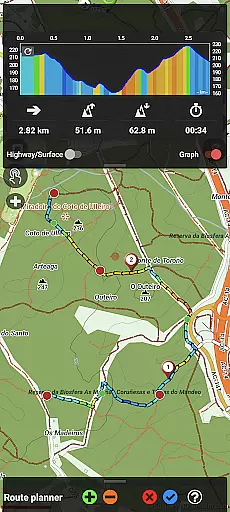
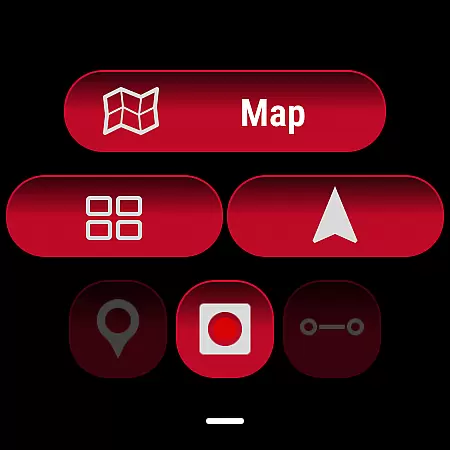
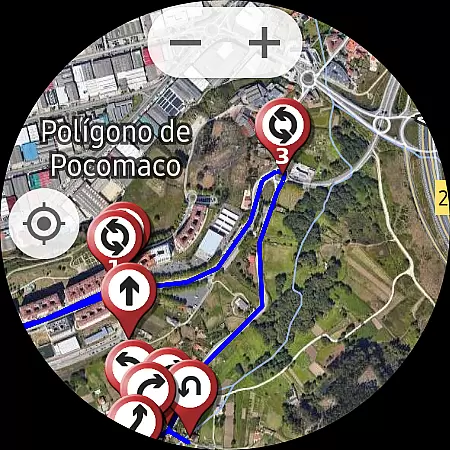
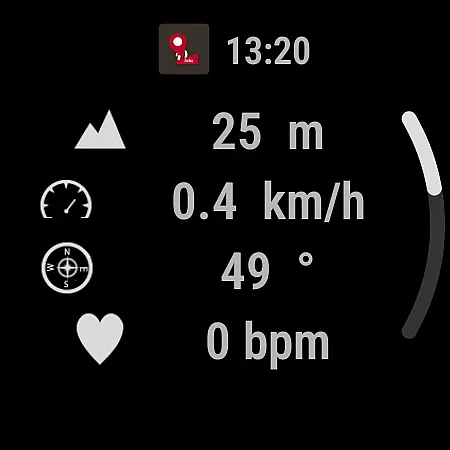
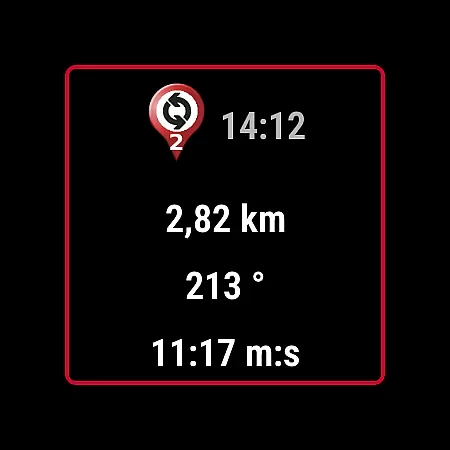
The app offers advanced features such as altitude correction using DEM files or online services, track editing tools, and integration with online services like Graphopper and Brouter for route planning. A Wear OS companion app provides basic data display and simplified mapping on wearable devices. Whether you're navigating trails or exploring new terrains, OruxMaps GP delivers comprehensive mapping solutions tailored for outdoor adventures.
OruxMaps GP stands out with its extensive feature set tailored for outdoor navigation. One of its key features is the ability to function as both an online and offline map viewer. Users can access a wide range of map formats, including GeoPDF, GeoTIFF, .ozf2, .img (limited Garmin support), and .mbtiles. The app supports WMS and WMTS protocols for online maps and allows downloading maps for offline use, ensuring that users have access to maps even without an internet connection.
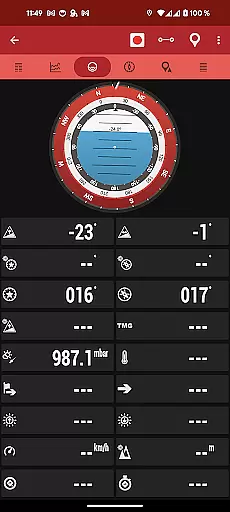
Another notable feature is the app's compatibility with numerous external devices. These include GPS units, heart rate monitors, bike cadence and speed sensors, bike power meters, ANT+ devices (for speed, cadence, heart rate, distance, cycle power, and temperature), and AIS systems for nautical sports. This connectivity enhances the user experience by providing real-time data during outdoor activities. Additionally, the app supports viewing routes and tracks in multiple formats such as KML, KMZ, TCX, FIT, CSV, SHP, and GPX, making it highly versatile for different types of navigation needs.
OruxMaps GP also includes advanced functionalities like position sharing, route following with alarms, geofence alerts, waypoint creation with multimedia attachments, custom waypoint types with personalized icons, and basic geocaching support. Altitude correction tools using DEM files or online services, a track editor for modifying track points, and integration with online services like gpsies.com, Graphopper, and Brouter further enhance its utility. The inclusion of a Wear OS app adds convenience by displaying essential data and simplified maps on wearable devices, making OruxMaps GP a comprehensive solution for outdoor enthusiasts.
OruxMaps GP ensures booking authenticity by providing users with reliable and accurate map data for their outdoor activities. The app supports various map formats, including GeoPDF, GeoTIFF, and .mbtiles, ensuring that users can access verified and credible maps for their adventures.
The application allows users to download online maps for offline use, giving them the confidence that the map data they rely on is authentic and available even without an internet connection. This feature is particularly useful in remote areas where network coverage might be limited or nonexistent.
Furthermore, OruxMaps GP offers advanced functionalities such as connecting to AIS information systems for nautical sports, enhancing the authenticity of real-time positioning and navigation. Users can trust the accuracy of their location data whether they are hiking in the mountains or sailing in the ocean.
While OruxMaps GP does not function as a traditional booking platform, it promotes price transparency by offering its comprehensive features free of charge. Users can enjoy access to multiple map formats and online services without hidden fees or in-app purchases, except for newly added premium options like Mapbox and Google online maps which require a subscription.
The app provides clear information about its capabilities, ensuring users understand what they are getting without unexpected costs. For instance, support for external devices such as GPS, heart rate monitors, and bike sensors comes without additional charges, allowing users to maximize their outdoor experience without worrying about extra expenses.
Additionally, OruxMaps GP includes a range of professional tools like track editors and geofence alarms at no extra cost, making it a transparent choice for outdoor enthusiasts who seek advanced functionalities without concealed pricing structures.
User-friendly interface
Extensive map format support
Offline functionality
Advanced tracking features
Device compatibility
Premium subscription required
Complex setup process
Limited Garmin support
High battery consumption
Occasional bugs

Locate and navigate to local holiday displays
 4.4
4.4
Tide Table Chart provides quick and easy access to high and low tide forecasts.
3.20
View current Montana road conditions, cameras, plows, and timelapse videos.
4.70
Take JetBlue everywhere you go! Book, manage and check in for your trips & more.
4.60
Streamline your U.S. entry
4.90
Find your perfect somewhere with last minute hotel & travel deals!
4.80
The United app puts valuable travel information in the palm of your hand.
4.70
Get the app that knows where you’re going - view your flight, check in & more
4.50
Examine the planet
3.80
Rent the perfect car for wherever you’re going
4.90
Book now to save with exclusive travel deals on hotels, flights, cars & packages
4.70
Get all MTA services, Subway, Bus, LIRR, Metro-North and More all in one place.
4.60
Discover the power of one-way location tracking. Share your location securely.
4.50
Earn hotel and travel rewards, find hotel offers, and access your Digital Key.
4.50
The mobile panorama panel. Works offline - worldwide!
4.40
Offline WiFi Hotspot Finder, eSIM, Caller ID, Dialer, Home Screen Launcher & VPN
4.20
Iowa 511 is the Iowa Department of Transportation's traveler information app.
3.80
Amplify Your Experience
3.00
The #1 Parent App in Brevard County
4.4


User Reviews