
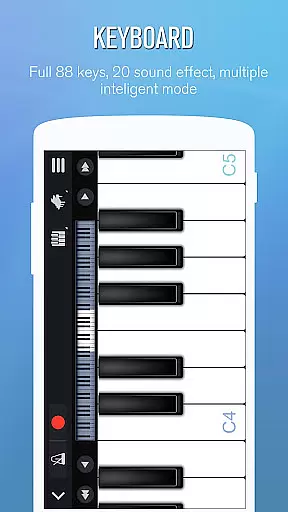
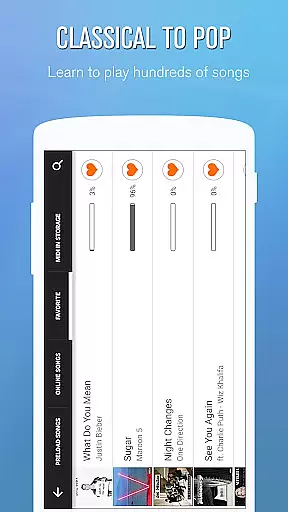
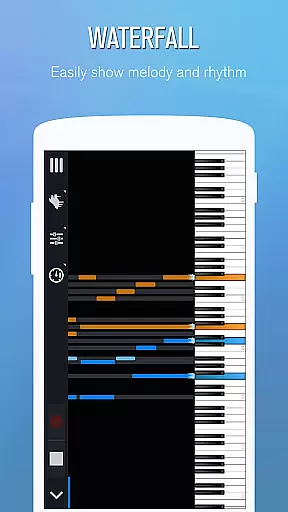
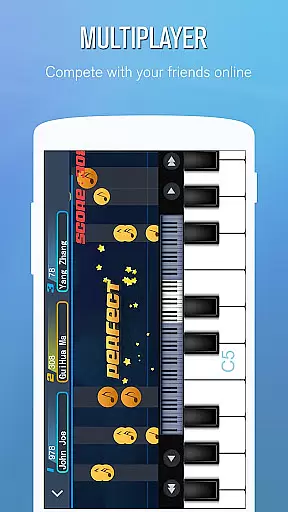
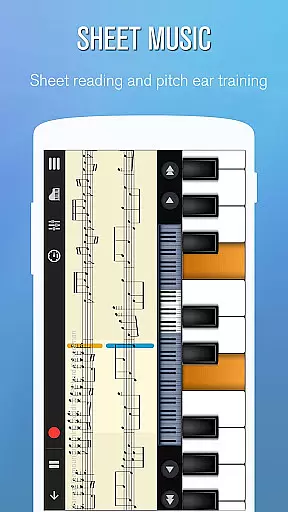
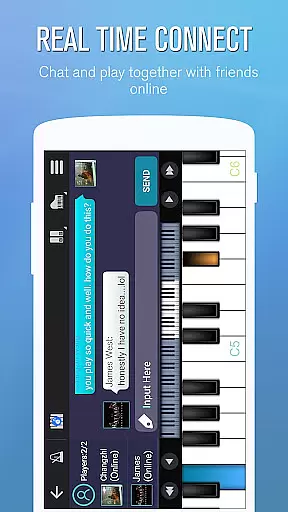
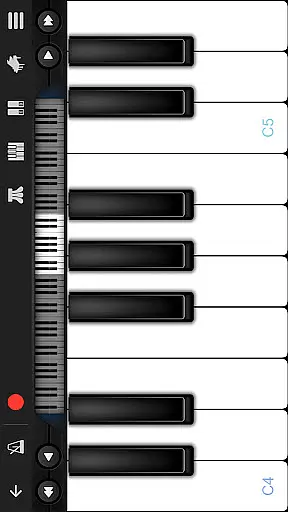
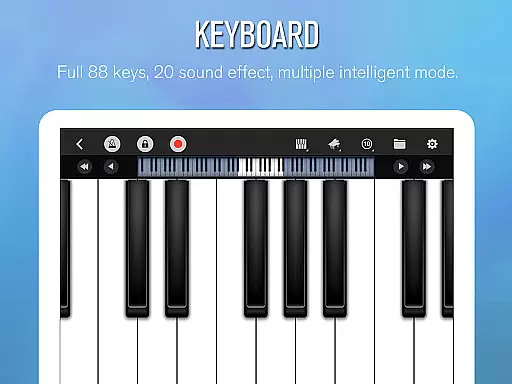
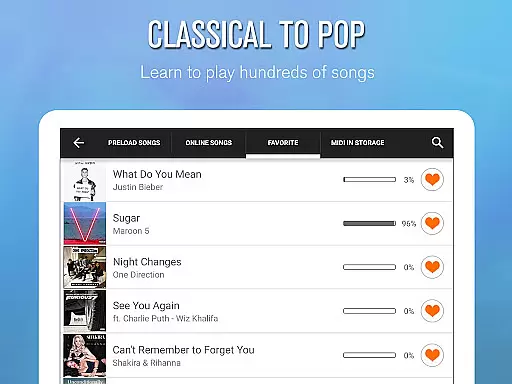
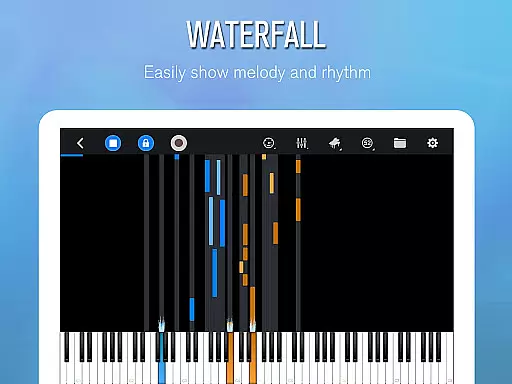
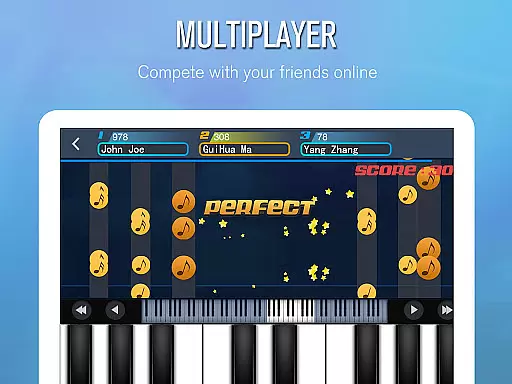
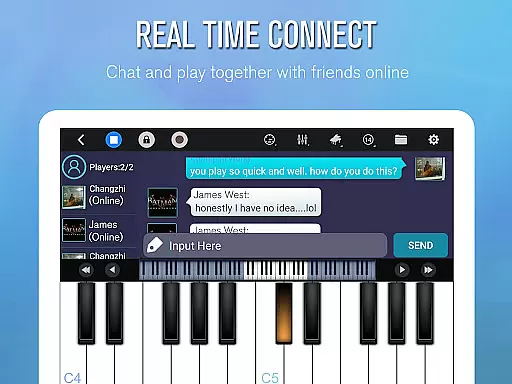
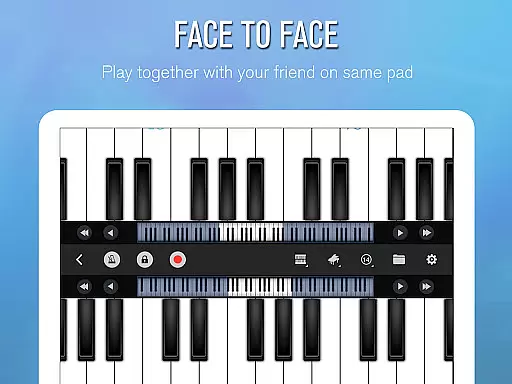
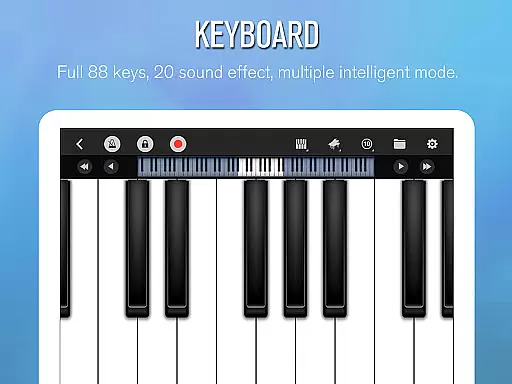
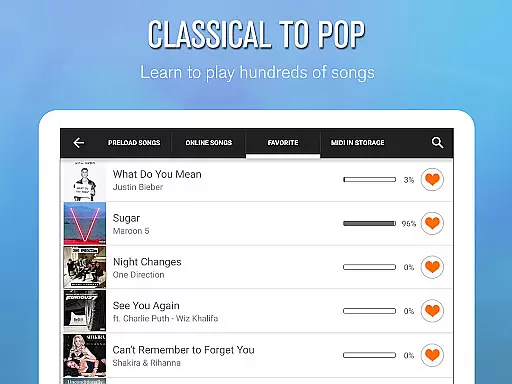
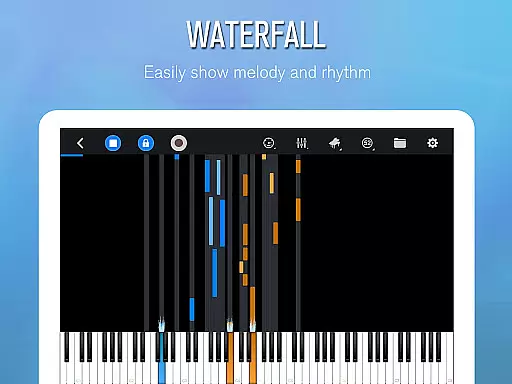
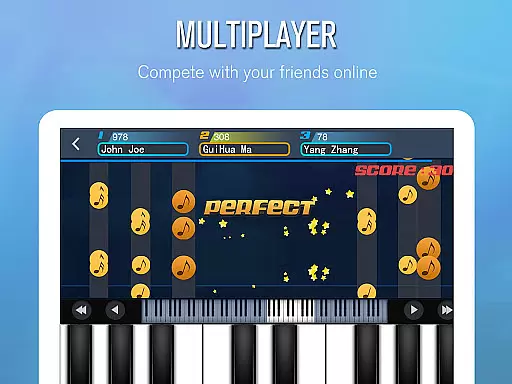
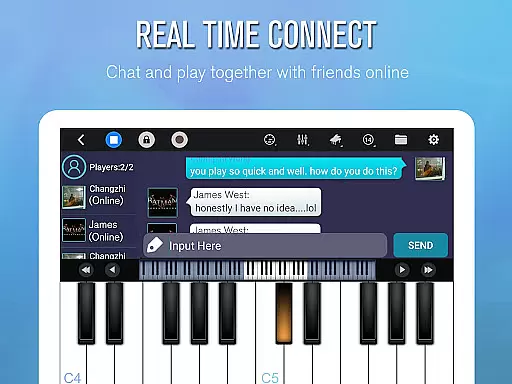
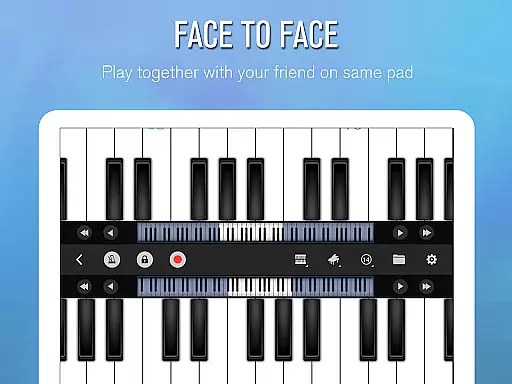
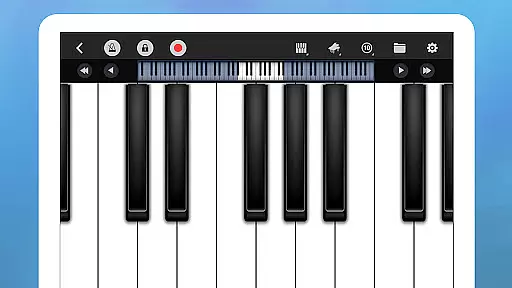
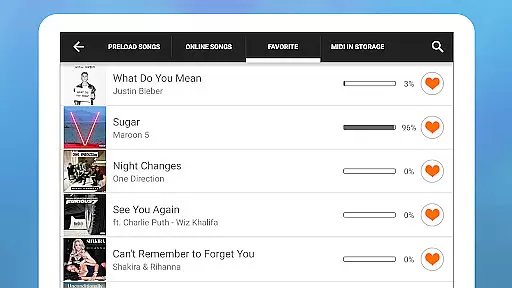
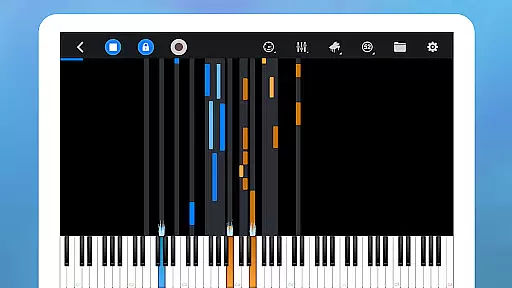
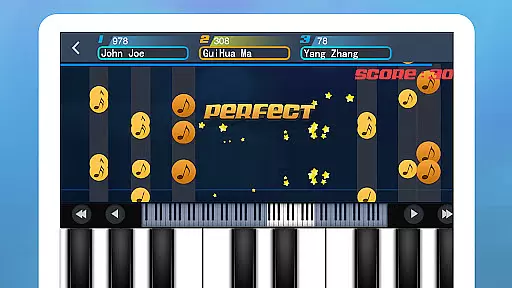
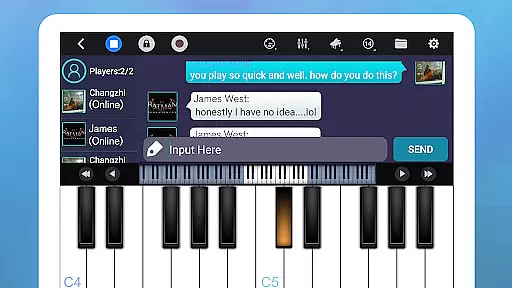
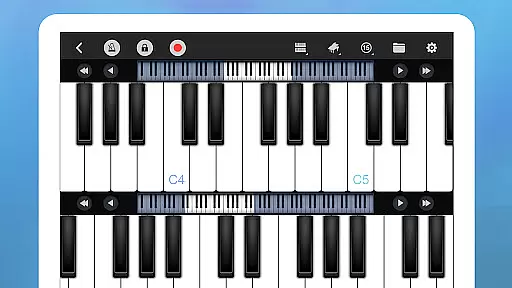
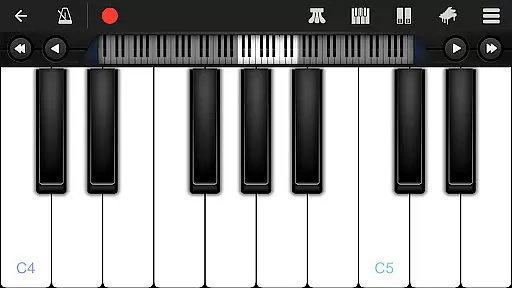
Perfect Piano is a feature-rich piano simulator designed for Android devices, offering an authentic piano-playing experience. With its 88-key intelligent keyboard and multiple play modes, users can enjoy various sound effects while learning to play thousands of popular music scores. The app supports both single-player practice and multiplayer connection, allowing global players to compete and collaborate in real-time.
The application also includes advanced features such as MIDI compatibility, timbre plug-ins, and MusicXML notation support. Whether you're a beginner looking to learn the basics or an experienced musician wanting to compose on-the-go, Perfect Piano provides all the necessary tools. Its built-in guidance system and adjustable difficulty settings make it suitable for all skill levels, ensuring an engaging musical journey.
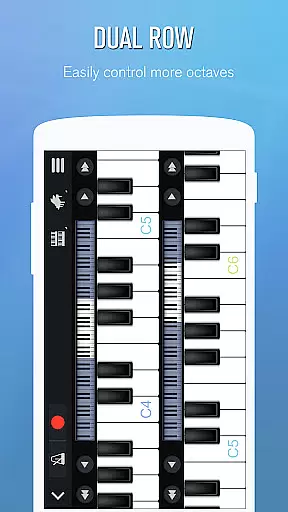
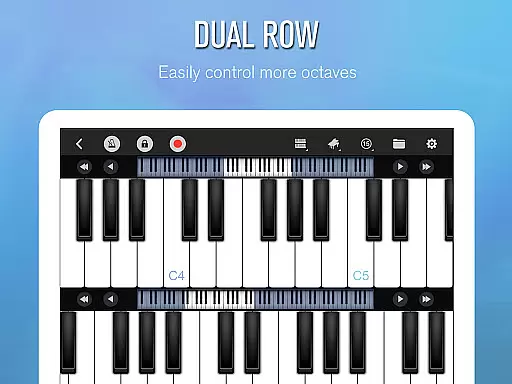
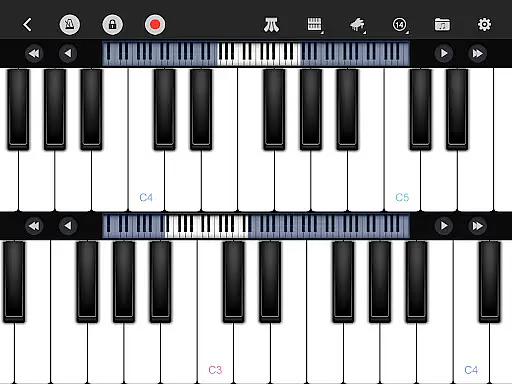
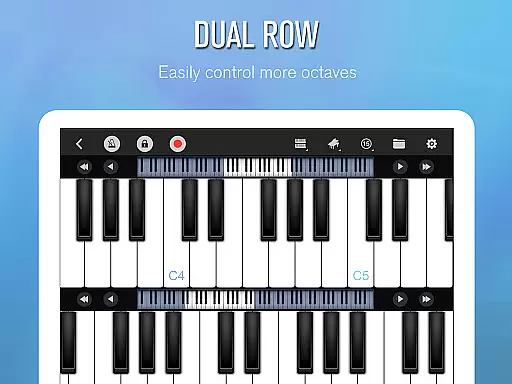
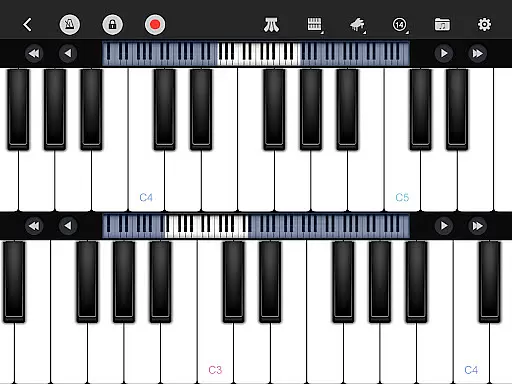
Perfect Piano stands out with its comprehensive feature set tailored for music enthusiasts. The app's intelligent keyboard offers multiple modes including single-row, double-row, and chords mode, supporting multitouch and force touch capabilities. Users can adjust the keyboard width and choose from various built-in sound effects like Grand Piano and Pipe Organ. The inclusion of a metronome and low-latency audio support ensures professional-grade performance.
Learning is made easy with three guidance patterns and play modes that cater to different learning styles. The app supports USB MIDI keyboards for those who prefer external instruments, and its timbre plug-ins expand the range of sounds available. Additionally, Perfect Piano facilitates social interaction through its multiplayer features, weekly challenges, and guild creation options. This combination of robust functionality and social connectivity makes it a complete music studio in your pocket.
Perfect Piano offers an extensive music library that caters to a wide range of musical tastes and preferences. With thousands of popular music scores available, users can explore various genres and styles, ensuring there's something for everyone.
The app places a strong emphasis on copyright authenticity, providing users with legally licensed content. This ensures that musicians and composers are properly credited and compensated for their work, giving users peace of mind while they learn and play their favorite tunes.
Additionally, Perfect Piano supports MIDI and MusicXML notation, allowing for accurate representation of musical compositions. Users can trust that the sheet music they access is true to the original works, offering an authentic learning and playing experience.
Perfect Piano stands out in its ability to deliver high-quality audio experiences through multiple built-in sound effects. Users can choose from a variety of timbres including Grand piano, Bright Piano, Music Box, Pipe Organ, Rhodes, and Synthesiser, each meticulously crafted to provide the most realistic sound possible.
The support for timbre plug-ins further enhances the audio quality options available to users. These free-to-download and install plug-ins include instruments such as bass, electric guitar, wooden guitar, flute, saxophone, electronic keyboard, violin, chord, xylophone, and harp, expanding the sonic possibilities within the app.
Moreover, Perfect Piano utilizes OpenSL ES low latency audio support (currently in beta), which contributes to a more responsive and immersive playing experience. The reduced lag between pressing a key and hearing the sound allows for precise performance and expression, making it an ideal choice for both amateur and professional musicians alike.
User-friendly interface
Wide range of sound effects
Comprehensive learning system
Multiplayer capabilities
MIDI keyboard support
High system requirements
Occasional bugs reported
Premium features locked
Steep learning curve
Limited free content

Turn your phone into a musical instrument from the future!
 3.90
3.90
Time Guru will strengthen your internal sense of musical time via random muting.
4.30
10-Band Audio Equalizer, Sound / Bass Booster for Spotify Users & Music Players
4.40
Remove ads permanently from Music Visualizer
4.0
VB-AUDIO Software / VBAN-Receptor allows listening to any VBAN Streams
4.10
Unleash your creativity! Turn simple prompts into full fledged songs.
4.70
Learn to play the piano using falling notes!
3.80
Get alarms that fit your lifestyle and wake up to the sounds you love.
4.80
Listen to offline music and sounds from all categories
4.70
Make songs with AI! Any genre, custom lyric, song generator for music creation!
4.80
JBL PartyBox APP works with 110/310/710/120/320/520/Encore/Encore 2/Encore Ess 2
4.80 4.70
4.70
Listen to live FM radio stations, sports, music and news on global radios online
4.70
Record, Mix & Master with all n-Track effects, 64-bit audio and Stem Separation.
4.70
DJ Music Mixer - DJ Remix: remix songs, make beat music & record mix of DJ.
4.40
Bass Booster Pro takes auto-equalizing to the next level!
4.30
Offline and always ad-free - stream in the highest quality available.
4.10
Permanently backup Now Playing. Maps, filters & listening stats.
4.00
The iconic iOS metronome app is now on Android.
3.70


User Reviews