
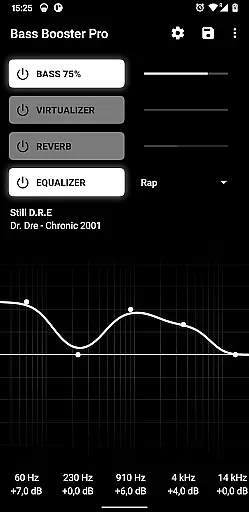
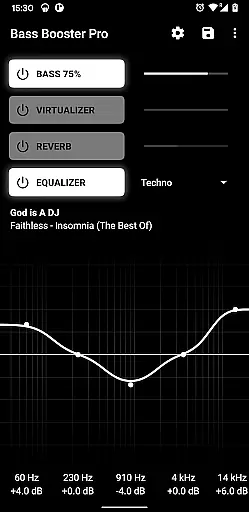
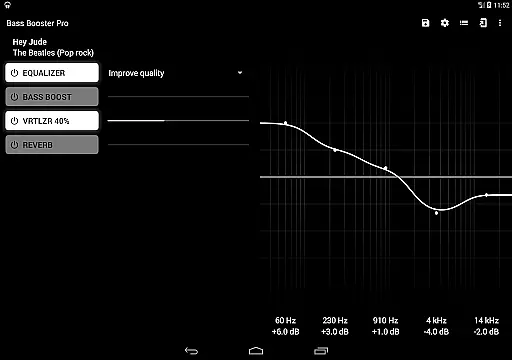
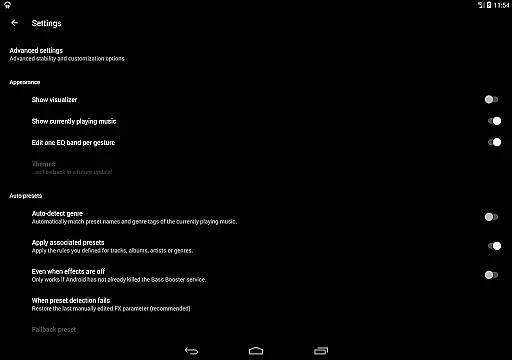
Bass Booster Pro is a powerful audio enhancement application designed for music enthusiasts who want to elevate their listening experience. This app offers advanced equalizer settings, unlimited custom presets, and specialized features like automatic preset detection based on the genre of music being played. Whether you're enjoying rock, jazz, or electronic music, Bass Booster Pro optimizes sound quality to match the mood and style of your tracks.
One standout feature is the homescreen shortcut functionality, which allows users to adjust audio settings with a single tap without opening the app. The application also includes professional-grade tools such as a built-in visualizer, reverb effects (in beta), and a virtualizer for an immersive audio experience. Compatible with various media players, this app ensures seamless integration into your daily music routine while delivering rich, deep bass and crystal-clear sound.
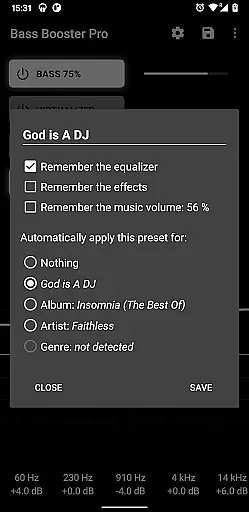
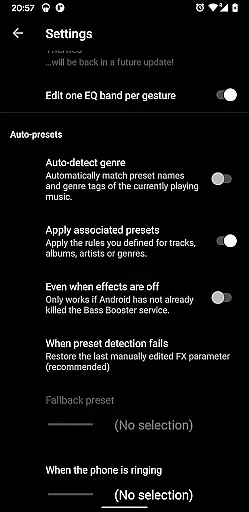
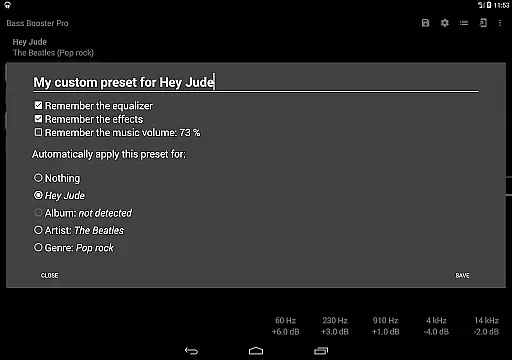
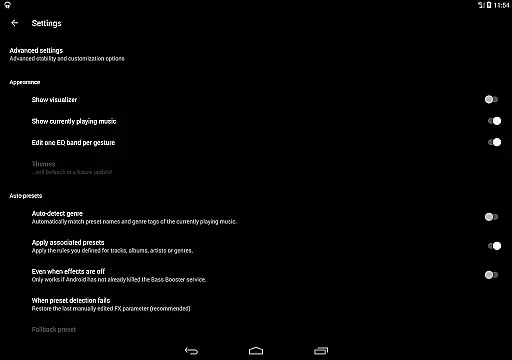
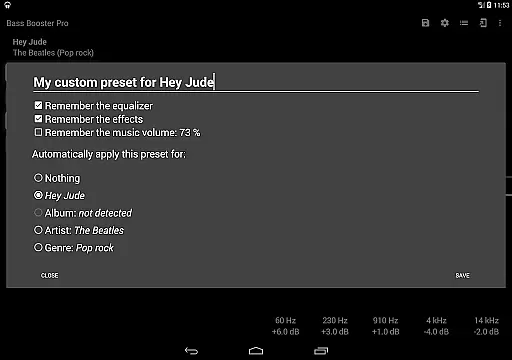
Bass Booster Pro stands out with its comprehensive suite of audio customization tools. Users can create unlimited custom presets tailored to specific genres, songs, or artists, ensuring that every track sounds exactly how they want it to. The app's automatic preset detection feature intelligently adjusts settings based on the music being played, offering a hands-free way to enjoy optimized audio. Additionally, the widget support (2x1) provides quick access to frequently used controls right from the home screen.
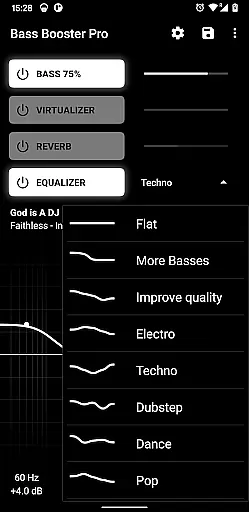
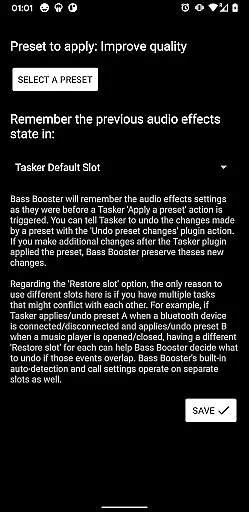
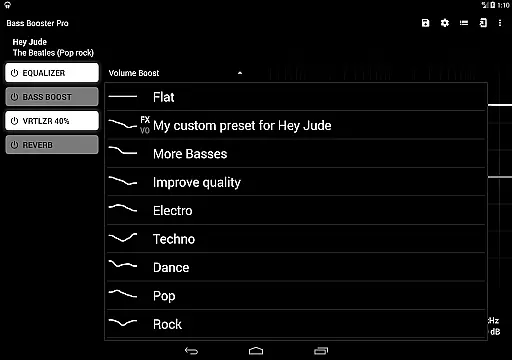
For audiophiles seeking more control, Bass Booster Pro includes advanced functionalities such as a Tasker plugin, start-on-boot options, and profile shortcuts. These features allow users to automate audio adjustments and streamline their workflow. With 20 built-in presets covering a wide range of genres—from Dubstep to Classical—and additional experimental features like reverb, this app caters to both casual listeners and audio professionals alike.
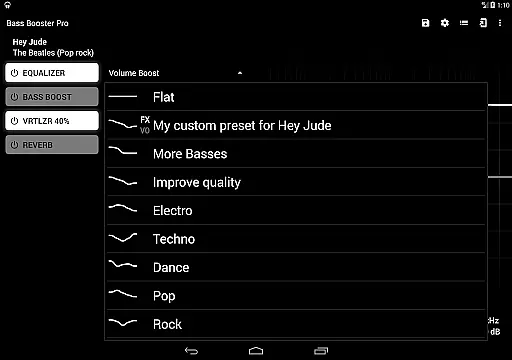
Bass Booster Pro offers an extensive music enhancement experience by providing users with 20 built-in presets that cater to a wide variety of music genres. These include popular styles such as Pop, Rock, Metal, and even niche categories like Dubstep and Reggae.
Each preset is carefully designed to ensure the sound output remains true to the artist's intention while enhancing the listening experience. This guarantees that the audio integrity and originality are preserved, offering listeners an authentic musical journey through different eras and cultures.
The app also allows for unlimited custom presets, empowering users to create personalized sound profiles tailored to their unique preferences or specific tracks. This feature not only expands the effective music library but also ensures that all modifications comply with copyright standards, making it safe and legal for use.
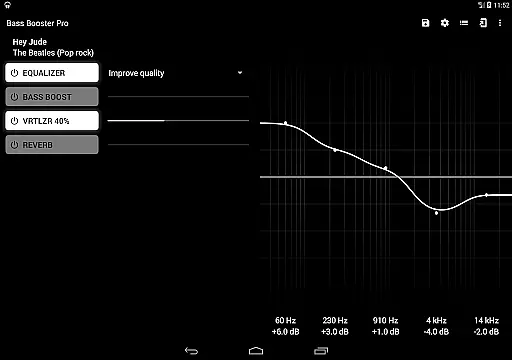
One of the standout features of Bass Booster Pro is its ability to significantly improve audio quality across various devices. With specialized settings such as the Virtualizer, Reverb (in beta), and Music Visualizer, users can fine-tune their auditory experience to match professional standards.
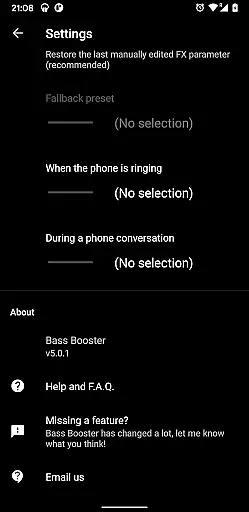
The inclusion of a Tasker Plugin and automatic preset adjustments based on incoming calls or currently playing tracks showcases the appu2019s dedication to maintaining high-quality sound regardless of external interruptions. Such seamless integration helps retain clarity and depth in every note played.
Moreover, compatibility with numerous media playersu2014including Google Play Music, Poweramp, and othersu2014ensures that no matter which platform you choose, your music will always sound crisp and clear. By prioritizing both functionality and performance optimization, Bass Booster Pro delivers unparalleled audio enhancement options for discerning audiophiles.
Unlimited custom presets
Automatic preset detection
Wide player compatibility
Advanced audio tools
User-friendly interface
Reverb feature in beta
Requires Last.FM scrobbling
Possible device conflicts
No volume normalization
High battery usage

Pay Once, no monthly payment
 4.60
4.60
Control your MIDI USB or Bluetooth devices in app and avoid some trampling
3.30
A synth that really lets you shape your sounds!
4.50
Walkout Song DJ is the most intuitive app to manage your sports music.
4.70
A sleek, no-frills player designed for true music lovers.
4.20
The Minimalistic Premium Music Player. Handmade with passion for music
2.20
Turn Every Moment into Music
3.60
Travel To The Music Universe
3.40
Melody Beat: Great for travel, workouts, offline vibes, play your tunes anytime.
4.10
Responsive piano with great sounds, graphics, and songs
4.80
Listen radio AM / FM Stations. Live AM / FM Radio App Station. Radio Com.
4.70
Bass Booster & Volume Equalizer Pro improves your music and video sound quality
4.60
10-Band Audio Equalizer, Sound / Bass Booster for Spotify Users & Music Players
4.40
Play KORG’s revolutionary touch-based instrument on a variety of devices.
4.40
Enjoy singing any song, no matter how high or low it is
4.30
Network/Cloud Streaming, Visualization, Graphic Equalizer and Sound Effects.
4.20
Sheet music reader, piano & music note player. Play music score & learn to read.
3.90
Background pads for your band
3.80
The Cubase remote control app
3.60


User Reviews