
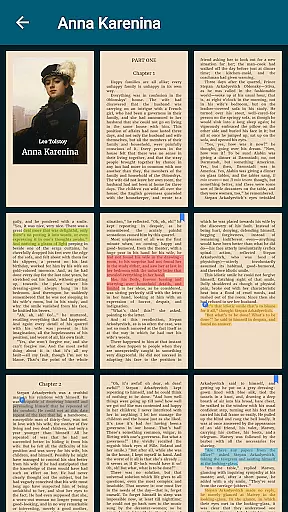
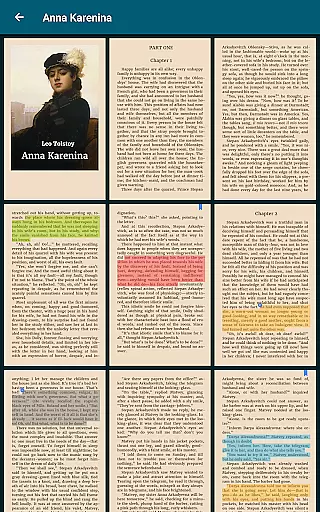
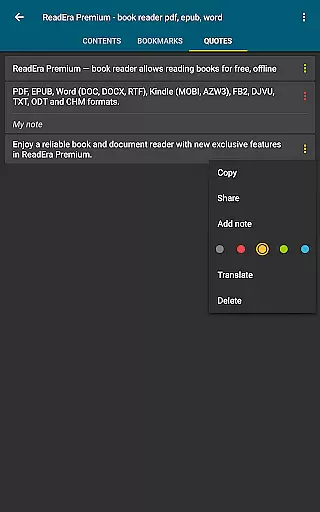
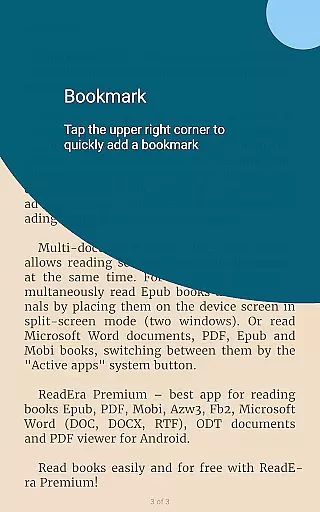
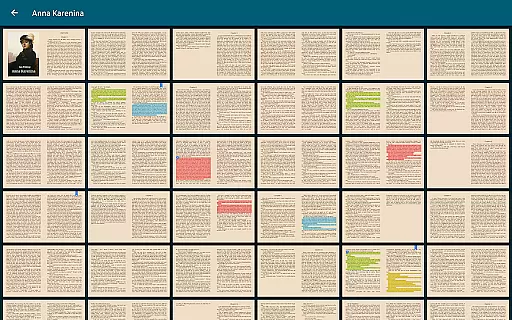
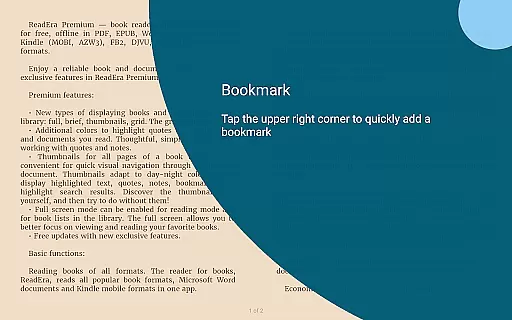
ReadEra Premium is an advanced ebook reader and document manager that transforms the way you interact with digital literature. This app allows users to automatically locate all supported books and documents on their device, search for books by title and author, and read or listen to them through text-to-speech functionality. With features like bookmarking, note-taking, and file management, ReadEra Premium offers a comprehensive solution for organizing your personal library. The app supports multiple formats including PDF, EPUB, Microsoft Word, Kindle, Comic, DJVU, FB2, TXT, ODT, and CHM, making it versatile for various reading needs.
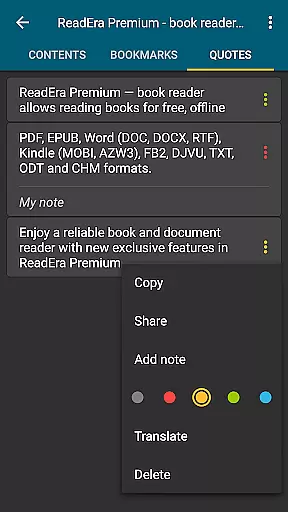
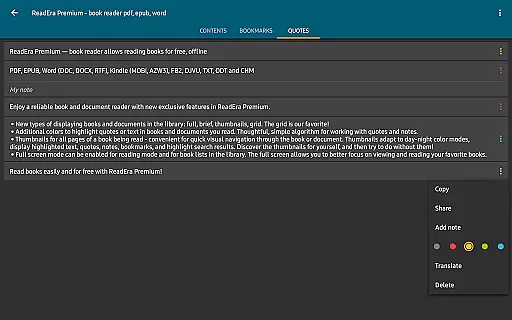
Beyond basic reading, ReadEra Premium provides premium features such as synchronization across devices via Google Drive, background reading aloud even with the screen locked, and specialized sections for quotes and dictionaries. Users can customize their reading experience with personalized fonts, color themes, and page layouts. Whether you're managing an extensive collection of ebooks or simply looking for a better reading experience, ReadEra Premium delivers both functionality and convenience in one package.
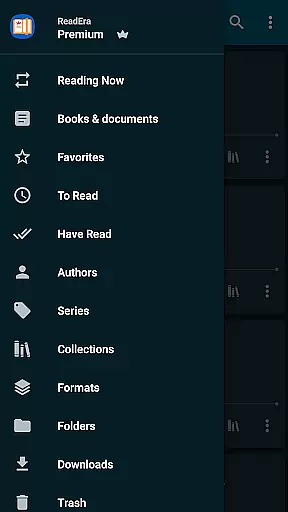
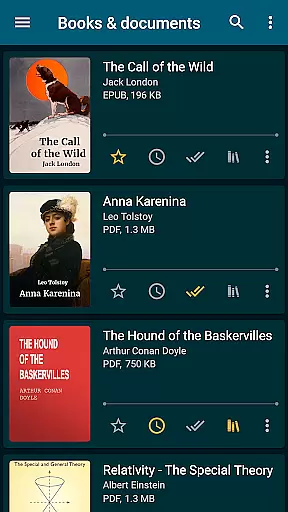
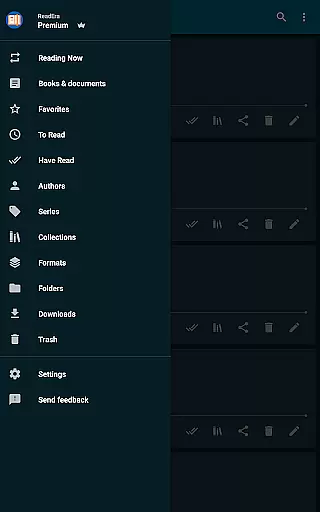
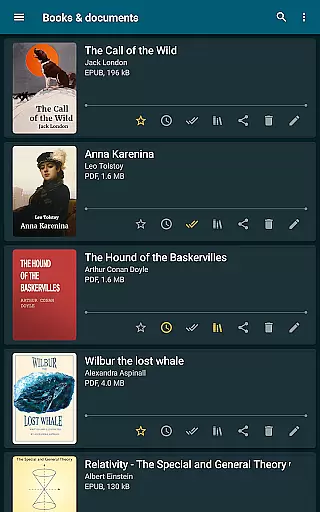
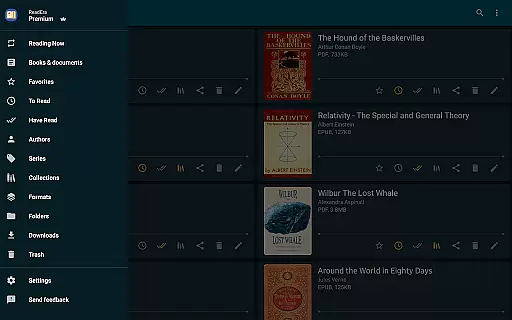
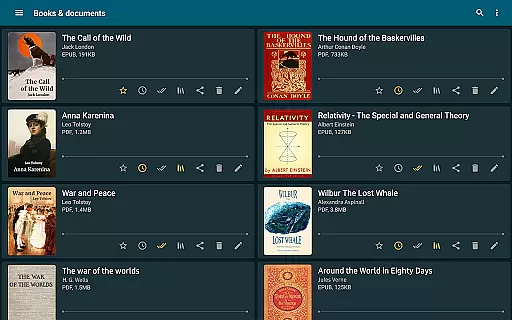
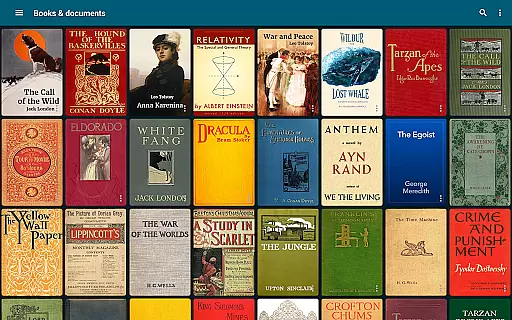
ReadEra Premium stands out with its robust feature set tailored for avid readers and document managers. One of its key strengths is the automatic detection and organization of all compatible books and documents on your device. You can easily sort and group these files by authors, series, and formats, add them to custom collections, and manage external folders directly from the app. The built-in search function allows quick access to any book by title, author, series, format, or language, streamlining your reading process.
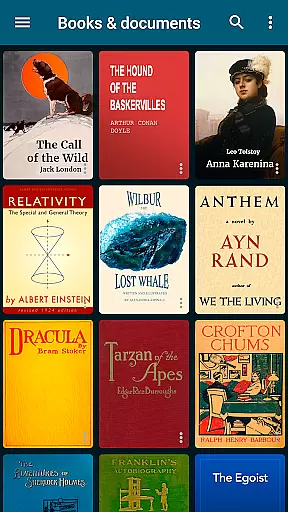
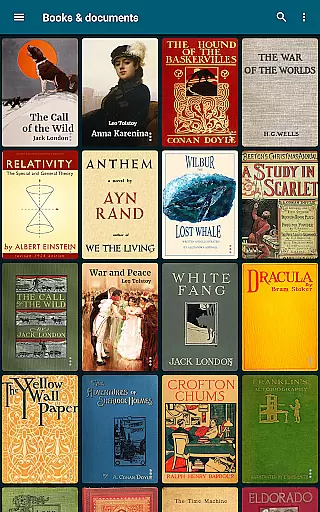
Premium features enhance the user experience significantly. Synchronization with Google Drive ensures your reading progress, bookmarks, and notes are always up-to-date across all devices. The app's text-to-speech capability lets you listen to books in the background, while additional customization options like my fonts, library view settings, and colors for quotes offer a personalized touch. With functionalities such as page thumbnails for visual navigation and sections dedicated to quotes and dictionaries, ReadEra Premium caters to every possible need of a modern reader.
ReadEra Premium offers an extensive e-book library that supports multiple formats including PDF, EPUB, Microsoft Word, Kindle, Comic, DJVU, FB2, TXT, ODT, and CHM. This wide-ranging compatibility ensures users can access a vast collection of books and documents from various sources.
The app's automatic detection feature scans the entire device to locate all supported reading materials. It provides robust search functionality that allows users to find specific titles by name, author, series, format, or language, ensuring quick and easy access to desired content.
Regarding copyright authenticity, ReadEra Premium respects intellectual property rights by enabling users to manage their legally acquired digital content. The synchronization feature with Google Drive ensures that users' personal libraries are securely backed up and accessible across all devices, maintaining the integrity and legality of their e-books.
This comprehensive management system empowers users to create a personalized digital library while ensuring all content remains properly organized and legally compliant, making it an ideal solution for avid readers and document managers.
ReadEra Premium excels in format compatibility, supporting an impressive range of document types including PDF, EPUB, Microsoft Word (DOC, DOCX, RTF), Kindle (MOBI, AZW3), Comic (CBZ, CBR), DJVU, FB2, TXT, ODT, and CHM formats. This versatility allows users to access their entire digital library without worrying about file type restrictions.
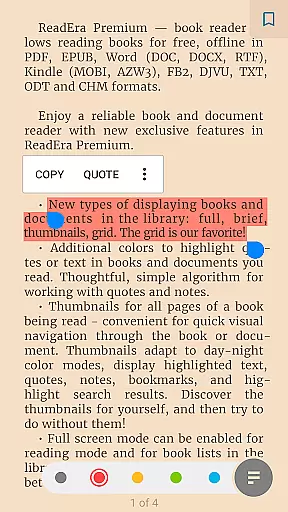
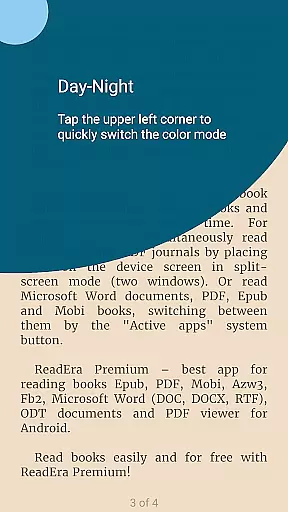
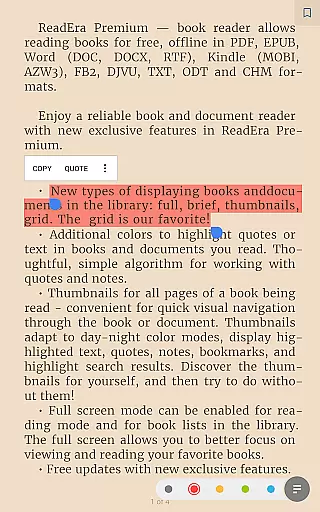
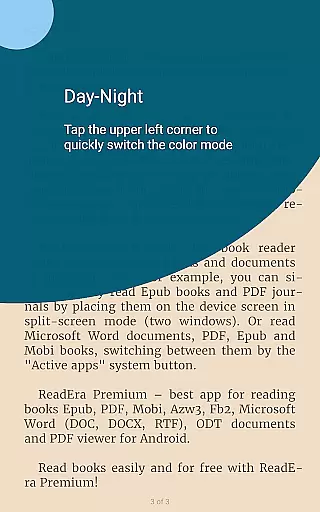
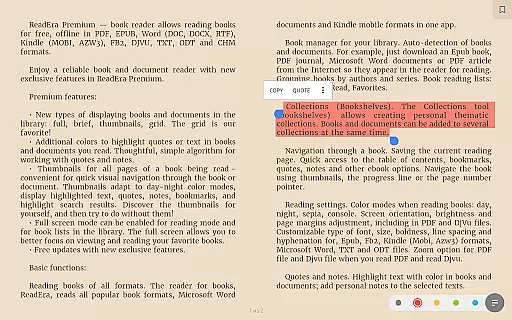
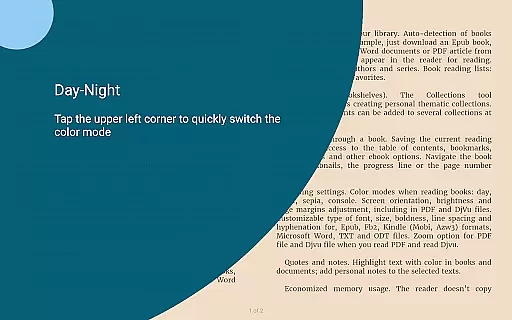
The application's advanced reading settings provide optimal viewing experiences for each format. Users can customize color themes (day, night, sepia, console), adjust orientation, screen brightness, page margins, font size, typeface, boldness, line spacing, and hyphenation. For PDF and Djvu files, the app offers zoom functionality to enhance readability.
Additional premium features include background text-to-speech functionality, allowing users to listen to documents even when the screen is locked. The My Fonts feature enables users to upload personal fonts for customized reading experiences across all supported formats.
This exceptional format compatibility combined with customizable reading options makes ReadEra Premium a universal solution for managing and enjoying digital content, regardless of file type or source.
User-friendly interface
Extensive format support
Powerful organization tools
Customizable reading experience
Cross-device synchronization
No cloud storage included
Limited free features
Occasional sync issues
Heavy on system resources
Complex for beginners

Powerful Bible study tools linked to every verse in an easy-to-use Bible reader!
 4.60
4.60
Novels, audiobooks, ebooks & fanfiction. Read anytime, anywhere!
3.40
The Psalms for singing
4.4
Crowd-sourced listing of businesses with anti-gun signs, and pro-2a alternatives
4.60
Bible Study App with Audio Book, Verse of the Day, and Devotionals.
4.80
Enjoy your favorite books
3.50
KJV Bible works offline with Audio, Hebrew & Greek lexicon (concordance) & more!
4.20
Research your family history to explore ancestors and search for your heritage
4.50
Daily thoughts, meditations, and prayers for living a sober life in recovery.
4.90
The favorite Christmas story comes to life!
4.80
King James Bible read offline, AI Priest, Bible Quiz, Guiding Prayers & Plans
4.80
A lightweight reader for comics and mangas files (.cbr, .cbz, .cbt, .pdf, ...)
4.80
Full text, sheet music, and recordings of the print edition
4.60
Mirror Bible - eye-opening paraphrase translation of the NT by Francois du Toit
4.30
Provides location information of vehicle Shift Interlock releases.
4.30
Holy Bible with verses and audio for studying and prayer
4.30
“There was one last piece of cake. My little sister said ‘Me too!’”
4.00
A story reading app: Read stories, novels and books, or write your own.
3.90
Sea tide predictions for all coastal U.S. locations.
4.1


User Reviews