
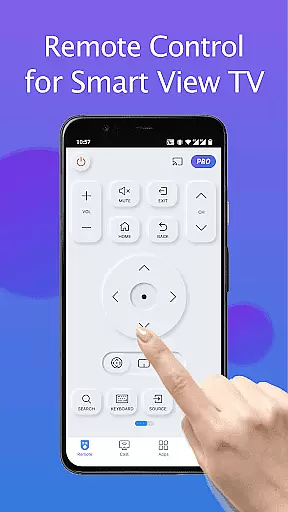
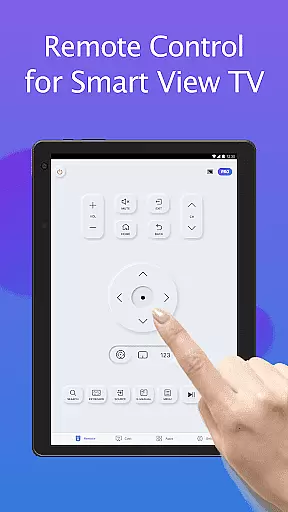
Remote for Smart Samsung TV is a dedicated mobile application that transforms your smartphone into a versatile remote control for Samsung smart TVs. This app serves as a comprehensive replacement for traditional physical remotes, offering advanced features like auto-detection of Samsung TVs on the same Wi-Fi network, keyboard input for simplified text entry, and complete control over power, volume, channels, and navigation.
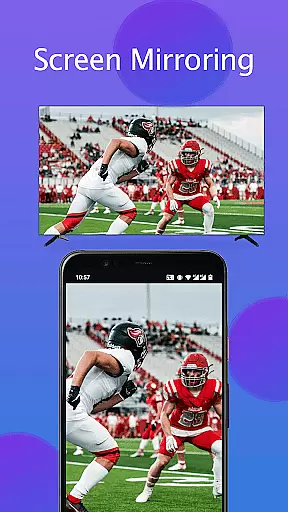
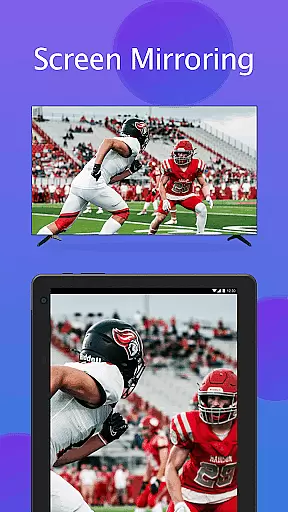
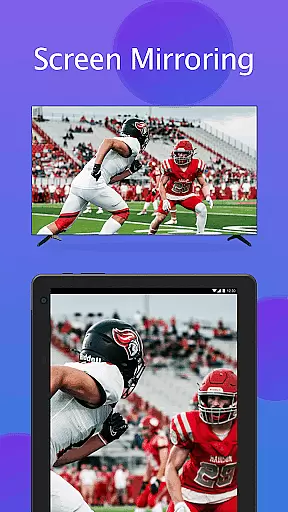
The app supports mainstream Samsung TV models including Series 7, Series 6, Curved TVs, and K-Series (2016+) Tizen models. With its user-friendly interface, you can easily mirror your phone or tablet screen to your TV in high resolution, cast local media files, and access favorite channels and apps with just a few taps. The app eliminates the need for constant battery replacements and reduces electronic waste, making it an eco-friendly solution for modern households.
Whether you're looking to simplify daily TV operations or seeking a more reliable alternative to easily misplaced physical remotes, Remote for Smart Samsung TV provides a seamless and efficient control experience that enhances your smart home ecosystem.
This Samsung TV remote app stands out with its comprehensive feature set designed to enhance user convenience. The automatic device detection system instantly identifies Samsung smart TVs on the same Wi-Fi network, eliminating complex pairing processes. The integrated virtual keyboard significantly simplifies text input and search functions, making it easier to navigate streaming services and enter complex passwords.
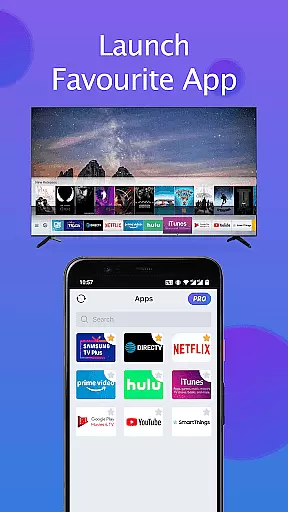
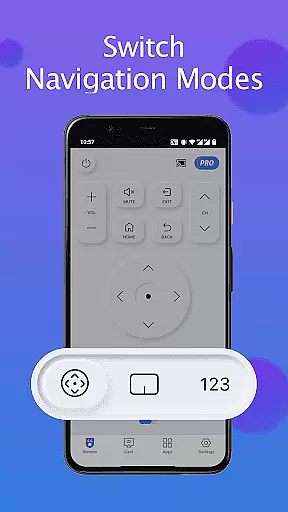
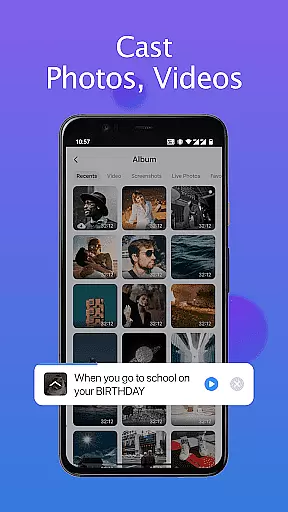
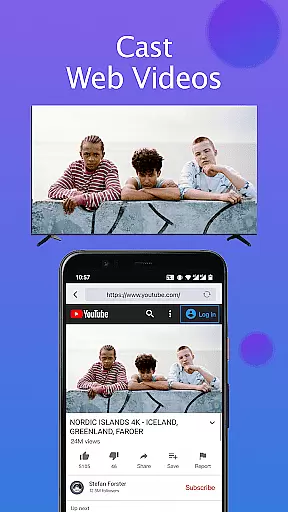
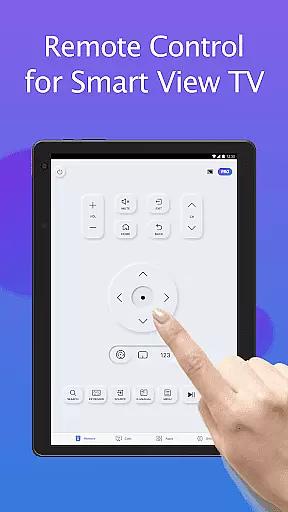
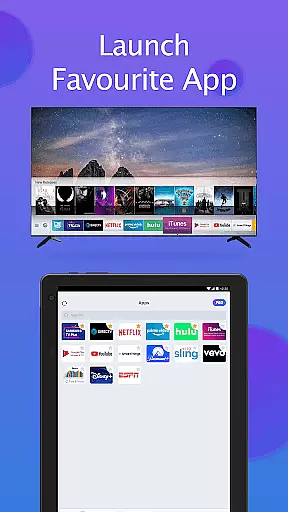
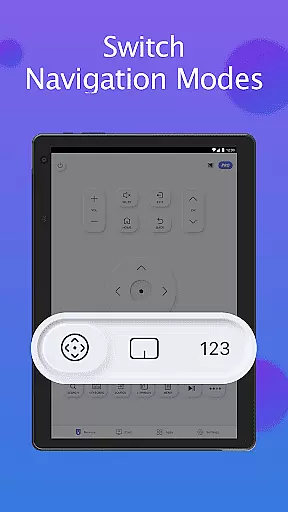
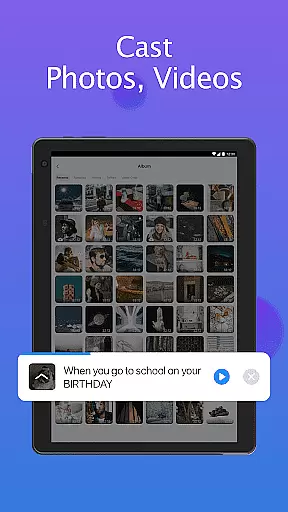
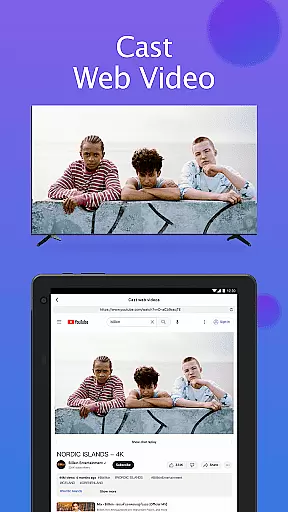
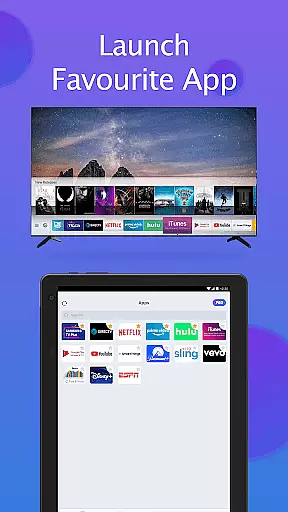
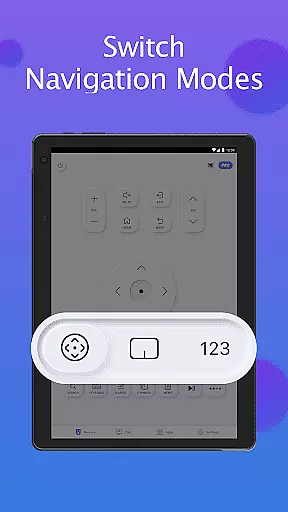
Advanced control capabilities include complete power management, precise volume adjustment, channel switching, and navigation mode selection. Users can create custom shortcuts for frequently accessed channels and applications, enabling instant access through a personalized interface. The app's screen mirroring feature allows users to display their mobile device's content on the TV in high resolution, while the casting functionality supports local media files and web video streaming.
What sets this app apart is its ability to maintain stable connections without requiring additional hardware or accessories. The intuitive interface ensures smooth operation even for non-technical users, while regular updates ensure compatibility with new Samsung TV models and features. These characteristics make it an essential tool for managing modern smart TV systems efficiently.
In the realm of smart home management, ensuring the authenticity and compatibility of your devices is crucial. The Remote for Smart Samsung TV app provides a reliable solution by accurately detecting and connecting to Samsung smart TVs on the same Wi-Fi network. This feature eliminates the guesswork and potential frustration associated with device compatibility issues.
The application supports a wide range of Samsung TV models, including the Samsung 7 series, 6 series, Curved TVs, and K-Series (2016+) Tizen models. By offering such extensive compatibility, users can trust that their specific TV model will work seamlessly with this virtual remote control app.
With clear instructions and troubleshooting tips provided, users are empowered to resolve any connectivity issues effectively. The app's ability to auto-detect Samsung TVs ensures that you're interacting with an authentic and verified device listing, providing peace of mind and a dependable user experience.
Beyond basic remote functionality, the Remote for Smart Samsung TV app offers advanced home management features that enhance your smart living experience. With capabilities like mirroring your phone or tablet screen to your Samsung Smart TV in high resolution, this app transforms how you interact with your television set.
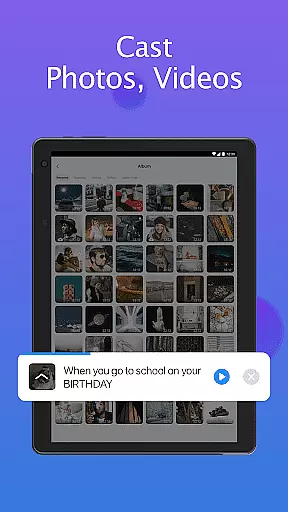
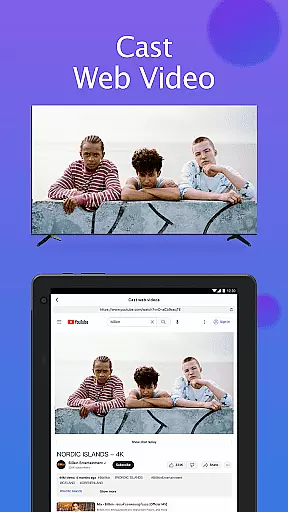
Users can cast local photos, videos, and even web content directly to their Samsung TVs, creating a versatile entertainment hub within their homes. The inclusion of a keyboard feature simplifies text input and search functions on Samsung Smart View TVs, making navigation more intuitive and efficient.
Additional features include quick access to favorite channels and apps, power control, volume adjustment, channel switching, and navigation mode changes. These comprehensive controls allow for effortless management of your home entertainment system, streamlining daily tasks and improving overall convenience.
User-friendly interface
Wide device compatibility
Stable Wi-Fi connection
Eco-friendly solution
Regular feature updates
Limited to Wi-Fi networks
Occasional connectivity issues
Not officially endorsed by Samsung
Requires manual reconnection
Some features may vary by model

Use Home by ShowingTime to easily manage showings, tours, feedback and more
 3.60
3.60
PRO Version of GLB AR Viewer
4.1
Control your Daikin, Amana & Goodman heating & cooling systems from anywhere
4.40
Find paints using a Color Muse & ColorSnap® Match
3.60
This Fire TV Remote control's your Fire TV Device and Insignia Fire TV Remote
3.70
USHUD.com helps you find the best homes for sale in your area
4.00
View houses and apartments for rent, updated daily.
4.80
The Merkury Smart app makes it easy to control your smart devices.
4.50
An easier way to make payments and maintenance requests from anywhere.
3.50
Connect with reliable pros for maintenance services, plumbing, and home design!
4.80
B-hyve Pro App for landscape irrigation professionals
4.70
Night Owl Protect helps you secure, protect, and connect your world!
4.60
Your guide to apartments & rental homes. Find your next place to rent with AG.
4.60
AI-powered home design, interior design, home decor, and room design solutions
4.50
Rent on-the-go with TurboTenant’s app made just for renters
4.50
SmartRent - Opening Doors To A Smarter World
4.40
AI floor creator to design your dream house, plan rooms & style your home
4.00
Schlage Lock Company LLC
4.00
Universal TV Remote for TV, control all Smart TVs with your mobile phone.
4.1


User Reviews