
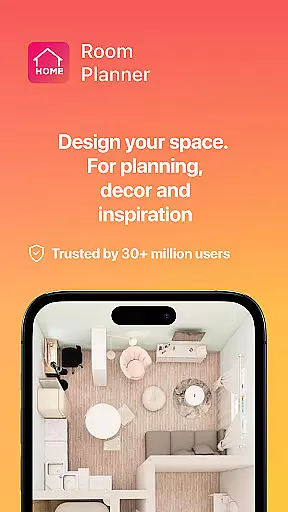
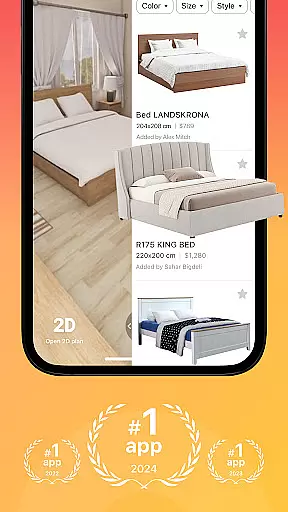


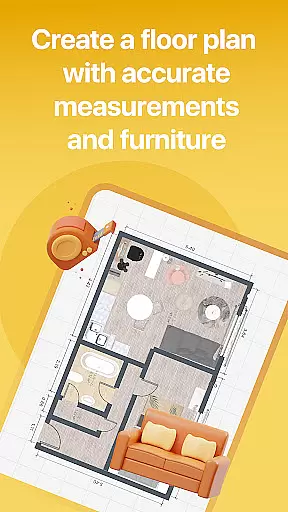

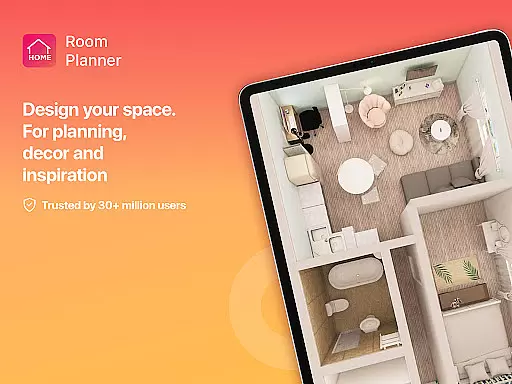


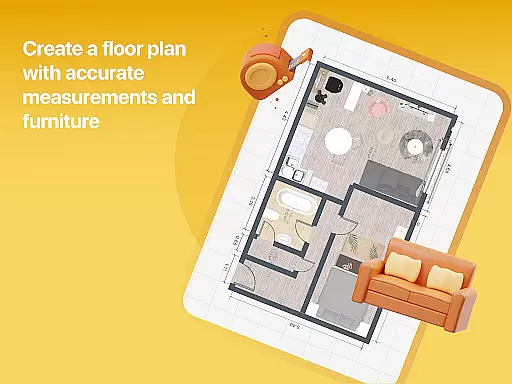

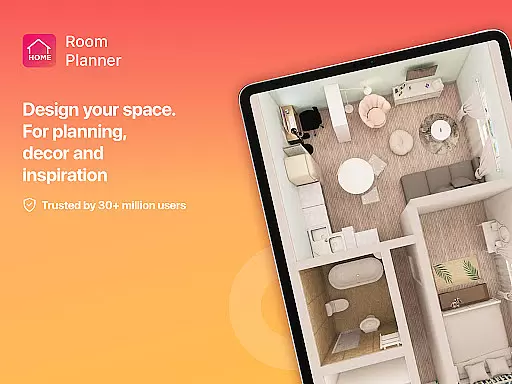
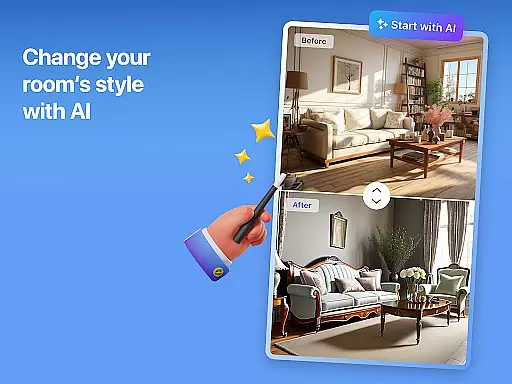


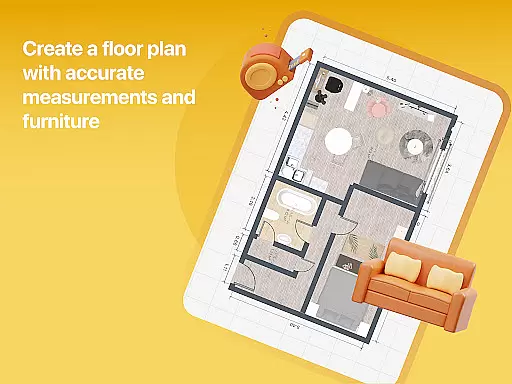

Home Planner is a comprehensive home design and 3D modeling application that empowers users to create detailed floor plans with precision. The app offers advanced visualization tools, allowing users to see their designs in immersive 3D and virtual reality. With over 200,000 furniture items available in its catalog, users can experiment with various styles and layouts effortlessly.
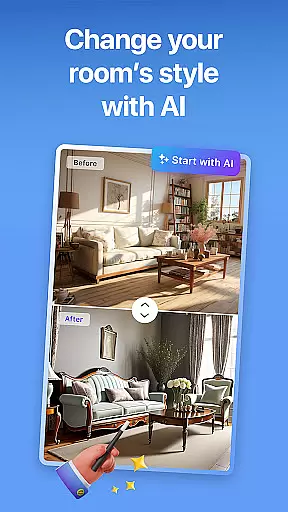
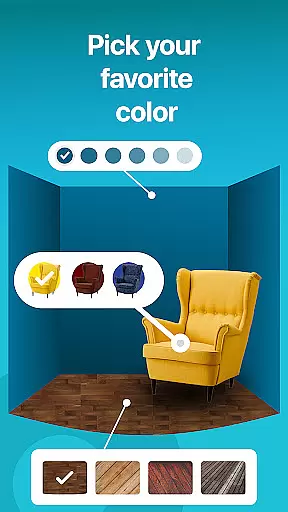
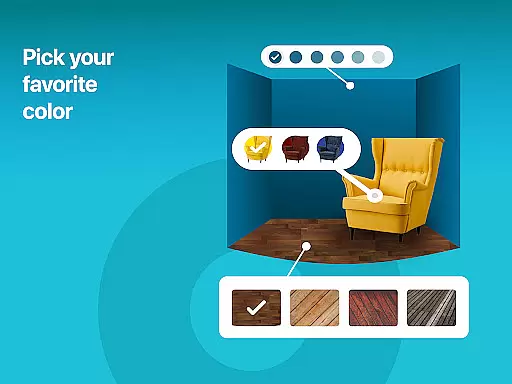
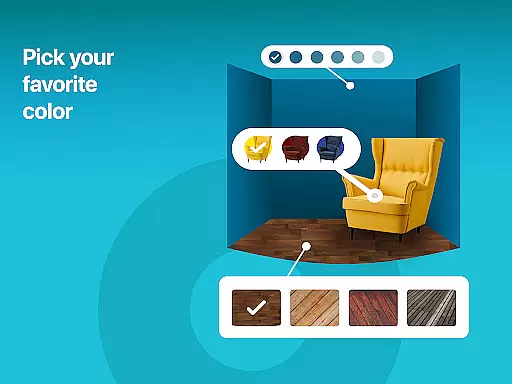
The app provides powerful customization features, enabling users to adjust every detail of their home design, from wall colors to flooring types. It also includes professionally pre-made projects and themed house designs for those seeking inspiration. Whether planning a single room makeover or a full-scale renovation, Home Planner supports all levels of complexity with smart AI assistance.
Users can generate high-quality renders and realistic snapshots of their designs, ensuring accurate representation. The app's seamless sharing functionality allows collaboration with others, while offline access makes it convenient to work on projects anytime, anywhere. This makes Home Planner an ideal tool for both professional designers and DIY enthusiasts looking to bring their home design visions to life.
One of the standout features of Home Planner is its ability to provide precise measurements using built-in tools like a virtual measuring tape. This ensures that every wall, door, and window is accurately placed, making it easier to translate digital designs into real-world renovations. The app's 3D modeling capabilities allow users to visualize spaces from multiple angles, offering a realistic preview of the final design before any physical changes are made.
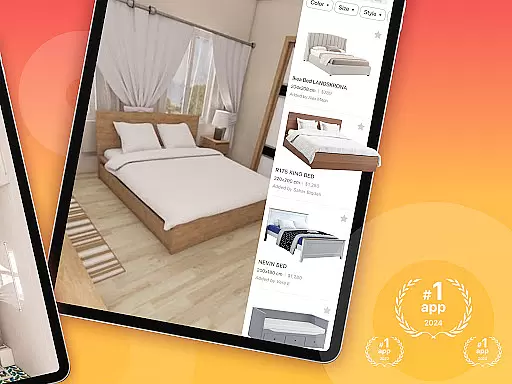
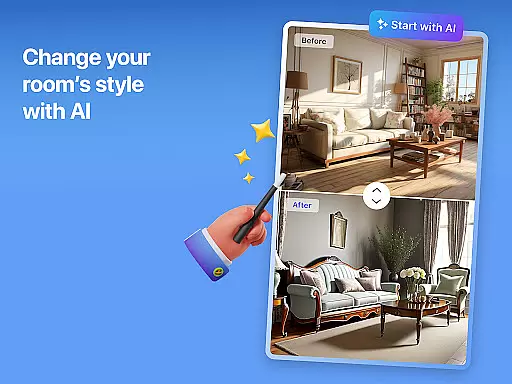
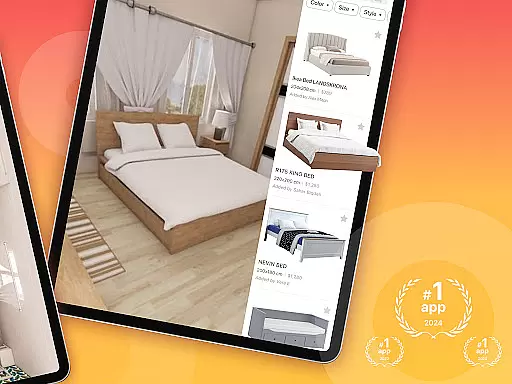
Another key feature is the extensive furniture catalog, which boasts over 200,000 items from top brands. Users can mix and match furniture styles, colors, and materials to find the perfect fit for their space. Additionally, the app's AI-driven remodeling tools assist in customizing layouts and experimenting with different design themes, providing endless creative possibilities.
Home Planner also offers flexible subscription options, giving users access to premium features such as exclusive furniture collections and enhanced 3D modeling tools. These subscriptions cater to various needs, whether users require basic design capabilities or advanced functionalities for more complex projects. Overall, the combination of precision, creativity, and flexibility makes Home Planner a top choice for anyone interested in home design.
When it comes to designing and remodeling your home, having accurate and reliable property information is crucial. Room Planner ensures that every design element, from walls to furniture placement, reflects real-world dimensions and authentic product details. The app's extensive catalog of over 200,000 furniture items provides users with genuine product specifications, ensuring that the virtual designs can be accurately replicated in reality.
The app employs advanced measurement tools and integrates remodel AI features to maintain a high level of authenticity in its listings. Users can trust that the dimensions and spatial arrangements they create are true to life, thanks to built-in measuring functionalities and precise layout options. This accuracy allows homeowners and designers to make informed decisions before committing to any physical changes.
By offering professionally designed templates and pre-made projects, Room Planner adds another layer of authenticity to its property listings. These expertly curated designs serve as reliable starting points for users who may be unsure where to begin their home transformation journey. With verified layouts and realistic 3D modeling, users can confidently experiment with different styles knowing they're working with accurate representations of potential real-world spaces.
Effective home management extends beyond just designing beautiful spaces; it involves creating functional, livable environments that meet the homeowner's needs. Room Planner excels in this area by providing comprehensive tools for managing every aspect of home design and renovation projects. From initial floor plan creation to final 3D visualization, the app streamulates the entire design process through its intuitive interface and smart features.
The application's robust organizational capabilities allow users to seamlessly manage complex home projects. With offline functionality and easy sharing options, collaboration between multiple stakeholders becomes effortless. Whether you're working with contractors or coordinating with family members, Room Planner keeps everyone on the same page through its synchronized project management system.
Furthermore, the app's advanced visualization tools contribute significantly to effective home management. By enabling users to step inside their designs through virtual reality previews and high-quality renders, Room Planner helps identify potential issues before they arise in real-world construction. This proactive approach to home management saves both time and resources while ensuring that the final result perfectly matches the envisioned design.
User-friendly interface
Extensive furniture catalog
Advanced 3D modeling
AI-driven customization
Offline functionality
Premium features locked
Subscription costs
Steep learning curve
Limited free templates
Occasional bugs

Unlock AI-based barcode scanning and support the development of Grocy Android
 4.1
4.1
The official app for Home Assistant. Control your home anywhere in the world.
4.30
Home Ideas | Renovation Advice | Local Pros. Go From Dream to Home with Houzz.
4.70
An awesome mobile app for Home Security Surveillance - uses ZoneMinder
3.20
Resident Center, powered by Buildium, is designed with simplicity in mind.
4.50
Plants, Beauty, Collectibles
4.60
Real estate app to find homes for sale or rent in the right neighborhood for you
4.70
Samsung remote app helps control all Samsung Smartthings TVs. Fast and Stable!
4.10
Find homes for sale and apartments for rent in the best neighborhood.
4.70
Download today to join the community to help bring lost pets home faster.
4.70
Fire & Power Safety
4.50
Wobble Fix Tool
4.40
Control your Vivint Smart Home with the next generation Vivint App.
4.30
Floor Plan Creator Home Design with 2D interior design and 3d view.
3.90
Our app allows Sunrun customers to monitor systems, pay bills, and get support.
3.80
Find paints using a Color Muse & ColorSnap® Match
3.60
Control Fire TV & mirror your phone screen instantly over Wi-Fi.
3.30
Universal TV remote Control for Roku TV brands via WiFi remote
4.4
Calculate baluster spacing with ease and precision.
4.5


User Reviews