
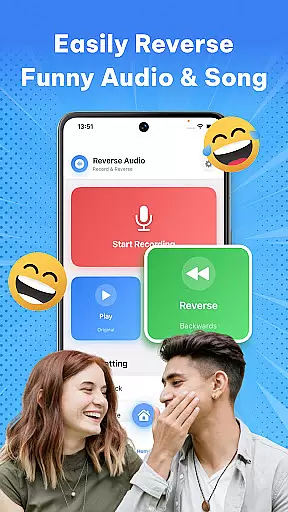
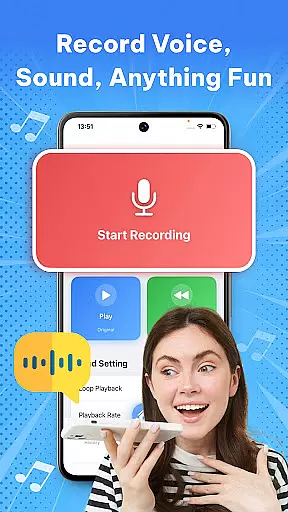

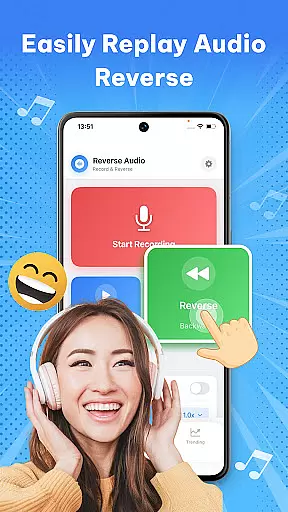
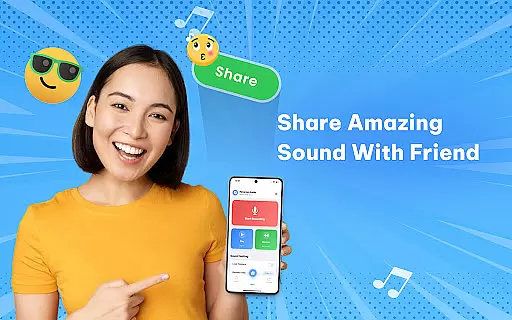
Reverse Audio: Sing Challenge is a creative audio tool that allows users to record and reverse any sound, including voices, songs, or other audio clips. With its innovative sound manipulation features, the app transforms ordinary recordings into extraordinary creations by flipping them backward. This opens up endless possibilities for experimentation, fun, and creativity.
The app is particularly well-suited for social media enthusiasts, content creators, and singers who want to engage in viral challenges or enhance their videos with unique sound effects. Whether you're looking to make your friends laugh with funny reversed phrases or practice vocal techniques by mimicking reversed singing lines, this app provides all the necessary tools. Its high-quality processing ensures crystal-clear audio even after reversal, making it ideal for both casual entertainment and professional use.
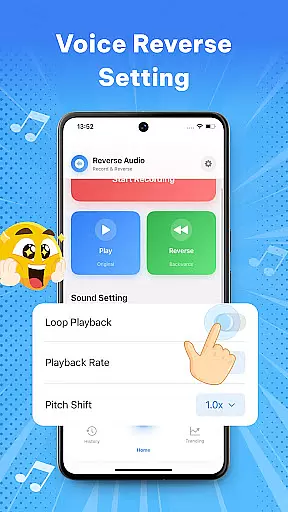
One of the standout features is its ability to adjust playback speed and pitch, allowing users to create weird, spooky, or hilarious audio clips. The intuitive interface makes it easy to record, reverse, save, and share your creations directly on social media platforms. Perfect for unleashing your creativity, Reverse Audio: Sing Challenge brings a new dimension to sound experimentation.
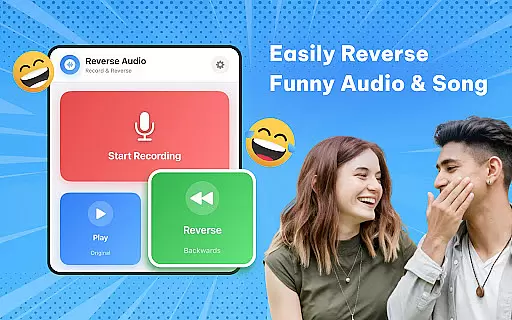
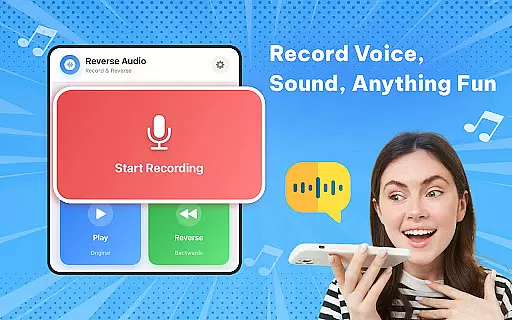
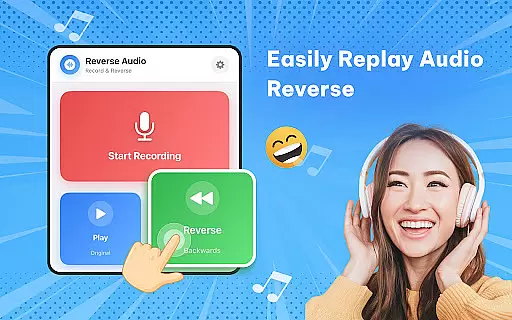
Reverse Audio: Sing Challenge offers an impressive range of features designed to maximize user engagement and creativity. One of its core functionalities is the instant voice and sound reversal tool, which allows users to record audio and hear it played backward within seconds. This feature is not only entertaining but also serves practical purposes for singers and content creators who want to experiment with unique audio effects.
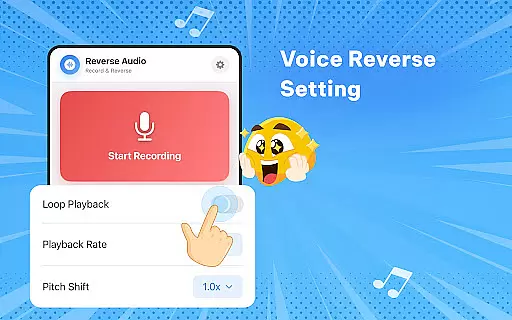
In addition to basic reversal, the app includes advanced options like playback speed adjustment and pitch modification. These tools enable users to fine-tune their reversed audio clips, creating everything from slow, eerie sounds to fast, comical effects. The ability to add filters further enhances the creative potential, making each clip customizable to suit different moods and themes.
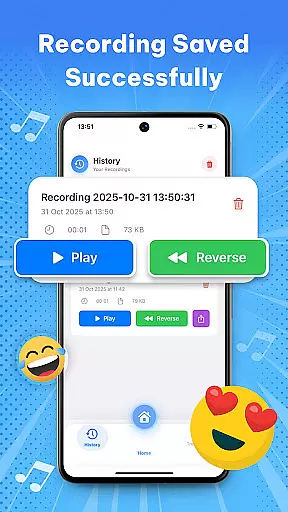
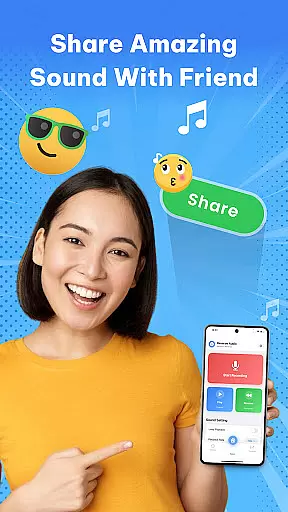
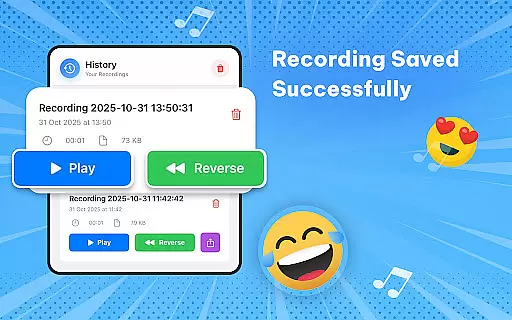
Another notable aspect is the seamless sharing functionality. Once you've created your reversed audio clip, you can easily save it to your library, rename it for easy identification, and share it directly on social media platforms. This makes the app perfect for participating in viral challenges or simply surprising your friends with unexpected audio pranks. The app's offline capability ensures smooth performance anytime, anywhere, without requiring an internet connection.
In the realm of music and audio applications, the size and authenticity of the music library are crucial. Reverse Audio: Sing Challenge offers a unique twist by allowing users to create their own reversed audio clips rather than drawing from a pre-existing library. This app emphasizes user-generated content, ensuring that all audio creations are original and copyright-free.
Users can record any sound or voice, reverse it, and save it to their personal library within the app. This feature not only provides a vast potential for creativity but also eliminates concerns about copyright infringement. The ability to generate unique audio clips means that each user's library is distinct, offering endless possibilities for creators, singers, and pranksters alike.
The app's focus on original content creation supports a wide range of uses, from social media challenges to creative video projects. By enabling users to experiment with reversed audio, it opens up new avenues for artistic expression without the limitations often associated with pre-recorded music libraries.
Audio quality is paramount when dealing with sound-based applications. Reverse Audio: Sing Challenge ensures high-quality sound processing, providing users with crystal-clear reversed audio. This attention to audio fidelity enhances the overall user experience, making every reversed clip sound as natural and clear as the original recording.
The app includes features such as playback speed and pitch adjustments, which allow users to fine-tune their reversed audio clips. These options ensure that the final output meets the user's expectations in terms of both creativity and sound quality. Whether slowing down or speeding up the audio, or tweaking the pitch, users can achieve the desired effect while maintaining excellent audio clarity.
Additionally, the app performs efficiently even in offline mode, guaranteeing smooth performance and high-quality results regardless of connectivity. This reliability makes Reverse Audio: Sing Challenge an ideal tool for creators who demand top-notch audio quality in their projects, whether for professional or recreational purposes.
User-friendly interface
High-quality audio processing
Versatile sound editing tools
Instant audio reversal
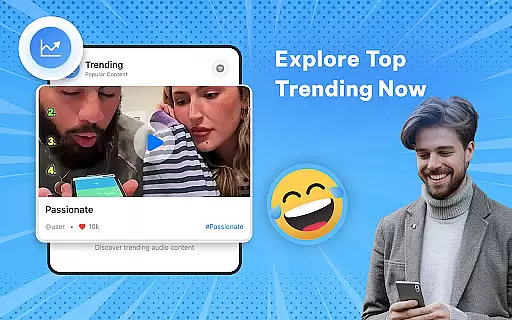
Fun social media integration
Limited advanced features
No batch processing
Basic UI design
Few customization options
Occasional glitches

Time Guru will strengthen your internal sense of musical time via random muting.
 4.30
4.30
Make music anywhere. Turn your device into an instrument.
4.4
Remove ads permanently from Music Visualizer
4.4
Enhance the sound quality of your devices, listen to what you want
4.50
Permanently backup Now Playing. Maps, filters & listening stats.
4.00
Your song collections with lyrics and chords on Android smartphones and tablets.
4.80
Brian Eno and Peter Chilvers’ acclaimed music app Bloom, radically reinvented.
4.80
The best music and audio player, with beautiful UI, music search and equalizer.
4.60
Record, Mix & Master with all n-Track effects, 64-bit audio and Stem Separation.
4.70
Make songs with AI! Any genre, custom lyric, song generator for music creation!
4.80
Full-featured, High-Quality Groovebox Workstation, perfect for Live Performance!
4.80 4.70
4.70
Offline Music Player&MP3 Player with themes, equalizer, lyrics, music play mode
4.60
Learn the notes on the guitar fretboard fast with this easy and fun app
4.60
Guzheng Master supports many playing techniques as an acoustic Guzheng
4.50
DJ Music Mixer - DJ Remix: remix songs, make beat music & record mix of DJ.
4.40
Your HD audio recorder on the go for music, meetings, ambience, animal sounds…
4.30
The original SP-1200 experience on your iPad
4.20
Offline and always ad-free - stream in the highest quality available.
4.10


User Reviews