
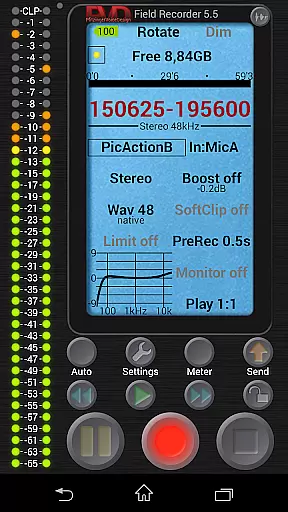
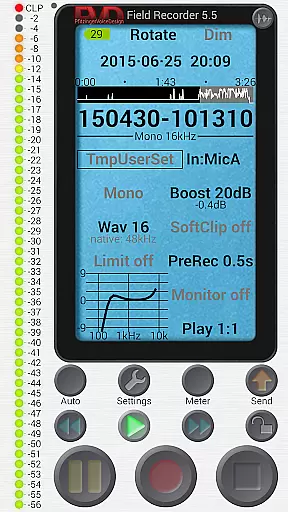
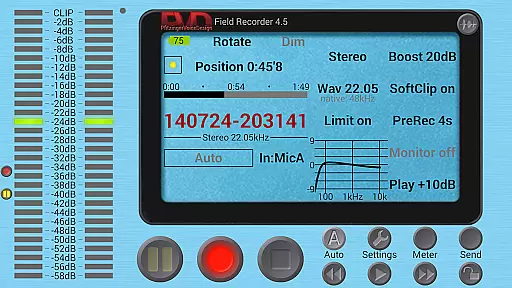
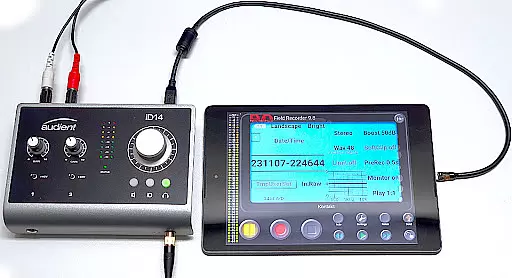
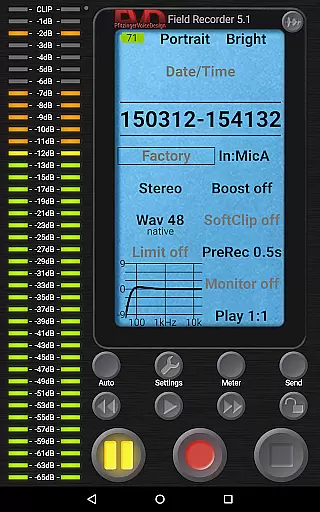
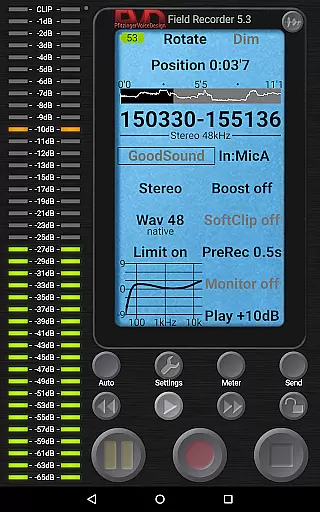
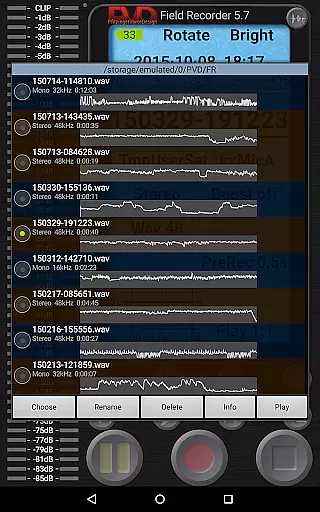
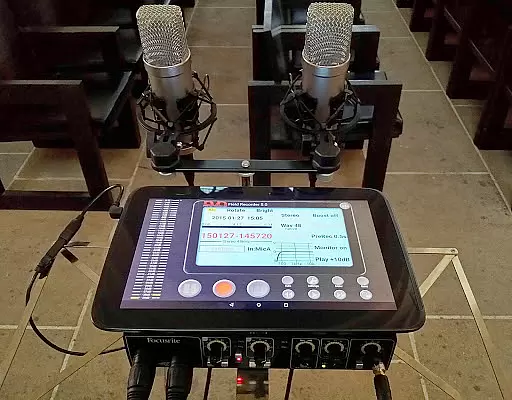
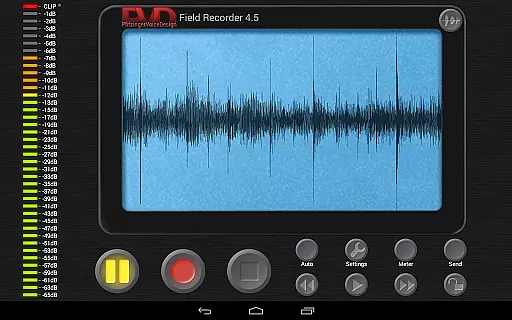
Field Recorder transforms your mobile device into a versatile audio recording tool, perfect for capturing high-quality sound on the go. With support for both built-in and external microphones, as well as USB sound cards, it offers extensive customization options for audio parameters.
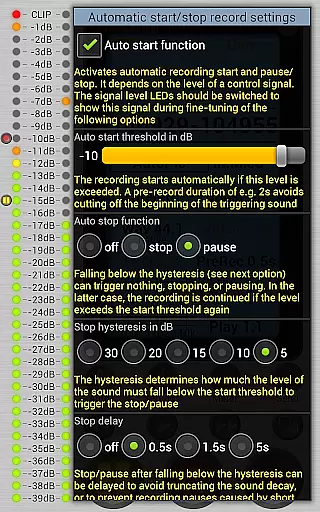
The app provides professional-grade recording capabilities, ranging from mono/16kHz/16-bit to stereo/192kHz/24-bit WAV formats. Its powerful features include pre-recording buffers, automatic start/stop functionality, and advanced audio processing tools like equalizers, limiters, and noise shaping.
Ideal for musicians, journalists, and audio enthusiasts, Field Recorder enables immediate sharing of recordings and seamless integration with helper apps for format conversion. Whether you're capturing band rehearsals or conducting interviews, this app ensures you never miss an important moment.
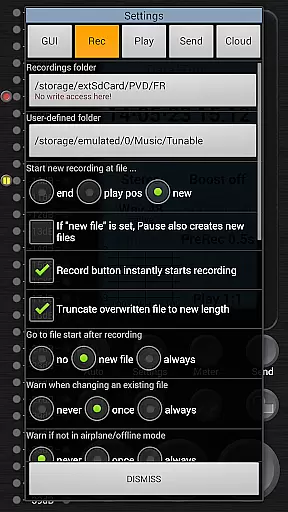
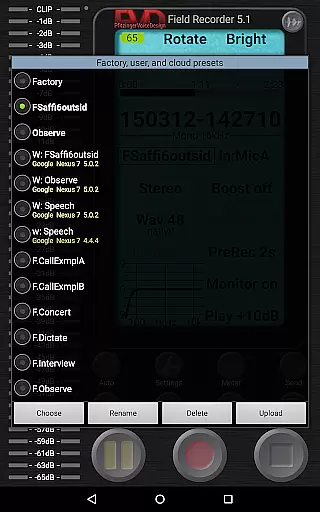
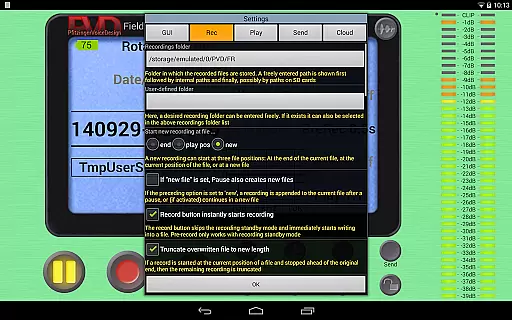
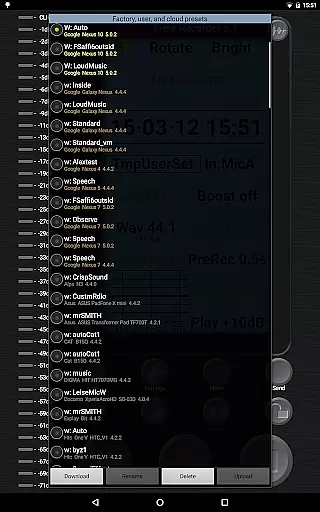
Field Recorder stands out with its comprehensive feature set designed for audio professionals and enthusiasts alike. The app includes pre-defined presets for common recording scenarios and allows users to save custom configurations for instant recall.
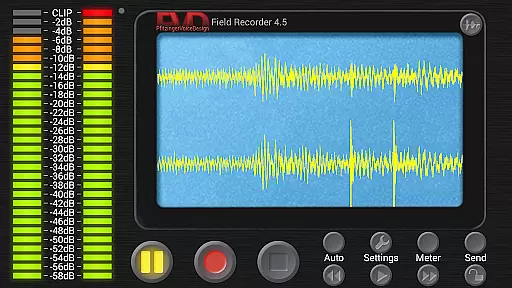
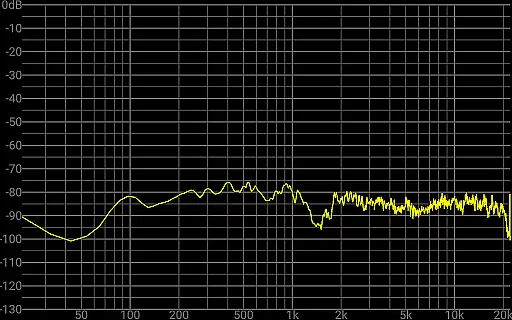
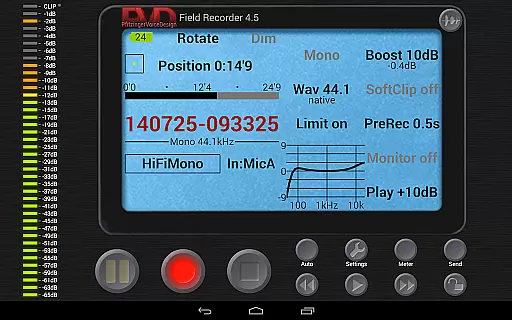
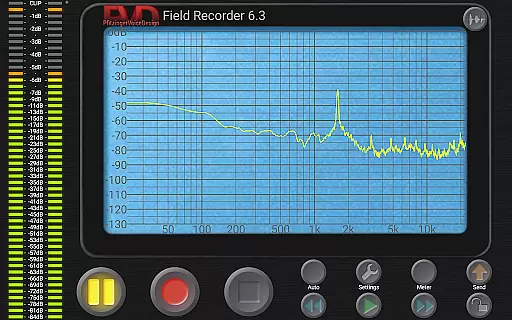
Advanced audio processing features include parametric and shelving equalizers, low-cut filters, and stereo balance correction. The built-in limiter and soft clipping functions ensure optimal recording levels, while the spectrum analyzer and sonogram display provide real-time visual feedback during recording sessions.
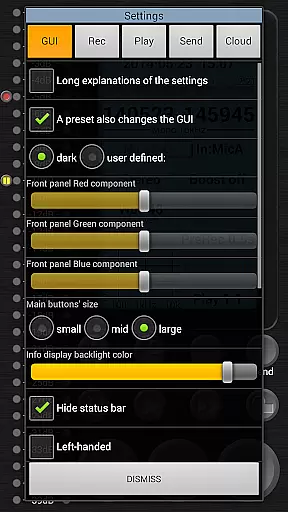
Additional professional features include HD monitoring with minimal latency, automatic file splitting at 4GB boundaries, and configurable GUI elements. The app also supports various input configurations and offers specialized tools like auto-email notifications based on noise levels and precise control over recording parameters.
Field Recorder offers an extensive range of audio recording capabilities that ensure high-quality output suitable for various professional and personal uses. While it doesn't provide a music library per se, its ability to save presets for different recording scenarios effectively expands its utility akin to accessing a diverse music collection.
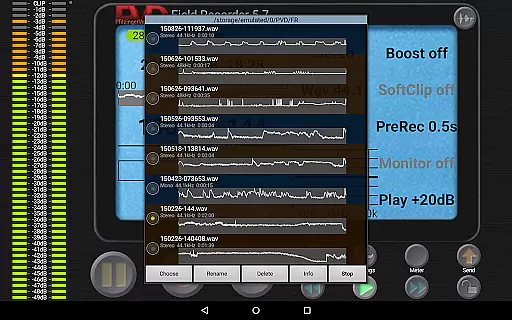
The app supports recording in multiple formats including WAV and provides options to convert files into MP3, AAC, or FLAC using helper apps. This versatility ensures users can manage their audio files according to copyright compliance and personal preference, maintaining authenticity in every recording they make.
With the option to use internal or external microphones and USB sound cards, Field Recorder caters to audiophiles and professionals who demand pristine audio quality. The parametric and shelving equalizers, along with stereo balance correction, empower users to capture sound with precision and clarity, rivaling dedicated music libraries in adaptability.
Audio quality is paramount when capturing moments or creating content, and Field Recorder excels in delivering top-notch audio through its advanced features. It allows recordings in mono/16kHz/16-bit up to professional stereo/192kHz/24-bit, ensuring that whether you're recording band rehearsals or ambient sounds, the fidelity remains uncompromised.
The inclusion of low-cut filters, configurable limiters, soft clipping, noise shaping, and dithering means that each recording can be fine-tuned to perfection. These tools help mitigate common audio issues such as background noise or distortion, providing crisp and clear audio quality across all recordings.
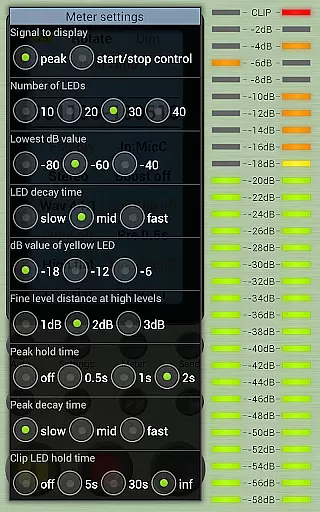
Furthermore, the app's capacity to display spectrum, signal, or sonogram during recording gives users real-time feedback on their audio quality. Coupled with HD monitoring at latencies down to 20ms, Field Recorder equips users with everything needed to produce professional-grade audio content, making it an indispensable tool for anyone serious about sound.
User-friendly interface
High-quality recording options
Extensive customization features
Real-time audio processing tools
Versatile input configuration support
Complex for beginners
Requires specific hardware
Advanced features need learning
Some functions demand premium
Interface may feel overwhelming

DJ Music Mixer Pro is a real DJ controllers and DJ Music Studio to remix DJ.
 4.40
4.40
Time Trainer: accurate metronome w tools to help you develop your internal time!
4.20
Visualize the guitar fretboard, master scales & play through changes like a pro!
4.50
Recording studio w/ 10k beats, pro vocal FX and a network of 20M rappers & fans!
4.60
Unleash your creativity! Turn simple prompts into full fledged songs.
4.70
Smart piano keyboard, Classical to Pop, Real-time multiplayer connection!
4.20
Powerful 10-Band equalizer pro with sound booster improves Android audio quality
4.30
Sing, record, and create music together — enhanced by smart voice tools.
4.00
Be a true music maker: create beats, mix and make music like a real DJ!
4.30
More downloads than any other metronome. Includes drum machine & tempo trainer.
4.80
Gorgeous UI, Powerful music Search and Equalizer, the great choice for you!
4.70
Listen to live FM radio stations, sports, music and news on global radios online
4.70
Let your Android device with the sound effects you want
4.50
Full featured mp3 and audio player with Chromecast and Android Auto support.
4.40
Bass Booster Pro takes auto-equalizing to the next level!
4.30
A High-Precision Audio Spectrum Analysis App
4.20
Learn to play the piano using falling notes!
3.80
Control your MIDI USB or Bluetooth devices in app and avoid some trampling
3.30
The Minimalistic Premium Music Player. Handmade with passion for music
2.20


User Reviews