
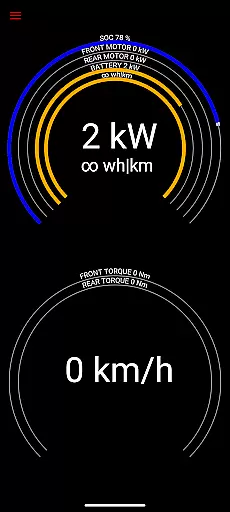
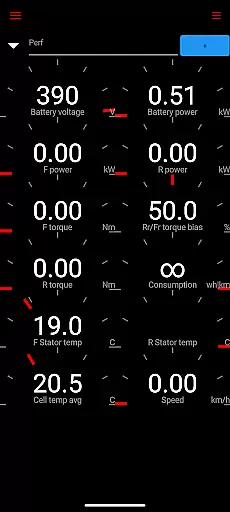
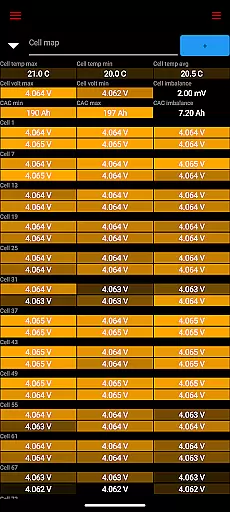
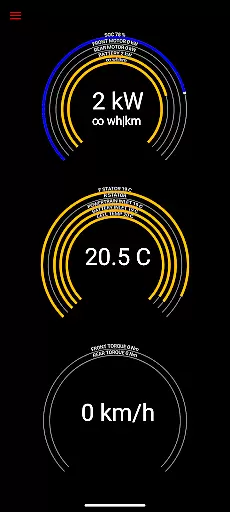
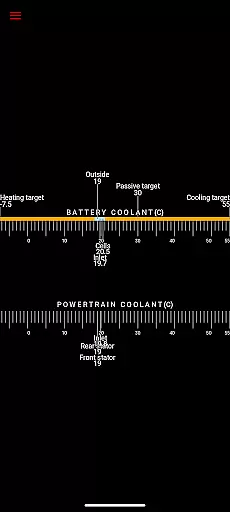
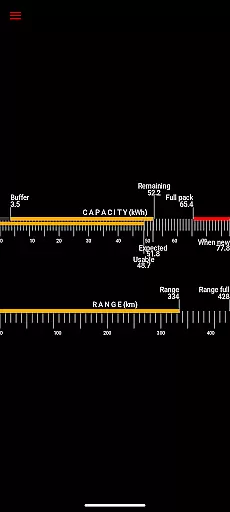
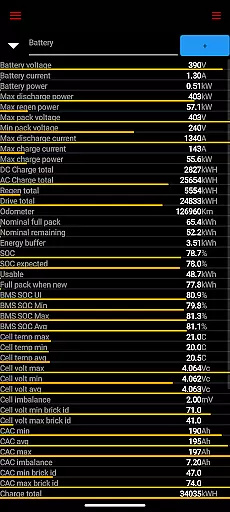
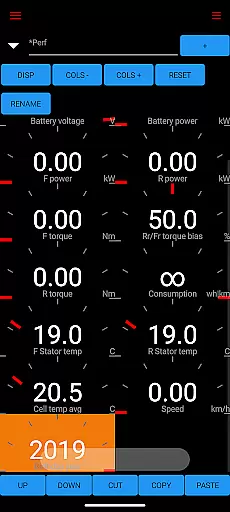
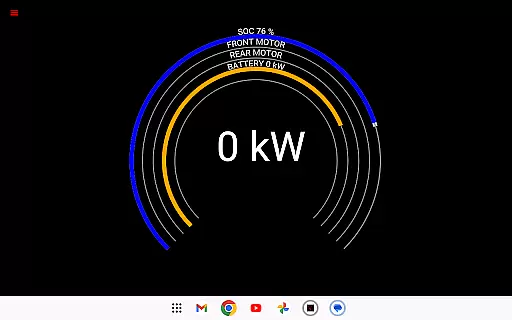
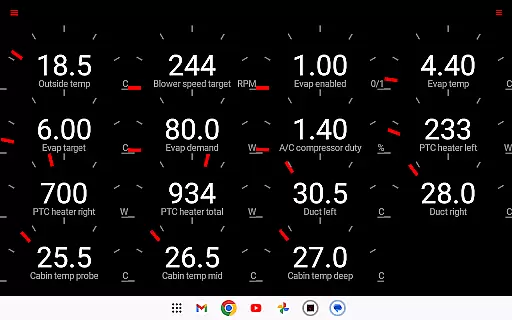
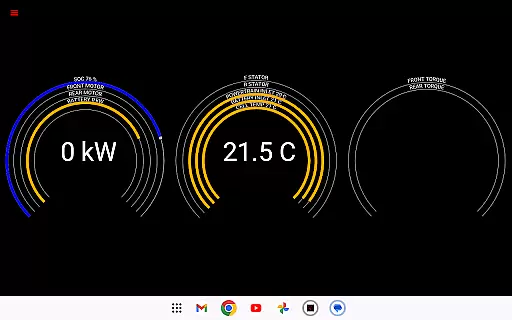
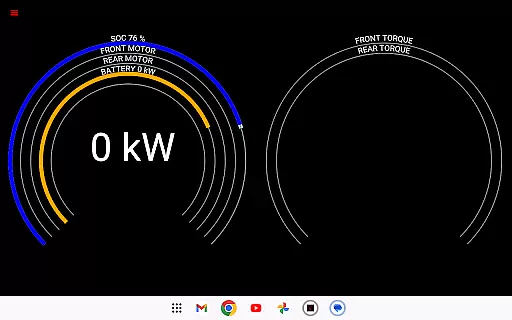
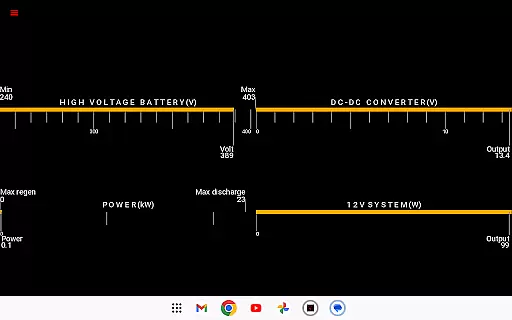
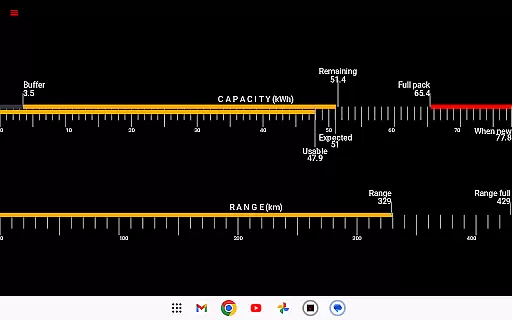
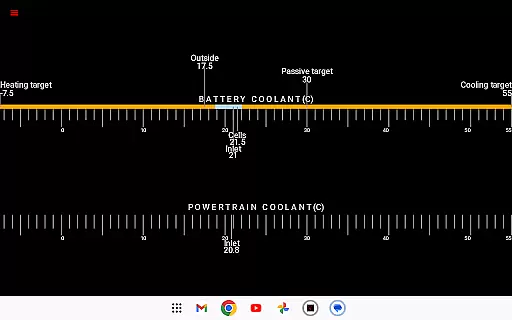
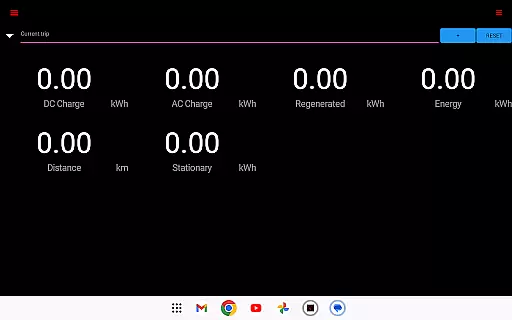
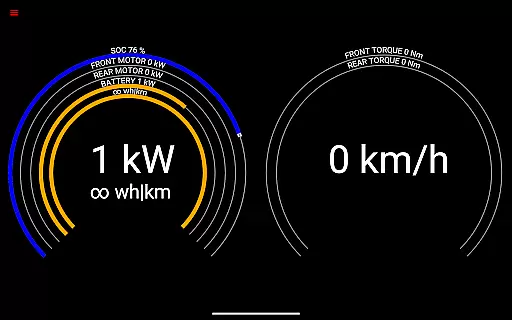
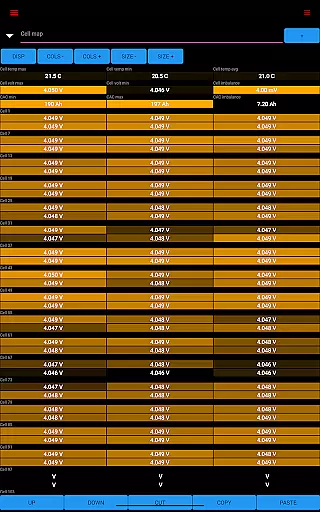
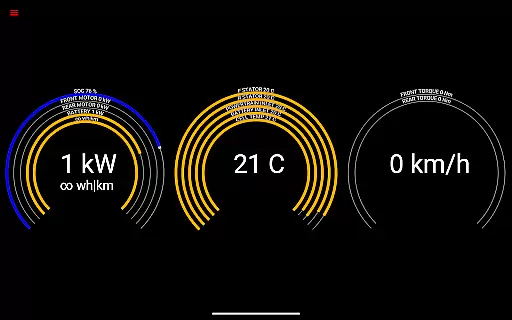
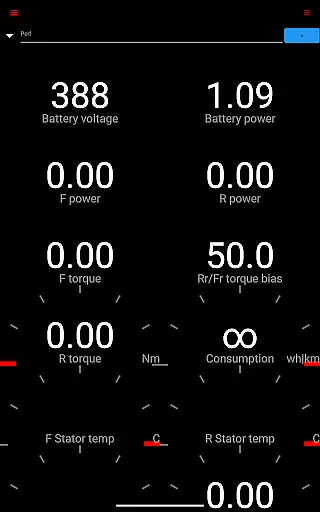
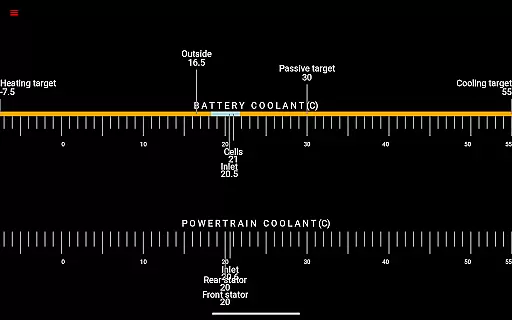
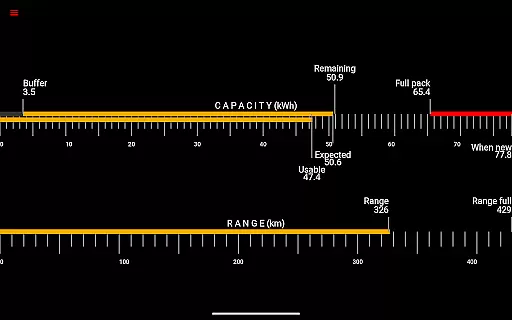
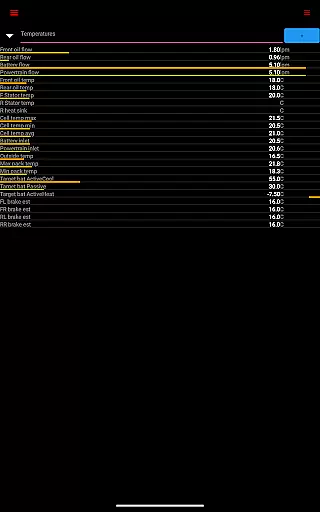
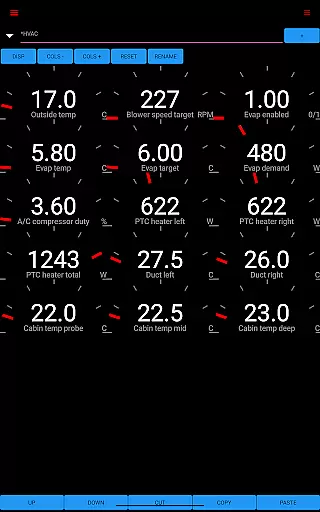
Scan My Tesla is a specialized diagnostic application designed for Tesla Model S, 3, X, and Y owners. This app provides real-time readings from the vehicle's diagnostics port, offering users detailed insights into their car's performance metrics. Key features include battery monitoring, drive unit statistics, and trip recording capabilities.
The application requires an adapter cable and specific OBD2 adapter to function properly, making it essential for users to verify compatibility before use. By presenting live data visually or enabling logging for later analysis, Scan My Tesla empowers Tesla owners with valuable information about their vehicle's health and efficiency.
Ideal for both casual drivers and automotive enthusiasts, this app transforms your smartphone into a powerful Tesla diagnostic tool. Whether you're tracking energy regeneration during trips or monitoring battery temperatures, Scan My Tesla delivers crucial data that enhances your understanding of your electric vehicle's performance.
Scan My Tesla stands out with its comprehensive feature set tailored specifically for Tesla vehicles. The app decodes numerous CANBUS packets, providing users with detailed live statistics including battery power, voltage, current, and temperature readings. It also offers valuable insights into drive unit performance through metrics like electric power, torque, horsepower, RPM, and temperatures.
One of the app's notable innovations is its trip recording system, which tracks regenerated and charged energy alongside traditional trip statistics. This feature, combined with battery lifetime stats and capacity estimates, gives users a complete picture of their vehicle's energy efficiency. Additionally, the app provides crucial information about the 12V system, including current, voltage, and temperature monitoring.
Developed with contributions from prominent figures in the Tesla community, Scan My Tesla incorporates advanced decoding work by experts such as Jason Hughes and Jack Rickard. The app's development reflects a collaborative effort within the Tesla owner community, particularly evident in its Model 3 decoding capabilities. These features collectively make Scan My Tesla an indispensable tool for monitoring and analyzing Tesla vehicle performance.
Scan My Tesla provides comprehensive real-time data directly from your Tesla Model S, 3, or X diagnostics port. This includes crucial metrics like battery power, voltage, current, and temperature readings that are essential for monitoring your vehicle's health.
The app goes beyond basic diagnostics by offering detailed statistics on the drive unit's electric power, torque, RPM, and temperatures. These insights allow Tesla owners to understand their vehicle's performance characteristics and identify potential issues before they become serious problems.
Additional valuable information includes battery lifetime statistics, capacity estimates, mileage tracking, and 12V system monitoring. The app's ability to log this data for later analysis makes it an indispensable tool for proactive vehicle maintenance and performance optimization.
While Model 3 support excludes horsepower readings, the app's extensive diagnostic capabilities make it a powerful solution for all Tesla owners who want complete visibility into their vehicle's operational parameters.
Unlike many automotive diagnostic tools, Scan My Tesla maintains complete price transparency. The app clearly communicates that it requires specific adapter cables and an OBD2 adapter to function properly, with detailed information available at scanmytesla.com/adapters.
This straightforward approach to pricing extends to the app's development background, where it openly acknowledges contributions from various developers and community members. Users can easily access information about the decoding work by Jason Hughes, battery cell research by Jack Rickard, and other collaborative efforts.
The app also provides clear links to additional resources and community forums, enabling users to make informed decisions about their purchase and usage. This includes official documentation, Facebook pages, and specialized forums for Model 3 owners.
All these elements combined create a transparent pricing structure where users understand exactly what they're getting and any additional costs involved, making Scan My Tesla a trustworthy choice in vehicle diagnostics.
User-friendly interface
Comprehensive diagnostic data
Real-time performance tracking
Detailed battery monitoring
Active community support
Requires additional hardware
Limited Model 3 support
No official Tesla affiliation
Potential compatibility issues
Information may be inaccurate

Take Control of Your Car
 4.80
4.80
Attention! This is the theme for the Car Launcher app
4.1
Theme for Car Launcher
4.2
Monitor specific TOYOTA parameters by adding this plugin to Torque Pro.
2.00
DMV Test Pro offers all the updated FREE DMV tests online.
4.60
Digital Car Key/Launcher, Screen Mirror, Android Dashboard, Remote Wireless Link
4.40
Your Path to Driving Licensing Success Begins Here! Develop your driving skills.
4.40
Quick and easy car diagnostics to get you the right fix.
4.70
Shop, finance, or sell today.
4.80
Marathon ARCO Rewards members earn rewards & apply the rewards for fuel savings!
4.80
Oil change service & coupons for car maintenance at Valvoline Instant Oil Change
4.70
Find Your Local Store or Shop Online for the Car, Truck, or SUV Parts You Need
4.70
Browse millions of cars, track vehicle listings or sell your car today
4.70
Listings of Tesla's with FSD - Included package
4.60
OBDII - ELM327 Terminal tool for 96-00 Volvos
4.50
Monitor your behind-the-wheel behavior to become a safer driver and save.
4.10
By enthusiasts, for enthusiasts
4.00
Mobile Phone Parking - So easy to park
3.70
Theme for Car Launcher
4.0


User Reviews