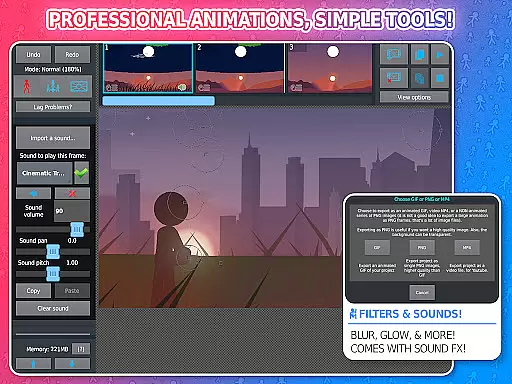
Stick Nodes Pro is a premier stickman animator app designed specifically for mobile devices, offering advanced animation tools for both beginners and professional animators. Inspired by Pivot Stickfigure Animator, this app allows users to create high-quality stickfigure-based animations that can be exported as GIFs or MP4 videos. With its intuitive interface and robust features, it has become one of the most popular animation apps among young creators.
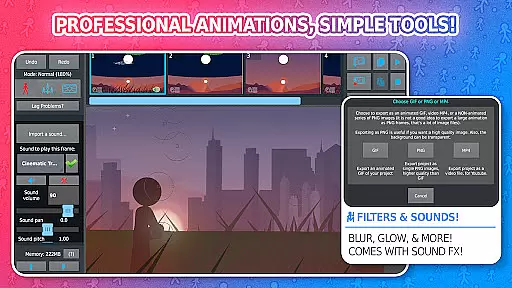
The PRO version includes exclusive features such as ad-free startup, watermark-free exports, sound effects per frame, and advanced filters like blur and glow. These capabilities make it an ideal tool for those looking to take their animations to the next level. Whether you're creating simple animations or complex projects with movieclips and custom frames, Stick Nodes Pro provides all the necessary tools to bring your ideas to life.
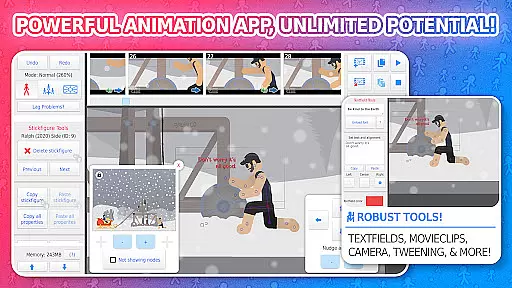
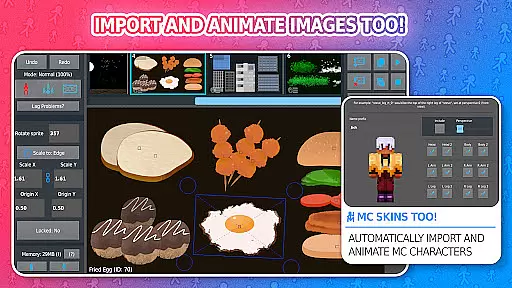
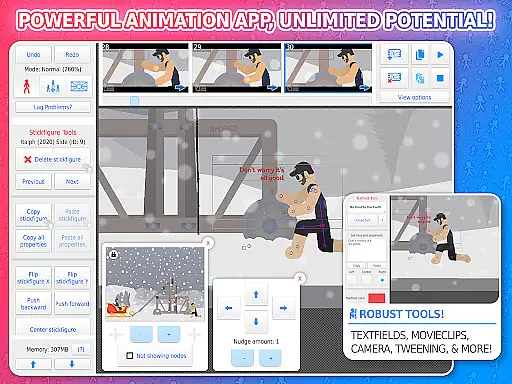
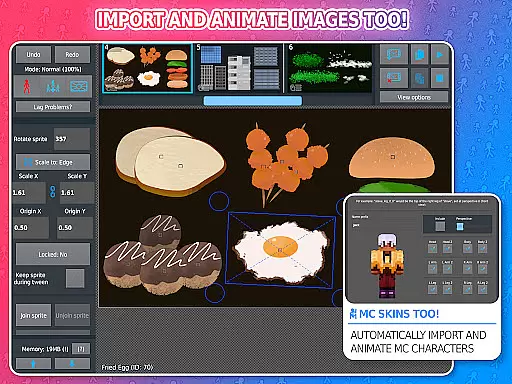
Stick Nodes Pro stands out with its comprehensive set of animation features tailored for creative expression. The app supports importing and animating images, automatic customizable frame-tweening for smoother animations, and a simple camera system for panning, zooming, and rotating scenes. Movieclips allow users to create reusable/loopable animation objects within projects, while text fields enable easy addition of dialogue and speech.
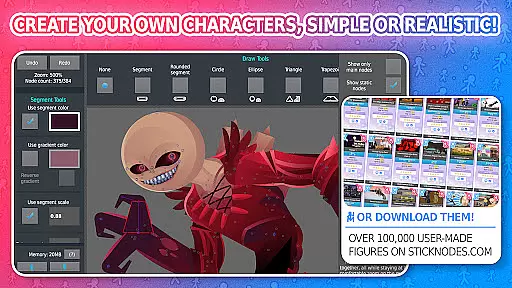
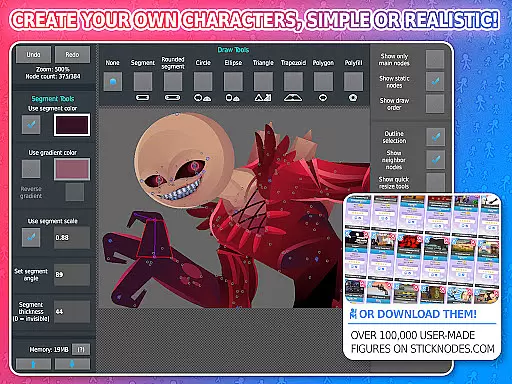
Advanced features include applying various filters to stickfigures (transparency, blur, glow), joining stickfigures together for complex interactions, and compatibility with pre-3.0 Pivot stickfigure files. Additionally, the app offers a vibrant community where users can share their work, download over 30,000 stickfigures, and collaborate on projects. Export options are versatile, allowing sharing via GIF or MP4 formats, ensuring your creations are accessible across multiple platforms.
Stick Nodes Pro offers an extensive range of content that ensures users have access to a diverse selection of stick figures and animation tools. With over 30,000 stick figures available for download and the ability to import custom images, the app provides unparalleled variety.
The regular updates and compatibility with third-party files such as Pivot stickfigure files keep the content fresh and engaging. Animators can also explore new creative avenues by animating Minecraft skins, adding another layer of novelty to the user experience.
Moreover, the app's thriving community contributes to the constant influx of new stick figures and animations, ensuring that users always have something new to work with or be inspired by.
Stick Nodes Pro is designed to maximize user engagement through its comprehensive feature set that caters to both beginners and professional animators. The app includes automatic customizable frame-tweening, a simple camera system for scene manipulation, and movie clips for reusable animations, all of which contribute to longer user sessions.
Retention is further enhanced by the ability to save, open, and share projects, allowing users to return to their work whenever they choose. The inclusion of sound effects, text fields, and various filters in the Pro version encourages users to refine their animations and invest more time in their creations.
Additionally, the vibrant community and resources available on the Stick Nodes website foster a sense of belonging and encourage users to remain active within the platform, sharing their work and collaborating with others.
Powerful animation tools
User-friendly interface
Vibrant community support
Export flexibility
Regular updates
Pro version costs money
Steep learning curve
Some features locked behind paywall
Requires time investment
Limited free resources

Exclusive creator communities
 4.70
4.70
Play games. Earn real rewards. Cash out in 3hours via PayPal or gift cards.
4.40
Stream Movies & TV Series: Original Shows, Family Movies & New Releases Weekly
4.60
Time tracking, lap counting and much more for Carrera® Digital 132/124
4.80
Atomus is a 10-finger multi-touch interactive visualizer.
4.30
Wodfix Air aggregates popular online content for you.
4.80
Alice Box is an Instrumental Trans Communication app.
3.80
Start EVP/Spirit Box tonight: real EMF, offline, recording. One-time purchase.
4.10
Earn Real Rewards Playing Fun Mobile Games & Easy Cash Out - PayPal & Gift Cards
4.40
The OFFICIAL PeeWee Purpdrank Soundboard!
4.80
Stream Live TV, News & Documentaries. Watch Full Seasons with PBS Passport.
4.80
Companion app for Elden Ring to track quests, bosses, progress and more.
4.70
Find out if you're on Santa's Naughty or Nice List with this magical scanner!
4.60
Come and watch short dramas, reels with diverse genres!
4.40
Rain and lightning effects for your Philips Hue lights
4.30
Himnario LLDM - Fast and Easy to read , updated Hymnal 2019 Edition Official
4.20
Official KennysGifs Stickers
4.20
Journey to the world’s oldest rainforest and meet its Indigenous Custodians.
4.5
Raise Christmas Magic with daily missions, magical scanners, and kindness.
4.1


User Reviews