
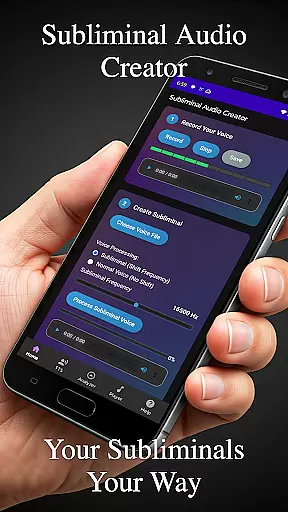
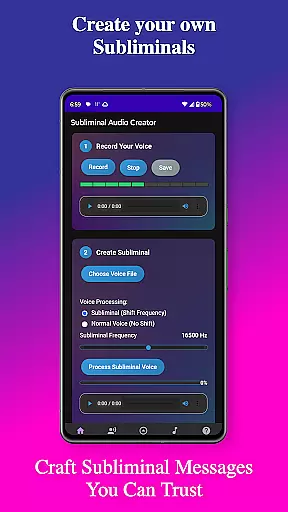
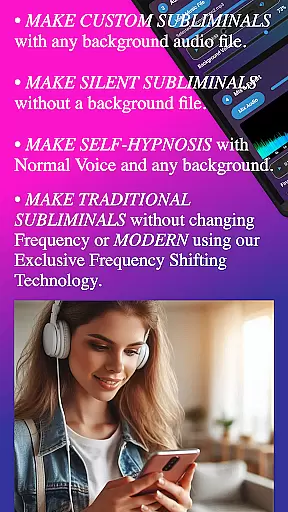
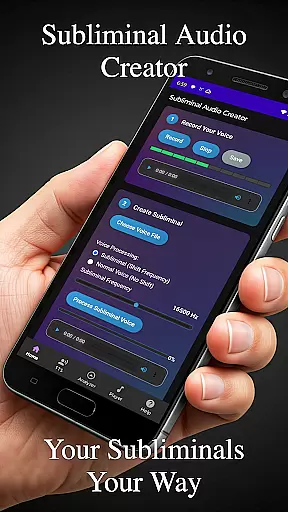
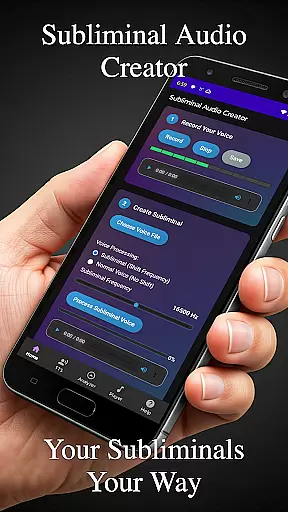
Subliminal Audio Creator is a comprehensive tool designed for creating personalized subliminal audio tracks, self-hypnosis recordings, and meditation music. This professional-grade app allows users to combine voice recordings or text-to-speech affirmations with background music or ambient sounds, producing high-quality subliminal audio files that cater to personal development needs.
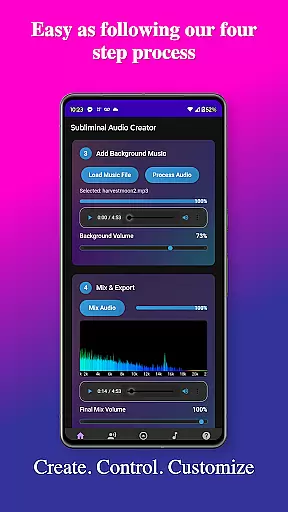
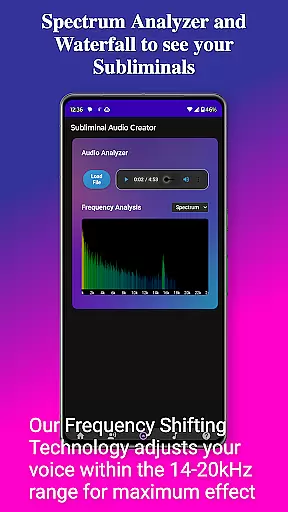
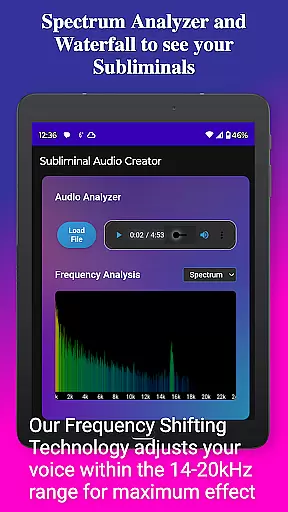
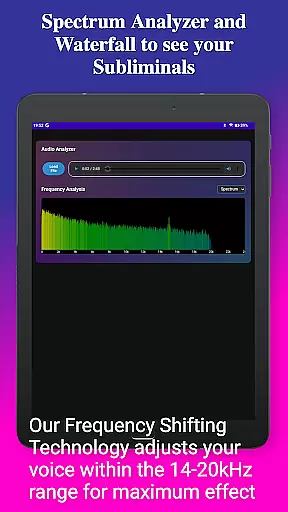
The app features an intuitive interface with advanced controls for adjusting subliminal frequencies, volumes, and creating seamless audio loops. It includes a real-time frequency spectrum analyzer and waterfall display for precise audio visualization, ensuring optimal mix quality for manifestation and growth purposes. With support for both MP3 and WAV formats, plus Chromecast and Bluetooth connectivity, it offers flexible playback options.
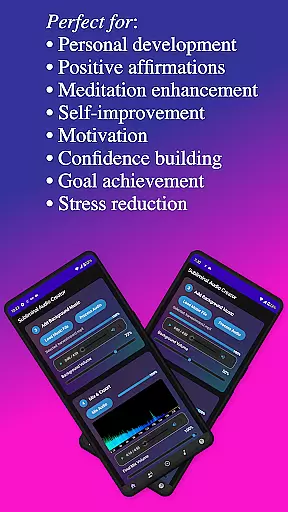
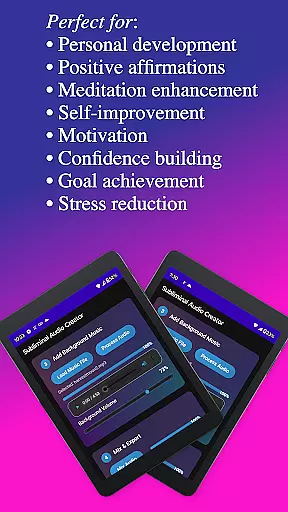
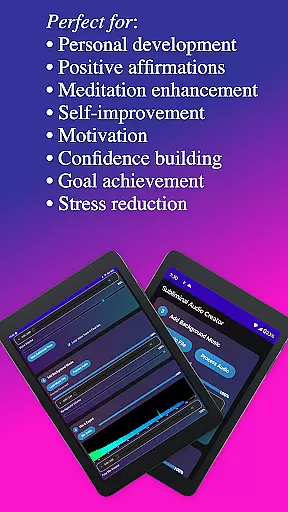
Ideal for those focused on positive affirmations, meditation enhancement, motivation boosting, and stress reduction, Subliminal Audio Creator provides a complete solution for crafting custom audio experiences. Its organized file management system and lifetime access model make it a valuable investment for continuous personal transformation.
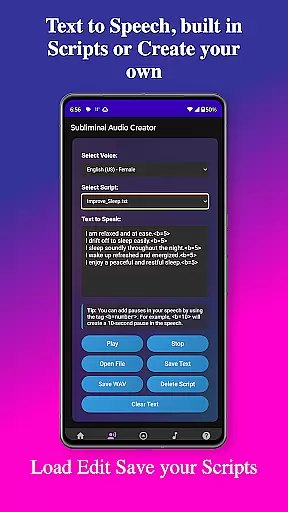
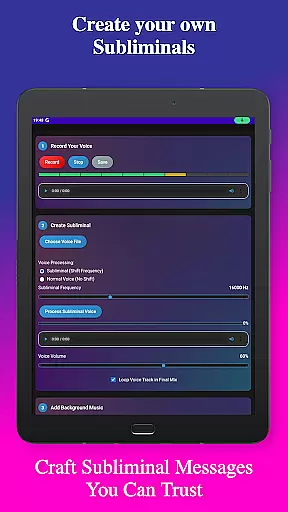
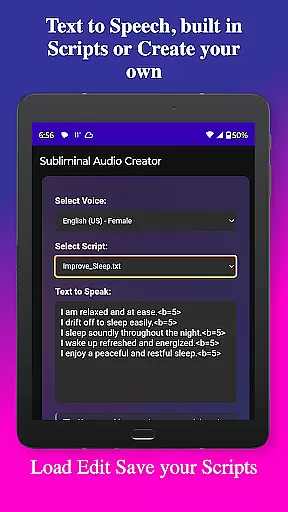
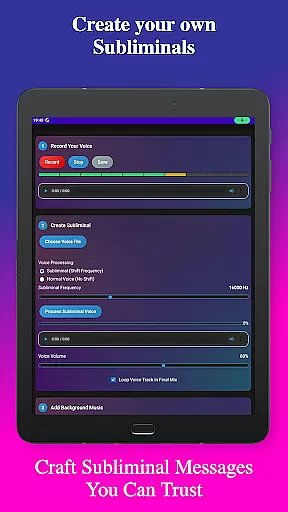
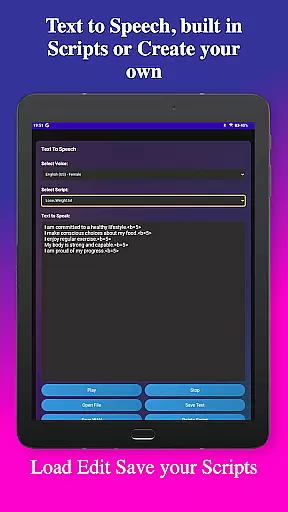
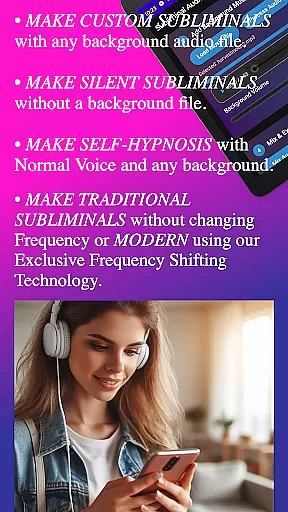
Subliminal Audio Creator stands out with its extensive feature set tailored for subliminal audio production. The app includes professional-grade voice recording capabilities, allowing users to capture crystal-clear affirmations and preview/re-record until satisfied. For text-based affirmations, the robust text-to-speech engine offers multiple voice options and customizable pauses between statements.
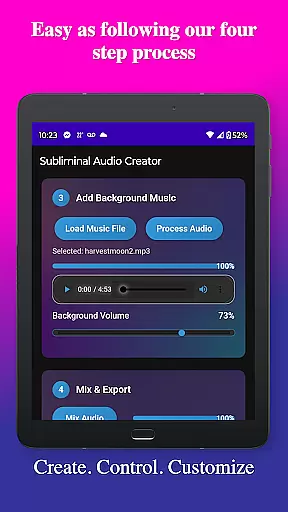
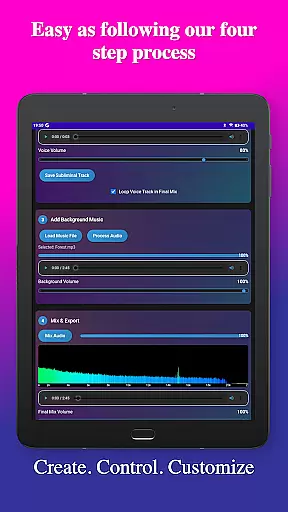
Audio mixing functionality enables users to blend affirmations with background music or ambient sounds, with independent volume controls for perfect balance. The built-in audio analyzer provides detailed visual feedback through real-time frequency spectrum and waterfall displays, helping users verify subliminal frequencies and monitor audio quality during the creation process.
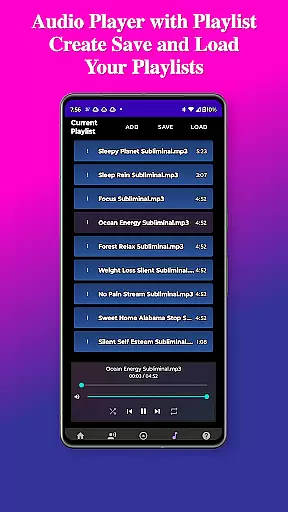
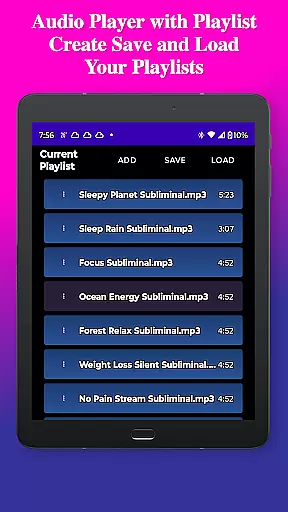
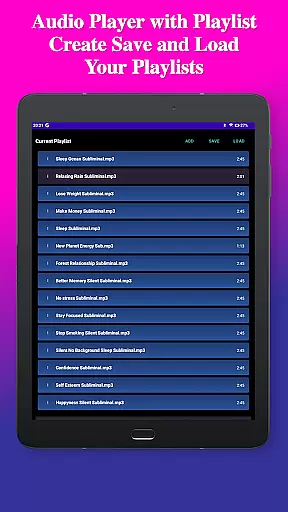
Additional notable features include advanced playback controls with Google Cast support, background playback capability, and media control integration. The app's user-friendly interface features a clean design with step-by-step creation guidance, while its file management system organizes projects into dedicated folders for easy access and export in multiple formats.
Personalized planning in the realm of subliminal audio creation involves tailoring affirmations and audio tracks to meet individual needs. Subliminal Audio Creator offers a unique platform where users can craft personalized audio experiences that resonate with their specific goals, whether it's boosting confidence, enhancing meditation, or achieving personal development.
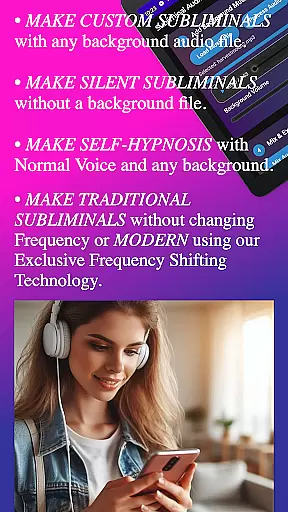
The app facilitates this through its robust set of features including voice recording, text-to-speech conversion, and background music mixing. Users can record their affirmations, adjust frequencies, and blend with ambient sounds to create an environment conducive to personal growth. This customization ensures that each subliminal track is aligned with the user's aspirations and preferences.
By allowing adjustments in subliminal frequency and volume levels, the app empowers users to fine-tune their listening experience. The ability to save scripts and recordings means that over time, users can develop a library of personalized content that evolves with their journey, providing ongoing motivation and support tailored specifically for them.
Progress visualization is crucial for maintaining motivation and tracking the effectiveness of subliminal audio sessions. With Subliminal Audio Creator, users gain access to real-time audio analysis tools that help visualize the impact of their creations. The built-in frequency spectrum analyzer and waterfall display offer detailed insights into the composition of each track, ensuring optimal subliminal frequencies are achieved.
This feature allows users to monitor the quality and characteristics of their audio mixes, verifying that the subliminal components are correctly integrated with background music or ambient sounds. By visualizing these elements, users can make informed decisions about adjustments needed to enhance the potency of their affirmations and achieve better results.
Moreover, the app's organized file management system supports progress tracking by maintaining a structured archive of voice recordings, subliminal tracks, and final mixes. This enables users to review past projects, assess improvements over time, and continue refining their approach to personal development through visible and audible feedback on their progress.
User-friendly interface
Advanced audio controls
Multiple voice options
Real-time audio analysis
Flexible export formats
Requires storage permission
No free version available
Complex for beginners
Limited sound effects
High system requirements

The Wear OS BeechBand app is designed to alleviate anxiety and other conditions
 4.5
4.5
Enjoy the Gluten Free living with the best app. SCAN the barcodes & SEARCH.
3.60
Histamine intolerance, low FODMAP diet and irritable bowel syndrome (IBS)
4.00
The Sleep Miracle Sound Machine: Soothes baby to sleep with a gentle "Shhh"
3.00
Step Counter, track steps when you walk or run
4.70
Medbridge GO gets you moving - get back to doing what you love, faster!
4.90
Dexcom G7 Continuous Glucose Monitoring
3.70
Understand your body’s most meaningful messages and transform your health.
3.90
Workouts for everyone
4.70
Home workouts for fitness & fast bodybuilding at home - no equipment needed.
4.90
Power-lifting, weightlifting and Wendler 531 app to track your workout program.
4.90
sobriety counter app to help and motivate people to stop drinking alcohol.
4.90
Build Healthy Habits!
4.60
Effortlessly and naturally release anxiety by harnessing the power of your brain
4.60
Binaural Beats - Fully Customizable Waves - Pure Sound - No Loops
4.50
Relax to calm sounds, white noise, music, guided meditation and bedtime stories
4.40
Track heart rate & HRV in 30s! Get live health insights and anomaly alerts
4.40
Grow with self-tests and personal routine.
4.30
beat yesterday.
4.00


User Reviews