
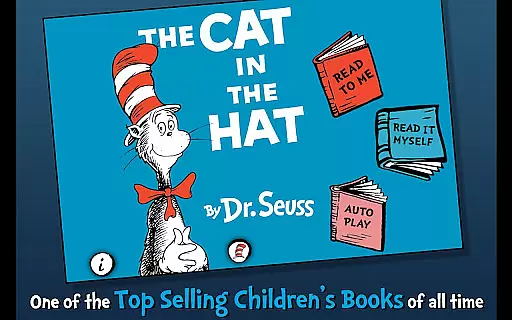
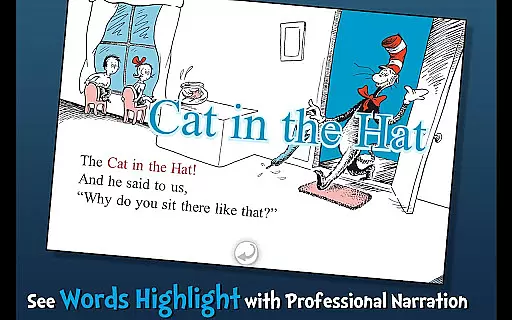
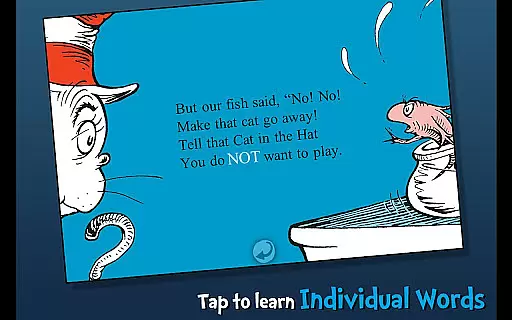
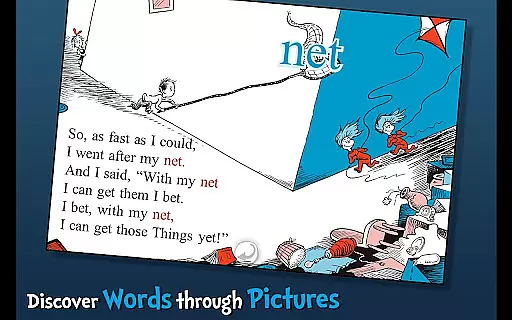
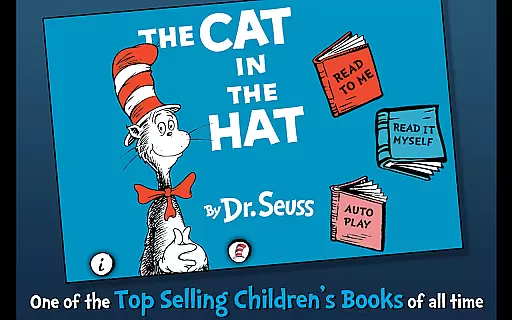
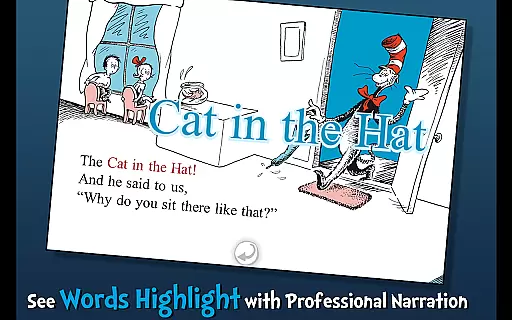
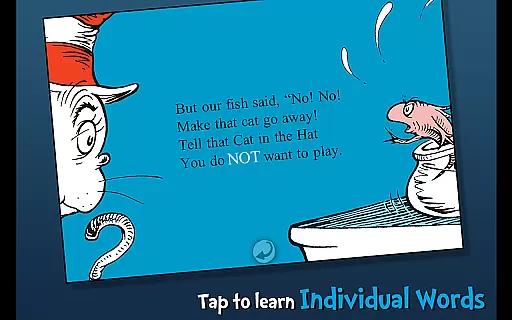
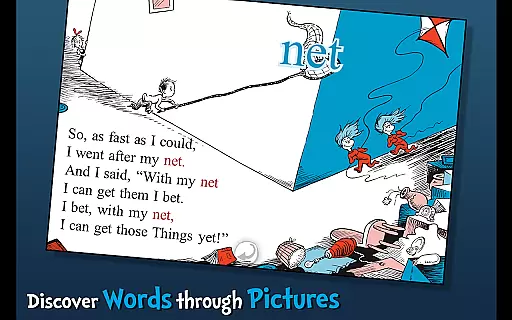
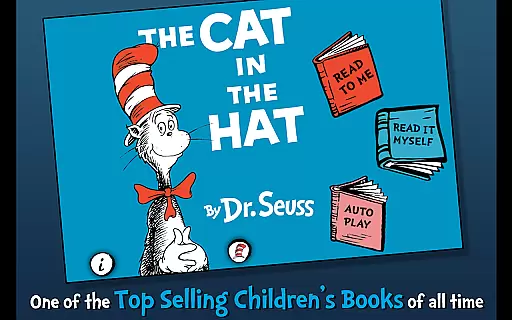
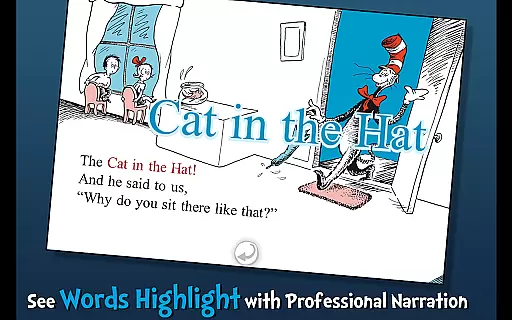
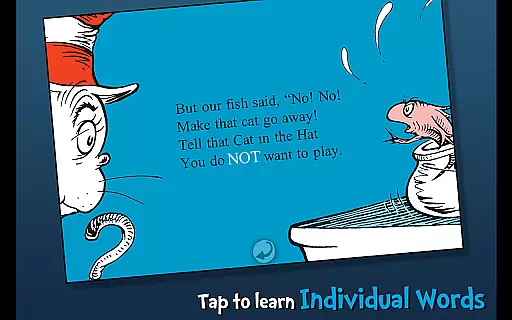
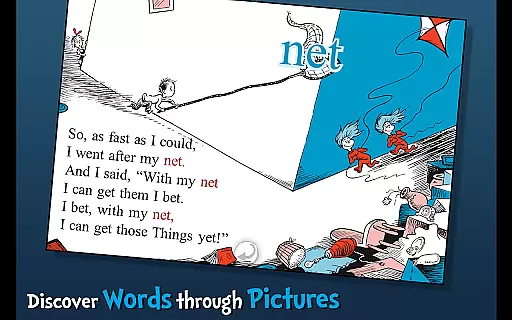
The Cat in the Hat - Dr. Seuss is an interactive book app designed to engage young readers and promote literacy skills. This app brings to life the classic story of mischief and adventure that ensues when the Cat visits Dick and Sally. With highlighted narration, tappable words, and interactive objects, children can explore the story in three different reading modes.
Designed for children ages 3-6, this app provides a rich learning experience through engaging storytelling and interactive features. The combination of Dr. Seuss's imaginative narrative with modern educational tools makes this app an ideal choice for parents and educators looking to foster a love of reading in young children.
This app offers a variety of features that enhance the reading experience for young users. Highlighted narration encourages literacy by helping children follow along with the text as it is read aloud. Three unique reading modes provide flexibility, allowing kids to either read the story themselves, listen to it being narrated, or have the app auto-play the story.
Interactive elements such as tappable words and objects enrich vocabulary and comprehension. Each tap reveals the word's pronunciation or the object's name, making reading both fun and educational. These features are crafted to maintain the charm of Dr. Seuss's original work while integrating modern technology to support early childhood education.
When it comes to digital libraries, the size and authenticity of the content are crucial factors for readers. The Cat in the Hat app offers a carefully curated selection of Dr. Seuss's iconic stories, ensuring that each book is an official licensed product. This guarantees not only the quality and accuracy of the content but also respects intellectual property rights.
The app includes the beloved story of The Cat in the Hat, which is part of a larger collection of Dr. Seuss works. Each book is presented in its entirety, maintaining the original text and illustrations. This provides young readers with an authentic experience of Dr. Seuss's imaginative world, exactly as he intended.
Parents can feel confident in the legitimacy of their child's reading material, knowing that these e-books are sourced directly from Dr. Seuss Enterprises. The app upholds high standards of copyright compliance, offering peace of mind alongside educational entertainment.
Format compatibility is essential for ensuring that e-books can be accessed across various devices without losing functionality or quality. The Cat in the Hat app excels in this area by providing a seamless reading experience on Android devices. Whether your device is a tablet or a smartphone, the app adapts to deliver optimal performance.
Readers can enjoy features such as highlighted narration, vocabulary learning, and interactive elements regardless of their device type. The app supports high-resolution images and text, preserving the whimsical illustrations and rhyming text that Dr. Seuss is known for.
This flexibility allows children to engage with the story in multiple settings, whether at home or on the go. By prioritizing format compatibility, the app ensures that the joy of reading Dr. Seuss's classics is accessible to all young readers, wherever they may be.
Engaging interactive content
Educational value for young learners
Three flexible reading modes
Highlighted narration boosts literacy
Official Dr. Seuss licensed material
Limited to Dr. Seuss fans only
May require parental guidance
Premium price for full access
Some features may be too simple
Content limited to one storybook

The Original Tropical Freshwater Aquarium Fish And Plant Care Guide
 4.80
4.80
Cute bedtime story for kids
4.30
The ultimate military vehicle identification (Equipment ID) guide.
4.40
Shop over 13 million new and used books at up to 80% off list price
4.20
Bible Study App with Audio Book, Verse of the Day, and Devotionals.
4.80
All in one Calibre libraries on your phones and tablets.
3.80
King James Bible read offline, AI Priest, Bible Quiz, Guiding Prayers & Plans
4.80
Read books PDF, EPUB, WORD, KINDLE, MOBI! Your ebook reader among reading apps.
4.80
The Apostolic Lutheran Church hymnal
4.2
A KJV Bible with Apocrypha and precept-based study concordance
5.00
“I am the Lorax. I speak for the trees.”
4.80
The Bible Audio Guide
4.80
The dynamic dictionary/reference app for piano chords and scales!
4.80
My Bible offers a comprehensive app by providing offline access, daily verses.
4.80
A lightweight reader for comics and mangas files (.cbr, .cbz, .cbt, .pdf, ...)
4.80
Build family tree & discover DNA, family history heritage, origins and ancestors
4.60
Provides location information of vehicle Shift Interlock releases.
4.30
Prime novels await! Fantasy & Romance on JoyRead. Immersive reads!
4.20
CleverBook Pro makes the popular guide for the game even better!
4.00


User Reviews