
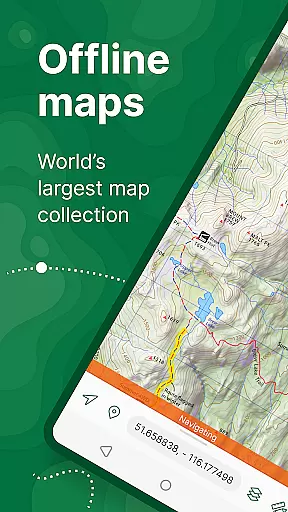
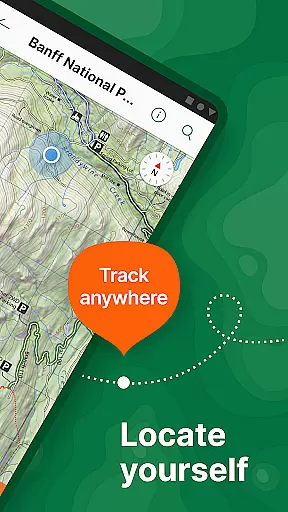
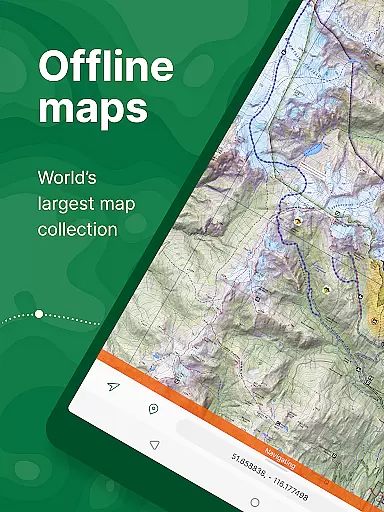
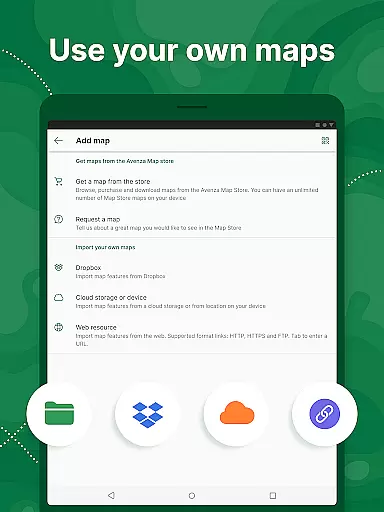
Avenza Maps is a premier offline mapping application designed for outdoor enthusiasts and professionals alike. This app offers an extensive collection of topographic, hiking, cycling, and nautical maps from renowned publishers such as National Geographic and the US Forest Service. Users can download maps for offline use, ensuring reliable navigation even in areas without cellular coverage.
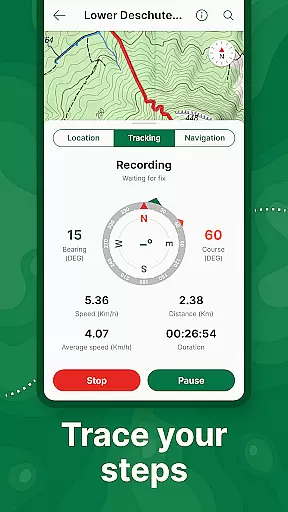
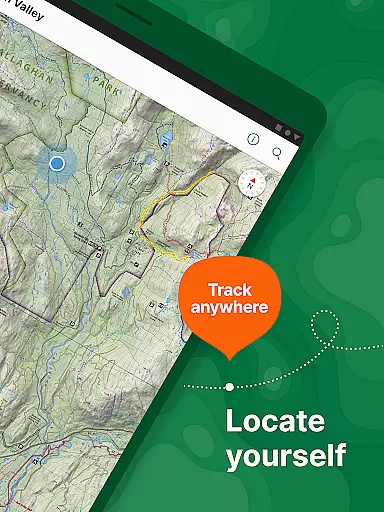
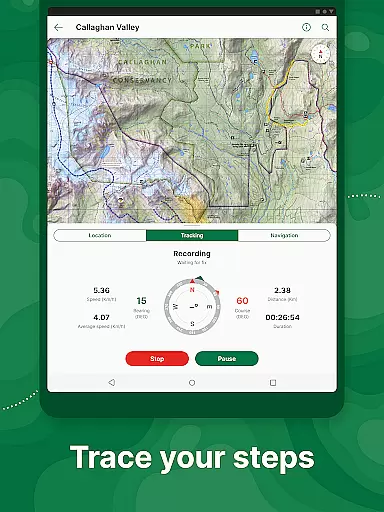
One of the standout features of Avenza Maps is its ability to provide precise GPS location tracking without requiring an internet connection. Whether you're hiking in the wilderness or exploring urban landscapes, the app's GPS tools help you stay on course. Additionally, users can import custom maps and utilize advanced features like geofencing and track recording, making it an indispensable tool for both recreational and professional mapping needs.
The app caters to various user groups, offering free access to a wide range of maps while providing subscription options for more advanced functionalities. With support for multiple file formats and integration with high-accuracy GPS devices, Avenza Maps is suitable for activities ranging from casual hiking to professional surveying. Its comprehensive feature set ensures that users can navigate confidently and efficiently in any environment.
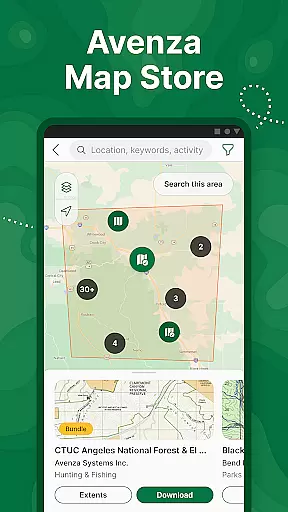
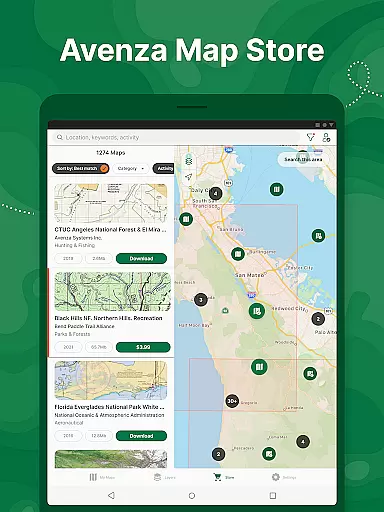
Avenza Maps stands out due to its rich feature set tailored for diverse mapping needs. The app provides access to an extensive Map Store containing over thousands of maps from professional publishers, including National Geographic and NOAA. These maps cover a wide array of categories such as hiking, cycling, and nautical charts, ensuring that users can find the right map for their specific activity.
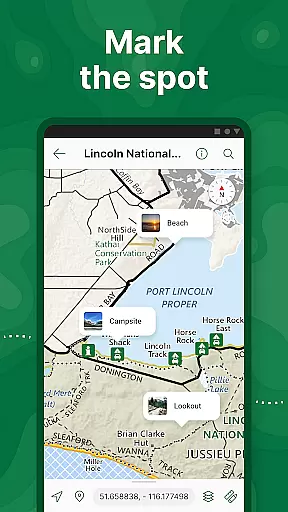
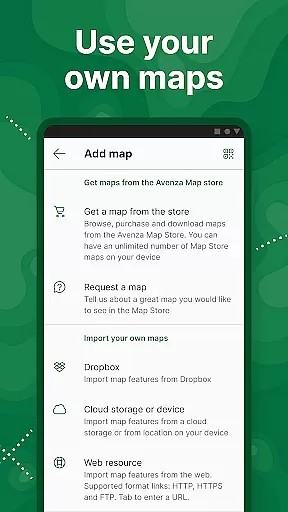
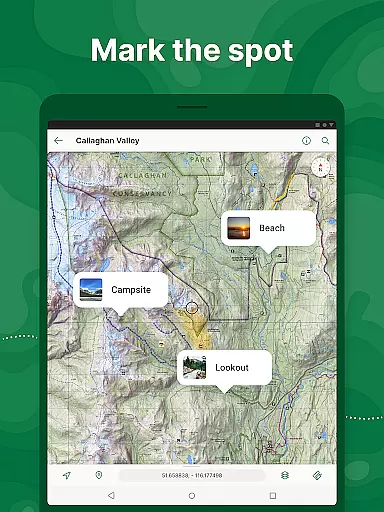
For those who require custom solutions, Avenza Maps supports importing geospatial PDFs, GeoPDF®, and GeoTIFF files. This allows users to create personalized maps and integrate them seamlessly into the app. Advanced GPS functionalities include real-time location tracking, compass navigation, and the ability to record tracks during activities. Users can also add placemarks, photos, and notes directly onto their maps, enhancing their mapping experience with valuable contextual information.
Professional users benefit from additional tools available through the Pro subscription, such as GPS averaging, custom symbol sets, and Esri® Shapefile support. These features cater to industries like surveying, construction, and environmental management, where precision and detailed data handling are crucial. Overall, Avenza Maps combines robust functionality with user-friendly design, making it a versatile choice for anyone in need of reliable offline mapping solutions.
Map accuracy is essential for reliable navigation, and Avenza Maps excels in this area by offering maps from reputable sources such as National Geographic, the US Forest Service, and NOAA. These maps are meticulously crafted to ensure precision and reliability when you're out on your adventures.
The app provides access to a vast Map Store where users can search and download topographic, cycling, city, nautical, travel, and trail maps. With professional publishers contributing premium content, users can trust that each map will reflect accurate geographic details and up-to-date information.
For those who create their own maps, Avenza Maps supports importing custom geospatial PDFs, GeoPDFs, and GeoTIFFs. This feature allows users to enhance their personal mapping projects with the confidence that comes from using an application known for its commitment to map accuracy.
Effective route planning is crucial for successful trips, and Avenza Maps offers tools that make this process seamless. Users can locate their real-time GPS position and find direction even when offline, ensuring they stay on track regardless of cell service availability.
The app enables users to record GPS tracks during activities, add photos and notes to any location, and measure distances to estimate times. These features contribute to meticulous trip preparation and execution, allowing adventurers to navigate confidently through backcountry trails or urban landscapes.
Additionally, Avenza Maps supports various formats like KML, GPX, and CSV, making it versatile for different types of route data. Whether planning a casual hike or coordinating a complex expedition, these capabilities empower users to plan routes effectively and adapt to changing conditions in the field.
User-friendly interface
Extensive map library
Offline GPS functionality
Custom map import
Advanced Pro features
Limited free features
Pro subscription costly
Occasional bugs
Heavy on storage
Learning curve for Pro

Explore a light pollution map to find suitable dark sky locations for observing.
 4.30
4.30
Find trails, organize your locations and navigate with offline maps.
4.60
All of NHSA's trail information at your fingertips for the 2025-2026 season
4.4
America’s largest public fast charging network, with over 500 charging stations.
4.50
NJ TRANSIT information and ticketing at your fingertips
3.70
MapQuest is your go-to app for maps, GPS, voice navigation & live traffic.
3.80
Get route, find shortest path, near by places and weather update
3.90
Off-Roading Navigation App With Trails, Public Lands, & Private Property Info
3.30
GPS phone tracker, family locator, secure location sharing app
4.20
GPS Speedometer & Odometer: Track car, bike, truck speed & distance in real-time
4.70
GPX Viewer PRO shows tracks, routes and waypoints from gpx and kml files.
4.60
Voice GPS with driving directions, offline maps navigation GPS for safe travel
4.50
CamSam PLUS - The speed and red light camera warning system!
4.40
Lets explore the world's famous places by using Live Cams, GPS & Satellite View.
4.20
Route Planner is travel map to get turn by turn navigation & driving directions
3.90
Explore Live Earth Map with 3D World Map & locate cites, mountains real time.
3.80
Start your next adventure confidently using our Accurate Compass App
3.70
Explore Earth with live GPS, satellite view & street navigation
3.60
Offline maps for phone and smart watch: topographic maps, satellite images...
3.30


User Reviews