
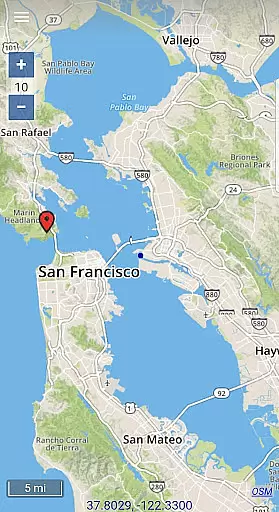
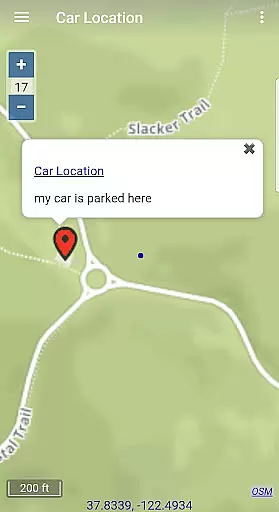
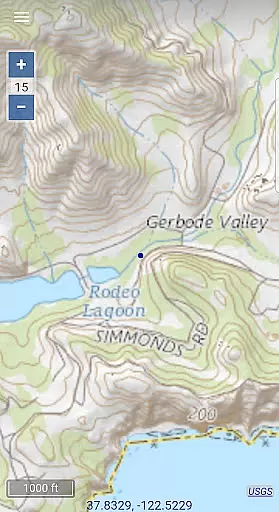
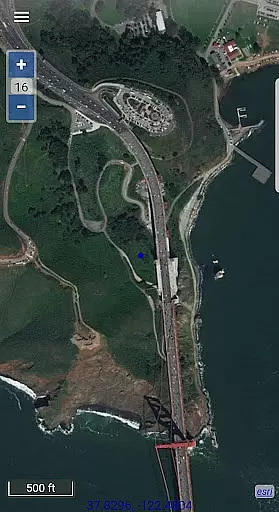
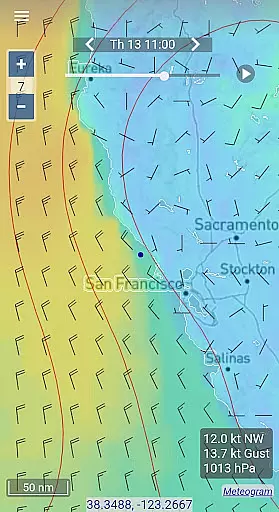
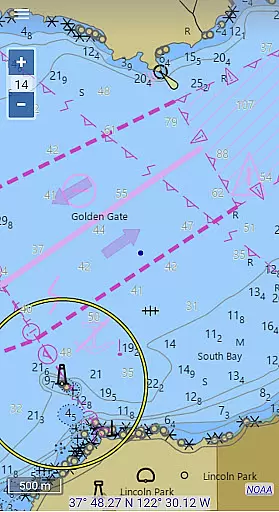
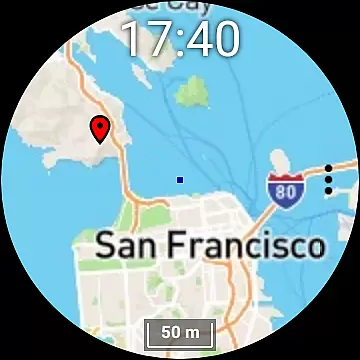
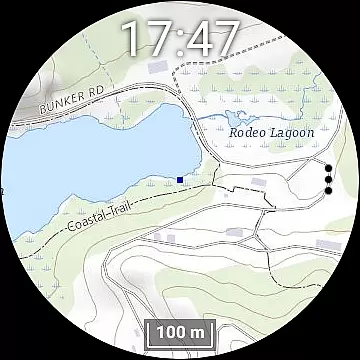
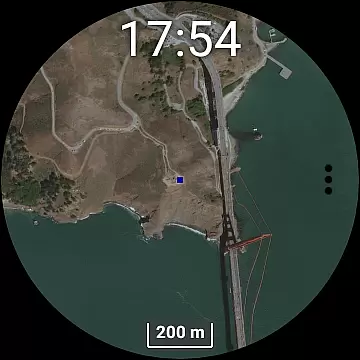
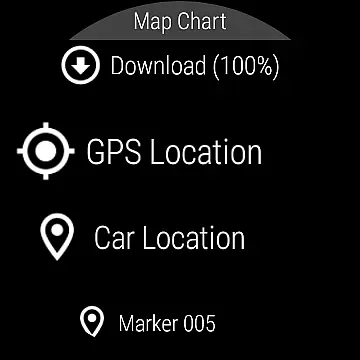
Map Chart Mosaic is a comprehensive offline mapping application designed for both smartphones and smartwatches. The app provides users with access to topographic maps, satellite images, GRIB weather forecast maps, and road maps that include cycling and hiking trails. Nautical charts are available for USA and Canada. One of the key features is the ability to switch seamlessly between different map sources, providing detailed location information. All map views are automatically stored in an offline cache, allowing users to view them without an internet connection.
In addition to offline map viewing, the app allows users to add map markers and notes, create travel routes, and record GPS tracks. Users can share map data as GPX files and get GPS travel information such as speed, course, odometer readings, and estimated time of arrival (ETA). GRIB weather forecast maps can be obtained via internet download, email, or Iridium Go satellite connection. The Wear OS smartwatch version operates independently of the phone but requires the phone app for downloading new maps and data.
Map Chart Mosaic offers a rich set of features tailored for outdoor enthusiasts and travelers. The app supports multiple map types including topographic, satellite, and road maps, catering to various navigation needs. Its offline functionality ensures that users can access maps anytime, anywhere, without needing an internet connection. This is particularly useful in remote areas where connectivity is limited.
The app's ability to add map markers, notes, and create travel routes enhances user interaction and planning capabilities. Recording GPS tracks and sharing them as GPX files adds another layer of utility, making it easy to document and share travel experiences. Additionally, the integration with Wear OS smartwatches extends its usability, allowing users to view maps directly on their wrist. However, it's important to note that while the smartwatch app can function independently, new map downloads require the phone app.
Map Chart Mosaic offers a diverse range of offline maps, including topographic maps, satellite images, and road maps with cycle and hiking trails. This variety ensures that users can access accurate geographical data for different terrains and purposes.
The app seamlessly integrates maps from various sources, providing detailed information about locations. Its automatic storage of map views in an offline cache allows users to view them later without an internet connection, ensuring reliable access to critical mapping data at all times.
Users benefit from the ability to download offline maps not only on their phones but also on their smartwatches. This feature enables users to navigate confidently without carrying additional devices, making it ideal for outdoor activities like hiking or cycling.
One of the standout features of Map Chart Mosaic is its robust route planning capability. Users can create travel routes, record GPS tracks, and even share map markers, routes, and track data as GPX files. This functionality supports efficient trip planning and execution.
In addition to creating routes, the app provides essential GPS travel information such as speed, course, odometer readings, and estimated time of arrival (ETA). These details help users make informed decisions during their journeys, enhancing both safety and convenience.
For those interested in weather conditions, Map Chart Mosaic allows users to obtain GRIB weather forecast maps via internet downloads, email, or Iridium Go satellite connections. This ensures that users have up-to-date weather information, which is crucial for effective route planning and safe travels.
User-friendly interface
Offline map access
Multiple map layers
GPS tracking and sharing
Smartwatch compatibility
Limited nautical charts
No real-time navigation
Additional hardware may be needed
Some features require phone app
Potential learning curve

This app is military GPS coordinate systems helper. (MGRS, UTM & DMS Maps)
 4.80
4.80
OpenCPN is a full featured ChartPlotter and Navigator for Android.
3.60
Route tracker, Speedometer, Odometer, Fuel, HUD mode, save route as .GPX
4.40
Instant diesel discounts - save big with each fill up!
4.40
"Balad" is a map and navigator with a Persian voice assistant and a complete city guide
4.40
Find routes fast with GPS Maps, GPS Navigation & driving directions.
4.10
Truck Safe GPS Navigation & Maps: Parking, Fuel, Diesel, Weight Station
4.80
GPS navigation offers route finder, compass, translator, currency converter, etc
4.30
Get there with the Waymo Driver — The World’s Most Experienced Driver™
4.90
Airport parking, with airport shuttle (TPS shuttle), reservations, and Spot Club
4.80
LIRR and Metro-North tickets and trips
4.80
Park in Chicago, NYC, Boston, SF, Houston & more!
4.70
GPX Viewer PRO shows tracks, routes and waypoints from gpx and kml files.
4.60
Neshan: map & navigation app with 20M+ monthly active users
4.50
Use GPS maps or search by property owner, address or parcel to view parcel data
4.30
Get directions, Maps, GPS navigation & GPS Maps using GPS App
4.10
MapQuest is your go-to app for maps, GPS, voice navigation & live traffic.
3.80
Off-Roading Navigation App With Trails, Public Lands, & Private Property Info
3.30
Find 93 Octane Gas: Locate Gasoline Stations Selling Premium 93 Octane or Higher
4.0


User Reviews