


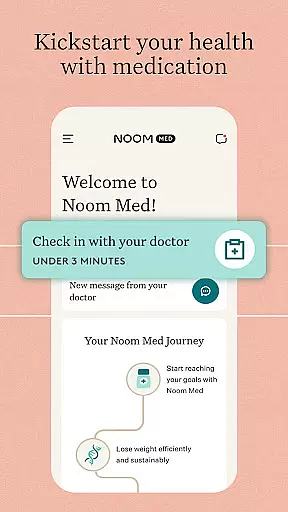
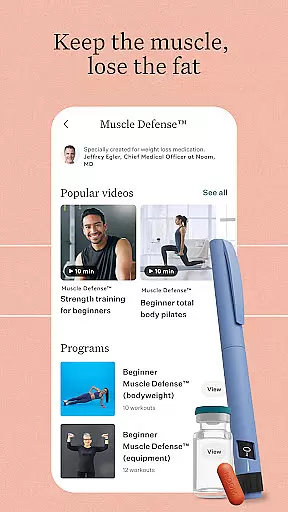

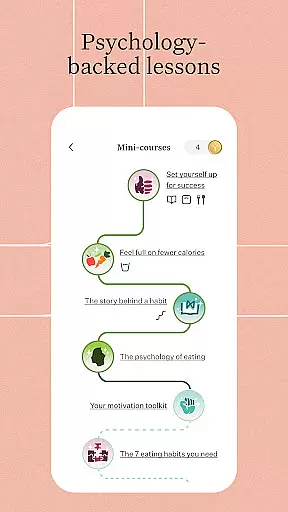
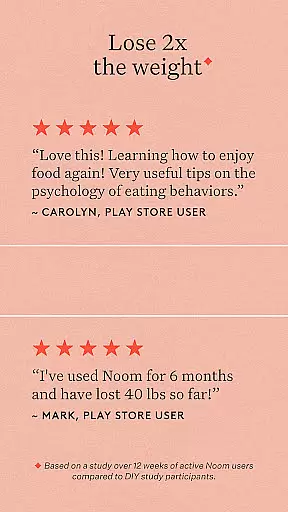



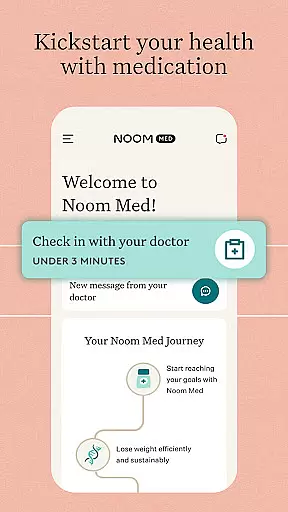
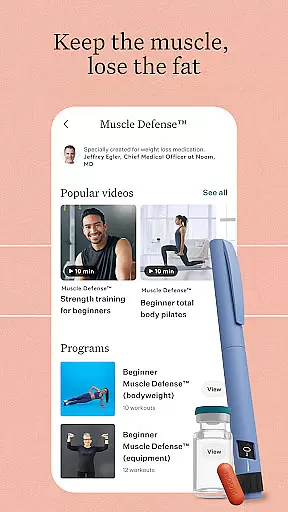
Noom is a comprehensive health and fitness application designed to help users build sustainable healthy habits. The app focuses on behavior change through psychology-based daily lessons, AI-powered food logging, step tracking, and personalized health insights. Noom provides structured support including coaching, meal plans, and access to GLP-1 medications for eligible users.
Whether you're starting your wellness journey or seeking advanced support, Noom offers tailored solutions like Noom Weight and Noom Med programs. These programs combine evidence-based tools with community support and professional guidance, making it effective for weight management and long-term habit formation.
The app's integration with wearables and its supportive community further enhance user engagement. With features like water tracking, body scans, and fitness classes, Noom empowers users to take control of their health in a holistic manner.
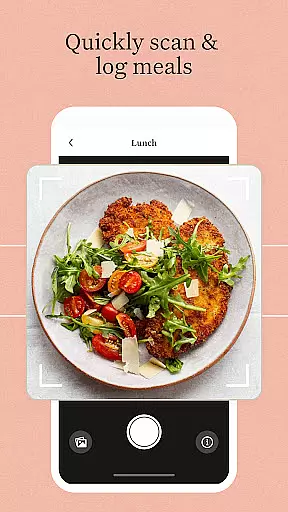
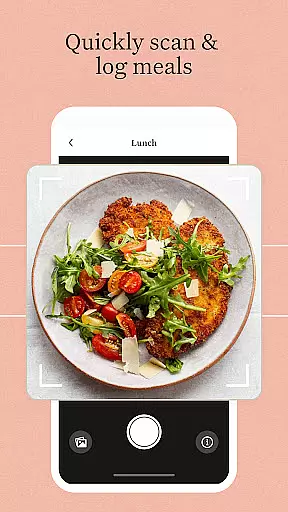
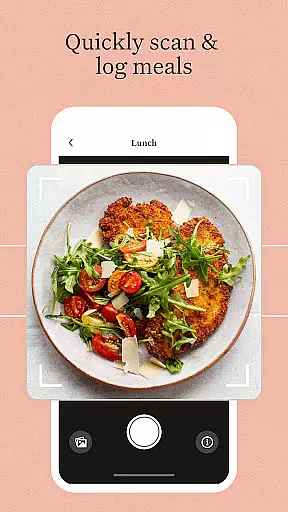
Noom stands out with its diverse range of innovative features that cater to various aspects of health and fitness. One of the key highlights is the AI food logging system, which includes over a million food items and tracks calories and macros efficiently. This feature simplifies meal tracking and helps users maintain a balanced diet.
In addition to food logging, Noom offers step tracking and rewards, motivating users to stay active daily. The Body Scan feature provides instant health insights, while the Noom Move section offers more than 1,000 fitness, stretching, and meditation classes. Users can also sync their data with popular health devices like Apple Health, Fitbit, and Garmin.
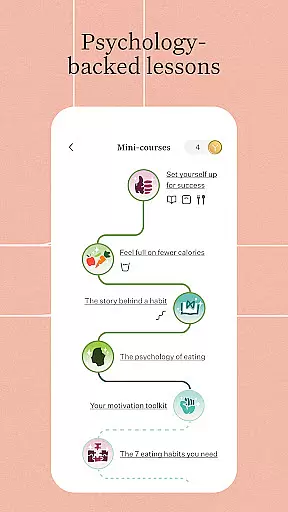
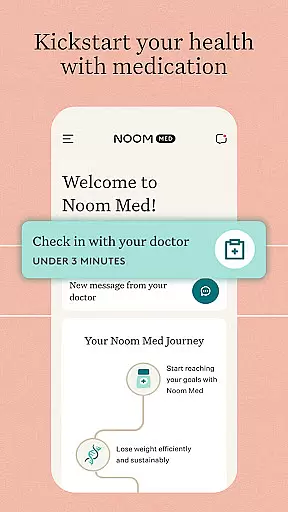
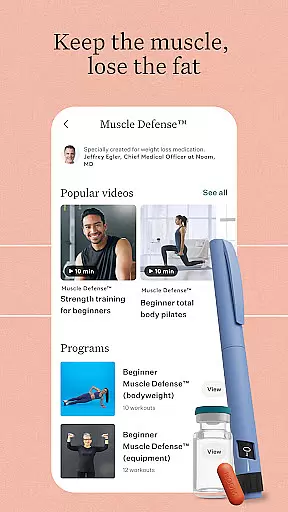
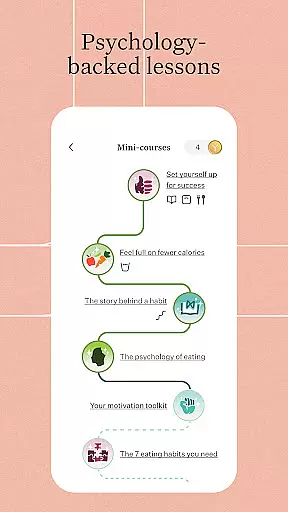
For those seeking structured support, optional 1:1 coaching and access to GLP-1 medications are available. The app's psychology-based daily lessons and supportive communities foster a positive environment for behavior change, ensuring users feel empowered and supported throughout their journey.
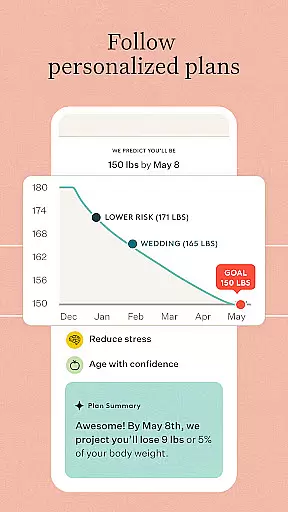
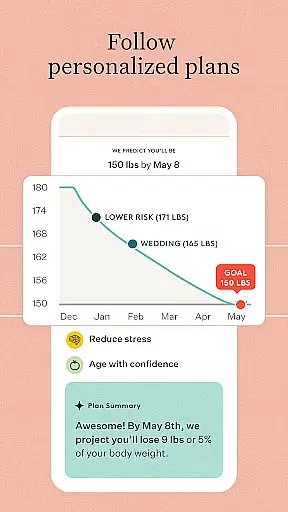
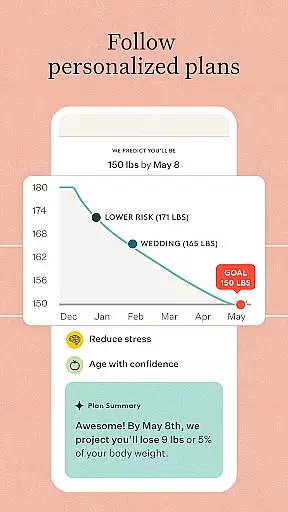
Personalized planning is a cornerstone of Noom's approach to health and wellness. This feature leverages advanced algorithms to create tailored plans that adapt to individual user needs and goals. By analyzing user input and behavior patterns, Noom crafts personalized strategies that evolve over time, ensuring relevance and effectiveness.
The app's AI-driven system evaluates dietary habits, physical activity levels, and personal objectives to recommend actionable steps toward better health. Users receive customized meal plans, fitness routines, and daily lessons on psychology and behavior change, all designed to foster sustainable lifestyle modifications.
This personalized approach not only enhances user engagement but also significantly increases the likelihood of achieving long-term health goals. With features like AI food logging, step tracking, and access to coaching, Noom empowers users to take control of their health journey with confidence.
Ultimately, personalized planning in Noom translates complex health data into simple, achievable actions. This ensures that users are not overwhelmed by generic advice but are instead guided by precise recommendations that resonate with their unique circumstances, promoting lasting change.
Progress visualization is an essential tool within Noom that helps users monitor their achievements and stay motivated throughout their health journey. By presenting data in an easily digestible format, Noom allows users to see tangible evidence of their progress, reinforcing positive behaviors and encouraging continued effort.
The app provides various visual aids such as charts and graphs that display metrics like weight loss, calorie intake, and physical activity levels over time. These visual representations make it easier for users to identify trends, celebrate milestones, and adjust their strategies as needed to meet their health goals.
Noom's progress visualization tools are designed to be both informative and motivational. They offer users a clear picture of how far they've come, which can be incredibly empowering. This feature supports the psychological aspect of health improvement by providing regular feedback and celebrating incremental successes.
In summary, progress visualization in Noom transforms raw data into meaningful insights, helping users maintain focus and motivation. By offering a visual narrative of their health journey, Noom ensures that users remain engaged and committed to making lasting lifestyle changes.
User-friendly interface
Comprehensive health tracking
AI-powered food logging
Personalized coaching options
Integration with health devices
Premium features require subscription
Some users may find it overwhelming
Advanced tools need additional payment
Occasional syncing issues reported
Coaching availability varies by region

Home workouts for fitness & fast bodybuilding at home - no equipment needed.
 4.90
4.90
Pack of 66 calming lullabies for smooth fall asleep and relaxation
4.10
Easy reconstitution calc for mixing peptides and creating protocols
4.70
Interval timer for High Intensity Interval Training, Tabata and Circuit Training
4.20
Using Recognise™ has been shown to reduce pain and improve performance
4.2
Find Paid Clinical Trials In Your Area
3.70
You deserve easy access to important insurance information. Download for FREE.
4.70
Pilates, Calisthenics, Yoga
4.50
Comprehensively record and manage your health
4.50
Beauty Care, Makeup & Skin Care Scanner | Pregnancy App For A Mom | Healthy Baby
5.00
Show your support for the development of FitNotes - Gym Workout Log
4.90
Easy access to health benefits
4.70
Measure your Pupil Distance for Eyeglasses and VR headsets in 3 quick steps.
4.70
Personal Measurements - Track your gains!
4.50
The Official Blood Type Diet® App - know your categorized foods anytime.
4.50
Your portable blood pressure tracker. Record, monitor, and analyze BP anytime.
4.30
HRV4Training helps you optimize goals and improve performance. No sensors needed
3.30
Text notifications, button control, heart monitor & more for your Amazfit.
2.40
Using Recognise™ has been shown to reduce pain and improve performance.
4.2


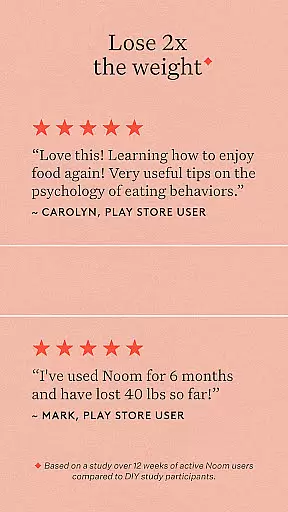
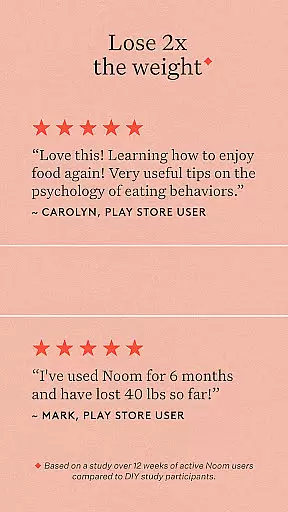
User Reviews