
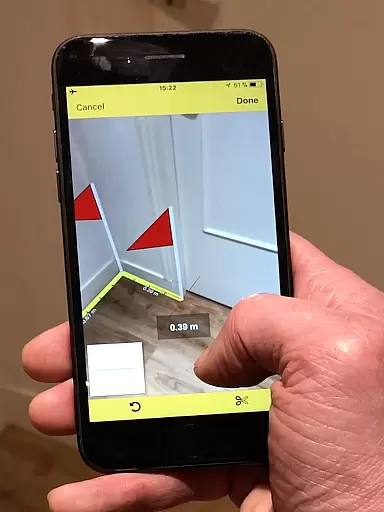
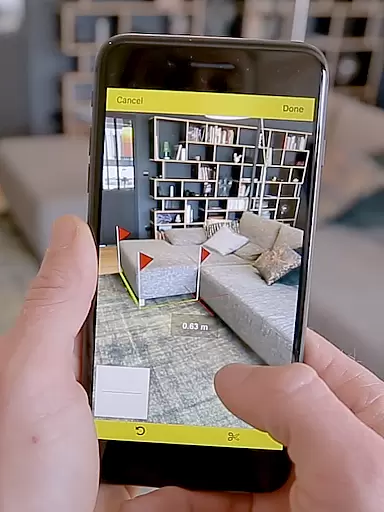
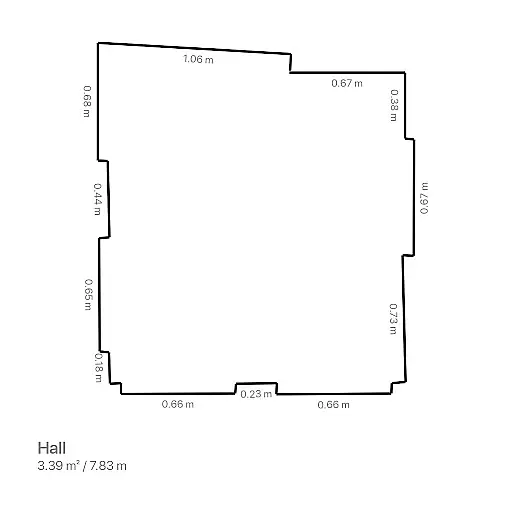
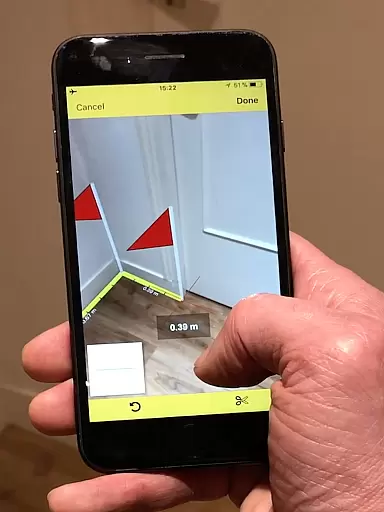
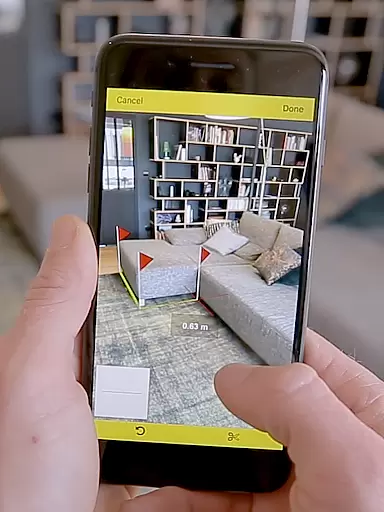
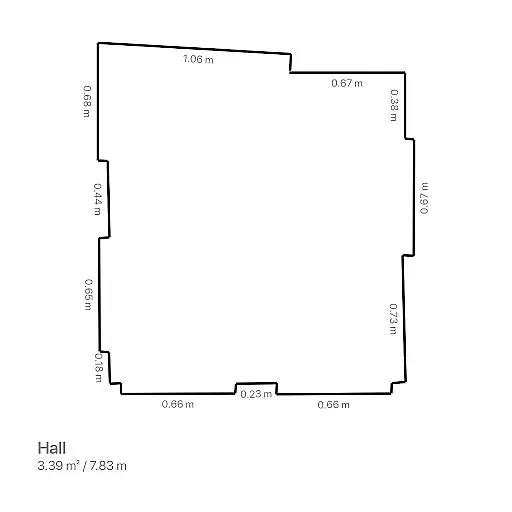
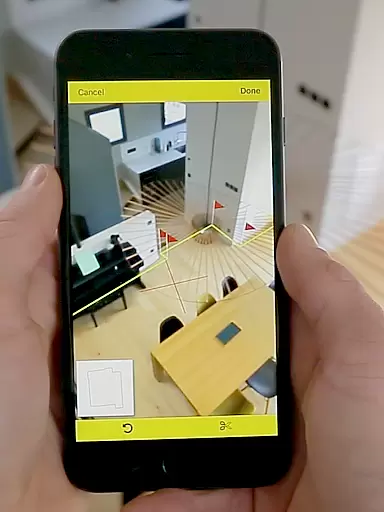
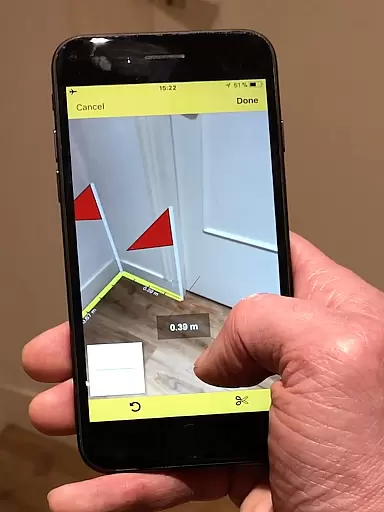
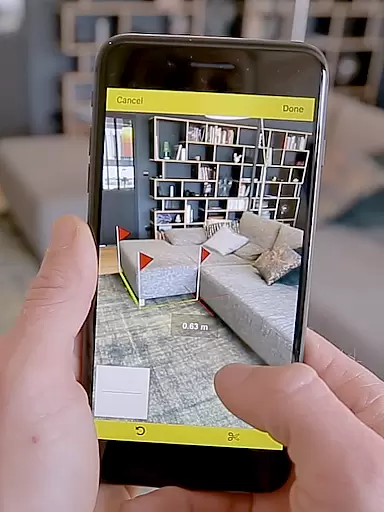
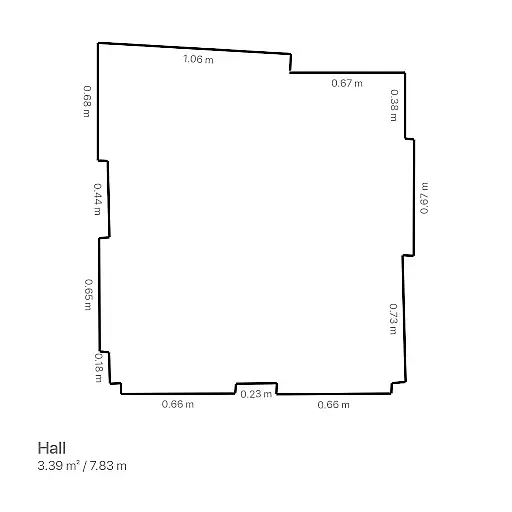
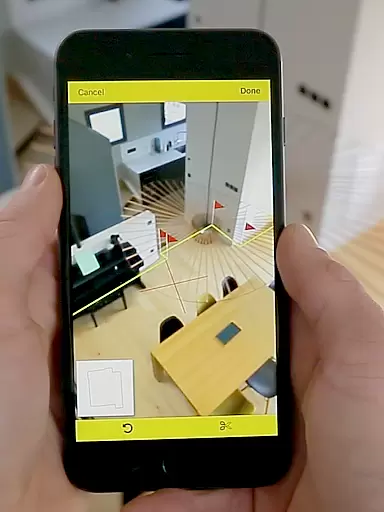
CamToPlan is a revolutionary business application that utilizes augmented reality to provide effortless measurement solutions. The app allows users to measure distances both horizontally and vertically, calculate surface areas, and draw room plans in seconds. With its innovative 3D tape measure feature displayed on the device's screen, users can easily measure baseboards, walls, furniture dimensions, and more without needing to kneel or use traditional measuring tools.
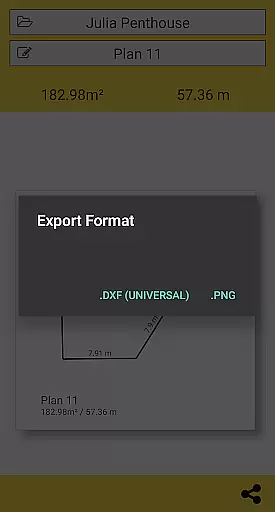
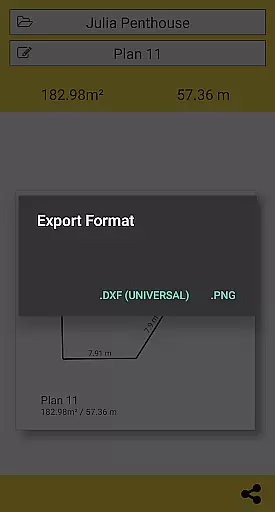
The application supports exporting data in PNG or DXF formats and offers seamless sharing of plans via email, message, or social media. CamToPlan is particularly beneficial for professionals such as architects and decorators, as well as DIY enthusiasts. It automatically determines intersection points for measurements, even when furniture obstructs the view, making it an essential tool for various professional projects.
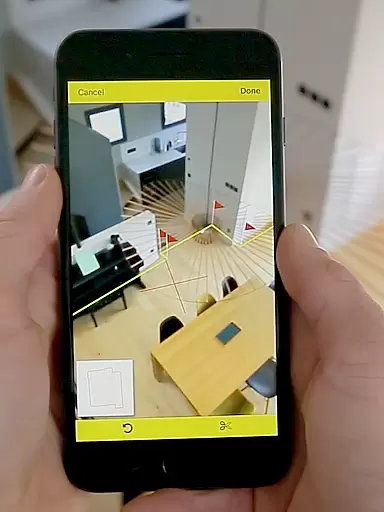
CamToPlan stands out with its advanced augmented reality features tailored for business use. The app's core functionality lies in its ability to hold a virtual 3D tape measure on the screen, enabling effortless measurements through the device's video feed. This eliminates the need for physical contact with surfaces, offering precise measurements of baseboards, walls, and furniture dimensions.
One of the app's notable features is its instant calculation of room areas in square meters or feet, along with drawing accurate room plans. Users can export these plans in PNG or DXF formats and manage folders efficiently. Additionally, CamToPlan supports both Metric and Imperial units, provides flexibility in measuring both horizontally and vertically, and works optimally under good lighting conditions with textured floors. These features collectively enhance productivity for professionals in architecture, decoration, and related fields.
CamToPlan revolutionizes collaborative work in the field of measurements and planning through its innovative augmented reality technology. This app allows multiple users to independently measure distances, surfaces, and draw plans, which can be effortlessly shared across teams via email, message, or social media platforms.
The application supports both Metric and Imperial units, ensuring that all team members, regardless of their location, can work in their preferred measurement system. This feature is crucial for international projects where teams from different parts of the world need to collaborate efficiently.
With CamToPlan, there's no need to clear furniture or other obstacles from the room to take precise measurements. The app automatically determines the intersection point between the floor and the target point, even if it's hidden behind objects. This ensures that all team members have access to accurate data without spending extra time on site preparation.
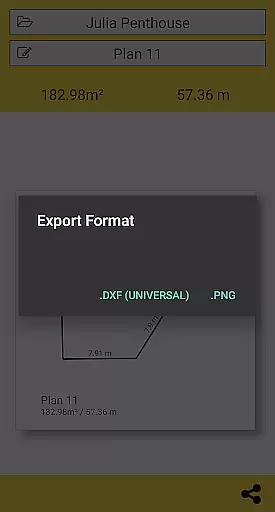
By exporting data in PNG or DXF formats, CamToPlan facilitates seamless integration with professional design and architecture software. This enables teams to quickly incorporate field measurements into their design processes, enhancing productivity and accuracy in project planning.
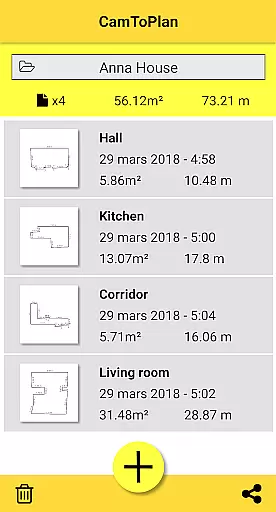
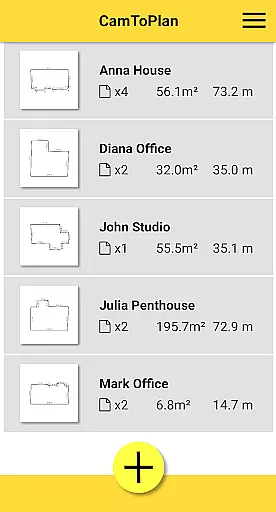
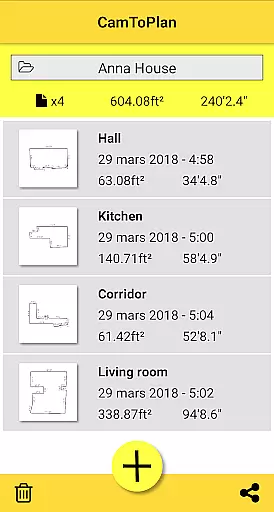
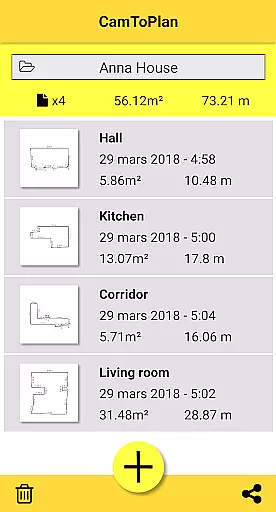
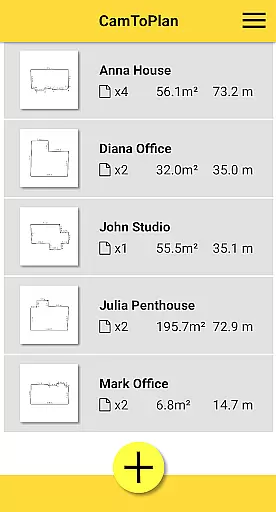
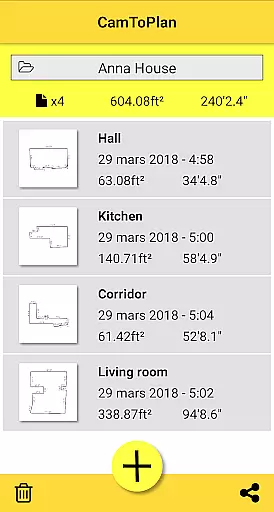
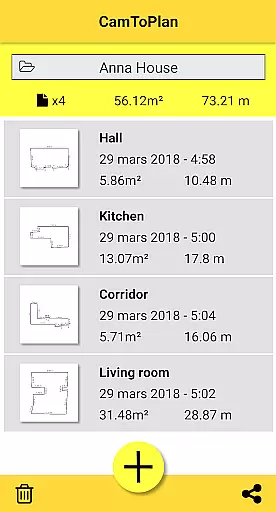
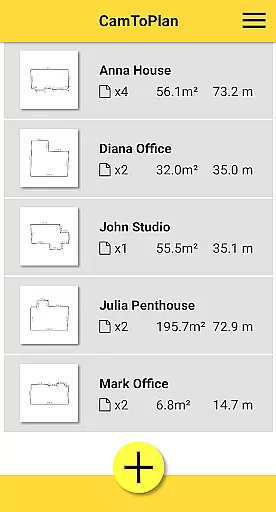
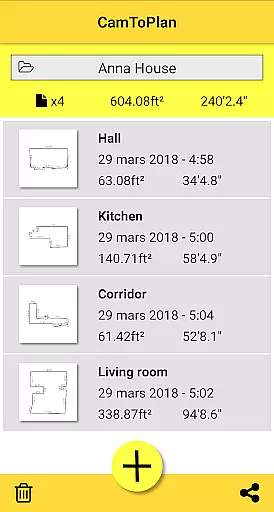
Task management within CamToPlan is designed to streamline the workflow of professionals such as architects and decorators. The app allows users to manage folders effectively, organizing various projects with ease and ensuring that each task is allocated the necessary resources and attention.
One of the standout features of CamToPlan is its ability to instantly calculate areas and draw room plans with all measured dimensions. This functionality not only saves time but also reduces the potential for human error, allowing users to focus on more critical aspects of their projects.
CamToPlan's intuitive interface simplifies complex tasks, making it accessible even for non-professionals or handyman projects. Users can effortlessly navigate through their assignments, track progress, and ensure timely completion of tasks without requiring extensive training or technical expertise.
Moreover, the app's capability to safely move while taking measurements enhances task management by allowing users to get closer to target points for maximum precision. This flexibility ensures that every detail is captured accurately, contributing to better-organized and more efficient project execution.
User-friendly interface
Augmented reality precision
Instant area calculations
Export options in PNG and DXF
Versatile unit selection
Requires good lighting
Accuracy depends on floor texture
Limited on reflective surfaces
Premium version needed for full features
Device compatibility varies

viewing and sharing of PDFs
 3.60
3.60
AI-powered document scanner with auto enhance for perfect PDFs.
4.60
Ask Accio anything about business. Alibaba-backed, built by experts, not just AI
4.60
Find flexible, hourly jobs hiring near you in restaurant, retail & hospitality!
4.00
The revolutionary flexible staffing platform
4.40
Earn crypto with secure cloud mining. Monitor, track & withdraw easily
4.40
Your employer must have UKG Ready software configured for Mobile.
4.60
Find work, shifts and gigs near you. Jobs lasting a few hours to a few months.
4.30
Say hello to the mobile work experience built to help you thrive at work.
4.30
Use Generative Summary to understand your rental or insurance docs in seconds.
4.70
Manage Your Shop
4.70
Ship, Track, Find a Location or Get a Quote with UPS. Anytime. Anywhere.
4.60
Amazon A to Z is the place to manage your work-life at Amazon.
4.50
Drive and earn extra money
4.50
The app that lets you deliver with Amazon.
4.50
VSD Viewer - Visio Drawings Viewer for Android Preview VSD, VDX, VSDX drawings
4.10
Get your benefits on-the-go.
3.80
view, manage, and share every PDF file you have
3.60
Convert Your Lovable.dev Website into a Mobile App Instantly!
4.3


User Reviews