
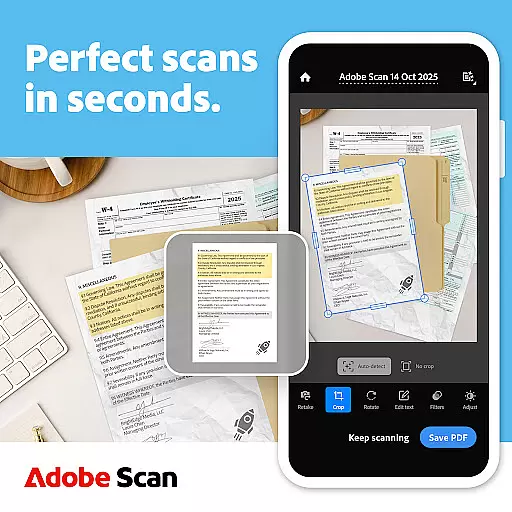
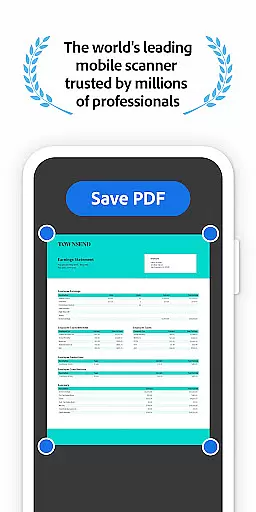
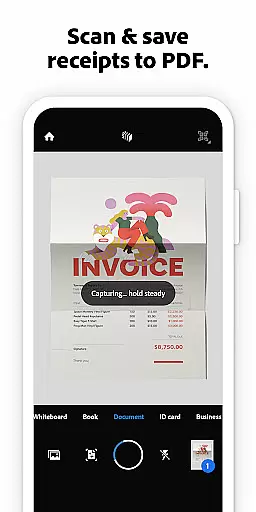


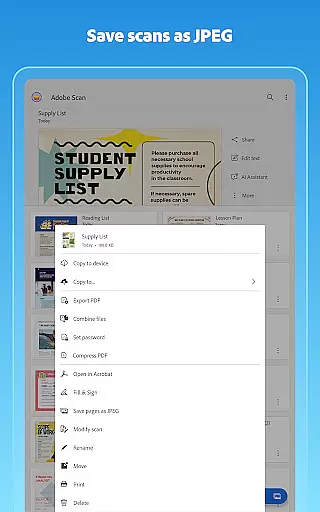
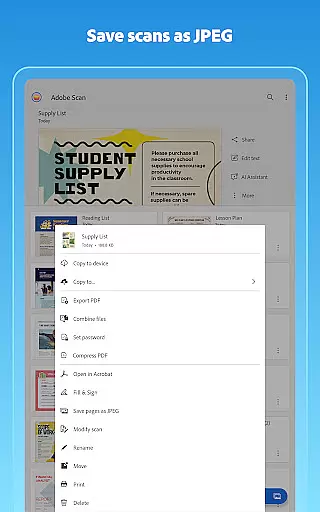
Adobe Scan AI PDF Scanner is a versatile mobile application that transforms your device into a powerful document scanner. The app specializes in converting paper documents, images, and various physical materials into high-quality PDF or JPEG files. With advanced OCR technology, it ensures every scan is precise and professional-looking, making it an ideal tool for business professionals, students, and anyone needing to digitize paperwork.
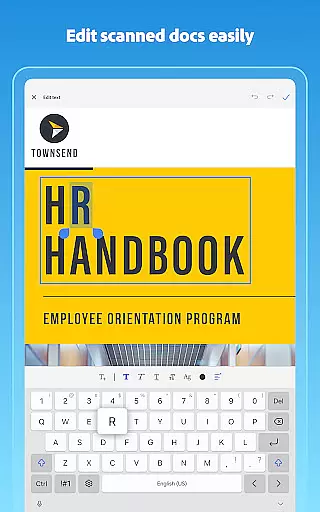
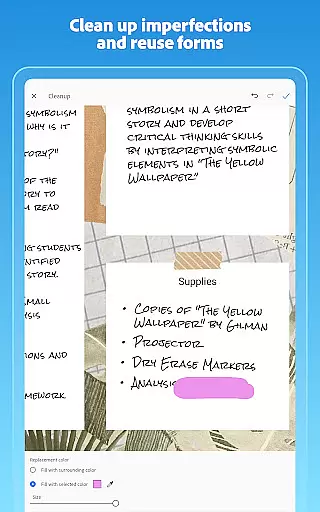
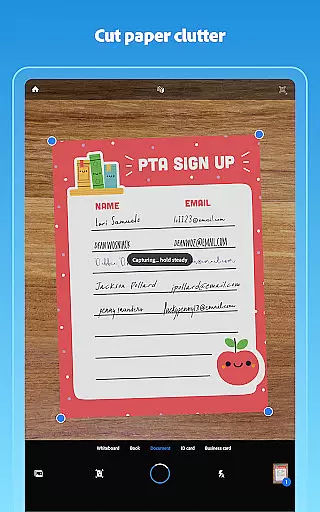
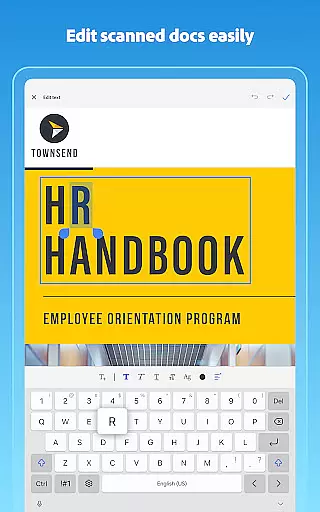
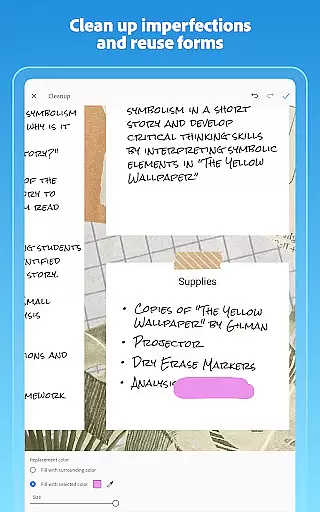
The app offers unique features such as AI-powered summaries, automatic document straightening, and image-to-text conversion. These capabilities allow users to not only scan but also edit, organize, and reuse their digital documents efficiently. Whether you're scanning receipts, notes, or business cards, Adobe Scan provides a seamless experience that enhances productivity by simplifying document management.
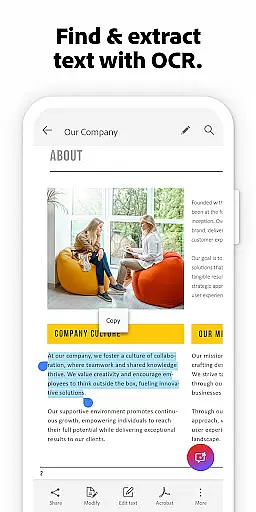
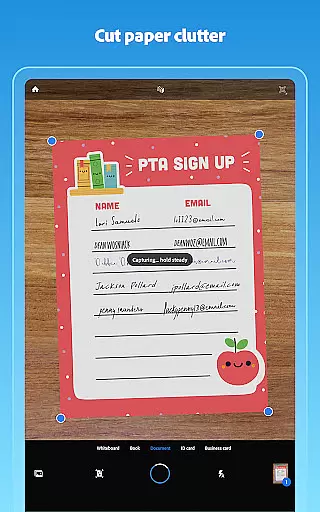
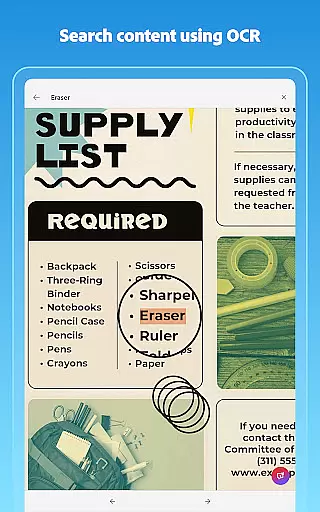
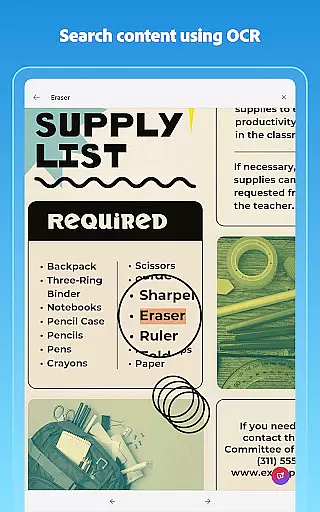
Adobe Scan stands out with its comprehensive feature set tailored for efficient document handling. One of the key highlights is the High-speed scan functionality, which allows users to quickly convert stacks of documents into PDFs within seconds. Additionally, the app's OCR technology makes scanned text searchable and editable, offering unparalleled convenience for users who need to work with large volumes of documents.
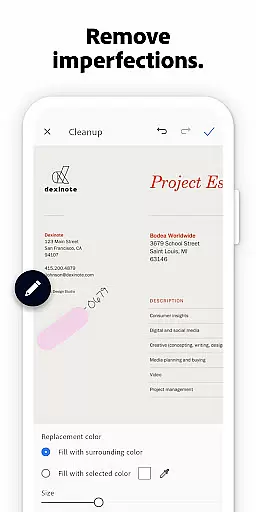
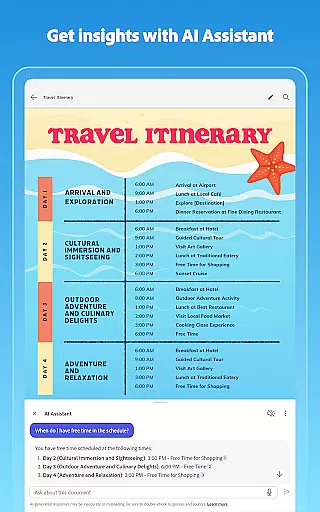
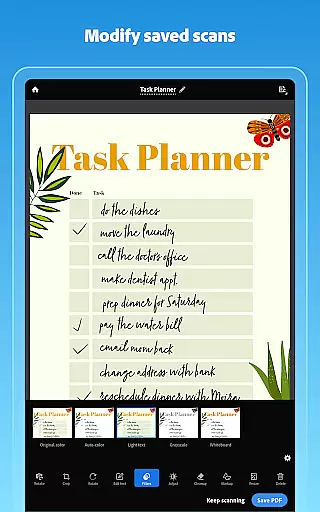
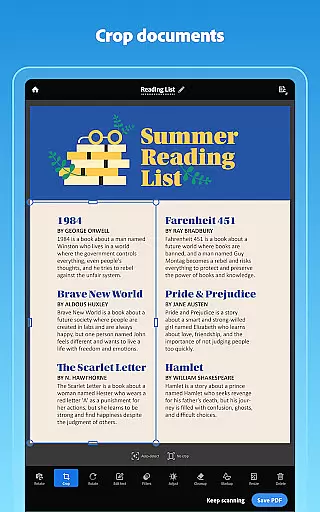
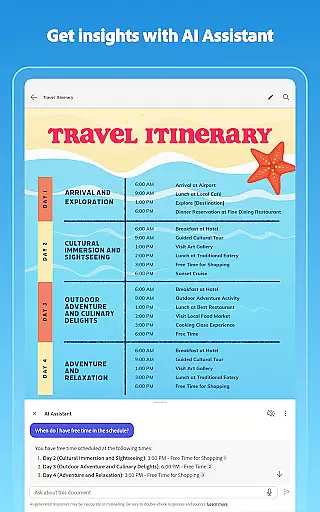
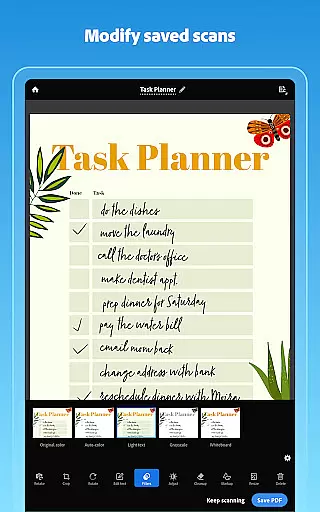
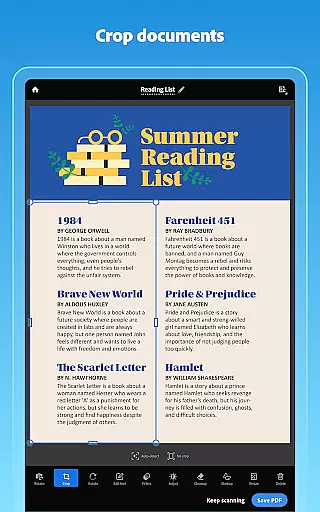
Another remarkable feature is the AI Assistant, which can extract key points from any scan and even help draft emails or reports based on the content. The Modify tool further enhances user control by enabling cropping, rotating, resizing, and color adjustments. Moreover, the app supports integration with Adobe Document Cloud, ensuring your scans are securely stored and easily accessible across multiple devices. This combination of speed, precision, and smart functionalities makes Adobe Scan an indispensable tool for modern document management.
In today's fast-paced business environment, the ability to collaborate effectively is crucial. Adobe Scan AI PDF Scanner, OCR offers a range of collaborative work features that streamline document handling and team productivity.
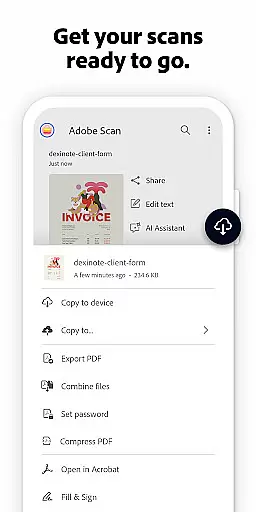
One standout feature is its seamless integration with Adobe Document Cloud. This allows users to instantly save scans and access them across multiple devices, ensuring that team members can retrieve and work on documents anytime, anywhere. Additionally, the app supports exporting scans to commonly used formats like Word, Excel, and PowerPoint, making it easy to share and edit files within teams.
Furthermore, the app enhances collaboration by enabling users to comment, highlight, and fill forms directly in Acrobat Reader. These capabilities ensure that teams can efficiently review, annotate, and finalize documents without the need for lengthy email chains or physical meetings.
The collaborative power of Adobe Scan not only simplifies document management but also significantly boosts team efficiency, allowing businesses to operate more smoothly and responsively.
Effective task management is essential for maintaining productivity and meeting deadlines. Adobe Scan AI PDF Scanner, OCR provides robust task management features that help users organize and prioritize their document-related tasks efficiently.
With the ability to create custom folders, users can categorize their scans into distinct projects such as work documents, personal files, or school forms. This organizational structure ensures that users can quickly locate and manage specific sets of documents without sifting through unrelated files.
Additionally, the app's advanced OCR technology allows users to convert scanned images into editable and searchable PDFs. This means users can easily find key information within their documents, streamlining task execution and decision-making processes.
By integrating these task management features, Adobe Scan empowers users to handle their responsibilities more effectively, ultimately leading to improved productivity and better time management.
User-friendly interface
Advanced OCR technology
AI-powered document analysis
Seamless cloud integration
Comprehensive editing tools
Limited free OCR pages
Premium features require subscription
Occasional scanning inaccuracies
High storage usage for large files
Some features are complex for beginners

The MyWalmart App is available for all associates in stores.
 4.70
4.70
Your employer must have UKG Ready software configured for Mobile.
4.60
Manage Your Shop
4.70
Drive and earn extra money
4.50
All document reader, pdf viewer app, read docs & excel files
3.80
Access All PDF Files
3.40
Smarter career moves start here. AI job alerts, insights & the right tools.
4.20
ADP Mobile Solutions is an employee self service app
4.50
On the go? Take FedEx with you.
4.00
Create curriculum vitae, a professional cover letter creator and resume designer
4.80
TurboScan turns your phone into a full-featured PDF document scanner.
4.80
Employee Management Made Easy
4.80
Start earning fast. Apply Today.
4.80
We help people get jobs
4.70
Grow your business and connect with more people with Meta Business Suite.
4.60
ANDROID'S TOP MOBILE OFFICE - Word, Excel, PowerPoint and PDF at your fingertips
4.50
Find jobs near you and temp work in minutes, from your phone.
4.50
Build a store in minutes with our full suite of AI tools. Start for free!
4.20
The Penny Puss app with DG penny finder
4.10


User Reviews