
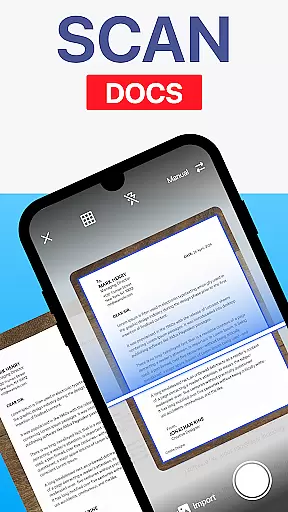
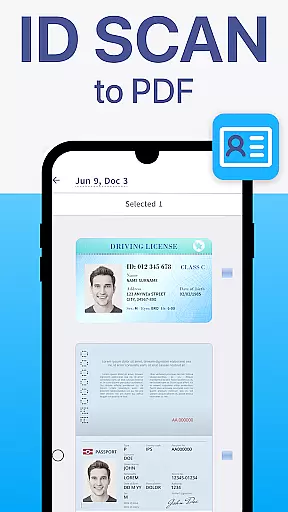
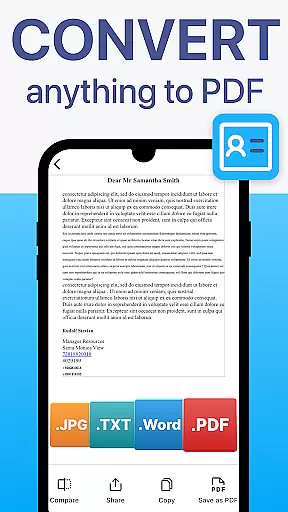
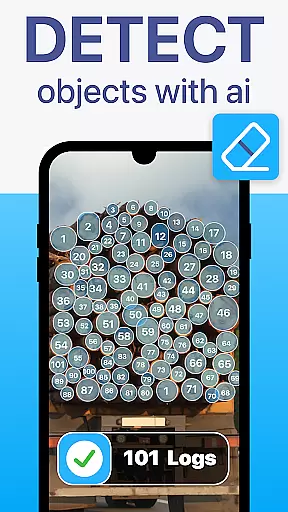
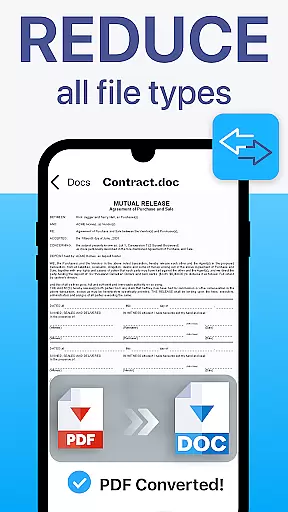
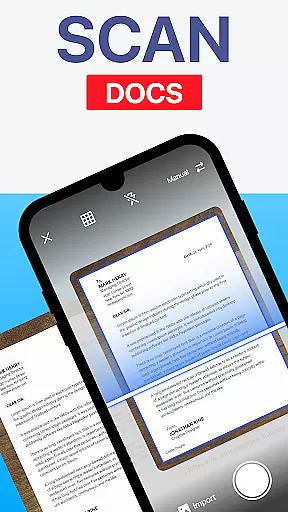
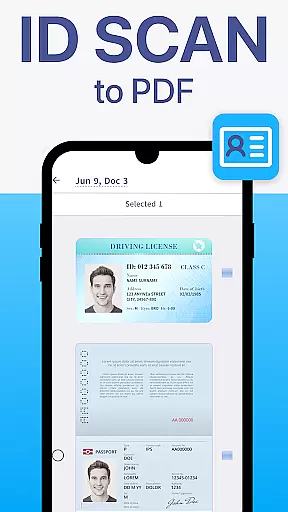
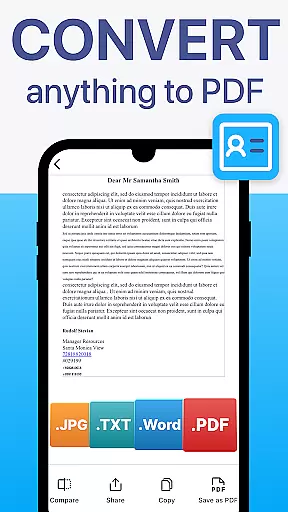
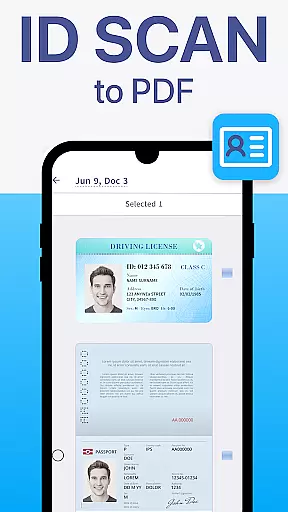
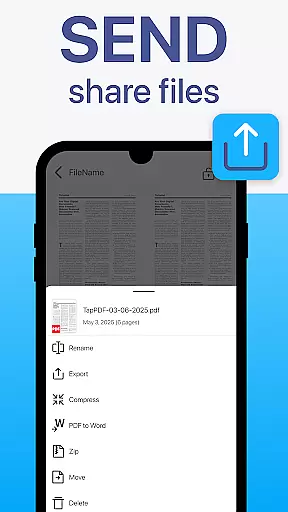
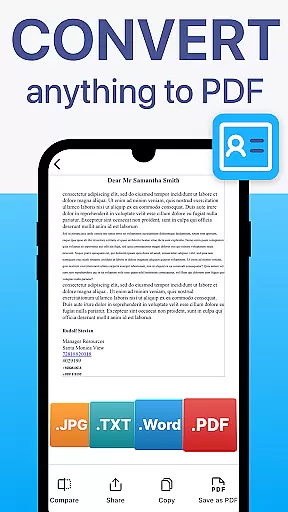
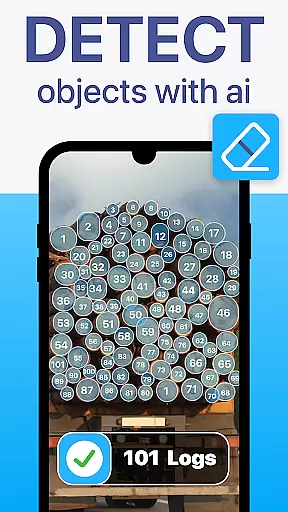
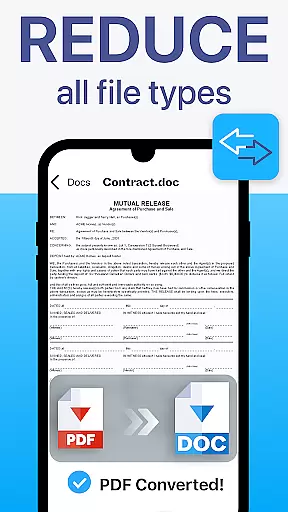
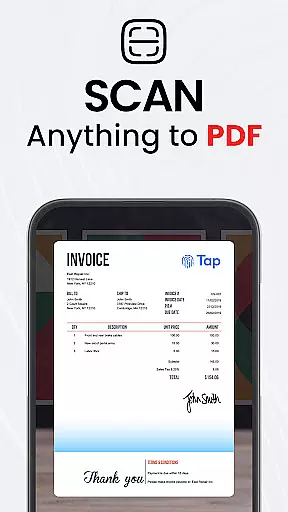
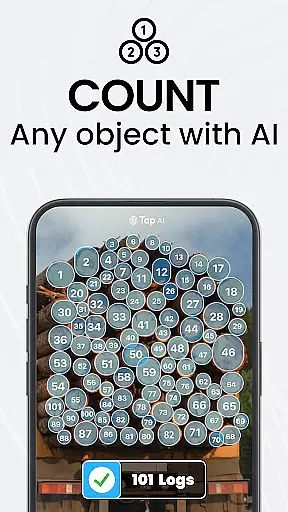
TapScanner is a powerful mobile application that transforms your device into a professional-grade document scanner and comprehensive PDF management tool. Trusted by millions of users worldwide, this app allows you to effortlessly capture, organize, and share various types of documents.
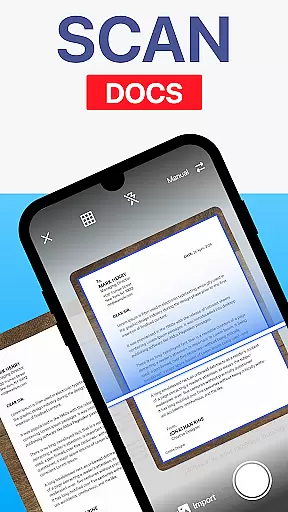
The app's standout features include automatic edge detection, smart image correction, and advanced OCR technology that supports over 110 languages. Whether you need to scan receipts, contracts, or multi-page documents, TapScanner delivers clear, high-quality results every time. Its intuitive interface makes it suitable for both professionals and casual users.
With its robust cloud integration and security features, TapScanner is perfect for businesses and individuals who need to manage sensitive documents securely while maintaining easy access across multiple devices.
TapScanner offers an impressive array of features that make document management seamless and efficient. The app's automatic edge detection and image correction capabilities ensure that every scan looks professional and clear, regardless of the original document's condition.
One of the most valuable features is the built-in OCR technology, which converts scanned images into fully searchable and editable text in over 110 languages. This functionality is particularly useful for creating accessible digital archives and extracting important information from physical documents.
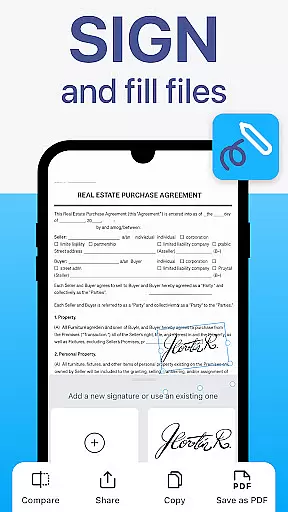
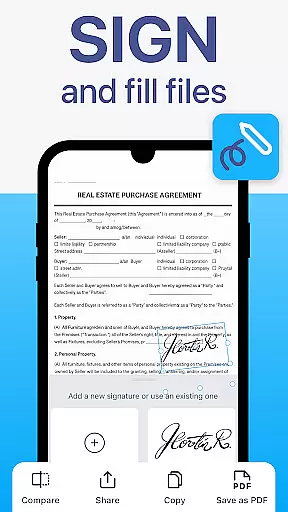
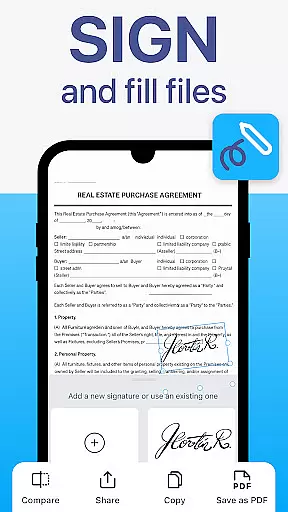
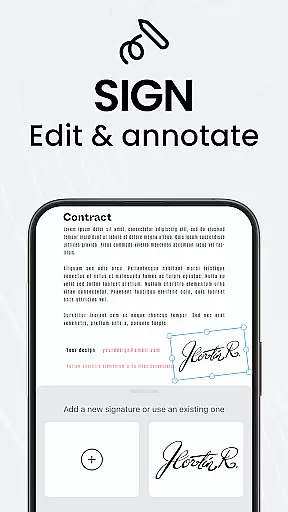
Additional productivity-enhancing features include batch scanning, automated file organization, and multi-page PDF creation. Users can also annotate, sign, and password-protect their documents directly within the app, making it a complete solution for all document management needs.
TapScanner offers a comprehensive set of collaborative work features that make team document management seamless and efficient. The app allows multiple users to access, edit, and manage PDFs simultaneously, ensuring smooth teamwork even when working remotely.
One of the standout collaborative features is the ability to merge, split, reorder, sign, and annotate PDFs directly within the app. This functionality ensures that teams can handle all their document needs without switching between multiple platforms, thus saving time and reducing complexity.
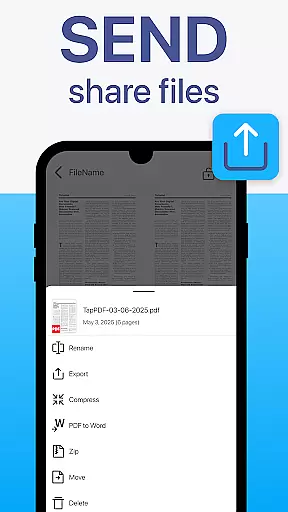
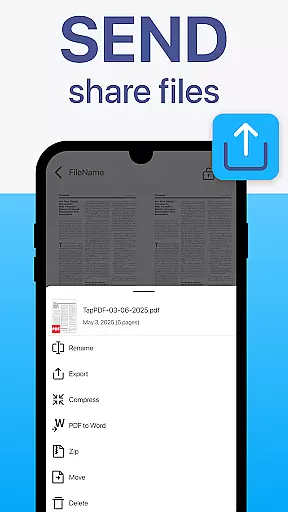
Furthermore, TapScanner supports secure cloud backup options, enabling users to sync scans to services like Google Drive, Dropbox, and OneDrive. This feature not only facilitates easy sharing but also ensures that all team members have access to the latest versions of documents, enhancing overall productivity.
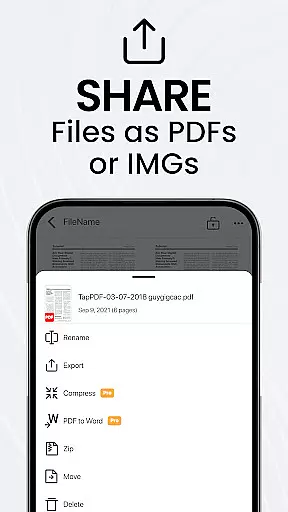
Effective task management is crucial for maintaining productivity, and TapScanner excels in this area by providing tools that streamline document-related tasks. With features such as batch scanning and one-tap renaming, users can process large volumes of documents quickly and efficiently.
The app's multi-page support is another significant advantage, allowing users to scan dozens of pages and compile them into a single, neatly ordered PDF. This capability is particularly beneficial for managing extensive reports or multi-page contracts, ensuring that all information is organized and easily accessible.
Additionally, TapScanneru2019s automated file organization helps users keep their documents systematically arranged, reducing the time spent on manual sorting. These task management features collectively enhance user efficiency, making TapScanner an invaluable tool for both individual and team use.
User-friendly interface
High-quality scans
Advanced OCR support
Secure cloud backup
Multi-page PDF support
Free version limitations
Subscription required
Occasional ads
Advanced features locked
Internet connection needed

Zoom built for Chrome OS
 3.90
3.90
Manage work life on the go
4.50
Paychex Flex - Save Time and Stay Connected
4.60
One marketplace. Hundreds of services. Unlimited possibilities. All on Fiverr.
4.40
enjoy effortless PDF reading anytime, anywhere
3.90
All document reader, pdf viewer app, read docs & excel files
3.80
All your team communication in one place
4.70
view, manage, and share every PDF file you have
3.60
Job search app that finds jobs for you! Takes the work out of looking for a job!
4.90
FaxCover - Create fax cover pages. Works with any app or fax machine.
4.90
BuildCalc - the easiest AND the most advanced construction calculator app.
4.80
Manage Your Shop
4.70
Ship, Track, Find a Location or Get a Quote with UPS. Anytime. Anywhere.
4.60
All Your Gig Work. One App.
4.30
Deliver and earn money
4.30
All-in-one Mobile solutions for employees & managers to succeed at work
4.30
Scan Business Cards & Conference Badges - Capture Leads at Events & Tradeshows
4.20
The Penny Puss app with DG penny finder
4.10
We are a dynamic team of creatives people of design, marketing, web & apps
3.00


User Reviews