
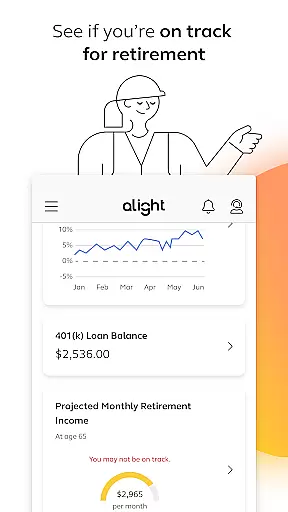
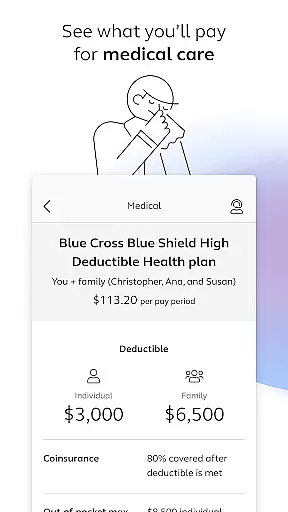
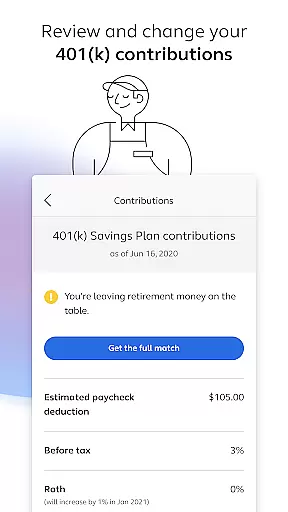

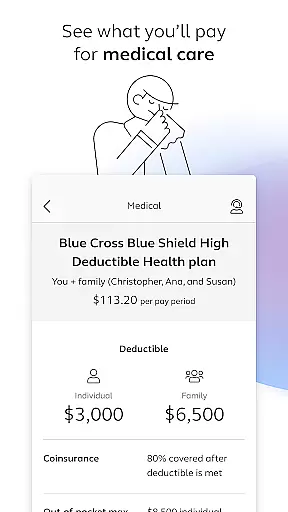
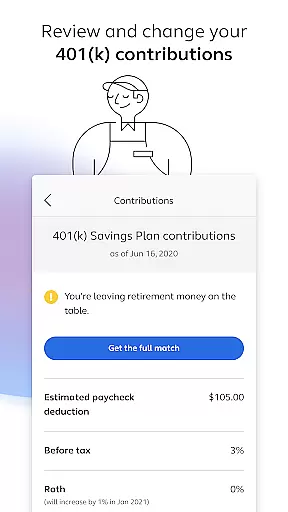
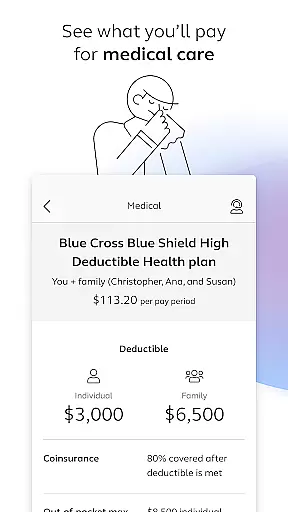
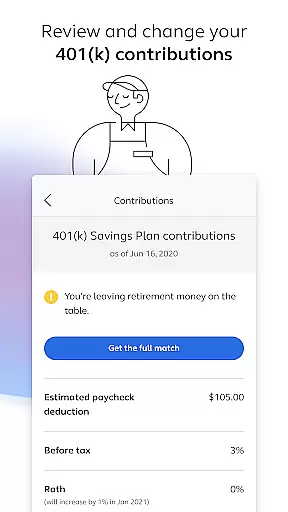
Alight Mobile is a comprehensive business application designed to provide employees with seamless access to their employer-sponsored benefits. The app enables users to manage health, retirement, and payroll information from anywhere at any time. With its intuitive interface, Alight Mobile ensures that benefit participants of companies partnering with Alight Solutions can conveniently view and manage their personal benefits. Whether it's enrolling in benefits, reviewing medical plans, or adjusting 401(k) contributions, this app serves as a one-stop solution for all employee benefit needs.
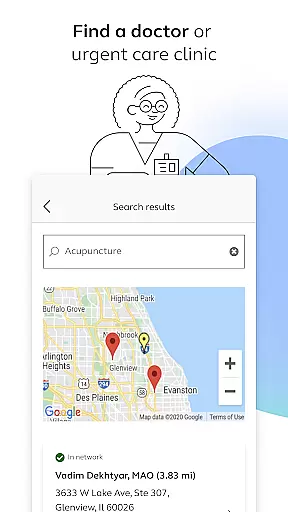
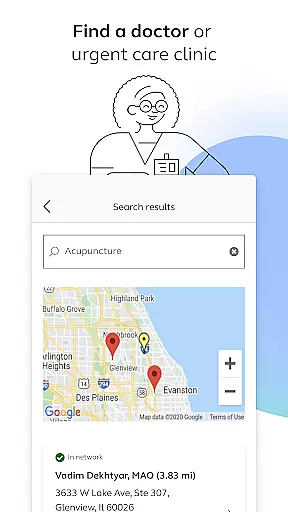
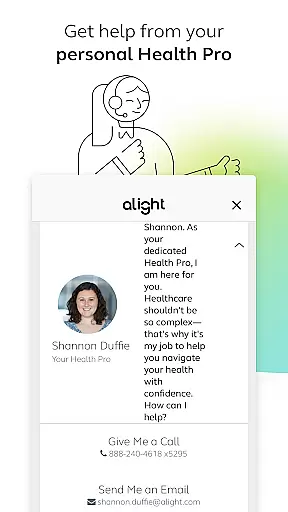
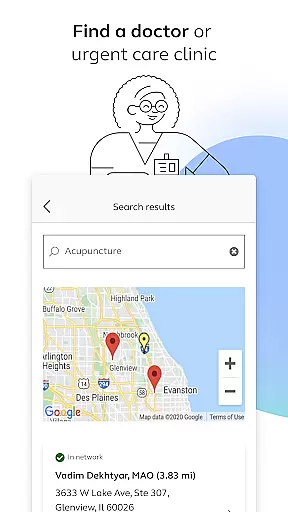
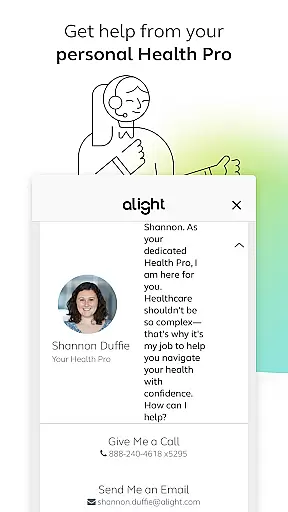
The app also offers additional features such as finding healthcare providers, accessing insurance cards, and consulting with personal Health Pros. These functionalities are particularly useful for employees who require frequent access to their benefits information or need to make timely adjustments. By consolidating various resources into a single platform, Alight Mobile enhances the overall user experience, making benefit management more efficient and accessible.
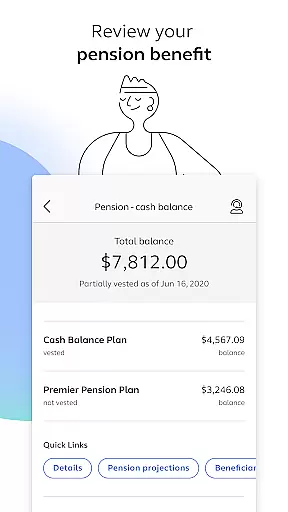
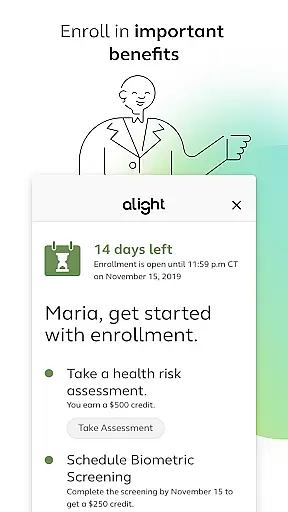
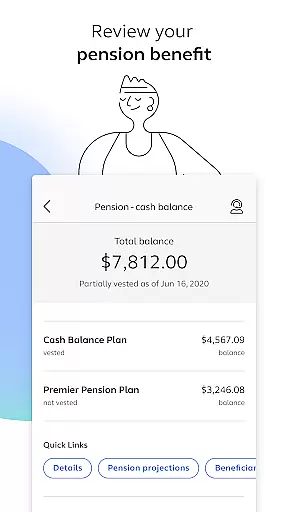
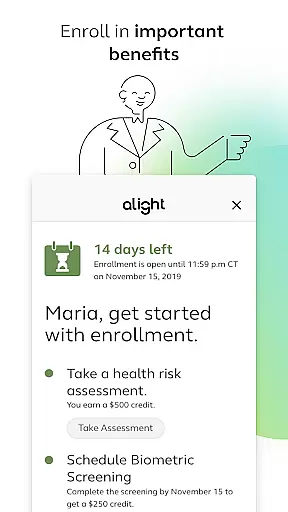
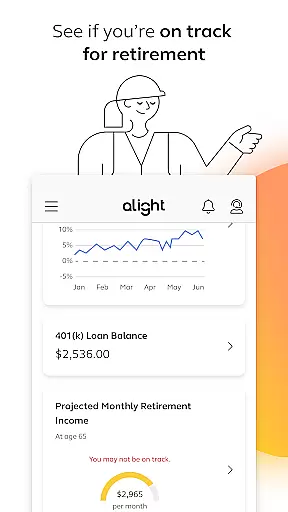
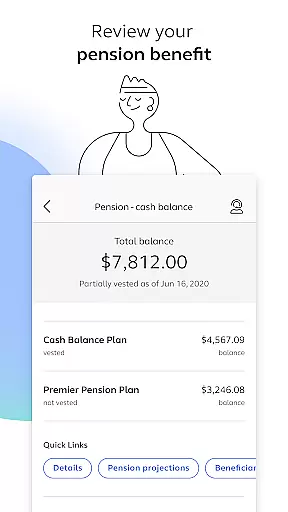
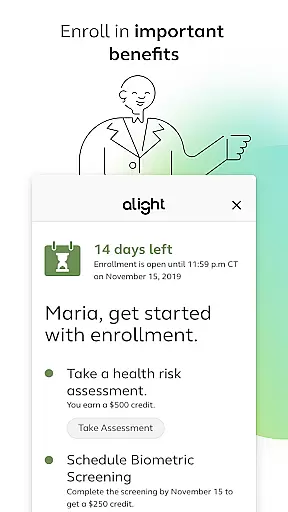
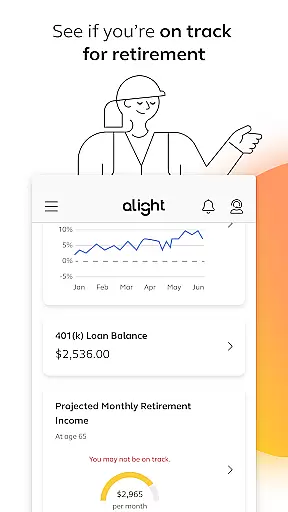
Alight Mobile stands out with its diverse range of features tailored to meet the needs of modern employees. One of the key highlights is the ability to enroll in essential benefits and review medical plans and expenditures. Users can also modify their 401(k) contribution elections and assess their pension benefits, ensuring they have full control over their financial future. The app provides tools to evaluate retirement readiness, helping users plan effectively for their post-employment life.
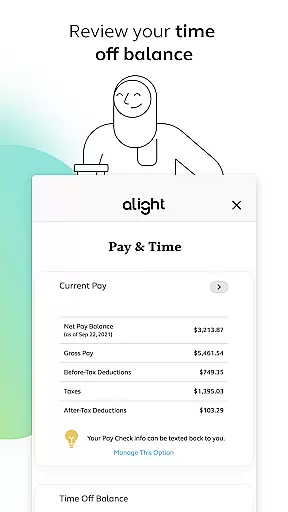
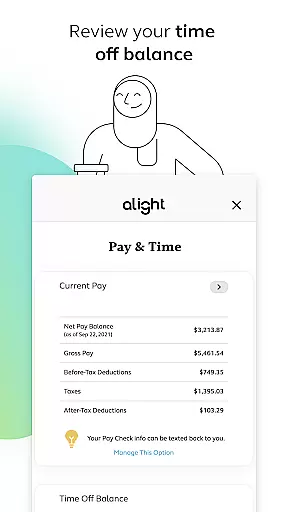
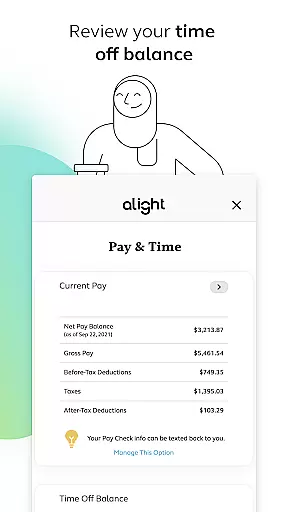
In addition to these core functionalities, Alight Mobile offers convenient access to insurance cards and personalized support from Health Pros. The app consolidates various benefit resources, allowing users to explore them all in one place. This consolidation simplifies the process of managing multiple benefits, saving users time and effort. Furthermore, the app includes features like reviewing time-off balances, which adds another layer of convenience for employees managing their work-life balance.
In today's interconnected workplace, collaborative work features are essential for seamless communication and efficient project management. Alight Mobile recognizes this need by providing a centralized platform where employees can access crucial HR and benefits information. This facilitates better interaction between employers and employees, ensuring that everyone is on the same page regarding company policies and personal benefits.
The app allows users to enroll in important benefits, review medical plans, adjust 401(k) contributions, and even check their retirement readiness. These features promote a transparent work environment where employees can make informed decisions about their benefits with ease. The ability to access these services anytime, anywhere means that collaboration isn't limited to office hours or locations.
Moreover, Alight Mobile offers personalized support through its Health Pro feature, which connects users with professionals who can guide them through their benefits. By integrating various resources into one application, it simplifies the complexity often associated with managing employee benefits. This not only enhances productivity but also fosters a supportive atmosphere conducive to both professional and personal growth.
Effective task management is pivotal for maintaining an organized workflow and achieving business objectives efficiently. With Alight Mobile, users gain control over their benefit-related tasks, streamlining processes such as enrolling in healthcare plans or adjusting retirement fund allocations. The app's intuitive design ensures that managing these vital aspects of employment is straightforward and hassle-free.
Alight Mobile empowers employees by allowing them to independently handle tasks like reviewing time off balances, accessing insurance cards, or exploring additional benefit resources. Such autonomy reduces administrative overhead for HR departments while giving workers more agency over their employment terms. Itu2019s particularly beneficial when urgent matters arise outside regular working hours since updates can be made at any time via the mobile app.
Furthermore, the app provides tools for assessing financial wellness concerning pensions and savings plansu2014key components of long-term career planning. By consolidating these functionalities within a single interface, Alight Mobile enhances user engagement with their employment benefits package, leading to improved satisfaction levels and retention rates among staff members.
User-friendly interface
Comprehensive benefit management
Personalized support options
Convenient mobile access
Integrated resource platform
Limited to partner companies
Feature availability varies
Potential privacy concerns
Dependent on employer plans
Occasional update delays

Ask Accio anything about business. Alibaba-backed, built by experts, not just AI
 4.60
4.60
Find flexible, hourly jobs hiring near you in restaurant, retail & hospitality!
4.00
FX Plus adds media, networking, and cloud capabilities to FX File Explorer.
4.10
FaxCover - Create fax cover pages. Works with any app or fax machine.
4.90
Find work, shifts and gigs near you. Jobs lasting a few hours to a few months.
4.30
One marketplace. Hundreds of services. Unlimited possibilities. All on Fiverr.
4.40
Mobile POS for any business: sales, invoices, retail, restaurants & appointments
4.60
USPS Mobile®Access USPS.com’s most popular tools on-the-go.
4.70
We help people get jobs
4.70
Start earning fast. Apply Today.
4.80
GoTo Mobile is a simple & secure calling, messaging & meetings solution
4.80
Find the right fit, faster.
4.70
Access to Paylocity, empowering employees with information they need 24/7.
4.70
Find jobs and make money fast with JobStack.
4.60
No more passwords, easier sign-in, and greater protection for your accounts.
4.60
Collaborate seamlessly with Google Chat, part of Google Workspace
4.50
The Penny Puss app with DG penny finder
4.10
Windows App allows you to connect to remote PCs and virtual apps.
3.70
Convert Your Lovable.dev Website into a Mobile App Instantly!
4.0


User Reviews