
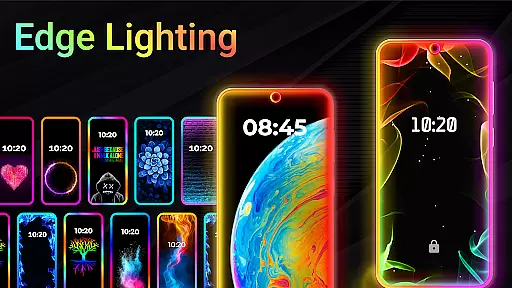
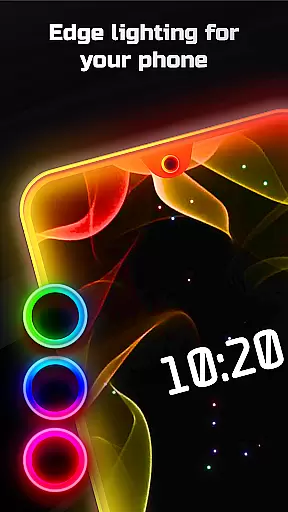
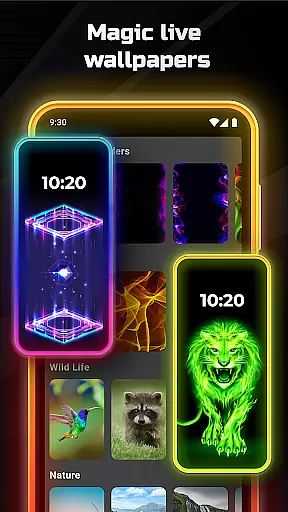
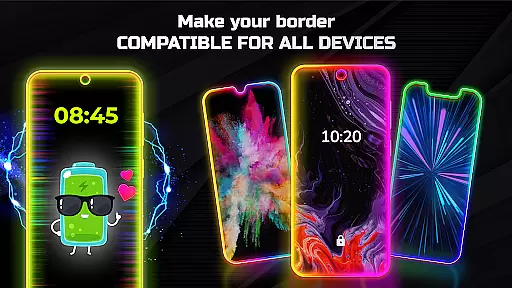
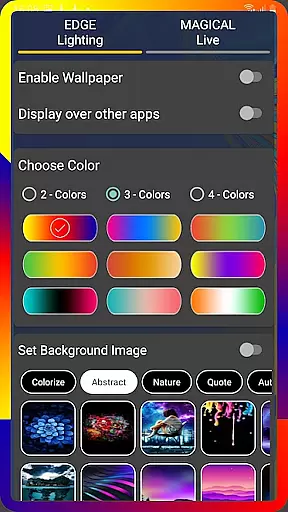
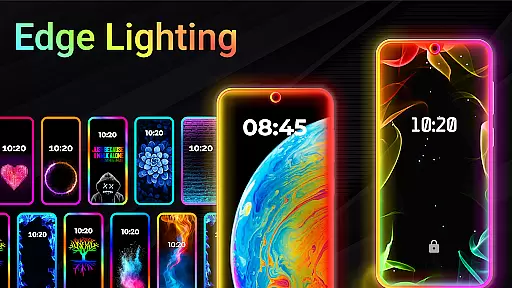
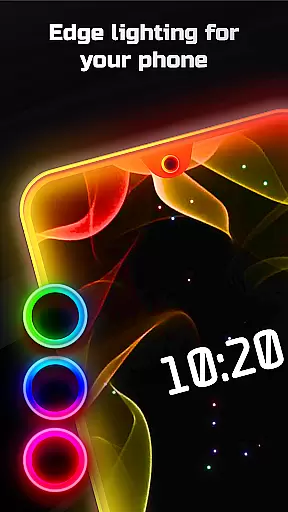
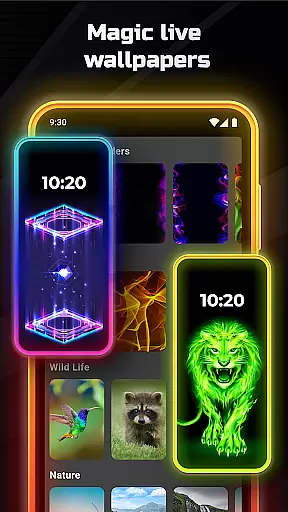
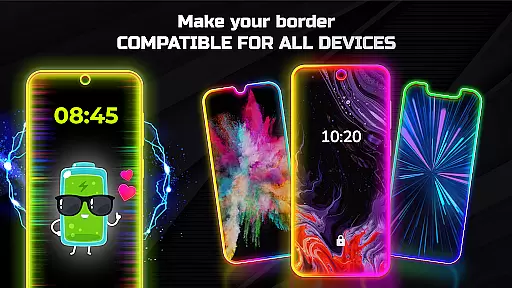

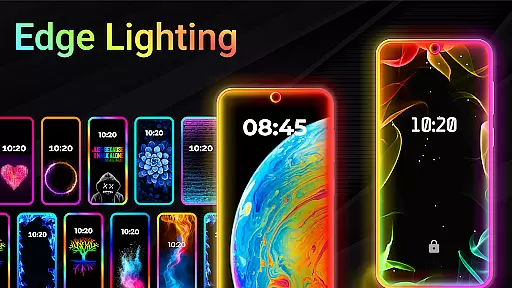
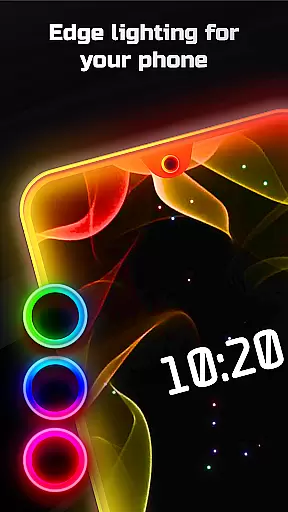
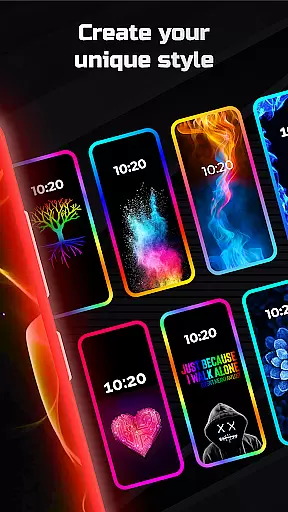
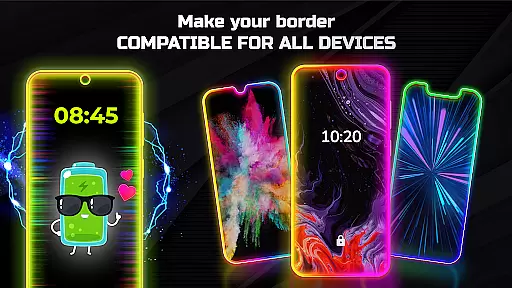
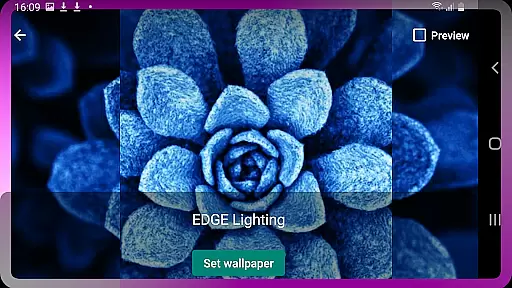
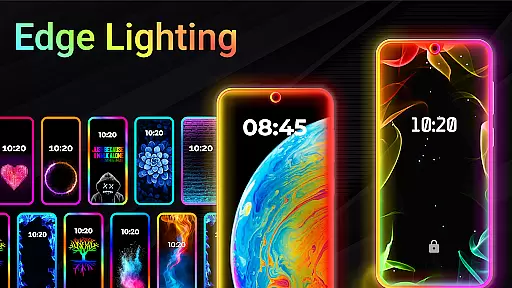
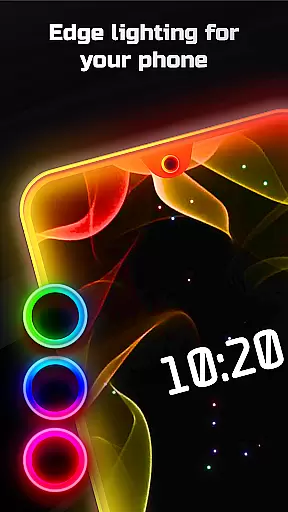
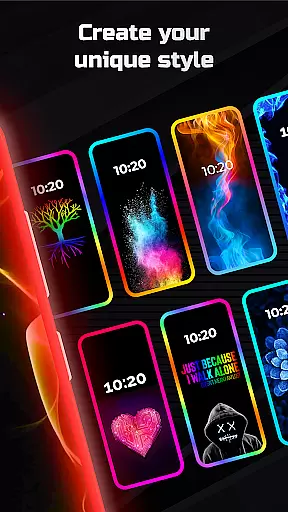
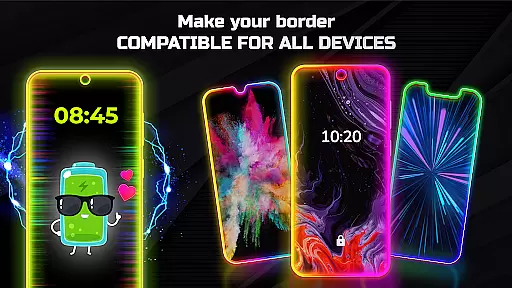
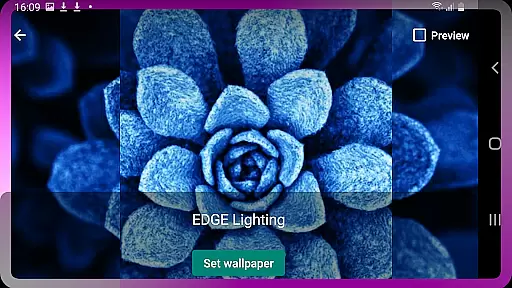
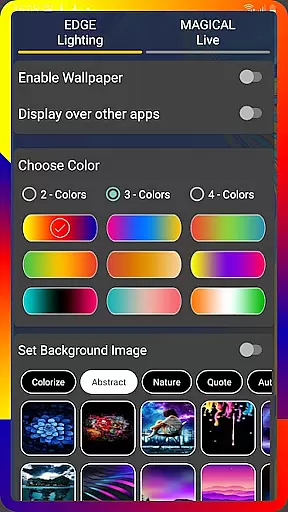
Edge Lighting is a personalization app that allows users to add stunning curved edge lighting effects to their Android devices. The app supports all types of screens and offers customization options for colors, width, and border types. With over 15 border styles and magical RGB edge lighting in multiple colors, it creates an aesthetic enhancement for both home screen and lock screen displays.
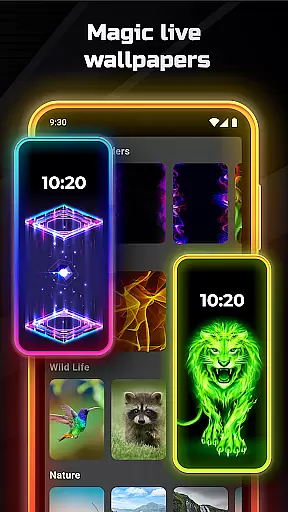
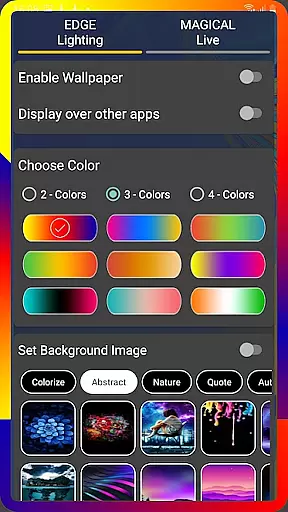
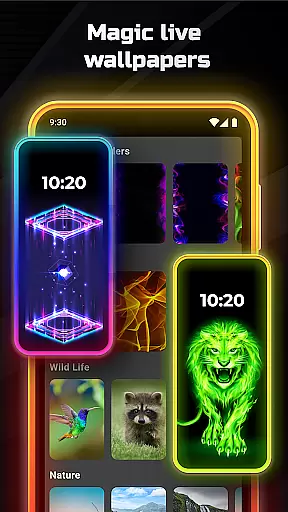
The application provides advanced settings to adjust animation speed, curve radius, and notch dimensions according to different device specifications. Users can also set live wallpapers, 4K backgrounds, or personal photos within the edge lighting display. The feature to display over other apps enhances user experience by maintaining the lighting effect across various applications.
This app is particularly useful for Samsung Galaxy series and other popular Android devices, enabling owners to personalize their phones with professional-looking edge lighting effects. Its comprehensive customization capabilities make it valuable for users seeking to enhance their device's visual appeal while maintaining functional display elements like notches.
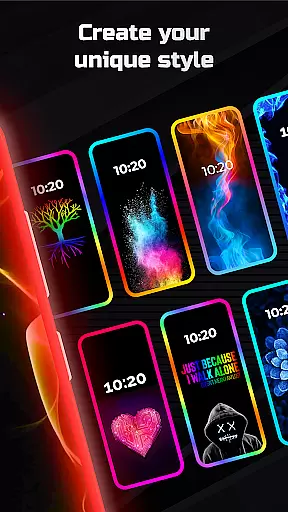
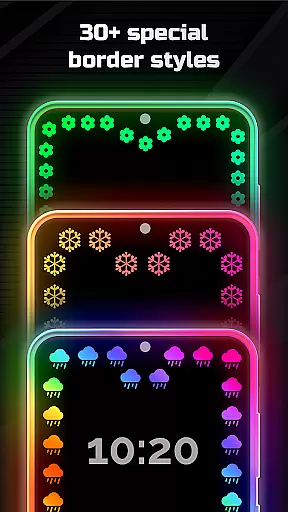
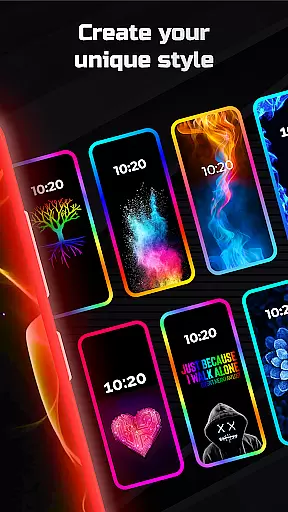
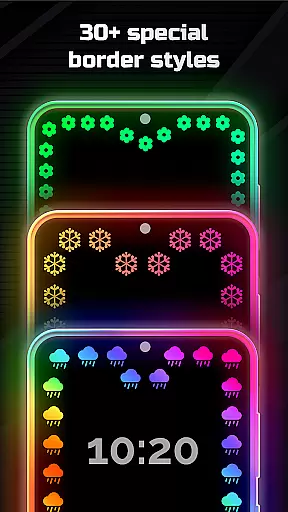
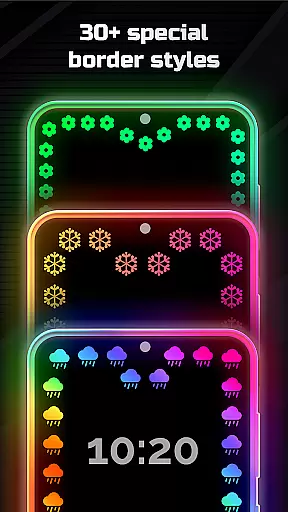
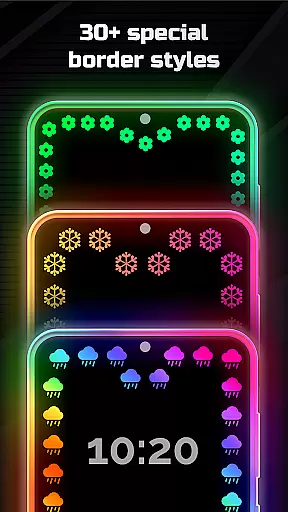
Edge Lighting stands out through its extensive customization capabilities. The app offers more than 30 magical edge lighting effects that can be applied to both home and lock screens with a single click. Users can choose from various border types including Heart, Bird, Sun, Lotus, and Christmas Tree patterns, creating unique visual combinations for their device displays.
A key innovation is the RGB edge lightning feature that supports multiple color configurations. The app allows precise control over animation speed, width parameters, and curve radius adjustments. It also provides specific settings for different display notch types, ensuring compatibility with Infinity U/V/O screens and other modern display technologies.
The ability to layer edge lighting over other applications while maintaining visual quality demonstrates the app's technical sophistication. Additional features include setting personal photos as wallpapers within the edge lighting frame and selecting from pre-designed 4K background collections. These comprehensive customization options deliver significant value by enabling users to create truly personalized device displays.
Customization is at the heart of EDGE Lighting, allowing users to tailor their device's aesthetics to their personal taste. With an extensive range of adjustable features, this app transforms any Android phone into a personalized piece of technology. Users can modify the color, width, and type of the EDGE lighting border, ensuring that each device reflects its owner's unique style.
The application provides more than 15 types of borders, including creative designs such as Heart, Bird, Sun, and Lotus, among others. This diversity ensures that whether you prefer a minimalist look or something more ornate, EDGE Lighting has an option for you. Additionally, the ability to adjust animation speed and curve radius offers a dynamic element to the customization process, making your phone's display truly one-of-a-kind.
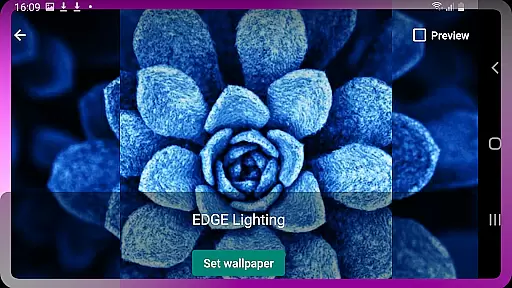
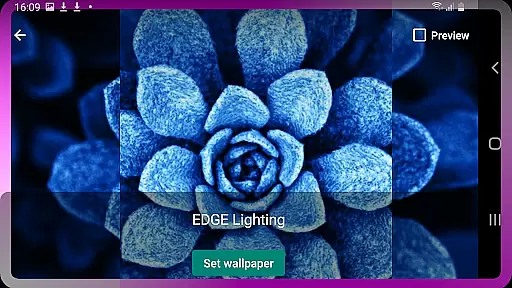
Moreover, EDGE Lighting supports setting 4K backgrounds and personal photos as wallpapers within the lighting frame. This feature not only enhances visual appeal but also allows for a deeper level of personalization. By integrating these elements, users can enjoy a cohesive and customized look that extends from the home screen to the lock screen, providing both functionality and flair.
Theme compatibility in EDGE Lighting ensures that aesthetic enhancements are not just limited to standalone features but are part of a broader, integrated experience. The app is designed to work seamlessly across various Android devices, adapting to different screen types like Infinity U, Infinity V, and Display Notch. This adaptability guarantees that no matter the device, users will enjoy a consistent and high-quality visual experience.
One of the standout aspects of EDGE Lighting is its Magical EDGE Lighting feature, which offers over 30 types of magical effects compatible with both home and lock screens. These effects can be set with a single click, simplifying the process of theme management for users who wish to frequently update their device's appearance. Options like RGB Edge Lightning in multiple colors provide vibrant, eye-catching themes that are sure to impress.
Furthermore, the app's capability to display over other applications means that the beautiful lighting effects are not confined to the home screen alone. Whether you're browsing social media or working on a document, the enchanting visuals remain present, enhancing every aspect of your digital interaction. This comprehensive approach to theme compatibility ensures that users enjoy a fully immersive and visually stunning experience on their devices.
Wide device compatibility
Extensive customization options
Multiple border styles available
Precise control over lighting effects
Supports latest display technologies
May consume extra battery
Some features might be complex
Requires modern Android version
Performance varies by device
Premium features need purchase

Stunningly Different look with Line Icons and Neon Colors
 4.60
4.60
Beautiful realistic hybrid watch face with numerous customization options.
4.50
Ultimate widget creator. Design custom widgets for a truly unique home screen!
3.90
Romantic Kiss Stickers App. Start romantic messaging now!
4.30
Yandex Browser — stylish and secure, with voice search and data compression
4.40
Struggling to find apps? Use this app to locate and open any app on your phone!
2.20
350+ widgets with a premium glass-style finish, perfect for home & lock screens.
4.70
set a new experience for the Android mobile phone
4.20
Transform your phone with stylish zipper lock themes and 4D live wallpaper
4.10
Dark icon pack based on One 8
4.80
300+ Stunning and well-designed widgets inspired by NOTHING.
4.70
Glass style colourful icons with a One UI look and feel
4.60
Add cute Shimeji pets to screen, interact with them and relax with cute motions
4.60
Want to make your phone more special than ever?
4.60
Stylish Pink Cute Hippo keyboard with 10000+ customized keyboard themes!
4.60
Themes - Widget & Wallpaper: Customize home screen, icon changer w unique themes
4.30 4.10
4.10
Emoji Maker app - Design custom emojis and effortlessly blend them with Mixer
3.80
Adorable pets roam and play right on your phone screen!
3.30


User Reviews