
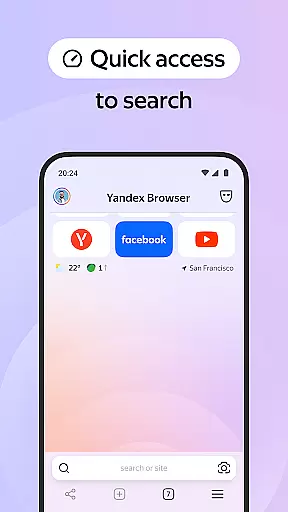
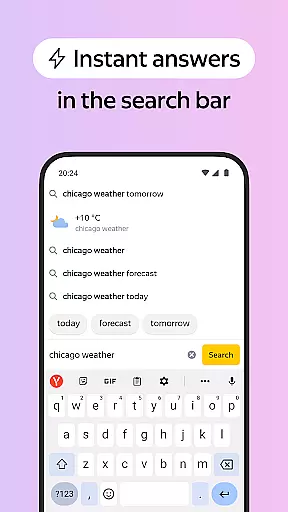

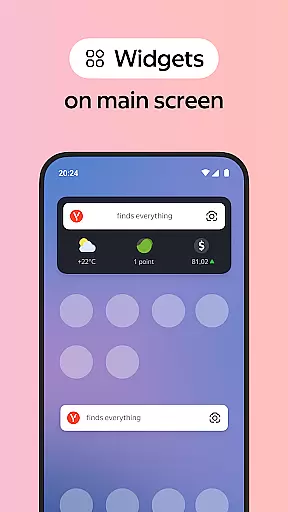
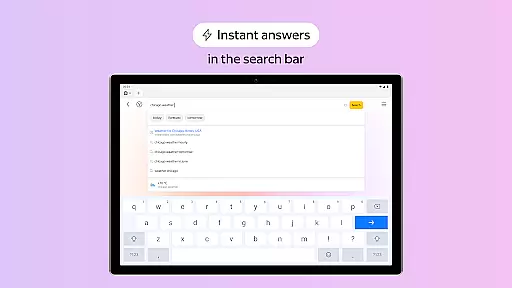
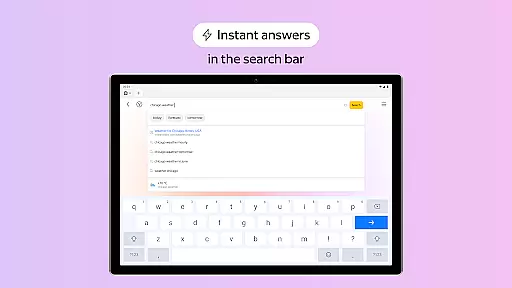
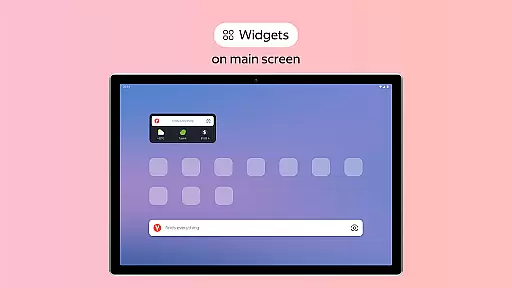
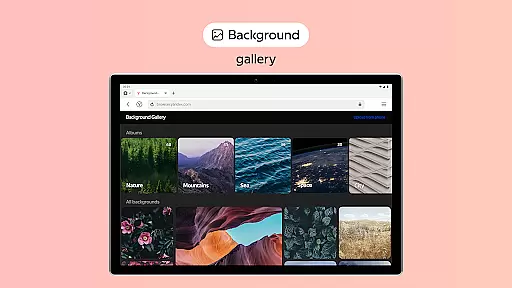
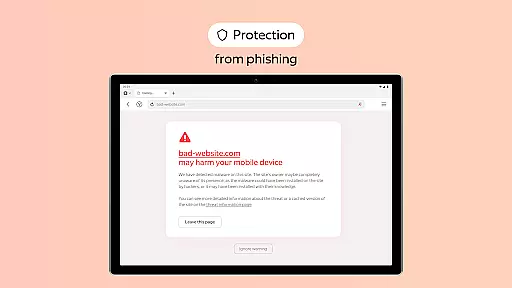
Yandex Browser with Protect is a stylish and secure mobile browser that offers advanced features for an optimal browsing experience. It includes voice search functionality, data compression for faster loading, and an active security system called Protect to safeguard users' personal information on public Wi-Fi networks.
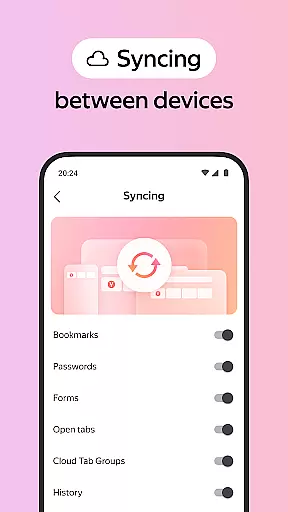
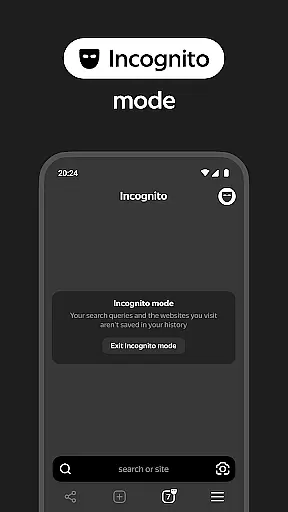
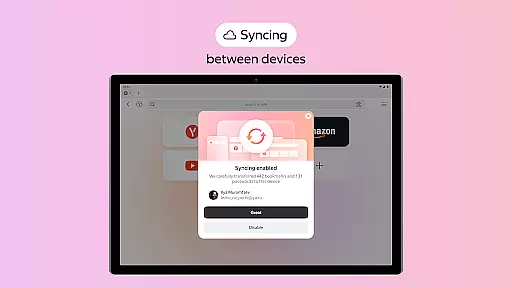
The browser also provides tools like Reader Mode to declutter web pages by hiding ads and unnecessary interface elements, Incognito Mode for private browsing sessions without saving history or passwords, and a customizable interface with various wallpapers. Additionally, it supports syncing bookmarks and favorite sites across devices through a Yandex account, making it versatile for personalized web surfing.
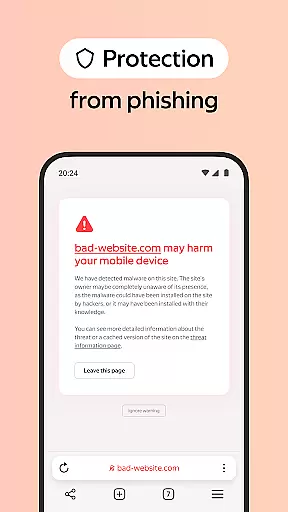
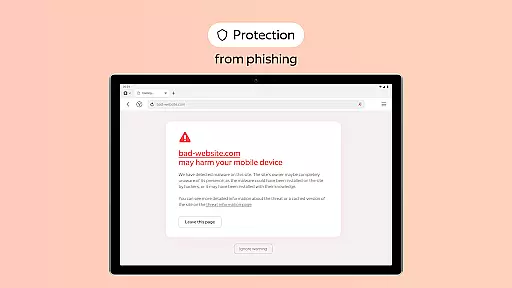
One of the standout features of Yandex Browser is its integration with third-party ad-blocking apps, allowing users to enjoy an uninterrupted browsing experience free from annoying advertisements. The Protect feature actively shields against harmful or fraudulent websites, ensuring safer navigation online.
Reader Mode enhances readability by stripping away irrelevant content such as ads and menus, leaving only essential text and images. Users can browse privately in Incognito Mode where their activities are not tracked or stored. Furthermore, the extensive wallpaper library lets users personalize their browser's appearance according to their preferences, while cross-device synchronization via a Yandex account ensures seamless access to favorites and bookmarks.
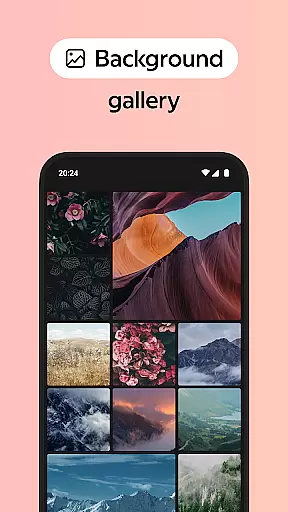
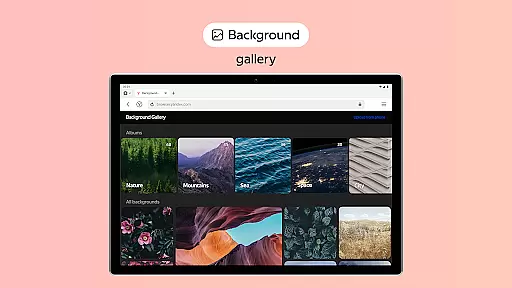
Customization is at the heart of personalizing your browsing experience, and Yandex Browser excels in providing a plethora of options to make your browser truly yours. With an extensive wallpaper library, you can choose backgrounds that suit your style or mood, ensuring that every time you open the browser, it feels like home.
In addition to aesthetic customizations, Yandex Browser allows users to integrate third-party blocking apps for ad-free browsing. This means you have control over what you see and interact with on websites, enhancing both your browsing pleasure and efficiency.
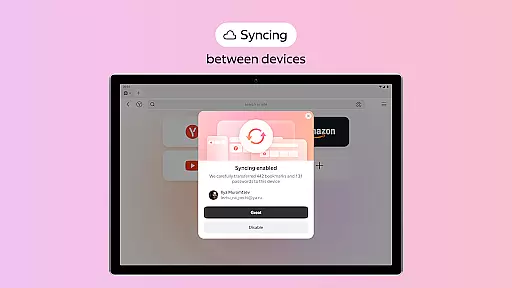
The browser also supports syncing via a Yandex account, which means your favorite websites and bookmarks are accessible across all your devices. This seamless integration ensures that whether you're at home or on the go, your personalized settings and preferences travel with you.
Theme compatibility is crucial for users who want their browser to reflect their personality or match their device's aesthetics. Yandex Browser understands this need and offers wide-ranging theme support that ensures visual consistency across different platforms and devices.
With Reader Mode, Yandex Browser takes theme compatibility a step further by allowing users to hide unrelated interface elements such as ads, site menus, buttons, or widgets. This feature leaves only the relevant text and accompanying images on the screen, creating a cleaner and more focused reading environment.
Moreover, the active security system Protect not only keeps your personal data safe but also integrates smoothly with the overall theme of the browser. Whether you're using public Wi-Fi networks or surfing privately in Incognito Mode, the browser maintains its stylish appearance without compromising on safety features.
Fast data compression
Strong security features
Customizable interface
Effective ad blocking
Cross-device sync
Limited privacy controls
Occasional performance lags
Dependent on Yandex services
Not all features work offline
Some regional restrictions

Vertically oriented rectangular icons
 4.70
4.70
A retro cartoon style watch face and a punch right in the face of the copyright
4.60
Unique Android Launcher
4.60
Interactive Miniature Painting Catalogue
3.30
Wallpaper HD 4K Live - Thousands of high-quality Anime backgrounds for you.
4.80
Run multiple accounts of the same app on a single device
4.10
Vibrant Adaptive Icons with Material You and Enhanced Monet Colors.
4.50
300+ widgets inspired by Material You and Material 3 expressive design.
4.60
Fast SMS & group chat - use GIFs and emojis from your home screen launcher.
4.50
Dark icon pack based on One 8
4.80
Enjoy a variety of amazing live wallpapers and colorful EDGE lighting borders!
4.80
Customizable Glass widgets. Over 360+ stunning widgets and more!
4.70
Personalize your phone with stunning HD and 4K wallpapers!
4.70
Ultra realistic high quality analog watch face for Wear OS.
4.60 4.50
4.50
The definitive Icon pack maker and editor
4.30
Realistic animated snow on your wrist, with 10 images landscapes to choose from
4.00 3.50
3.50
Modern Glass Icon Pack with glossy icons, clean minimal theme & aesthetic style
4.5


User Reviews