
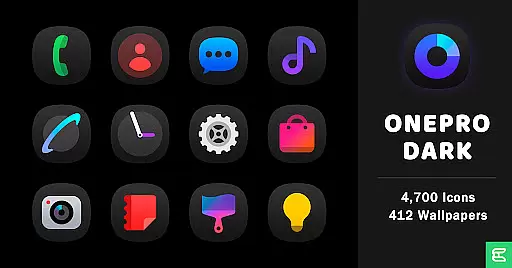
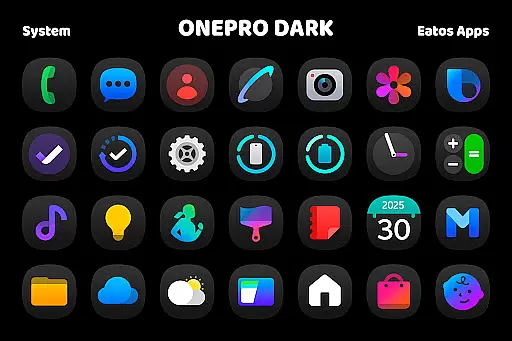
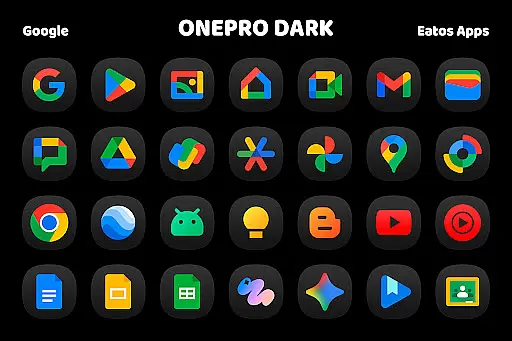
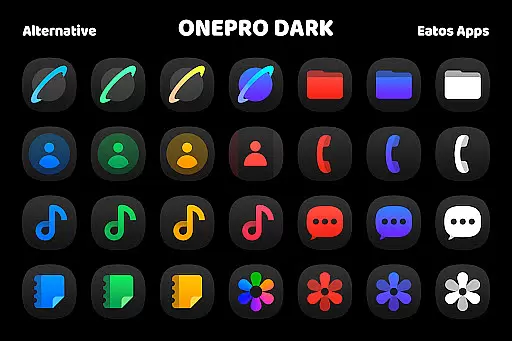
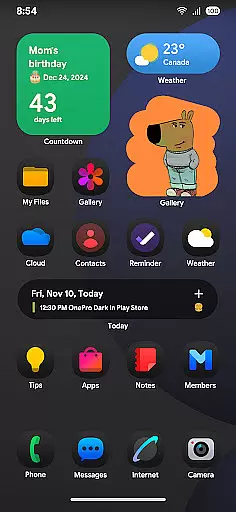
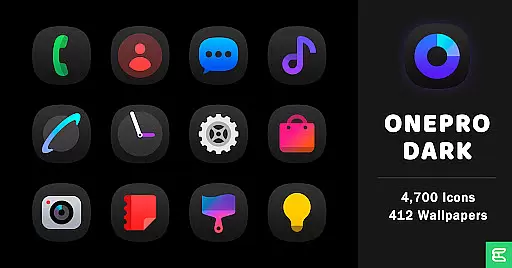
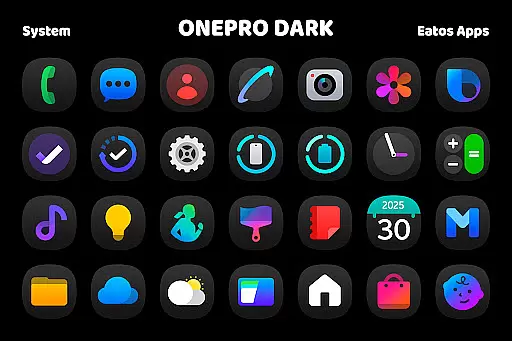
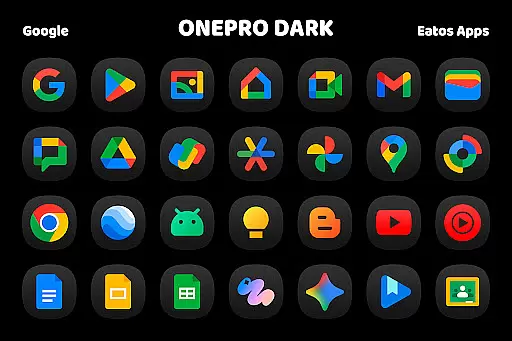
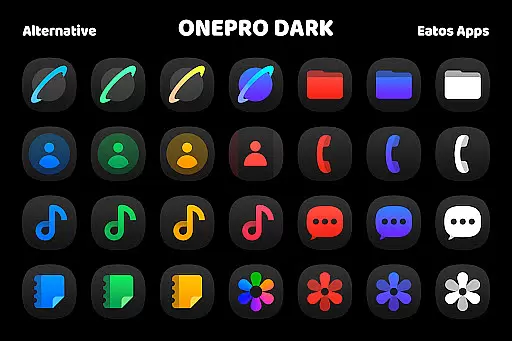
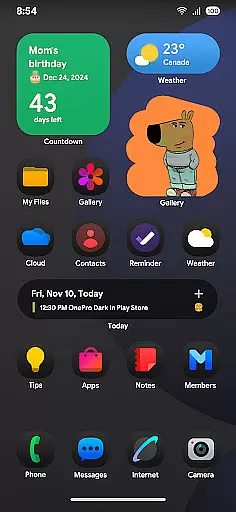
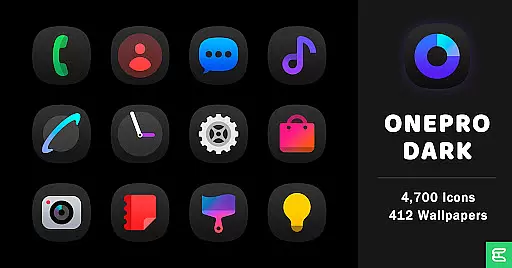
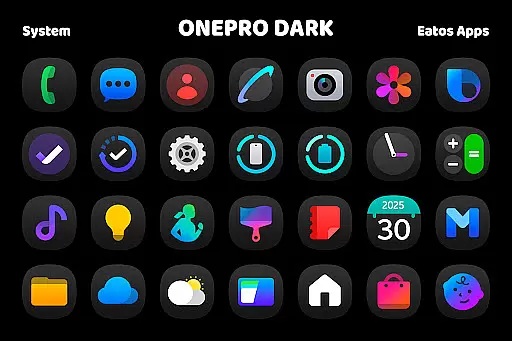
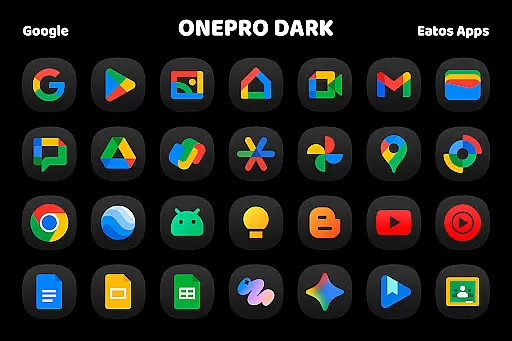
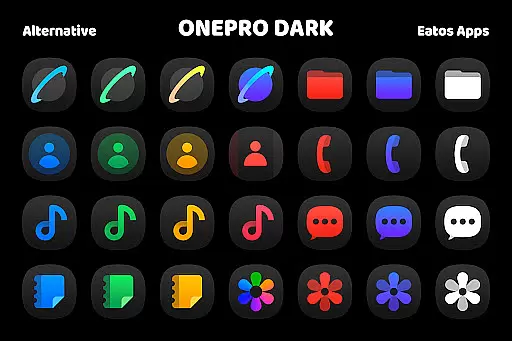
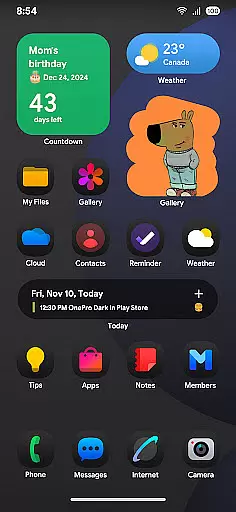
OnePro (Dark) - Icon Pack is a premium personalization app that offers over 4,700 dark-themed icons inspired by One 8 design language. This icon pack also includes more than 412 wallpapers to enhance your device's appearance.
The app requires a compatible launcher such as Hyperion, Nova, or Evie Launcher for full functionality. For Samsung OneUI users, applying the theme involves downloading additional apps like Good Lock and Theme Park. With its sleek dark aesthetic, this app is perfect for users seeking a modern and cohesive look for their smartphone interface.
This icon pack stands out with its extensive collection of 4,700+ dark icons and 412 wallpapers. The icons are crafted based on the popular One 8 style, ensuring consistency across your apps.
Users can apply these themes through supported launchers or customize their OneUI devices using Good Lock and Theme Park apps. The package provides clear instructions and links for easy setup. Additionally, the app maintains an active support channel via email and X (formerly Twitter), allowing users to report issues or provide feedback directly to the developer.
OnePro (Dark) - Icon Pack offers an extensive range of customization options, ensuring users can tailor their device's appearance to their unique preferences. With over 4,700 dark icons inspired by the sleek One 8 style and more than 412 wallpapers, this icon pack provides a comprehensive solution for personalizing your smartphone or tablet.
The app supports various launchers such as Hyperion Launcher, Nova Launcher, and Evie Launcher, allowing users to apply these stunning dark-themed icons seamlessly. This compatibility ensures that regardless of the launcher you prefer, you can enjoy a consistent and personalized visual experience across your device.
For users of Samsung's OneUI launcher, OnePro (Dark) provides additional instructions to integrate its icons using the Good Lock and Theme Park apps. By following a simple guide available at https://bit.ly/OneUIThemePark, users can further expand their customization possibilities, making it one of the most versatile icon packs available on the market.
Theme compatibility is a crucial aspect of any icon pack, and OnePro (Dark) excels in this area by offering broad support for different launchers. Whether you are using popular options like Nova Launcher or more specialized ones like Hyperion Launcher, this icon pack ensures that all icons display correctly and maintain their aesthetic appeal.
In addition to supporting multiple launchers, OnePro (Dark) also integrates smoothly with Samsungu2019s OneUI launcher through the Good Lock and Theme Park apps. This integration allows users to apply the dark-themed icons and wallpapers without any loss of functionality or visual consistency, providing a seamless user experience.
By focusing on compatibility and ease of use, OnePro (Dark) guarantees that users can enjoy a cohesive look across their devices. The inclusion of detailed instructions and support ensures that even those new to customizing their device's appearance can achieve professional-looking results effortlessly.
Extensive icon library
Unique dark design
High-quality wallpapers
Active customer support
Clear setup instructions
Requires third-party launchers
Limited to specific devices
No automatic updates
Premium price point
Complex OneUI setup

A retro cartoon style watch face and a punch right in the face of the copyright
 4.60
4.60
Make your phone look simple & luxury, like iDevice
4.60
Adult video chat, dating, making friends, random matching
4.20
The definitive Icon pack maker and editor
4.30
Customize glowing edges, wallpapers, and caller screen with EdgeAura.
3.50
HappyLighting is a Bluetooth lamp control software.
3.40
Adorable pets roam and play right on your phone screen!
3.30
300+ Stunning and well-designed widgets inspired by NOTHING.
4.70
300+ Beautifully crafted widgets inspired by OneUI.
4.60
Winter's Journey: digital watch face for Galaxy Watch & Wear OS
4.80
Wallpaper HD 4K Live - Thousands of high-quality Anime backgrounds for you.
4.80
One 8 icons glass color version
4.80
Enjoy a variety of amazing live wallpapers and colorful EDGE lighting borders!
4.80
400+ Beautifully crafted widgets inspired by NOTHING.
4.70
Want to make your phone more special than ever?
4.60
300+ widgets inspired by Material You and Material 3 expressive design.
4.60
Customizable screen pets that play, climb, and keep you company.
4.50
Art & Emoji Keyboard with Cool Fonts, Cute Themes and Custom Designs.
4.40
Adaptive Dot Style IconPack with Light & Dark Theme.
3.70


User Reviews