


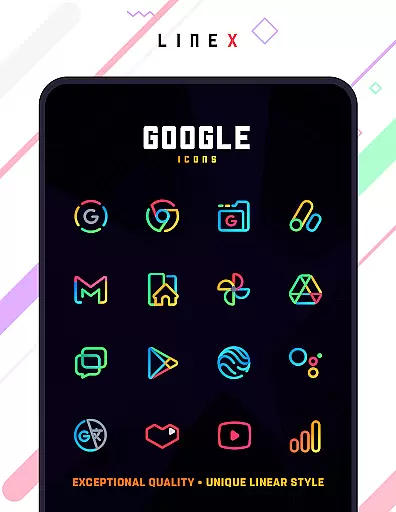
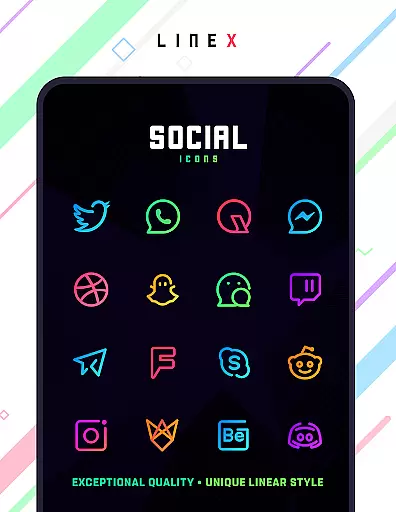
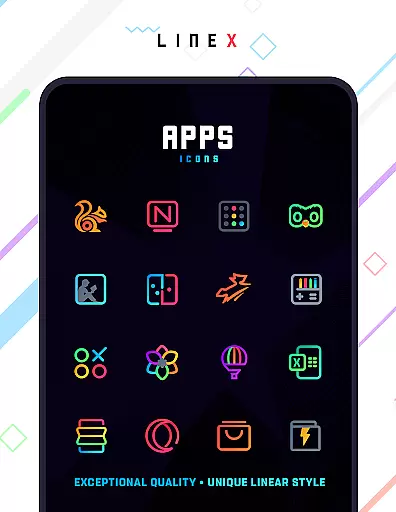
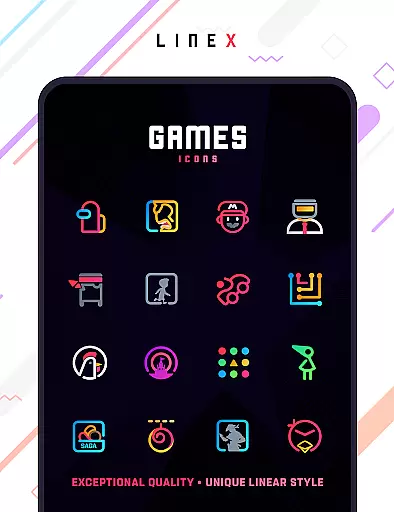
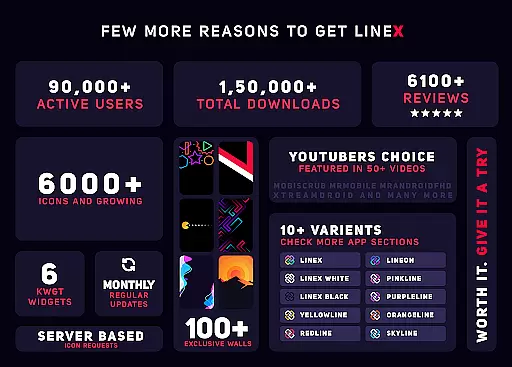
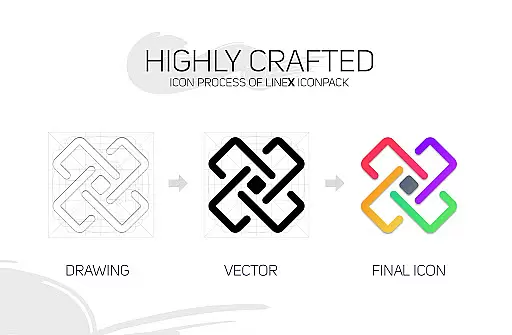
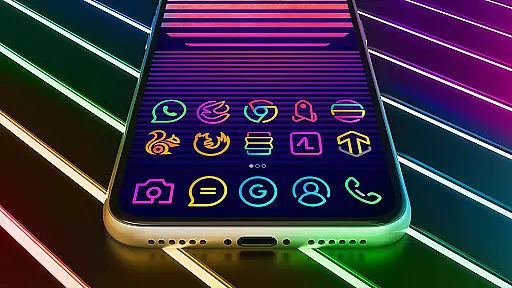
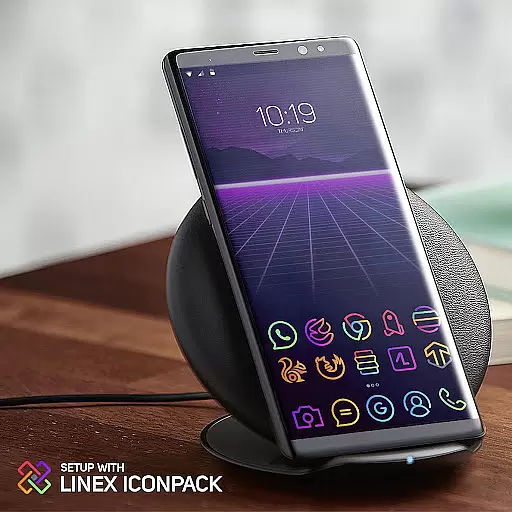
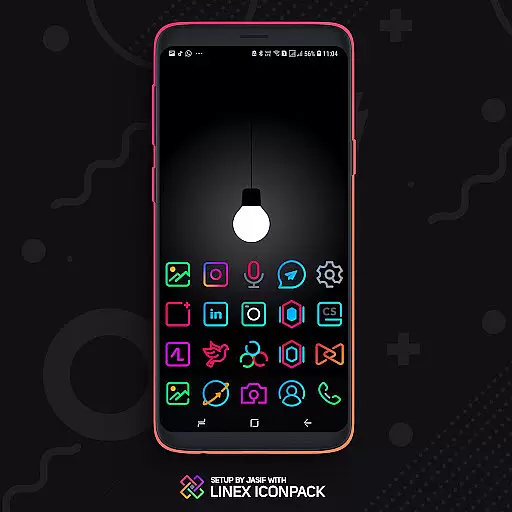
LineX Icon Pack is a premium icon pack designed for users who appreciate minimalist design with a modern touch. Featuring over 6000 linear-style icons, this pack offers one of the most comprehensive collections available on the market. Each icon is crafted with meticulous attention to detail, ensuring top-notch quality and consistency across the board.
Beyond its vast icon library, LineX also includes beautifully designed masks for unthemed icons, ensuring that even apps without specific icons still blend seamlessly with your home screen. Compatible with numerous launchers, including Nova, Action, Apex, and more, this versatile icon pack allows users to customize their Android experience extensively. Whether you prefer small or large icons, LineX provides flexible sizing options to suit your preferences, making each interaction with your device a visual delight.
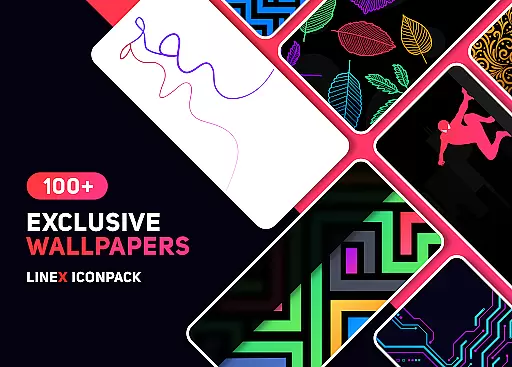
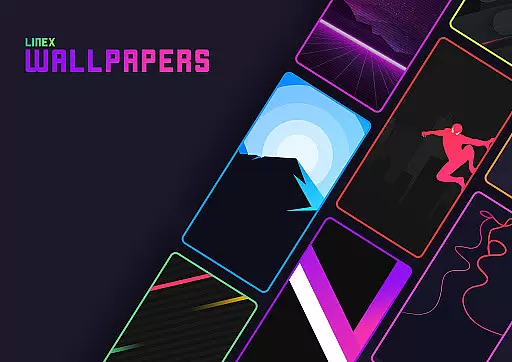
LineX Icon Pack stands out with its extensive feature set tailored for customization enthusiasts. The pack boasts over 6000 high-quality icons, frequent updates, and an advanced masking system that ensures unthemed icons look great too. Additionally, it offers various alternative icons, dynamic calendar support, and a stunning collection of wallpapers to complement your setup.
One of the key highlights is its material-designed dashboard, which simplifies navigation and management. Users can preview and search icons easily, create custom folder icons, and even personalize app drawer icons. With category-based organization and easy icon request functionality, LineX makes it simple to tailor your device's appearance exactly how you want it. These features collectively deliver a smooth and enjoyable customization experience.
Customization is at the heart of LineX Icon Pack, offering users an extensive array of choices to personalize their device's appearance. With over 6000 icons, this pack stands out for its sheer volume and variety, ensuring that there's something for everyone.
The pack doesn't stop at just providing icons; it also includes a perfect masking system for unthemed icons, giving a consistent look across all app icons on your device. This feature ensures that even if an app doesn't have a specific icon in the pack, it will still fit in beautifully with your chosen theme.
Moreover, LineX offers alternative icons and category-based icons, allowing further personalization. Users can choose between different styles for the same app or select icons based on categories, making their home screen not only personalized but also organized intuitively.
With frequent updates and additional features like custom folder icons and app drawer icons, LineX Icon Pack keeps evolving, ensuring that users always have fresh options to keep their device looking unique and stylish.
Theme compatibility is a crucial aspect of LineX Icon Pack, designed to work seamlessly with a wide range of launchers. This ensures that no matter which launcher you prefer, you can enjoy the enhanced aesthetics and customization options provided by LineX.
Supporting popular launchers such as Nova, Apex, and ADW, among others, LineX provides a versatile theming solution. The pack has been tested extensively to guarantee performance and visual consistency across supported platforms, delivering a smooth user experience.
For launchers not directly included in the apply section, LineX can still be applied through the launcheru2019s own theme settings. This flexibility highlights the pack's commitment to accessibility and broad compatibility, accommodating various user preferences and device configurations.
Additionally, the pack's material dashboard serves as a control center for applying themes, searching icons, and accessing other features. This unified approach simplifies the theming process, making it easy for users to manage and enjoy their customized experience regardless of the launcher they use.
Extensive icon library
Frequent updates
Perfect masking system
Amazing wallpapers
Custom folder icons
Requires compatible launcher
No Google Now support
Some launchers unsupported
Premium price tag
Initial learning curve

Ultra realistic gold analog watch face with lots of customization options.
 4.50
4.50
Want to make your phone more special than ever?
4.60 4.50
4.50
Embrace the Night. Unleash the power of darkness with Raven Dark Icon Pack
4.60
Unleash Your Creativity and Connect with Loved Ones with Lockscreen Drawing!
4.20
Transform your device in a game console
4.40
Magic fluids wallpaper 4D: Relax with stunning fluid simulation wallpaper app
4.20
Amazing letter fonts in your messages and social statuses
4.70
Create stunning widgets with Widget 2026: Aesthetic Widgets for Android!
4.60
A launcher for Samsung Good Lock and Good Guardians modules without ads
4.70
Classic analogue watch face. For wear os devices.
4.60
Ultra realistic high quality analog watch face for Wear OS.
4.60
Add cute Shimeji pets to screen, interact with them and relax with cute motions
4.60
Vibrant Adaptive Icons with Material You and Enhanced Monet Colors.
4.50
Fingerprint Lock Screen & Live Animations with 4K Wallpapers as Live Wallpaper
4.40
Ultimate widget creator. Design custom widgets for a truly unique home screen!
3.90
Design your screen with unique, vibrant clocks
3.80
Struggling to find apps? Use this app to locate and open any app on your phone!
2.20
Modern Glass Icon Pack with glossy icons, clean minimal theme & aesthetic style
4.4


User Reviews