
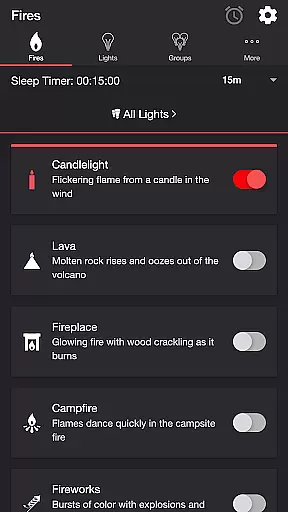
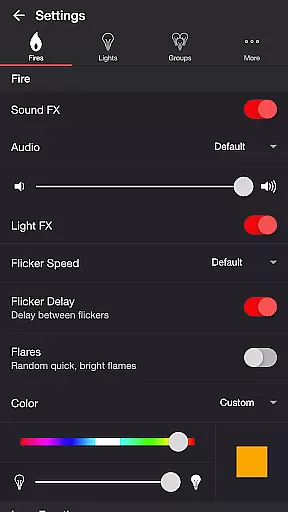
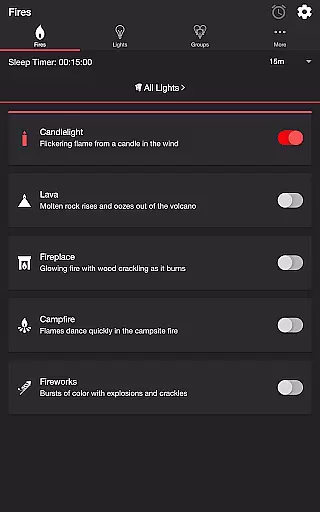
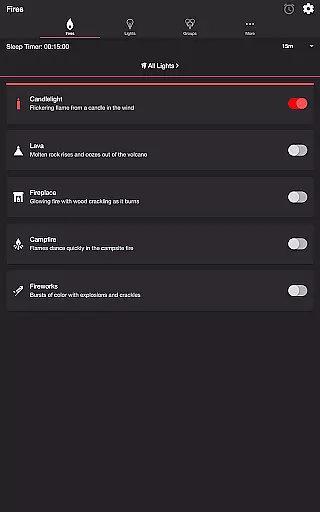

Firestorm for Hue is an innovative entertainment app that allows users to create captivating light shows using Philips Hue smart lighting. The app features multiple fire-themed effects, including Candlelight, Lava, Fireplace, Campfire, and Fireworks, each with customizable sound and light settings.
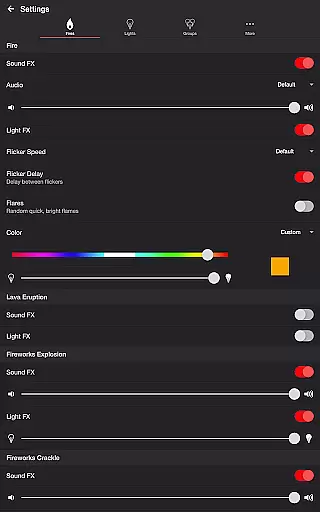
With detailed controls for flicker speed, color, brightness, and sound effects, users can craft the perfect ambiance for any occasion. The app also supports advanced features like Bluetooth speaker connectivity, Chromecast support, and a sleep timer with audio fade-out functionality.
Ideal for home entertainment or relaxation, Firestorm for Hue transforms your living space into an immersive environment by synchronizing dynamic lighting effects with realistic soundscapes.
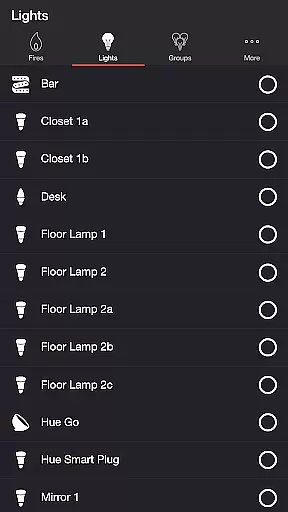
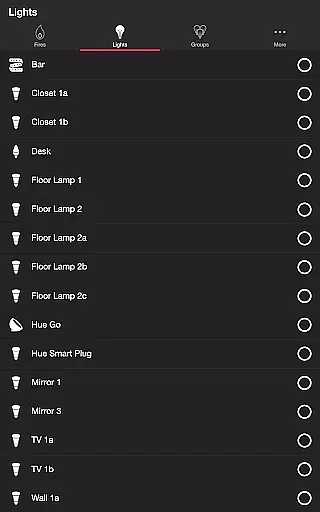
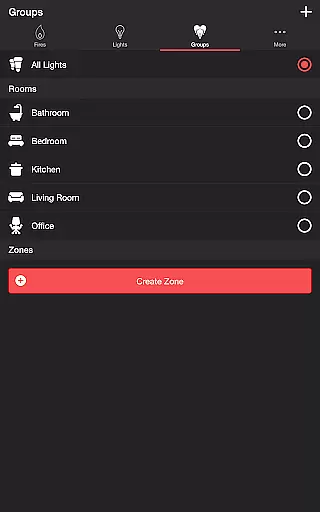
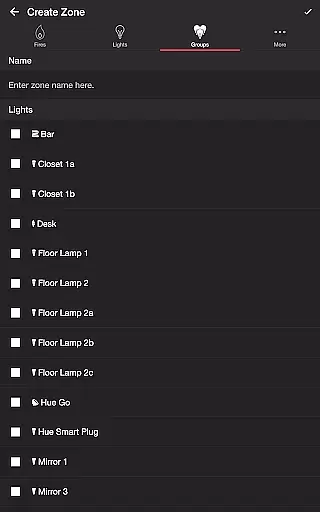
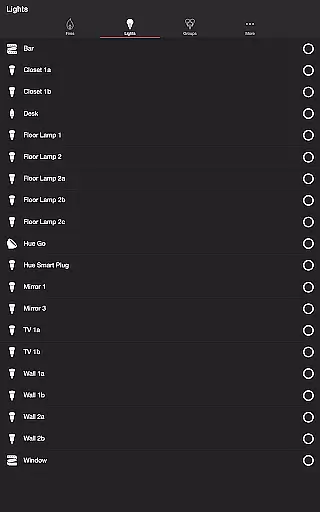
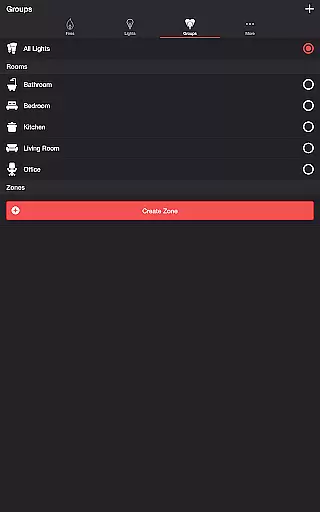
Firestorm for Hue stands out with its comprehensive customization options. Users can adjust every aspect of their light show, from choosing specific lights or groups to fine-tuning individual effect parameters. The app offers five distinct fire effects, each with unique characteristics and adjustable properties.
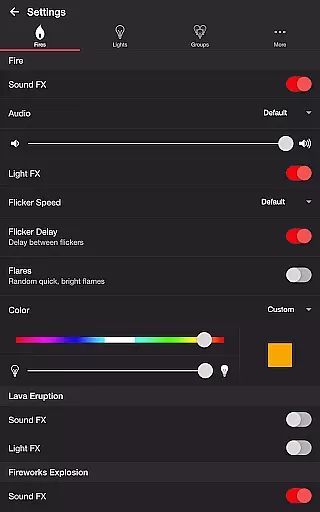
Advanced audio-visual synchronization features include separate controls for sound effects, background noises, and light effects. Users can modify eruption intervals, explosion brightness, crackle occurrence rates, and more. The app's sleep timer feature ensures convenience while the wireless audio delay offset guarantees perfect synchronization between lights and sounds.
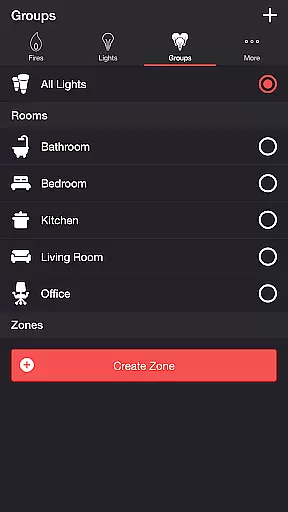
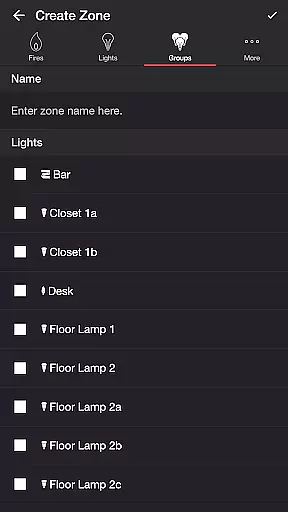
Additional professional-grade features include zone creation and editing capabilities, automatic mode cycling, and multiple end state options for different usage scenarios.
Firestorm for Hue offers an impressive range of content options that cater to diverse user preferences. With five distinct fire modes including Candlelight, Lava, Fireplace, Campfire, and Fireworks, the app provides a rich selection of visual and audio experiences.
The application goes beyond simple light control by incorporating detailed sound effects for each fire mode. Users can choose from various background sounds such as Birds, Cicadas, Crickets, and Frogs, ensuring a continuously engaging atmosphere that adapts to different moods and settings.
What sets Firestorm for Hue apart is its commitment to regular updates and feature enhancements. The developer actively encourages user feedback through reviews, guaranteeing that the content remains fresh and responsive to customer needs. This dedication to improvement ensures users always have access to new features and optimized performance.
One of the key strengths of Firestorm for Hue is its ability to maintain high user engagement through sophisticated customization options. The app allows precise control over both light and sound parameters, enabling users to create personalized environments that keep them coming back for extended sessions.
The implementation of advanced features like Sleep Timer with audio fade-out functionality demonstrates the app's focus on enhancing user retention. By letting users determine the end state of their lights and set recurring cycles, Firestorm for Hue creates a seamless experience that integrates into daily routines.
Furthermore, the support for Bluetooth speakers and Chromecast built-in devices through the Google Home App expands the app's usability. These connectivity options, combined with the wireless audio delay offset feature, ensure smooth synchronization between lights and sound, resulting in longer and more satisfying user sessions.
Highly customizable
Realistic effects
Wide compatibility
User-friendly interface
Regular updates
Hue Bridge required
Premium cost
Complex setup
Device limitations
Learning curve

Play games. Earn real rewards. Cash out in 3hours via PayPal or gift cards.
 4.40
4.40
Unofficial Game Companion App” “Guides • Builds • Tips • Progression
4.2
Rain and lightning effects for your Philips Hue lights
4.30
Music visualizer and party effects for your Nanoleaf devices
4.2
Your choice of 350+ networks plus movies and full TV series on-demand.
3.70
Just play games to earn gift cards. Keep playing, keep earning.
4.50
Premium version to enjoy your favorite anime
4.60
Stream, Watch, Chat. Live.
4.00
An app made just for kids
4.20
SpiritWave is paranormal ITC application.
5.00
Wodfix Air aggregates popular online content for you.
4.80
Fetch money rewards all just for playing games. Cash out for gift cards in app.
4.50
Come and watch short dramas, reels with diverse genres!
4.40
Experience the video editing experience brought by our intuitive interface
4.10
With the credits you earn play more games
2.90
Ultimate VR movie player for android mobile videos
4.4
Simulation of Dashboard / Touch Screen for Tesla. (Works without actual Tesla).
4.3
See the frequencies! Watch the magic!
4.3
Control your AWTRIX 3 easily
4.5


User Reviews